Laptops




1,782 results



Sponsored







Sponsored
Sponsored
Explore more of what’s going on right now


Related categories
- Budget Friendly Laptops
- Windows Laptops
- Ultraportable Laptops
- Windows Laptops business
- Windows Laptops acer
- Windows Laptops home
- Budget Friendly Laptops home
- Windows Laptops college
- Budget Friendly Laptops laptop-computers
- Budget Friendly Laptops college
- Ultraportable Laptops home
- Windows Laptops backlit-display
- Windows Laptops 512gb
- Windows Laptops new
- Windows Laptops 6gb
- Budget Friendly Laptops touchscreen-display
- Ultraportable Laptops laptop-computers
- Budget Friendly Laptops backlit-display
- Windows Laptops touchscreen-display
- Windows Laptops laptop-computers
Related searches
- laptop atand
- microsoft laptop
- laptop computer
- laptops for students
- notebook laptop computer
- chromebook laptop
- ho laptop
- intel laptop
- laptop under 200
- hp x360 laptop
- touchscreen laptop
- business laptop
- 2 n 1 laptop
- convertable laptop
- acer laptop
- microsoft surface laptop
- intel core laptop
- lenovo laptop
- ryzen laptop
- laptop with backlit keyboard
Laptops
Laptops, Notebook Computers & Gaming Laptops for Work, School and Everyday Use
Find the right laptop computers for work, school, creativity, and entertainment with options designed to match the way you use technology every day. Whether you are shopping for a lightweight device for email and browsing, a powerful gaming laptop with advanced graphics, or a flexible 2 in 1 model for productivity on the go, today’s Laptops come in a wide range of styles, operating systems, and performance levels.
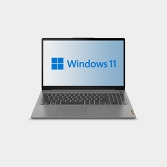
Shoppers often begin by choosing between major brands like HP, Lenovo, Dell, and Apple, each offering devices for different needs and budgets. A Lenovo laptop is a popular choice for everyday reliability, and the Lenovo IdeaPad line is often considered for school, home office tasks, streaming, and multitasking. For users who want premium design and performance, Apple models with Mac OS can be a strong fit, while Windows-based devices with Windows 11 continue to be a go-to option for versatility and broad software compatibility.
Performance matters when choosing a laptop, especially if you are running multiple apps, working on large files, or playing games. Many shoppers look for processors such as Intel Core for balanced speed and efficiency. Storage is another key feature, and a laptop with SSD storage can help improve startup times, file access, and overall responsiveness. If visual performance is important, especially for gaming, editing, or design work, dedicated graphics options from NVIDIA can help support smoother gameplay and better rendering power.
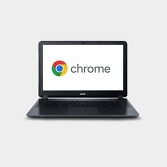
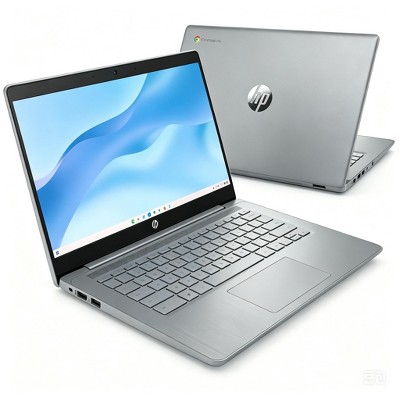
There are also many device types to consider. A Chromebook is a smart option for web-based tasks, students, and users who prefer the simplicity of Chrome OS. These devices are often easy to use, lightweight, and ideal for browsing, streaming, and cloud-based productivity. Traditional Notebooks are a great choice for general everyday use, while 2 in 1 laptops add flexibility with modes that support typing, presenting, and touch-based navigation. If you like a more interactive experience, a touchscreen laptop can make scrolling, tapping, and drawing feel more intuitive.
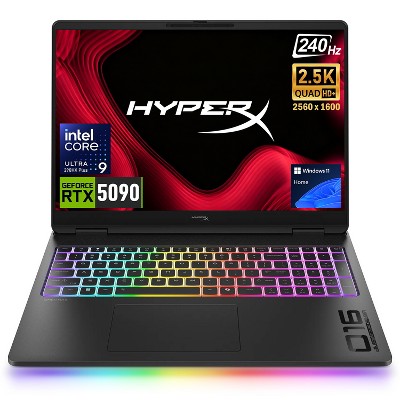
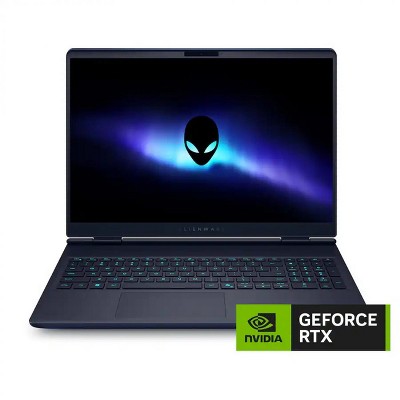
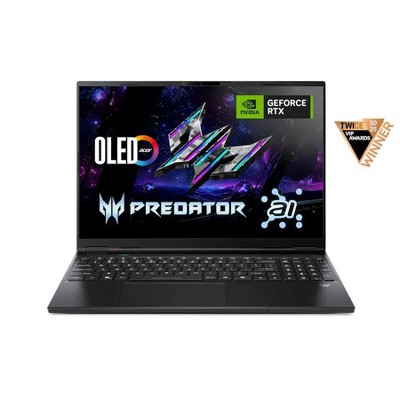
For gamers and power users, Gaming Laptops offer features built for performance, including faster processors, enhanced cooling, dedicated NVIDIA graphics, and displays designed for immersive play. These laptops are ideal for modern games, creative software, and demanding multitasking. If you need power but want to save space compared with desktop computers, a gaming laptop can deliver strong performance in a portable design.
Value is another major consideration when shopping. Many customers browse Deals to find the features they want at a better price, whether they are looking for entry-level Chromebooks, premium Apple laptops, or dependable HP, Lenovo, and Dell models. A refurbished laptop can also be a practical option for shoppers who want performance and savings in one purchase. Refurbished devices can work well for students, families, and budget-conscious shoppers who want a trusted brand at a lower cost.
From Chromebooks and notebooks to 2 in 1 models and high-performance gaming laptops, there are laptop computers for nearly every routine and budget. Whether you prefer Chrome OS, Windows 11, or Mac OS, choosing the right combination of processor, SSD storage, touchscreen features, and graphics can help you stay productive, connected, and entertained wherever you go.
FAQs
Q1: What should I look for when buying a laptop?
A: Look for the right balance of processor, SSD storage, screen size, battery life, operating system, and features like touchscreen support based on how you plan to use it.
Q2: Is a Chromebook better than a traditional laptop?
A: A Chromebook can be a great choice for web-based tasks and everyday use, while a traditional laptop may be better for software-heavy work, gaming, or advanced multitasking.
Q3: What is the benefit of SSD storage in laptop computers?
A: SSD storage helps laptops start faster, load files more quickly, and feel more responsive during everyday use.
Q4: Are gaming laptops only for gaming?
A: No. Gaming laptops are also useful for editing, design, streaming, and other tasks that benefit from strong graphics and powerful performance.
Q5: Is a refurbished laptop worth considering?
A: A refurbished laptop can be a smart buy for shoppers who want a lower price on a device from brands like HP, Lenovo, Dell, or Apple without giving up essential features.