SNAP EBT Online Payment



How to use EBT online
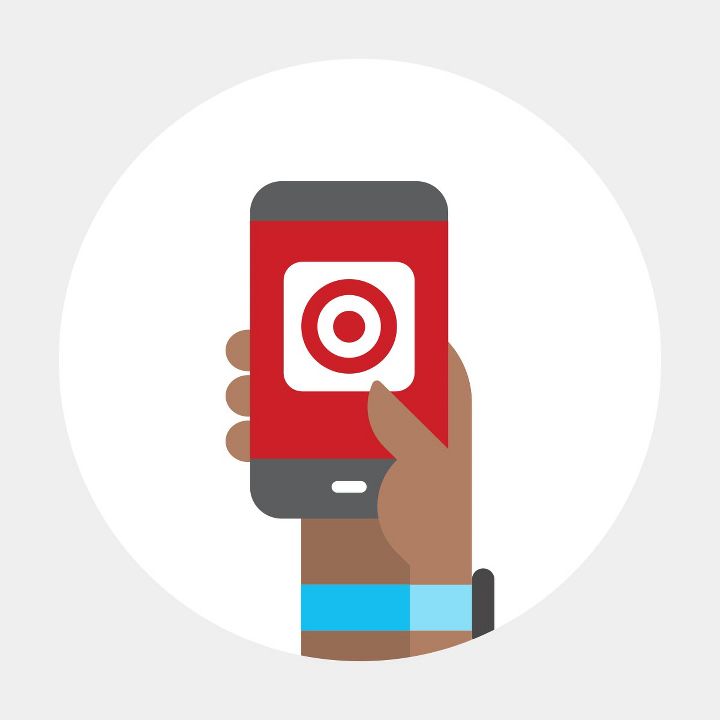
Step 1 Sign in to your Target.com account. From your account, find the payments section & add your EBT card.
Step 2 Build your cart & check out with SNAP-eligible items.
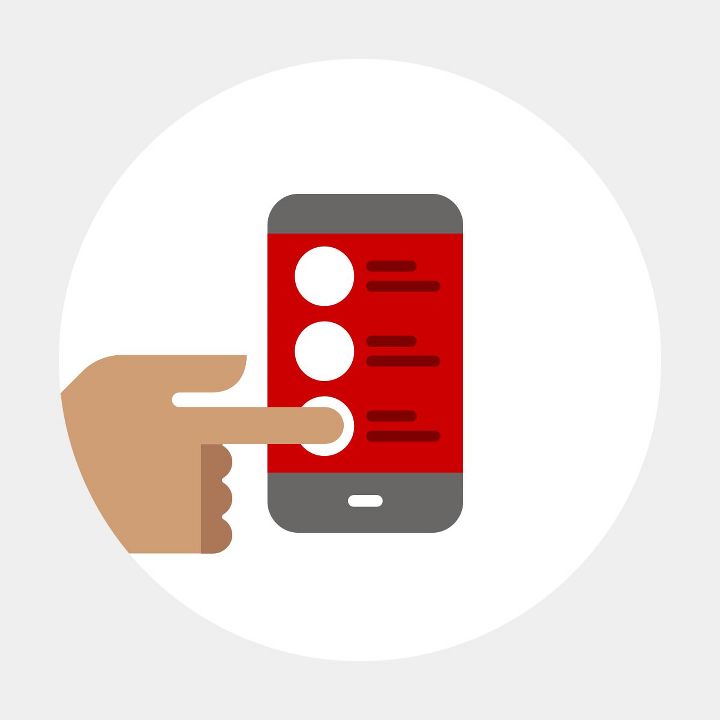
Step 3 Select EBT as your payment method & enter your PIN to confirm order.

Sponsored
Explore more of what’s going on right now


Related categories
- DASH Foods
- Snack Packs & On the Go Snacks
- Target Debit Card Agreement & Error Resolution Notice
- DASH Foods grain-chips
- DASH Foods potato-chips
- DASH Foods inka-chips
- DASH Foods snapdragon-apple
- DASH Foods bagel-chips
- DASH Foods puffed-snacks
- DASH Foods sugar-snap-peas
- DASH Foods wasabi
- DASH Foods penne
- DASH Foods vegetable-chips
- DASH Foods corn-chips
- DASH Foods cheese-crackers
- DASH Foods pizza-crusts
- DASH Foods safecatch
- DASH Foods grain-crackers
- DASH Foods traditional-crusts
- DASH Foods peeled-snacks
Related searches
- snap ebt eligible
- snap ebt eligible food
- snap ebt eligible gift
- snap ebt eligible starbucks
- snap ebt valentines
- ebt eligible household items
- ebt eligible snacks
- ebt snacks
- ebt eligible non food
- ebt eligible non food items
- ebt eligible groceries
- ebt kids
- ebt eligible healthy snacks
- ebt gluten free
- ebt ritz
- ebt food
- quest chips ebt
- snap and store
- ebt eligible stocking stuffers
- cheddar snap