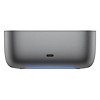
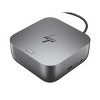
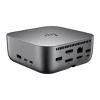
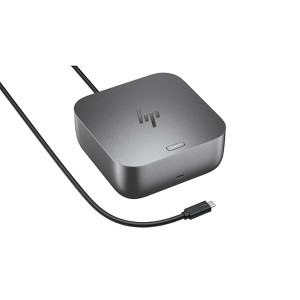
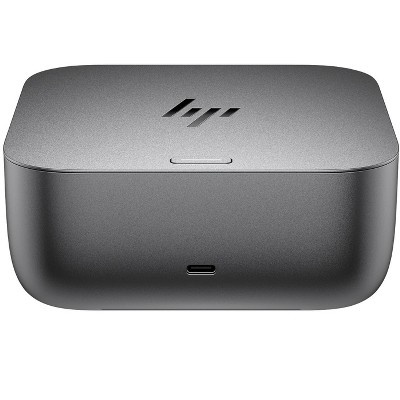
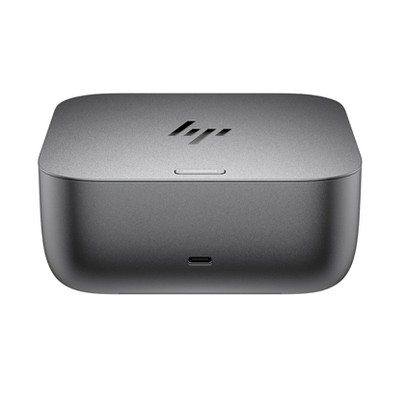
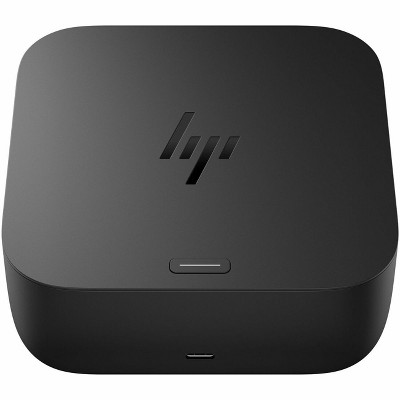
HP Thunderbolt 4 100W G6 Dock
$299.99
In Stock

Free & easy returns
Return this item by mail or in store within 30 days for a full refund.
Sold & shipped by HP Official Store
Eligible for registries and wish lists
About this item
Additional product information and recommendations

Related Categories
Guests are saying
The docking station has received positive feedback for its ease of setup and ability to streamline connections for multiple devices, making it ideal for a clean and organized workspace. Guests appreciate its performance with multiple monitors and fast charging capabilities. However, some have noted limitations in audio output and port availability, which could be improved for a more comprehensive experience. Overall, it serves as a reliable solution for both home and office use.
Summary created by AI from text of reviews reflecting recent feedback provided across different star ratings (includes incentivized reviews)
4.4 out of 5 stars with 25 reviews
5 out of 5 stars
9 September, 2026
originally posted on hp.com

Great Docking Station
Seems to be performing as advertised. I have an HP Envy connected to the dock. I do get warning messages when I plugged the Envy into it that indicates some USB4 functions may not be available. I guess the Envy is the limiting factor.
4 out of 5 stars
5 September, 2026
originally posted on hp.com
Good Functional Unit
Very satisfied! Would improve product to have more USB ports
5 out of 5 stars
3 September, 2026
originally posted on hp.com
Excellent docking station for my Envy.
I have an older HP Envy laptop, a very old HP LaserJet and 2 Dell Monitors. The docking station was easy to set up and works with all of my devices with no issues to report.
5 out of 5 stars
25 August, 2026
originally posted on HP - New Zealand

Compatible with Linux
Fully compatible with Linux as stated. The reason I bought it.
5 out of 5 stars
4 August, 2026
originally posted on hp.com
Very happy I spent the extra money
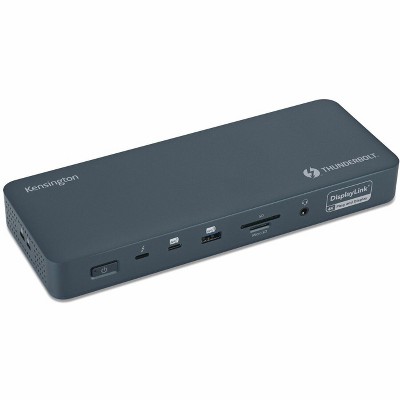
Very happy about the docking station. Previously with my external monitor hooked up I had to open up my laptop, turn it on. login, then close the laptop for my external monitor to work properly. Now I never have to open my laptop and I can turn the power on with the docking station and never have to touch the laptop
4 out of 5 stars
2 August, 2026
originally posted on store.hp.com

Docking Station
simple set up, no issues
4 out of 5 stars
17 July, 2026
originally posted on hp.com
okay
WAs not what they said it would be and I had to buy another cable.
5 out of 5 stars
1 July, 2026
originally posted on hp.com
Good dock. Glad I purchased it.
Works great. I wanted a clean desk with few visible wires. Also I use an external drive and other peripherals that I didn't want to connect to the laptop. So this simplifies the docking, undocking. It even supports Thunderbolt which is really fast. I did need to update the firmware through the HP software so it's compatible with the new Omnibook 7. Highly recommended for a clean look.
5 out of 5 stars
28 June, 2026
originally posted on hp.com
Must have if your looking for a good docking station
It a great product. Does as it says. The charging port I use for my iPhone and watch. It’s a fast charger. I use the cable for charging my laptop and it also works well with an external monitor.
4 out of 5 stars
25 May, 2026
originally posted on store.hp.com
Excellent Performance, But Missing Critical Audio Connectivity
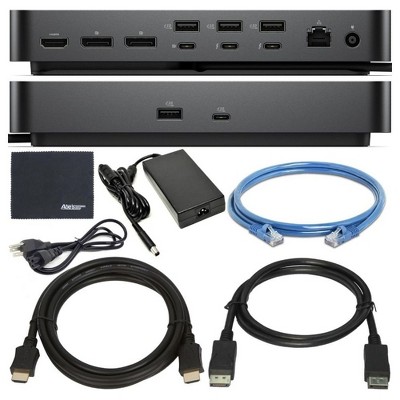
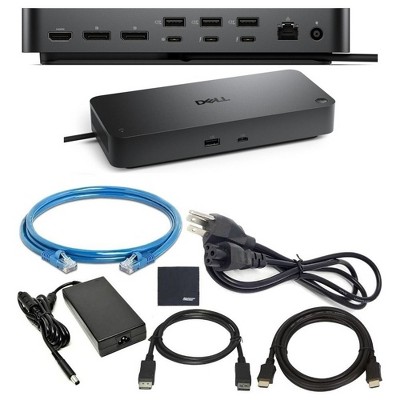
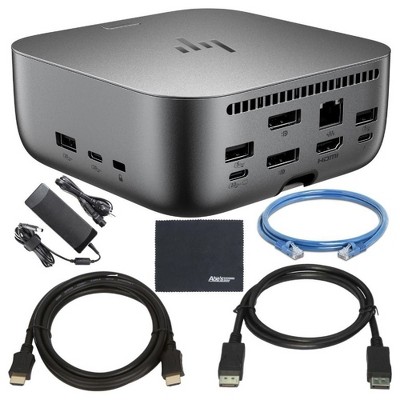
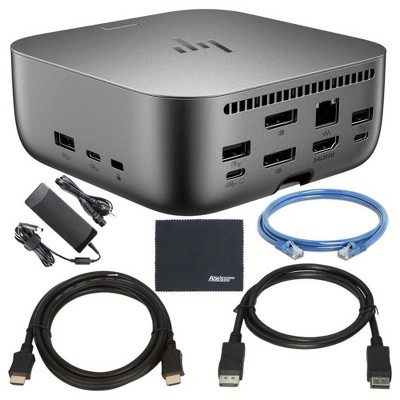
The HP Thunderbolt 4 100W G6 Dock has been an excellent performer overall and has handled a demanding multi-monitor workstation setup without issue. I currently run three external monitors from the dock using a single cable connected to my HP ZBook, and the experience has been very stable and reliable. I previously tested four displays and while that became a little cumbersome from a usability perspective, the dock itself handled the workload surprisingly well. Performance has been solid across day-to-day business use, including running different video streams on multiple screens simultaneously. The dock stays stable, remains relatively quiet despite having active cooling, and generally feels like a quality product that suits a professional workstation environment. The biggest disappointment, however, is the lack of a dedicated 3.5mm audio output. For a premium dock aimed at business and workstation users, this feels like a major oversight. Every time the dock reconnects, Windows tends to switch audio output between monitors via Display Audio, and it becomes inconsistent which screen the audio routes through. I currently have speakers connected to one monitor, but the dock does not reliably remember that preference. I am considering using a USB-C to 3.5mm audio adapter as a workaround, however this consumes another USB-C port, and there are already limited ports available on the dock. That leads into my second criticism, there simply are not enough I/O options for a high-end docking station. The idea of a dock is to connect everything through a single cable to the laptop, and in my opinion the G6 falls a little short in that area. I also would have preferred additional HDMI outputs instead of relying so heavily on DisplayPort connectivity. HDMI cables and adapters are generally easier to source and more common in many office and home setups. That said, outside of the audio and port limitations, the dock itself performs flawlessly. It looks clean on the desk, handles multiple displays well, and provides a very polished workstation experience. If HP addressed the audio output and expanded the I/O slightly, this would be close to perfect.
4 out of 5 stars
9 May, 2026
originally posted on hp.com
Small but useful docking station
I can’t tell much about this docking station since I have only used it as a charging station
4 out of 5 stars
12 April, 2026
originally posted on store.hp.com
Great Dock Quality product
Quality Dock…Just works really well out of the box and the bandwidth is just what I needed
5 out of 5 stars
15 February, 2026
originally posted on hp.com
Works Great
Just what I needed to be able to take my laptop to and from office and home. Works great and was very easy to set up.
5 out of 5 stars
15 February, 2026
originally posted on hp.com
AMAZING!!
I was hesitant at first but this has been the perfect docking station for me!! I can connect EVERYTHING to it! Do not regret this purchase at all!!!
5 out of 5 stars
5 January, 2026
originally posted on hp.com
Good quality. Power button feature.
Very good built and stable. Another good feature is power button serving as laptop power button and no need to open laptop lid (omen max). I couldnt test as solo power source because i am using on a game laptop.
4 out of 5 stars
15 October, 2025
originally posted on store.hp.com
Excellent addiiton to my Business Laptop
This is an excellent addiiton to my Business Laptop, allows me the ability to connect numerous third party hardware.