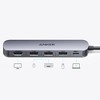
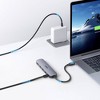
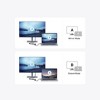
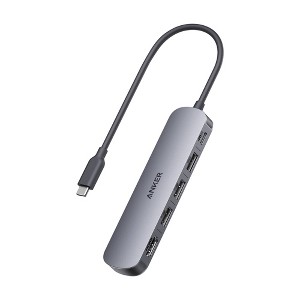
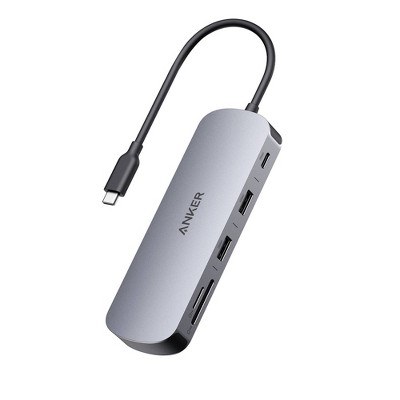
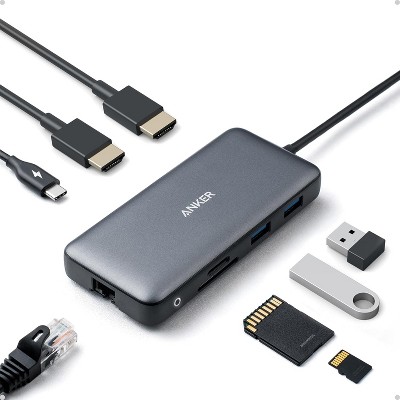
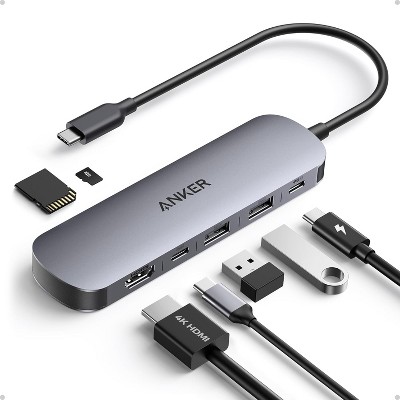
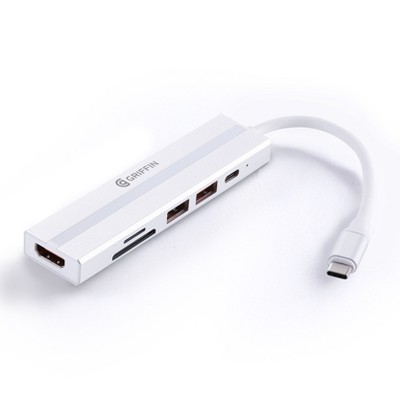
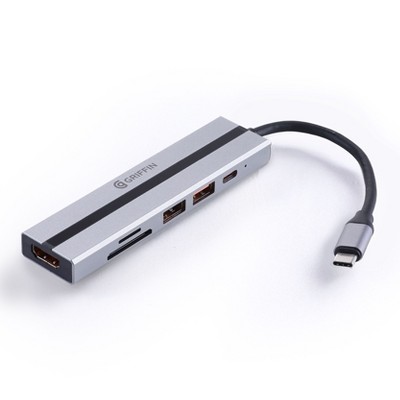
Anker 5 in 1 Hub with HDMI Docking Station
$24.99
In Stock
Eligible for registries and wish lists
About this item
Additional product information and recommendations
Discover more options
- $19.99was $39.99 New lower price2.3 out of 5 stars with 3 ratings
- $119.99reg $149.99 Sale
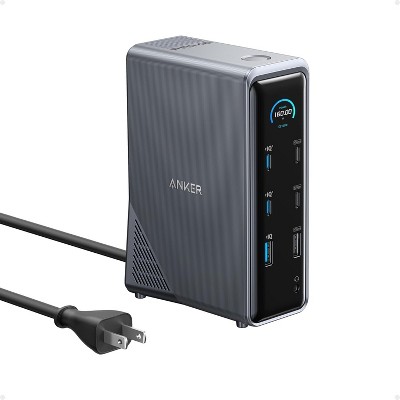
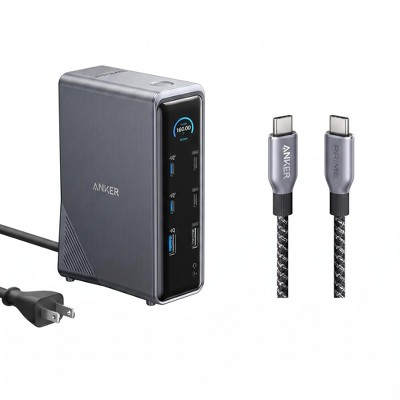
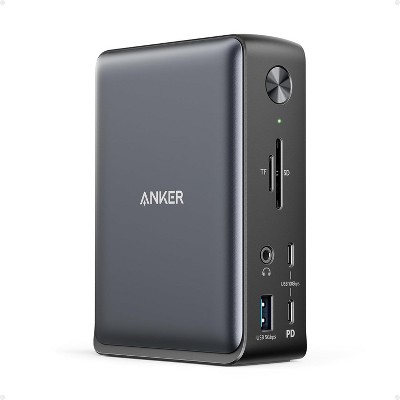
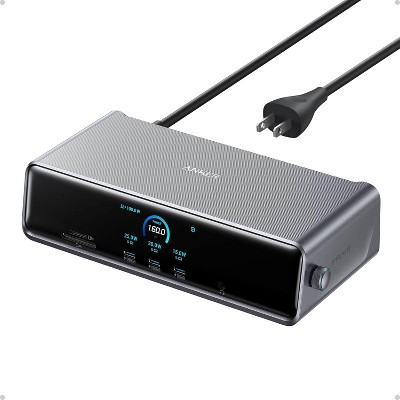
Frequently bought together
- Bestseller$699.99 - $799.99Save $40 on AppleCare+ for MacBook Neo on select items4 out of 5 stars with 369 ratings

Related Categories
4.2 out of 5 stars with 22 reviews
75% would recommend
8 recommendations
5 out of 5 stars
Thumbs up graphic, would recommend
3 October, 2026Verified purchase
Satisfied
Well priced and perfect fit for my work laptop docking needs. Seamless pickup experience in store.
5 out of 5 stars
Thumbs up graphic, would recommend
13 September, 2026Verified purchase
(no review title)
Works great with the Apple Neo computer
From Soundcore Team team
So glad you love the product! Thank you for your support. We are super excited to provide something that betters your life. We promise to continue striving to exceed your expectations! Remember your device comes with the manufacturer warranty, and anytime you need help just let us know. Email: support@anker.com Phone number: +1 (800) 988 7973
1 month ago
From Anker Team team
So glad you love the product! Thank you for your support. We are super excited to provide something that betters your life. We promise to continue striving to exceed your expectations! Remember your device comes with the manufacturer warranty, and anytime you need help just let us know. Email: support@anker.com Phone number: +1 (800) 988 7973
1 month ago
5 out of 5 stars
Thumbs up graphic, would recommend
5 September, 2026Verified purchase
Great product in budget
Perfect for my mac book air. This is amazing product in this budget with charging slot.
From Soundcore Team team
So glad you love the product! Thank you for your support. We are super excited to provide something that betters your life. We promise to continue striving to exceed your expectations! Remember your device comes with the manufacturer warranty, and anytime you need help just let us know. Email: support@anker.com Phone number: +1 (800) 988 7973
9 days ago
2 out of 5 stars
Thumbs down graphic, would not recommend
26 May, 2026Verified purchase
(no review title)
It doesn't work if you plug something into all of the ports at once which defeats the purpose of having something like this.
From Anker Team team
Dear Customer, I am truly sorry to hear that you are experiencing this issue. We understand how frustrating it can be and we appreciate your patience. Please rest assured that we stand behind our products and are willing to provide assistance within our capacity. We are committed to ensuring your satisfaction and resolving your concerns promptly. You can reach out to us via support@anker.com or call us at +1 (800) 988 7973. Our customer service team is always ready to help you. We look forward to your message so we can address your issue as soon as possible. Thank you for bringing this to our attention and giving us the opportunity to make things right. Best Regards,
5 months ago
From Soundcore Team team
Dear Customer, I am truly sorry to hear that you are experiencing this issue. We understand how frustrating it can be and we appreciate your patience. Please rest assured that we stand behind our products and are willing to provide assistance within our capacity. We are committed to ensuring your satisfaction and resolving your concerns promptly. You can reach out to us via support@anker.com or call us at +1 (800) 988 7973. Our customer service team is always ready to help you. We look forward to your message so we can address your issue as soon as possible. Thank you for bringing this to our attention and giving us the opportunity to make things right. Best Regards,
5 months ago
5 out of 5 stars
Thumbs up graphic, would recommend
24 March, 2026Verified purchase
(no review title)
Works perfectly, eliminates some of the "handshake" problems that you get when trying to display a macbook onto a TV (especially an older one).
From Soundcore Team team
So glad you love the product! Thank you for your support. We are super excited to provide something that betters your life. We promise to continue striving to exceed your expectations! Remember your device comes with the manufacturer warranty, and anytime you need help just let us know. Email: support@anker.com Phone number: +1 (800) 988 7973
6 months ago
1 out of 5 stars
Thumbs down graphic, would not recommend
19 February, 2026Verified purchase
(no review title)
Not compatible
From Soundcore Team team
Dear Customer, I am truly sorry to hear that you are experiencing this issue. We understand how frustrating it can be and we appreciate your patience. Please rest assured that we stand behind our products and are willing to provide assistance within our capacity. We are committed to ensuring your satisfaction and resolving your concerns promptly. You can reach out to us via support@anker.com or call us at +1 (800) 988 7973. Our customer service team is always ready to help you. We look forward to your message so we can address your issue as soon as possible. Thank you for bringing this to our attention and giving us the opportunity to make things right. Best Regards,
8 months ago
From Anker Team team
Dear Customer, I am truly sorry to hear that you are experiencing this issue. We understand how frustrating it can be and we appreciate your patience. Please rest assured that we stand behind our products and are willing to provide assistance within our capacity. We are committed to ensuring your satisfaction and resolving your concerns promptly. You can reach out to us via support@anker.com or call us at +1 (800) 988 7973. Our customer service team is always ready to help you. We look forward to your message so we can address your issue as soon as possible. Thank you for bringing this to our attention and giving us the opportunity to make things right. Best Regards,
8 months ago
5 out of 5 stars
Thumbs up graphic, would recommend
14 January, 2026
(no review title)
Cheap alternative for native, works with handheld gaming pc
5 out of 5 stars
Thumbs up graphic, would recommend
7 December, 2025Verified purchase
(no review title)
Great product to work with your Mac computer
From Soundcore Team team
So glad you love the product! Thank you for your support. We are super excited to provide something that betters your life. We promise to continue striving to exceed your expectations! Remember your device comes with the manufacturer warranty, and anytime you need help just let us know. Email: support@anker.com Phone number: +1 (800) 988 7973
10 months ago