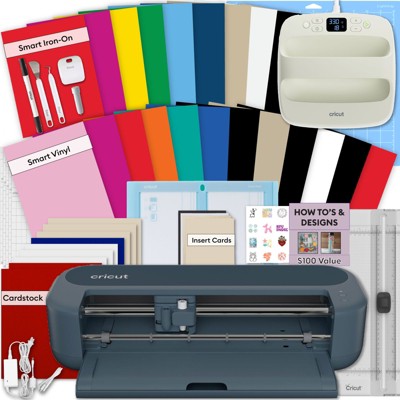
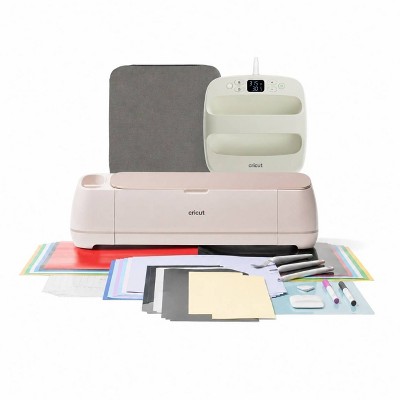
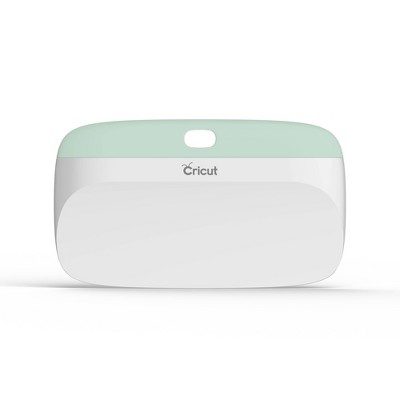
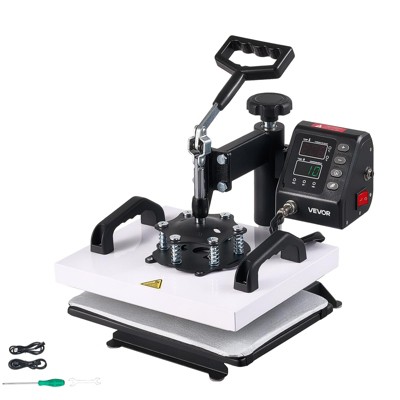
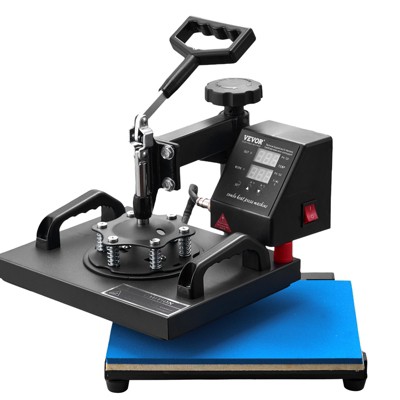
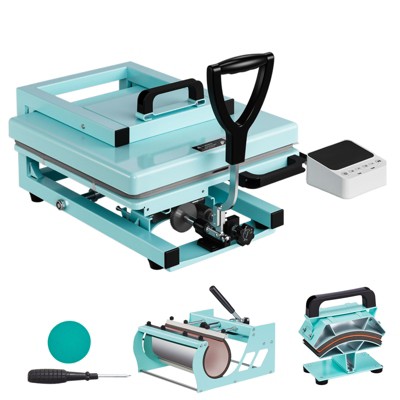
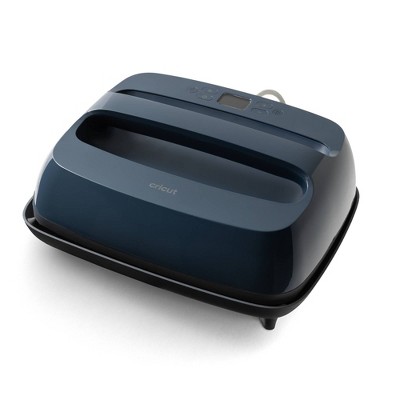
Cricut recommends using a Cricut EasyPress or a heat press capable of reaching 400°F (205°C). Some instructions also list a household iron as an option, but Cricut materials emphasize EasyPress or a heat press for Infusible Ink transfers.
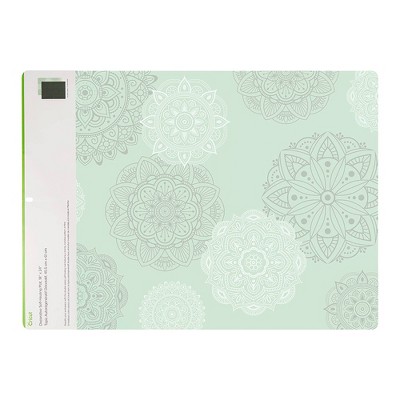
Cricut lists a heat-resistant, extra-strength tape (1 in × 33 ft) to hold transfers in place and pre-cut butcher paper sheets to protect the blank, the heat press, and the pressing mat while absorbing excess moisture during high-heat transfers.
Butcher paper is used as a protective layer during high-heat Infusible Ink transfers: it shields the blank, heat press, and pressing mat and helps absorb excess moisture. Cricut offers it as convenient pre-cut sheets for easy use.
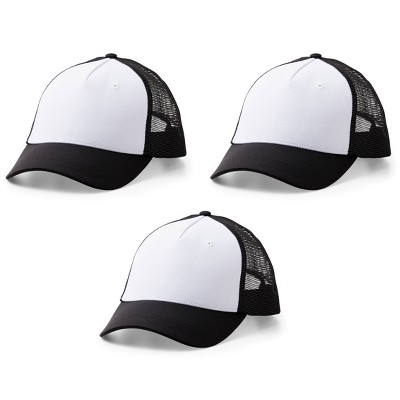
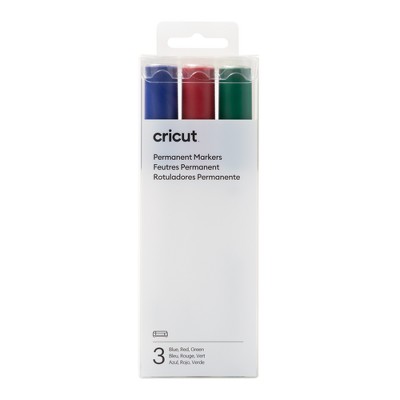
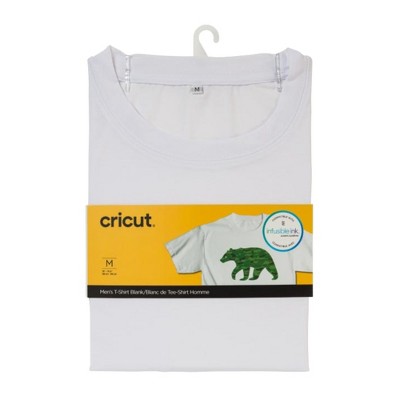
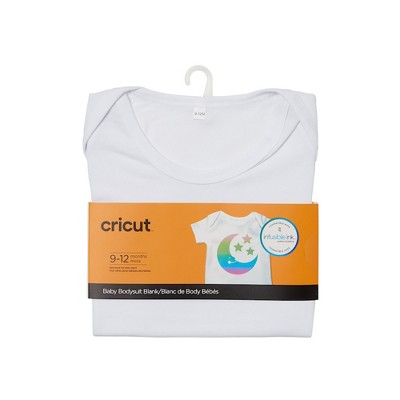
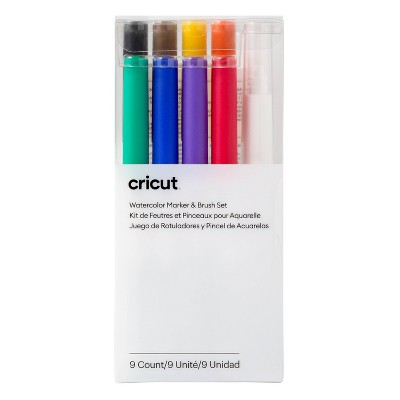
Choose Infusible Ink transfer sheets or pens/markers and a compatible blank, create your design (cut or draw it), position the transfer on the blank, then apply heat with a Cricut EasyPress or a heat press at up to 400°F (205°C) to transfer the design.