See It in Your Space


“I can’t imagine what this will look like in my home.”
Pinky promise…this feature will help you out. It places the item you want right into the real room of your choice, like a preview. (Augmented reality is pretty cool.)

“Will it look good with my other things?”
It’s hard to imagine what it’ll all look like together. This sticks the piece you want next to the things you already have, so you can coordinate. Swap out finishes or colors on some items for design that’s next level.

“Is it gonna fit?”
True-to-life sizes help you see if the piece you want will actually fit in your space. And if you don’t like it in one spot, just move it to a different spot, or turn the piece around to see it from a different angle.
Get started in the Target app

Download the Target app
If you don’t already have it, grab your phone or tablet and download our app. It’s truly the best experience to see our favorite items in your space.

Look for the AR symbol
Open our app, and keep your eyes out for the augmented reality (AR) icon while you shop. Or if you want to shop all AR pieces, enter "See It in Your Space" in the search bar. Allow access to your camera, and the app will guide you through the rest. Enjoy!



Available for devices on iOS 12 & newer and Android devices that support ARCore.


Check out a piece by brand
Only at Target.


Sponsored
60 results



Sponsored



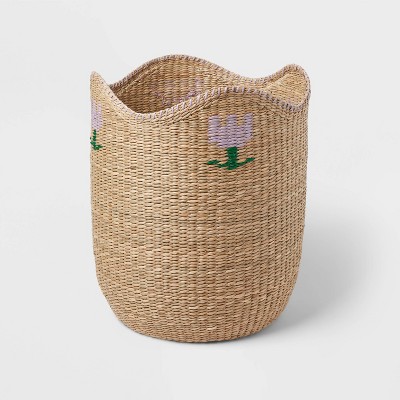


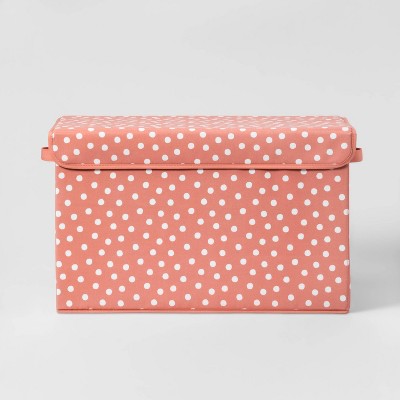
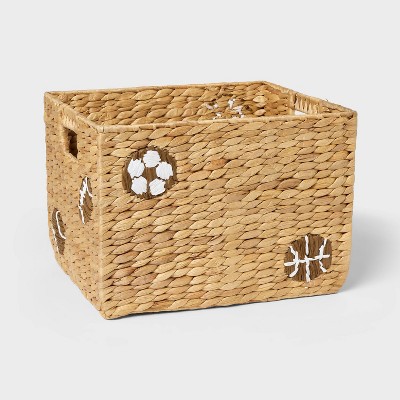
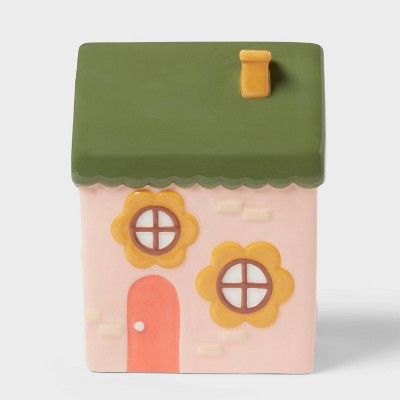
Sponsored




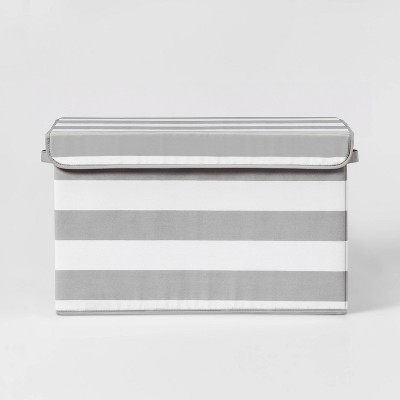

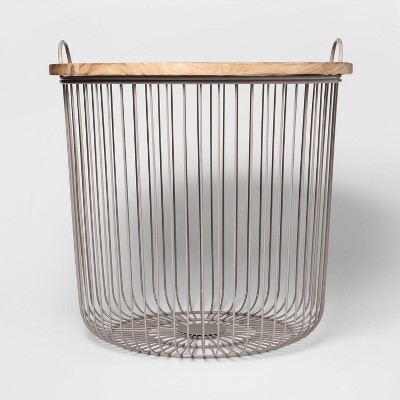


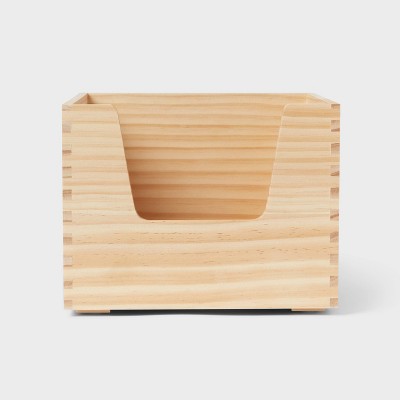
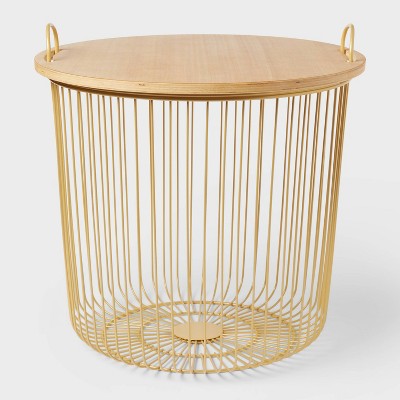
Sponsored



Explore more of what’s going on right now


Related categories
- Live Augmented Reality
- Cozy Home & Decor
- Brand Experiences
- Live Augmented Reality distressed
- Live Augmented Reality decorative-storage-cabinets
- Live Augmented Reality beige
- Live Augmented Reality soft
- Live Augmented Reality black-plated
- Live Augmented Reality gray-wash
- Live Augmented Reality tall-cabinets
- Live Augmented Reality sealy
- Live Augmented Reality storage-trunks
- Live Augmented Reality clear
- Live Augmented Reality traditional
- Live Augmented Reality gray
- Live Augmented Reality multicolored
- Live Augmented Reality vintage
- Live Augmented Reality frosted
- Live Augmented Reality storage-ottomans
- Live Augmented Reality decorative-banks
Related searches
- see through bins
- retail display
- shop the look
- shop by age
- window shopping
- see and say toys
- fisherprice see and say
- shop by brand
- collector display cabinet
- invisible shelf
- create a space
- in store toys
- display cabinets for sale
- display cabinets
- the shop around the corner
- see kit
- pretend shopping cart
- arrange a space
- home spotlights
- show organizer door