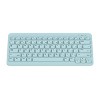
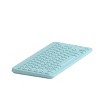
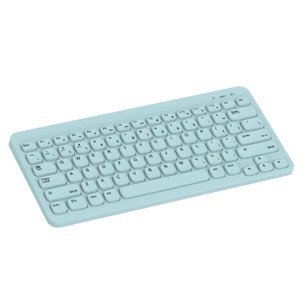
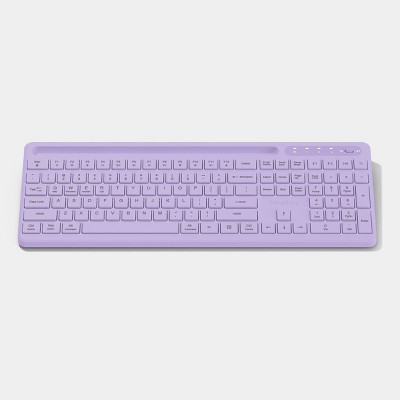
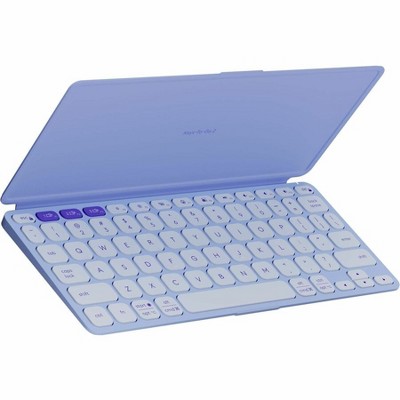
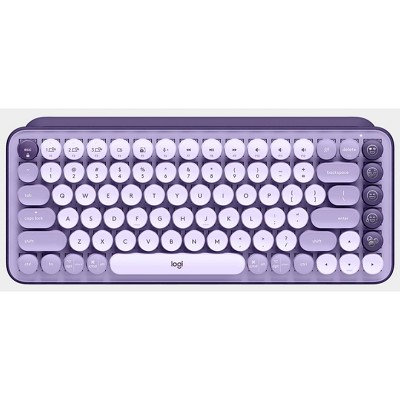
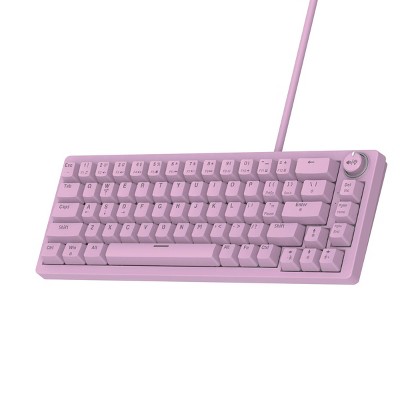
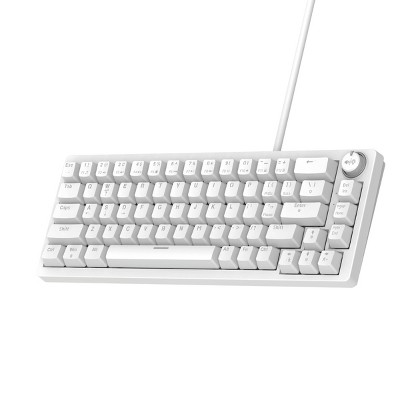
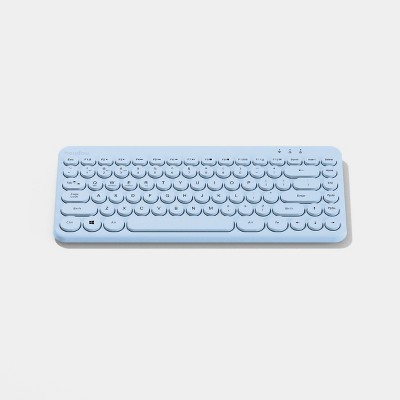
North Compact Square Key Wireless Keyboard - Sky Blue: Membrane Switch, Compact 60% Layout
$17.99
In Stock
Find alternative
- $229.99reg $249.99 Sale
- $27.99 - $45.99Lower price on select items4.3 out of 5 stars with 25 ratings
Eligible for registries and wish lists
About this item
Additional product information and recommendations
Discover more options
- $229.99reg $249.99 Sale
- $27.99 - $45.99Lower price on select items4.3 out of 5 stars with 25 ratings
Frequently bought together


Guests are saying
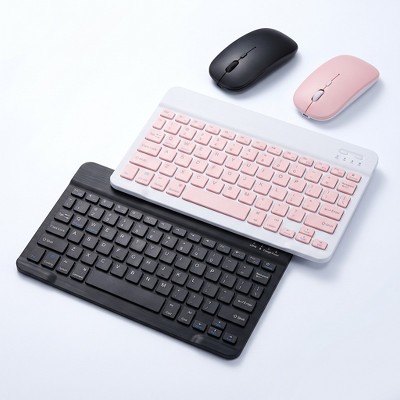
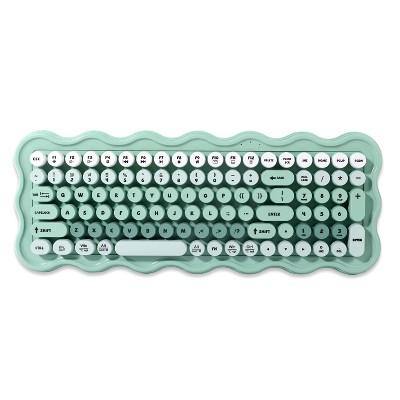
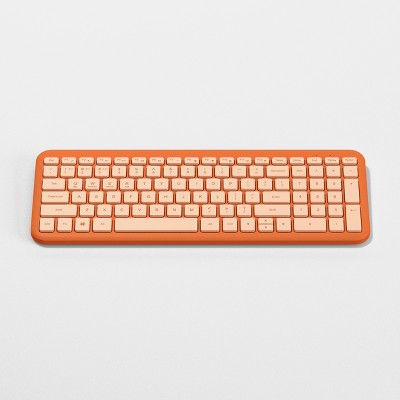
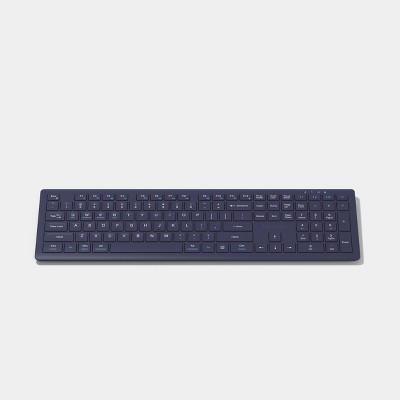
This wireless keyboard offers a compact design and vibrant colors, making it a stylish addition to any workspace. Many guests appreciate its ease of setup and portability, ideal for on-the-go use. However, some have experienced connectivity issues and concerns about durability. Despite these drawbacks, the keyboard's responsive keys and lightweight nature make it a suitable choice for casual use, especially for students and those seeking a simple typing solution.
Summary created by AI from text of reviews reflecting recent feedback provided across different star ratings (includes incentivized reviews)
3.5 out of 5 stars with 54 reviews
quality: 2.38 out of 5
value: 2.38 out of 5
68% would recommend
32 recommendations
1 out of 5 stars
Thumbs down graphic, would not recommend
26 August, 2026Verified purchase
(no review title)
This is the most utterly useless product I have ever had the misfortune of purchasing. It has worked maybe twice in the year I've had it. The connection instructions are extremely unclear and inaccurate (there is no on switch). This product genuinely has me wondering if this a toy keyboard for children. Would not recommend under circumstances (except maybe if you need a fake keyboard for a child).
5 out of 5 stars
Thumbs up graphic, would recommend
16 August, 2026Verified purchase
(no review title)
love it
1 out of 5 stars
Thumbs down graphic, would not recommend
15 August, 2026Verified purchase
Stopped connecting
It stopped connecting, P & I wouldn't work and I had it for a week 😩
1 out of 5 stars
Thumbs down graphic, would not recommend
28 July, 2026Verified purchase
Dont buy
Keyboard lags so much you cant type a whole word
4 out of 5 stars
9 July, 2026
North Compact Square Key Wireless Keyboard
It can be connected through bluetooth or dongle that comes with it (inside battery compartment. Easy to pair or connect to your computer or laptop. Keys are very responsive and soft touch. Powered by (1) AAA Battery (not included). Highly recommended for a portable keyboard on the go. It doesn't have a backlit keyboard and numeric keys on the side (for compact design) but still usable. I use it for CAD, gaming and daily computer operation. Text could be more legible / visible if they put a white print on it.
1 out of 5 stars
Thumbs down graphic, would not recommend
30 June, 2026
(no review title)
There is no way to turn the keyboard off during transport. It goes asleep after its idle.. but one key tap wakes it up and causes lots of mistypes if carrying in a bag!
1 out of 5 stars
Thumbs down graphic, would not recommend
20 June, 2026Verified purchase
(no review title)
This was an amazing purchase at first! Unfortunately only after 3 weeks I’ve been having a lot of issues with connectivity. Having to take the battery out and back in for it to work. Loved the keyboard, but will be returning.
2 out of 5 stars
10 June, 2026Verified purchase
(no review title)
The keys are not responsive. Have to retype things constantly. Not good for playing games. It only uses 1 AAA battery so it dies frequently. However, inexpensive and cute.
1 out of 5 stars
17 May, 2026Verified purchase
(no review title)
I really like the fill of the keyboard, but after exactly one month it stopped working. Unfortunately it stopped working two days past the return window. So I was not able to get a return for the money I was able to get store credit. So on that basis, I don’t recommend.
1 out of 5 stars
18 February, 2026Verified purchase
(no review title)
Don’t buy
1 out of 5 stars
Thumbs down graphic, would not recommend
24 January, 2026
(no review title)
Description is a lie don’t buy unless you want a brown keyboard
1 out of 5 stars
Thumbs down graphic, would not recommend
20 January, 2026Verified purchase
(no review title)
Wanted to like it. Alot of connection issues. Have to constantly fix and will be returning.
2 out of 5 stars
Thumbs down graphic, would not recommend
19 January, 2026Verified purchase
Wish it worked better!
I’ve had this keyboard for 3 months. The first month it worked great, the second month it would take a couple of tries to connect the Bluetooth to my iPad, but still worked well, and then this past month it just won’t stay connected. I tried using the USB connection as well, and it won’t work. At this point it just seems dead. I really like the color/use of buttons, but the lack of functionality is frustrating.
1 out of 5 stars
Thumbs down graphic, would not recommend
3 December, 2025Verified purchase
(no review title)
Broke and won't work after less than 3 months. I can't believe they sell this garbage
1 out of 5 stars
31 October, 2025Verified purchase
(no review title)
It was crooked
5 out of 5 stars
Thumbs up graphic, would recommend
25 October, 2025
Just got it, I love it.
I just got it and tested it out with my school iPad and it works amazing! The color is beautiful and the keyboard taps sound wonderful.
5 out of 5 stars
Thumbs up graphic, would recommend
14 August, 2025Verified purchase
Cute keyboard
Cute little wireless keyboard. No frills or extra keys just the bare bones needed to navigate
5 out of 5 stars
Thumbs up graphic, would recommend
15 June, 2025
Beautiful color and comfortable and easy to use
This keyboard is super easy to set up and use. The color is a deep plum and beautiful. It is easy to type on and comfortable. I have enjoyed using it with my laptop and even my kids steal it from me on a regular basis to use. I especially like it when I'm using my walking pad and standing desk as it is muxh easier to move around as needed than moving my whole computer screen.
4 out of 5 stars
Thumbs up graphic, would recommend
13 June, 2025
Practical and fun to use.
This compact wireless keyboard worked well and was easy to set up. After plugging in the USB port, I was able to type directly onto my desktop screen from my beautiful purple keyboard. It’s great to be able to move around and not be limited by cords and wires. Would only suggest to find your comfort level for typing because this keyboard is smaller than standard desktop keyboards and hand placement was slightly difficult to get used to. The keys were soft and comfortable to use.
5 out of 5 stars
Thumbs up graphic, would recommend
12 June, 2025
HeyDay Wireless Keyboard
This compact keyboard works great! It connects easily to my laptop and is lightweight enough to carry around the office with no hassle. After being idle, just tap any key to wake it up and start typing again—super convenient. Just a heads-up: it doesn’t include a separate number pad, so if that’s a must-have for you, this might not be the right fit.