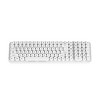
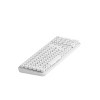
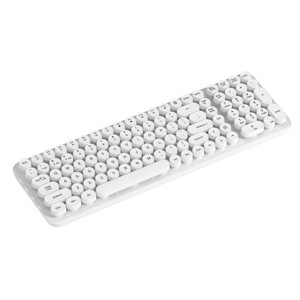
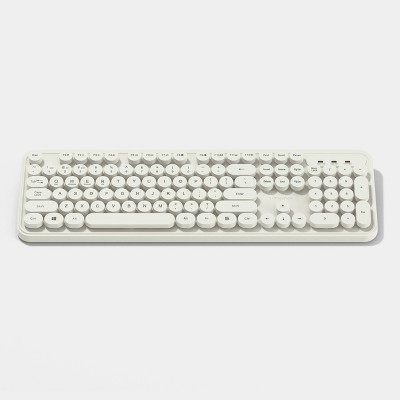
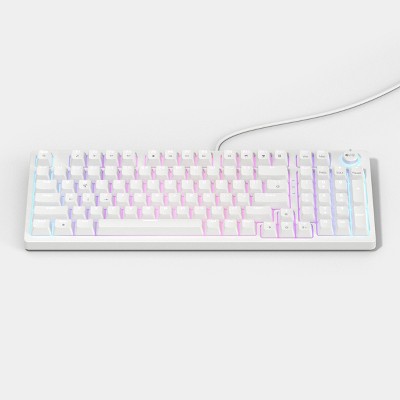
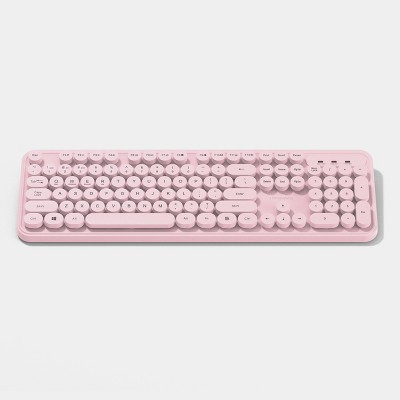
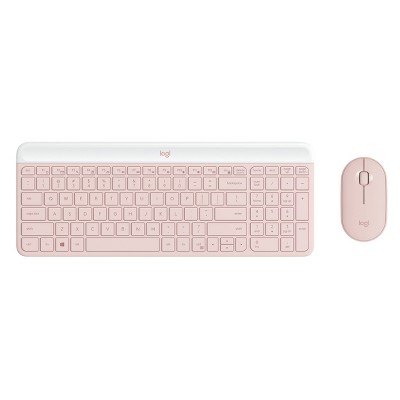
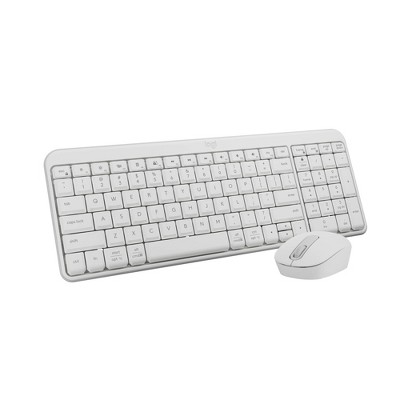
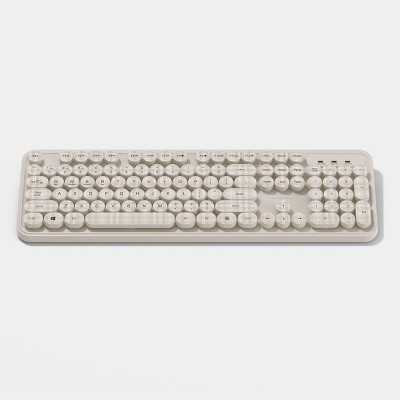
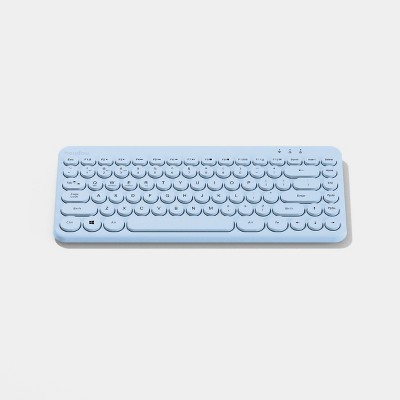
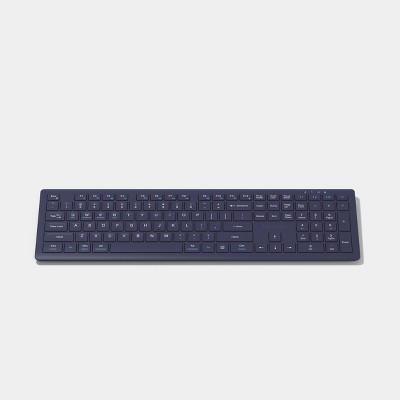
North Full Size Round Key Wireless Keyboard - White: 105 Keys, Radio Frequency
$22.99
Out of Stock

Free & easy returns
Return this item by mail or in store within 30 days for a full refund.
Eligible for registries and wish lists
About this item
Additional product information and recommendations
Frequently bought together
Guests also viewed
- $21.49was $22.99 New lower price3.9 out of 5 stars with 20 ratings
Guests are saying
This keyboard offers a unique design with round keys that provide a satisfying typing experience. Many guests appreciate its wireless functionality and aesthetic appeal, making it a fun addition to any workspace. However, some guests have reported issues with battery life and connectivity, which may affect its overall usability. Despite these concerns, the keyboard is praised for its quiet operation and ease of setup, making it suitable for both work and casual use.
Summary created by AI from text of reviews reflecting recent feedback provided across different star ratings (includes incentivized reviews)
2.9 out of 5 stars with 46 reviews
quality: 2.56 out of 5
value: 2.35 out of 5
50% would recommend
28 recommendations
1 out of 5 stars
Thumbs down graphic, would not recommend
10 August, 2026Verified purchase
Do not buy!
It stopped working in less than 2 months. Purchased on June 26, 2026. Last week it stopped working. I tried new batteries etc but it is dead.
From CHUG, Inc. / GEMS team
Hi Cinthia, we’re sorry the keyboard stopped working after less than two months, even after you tried new batteries. We understand how disappointing that is, and we appreciate you sharing the details of your experience.
4 days ago
5 out of 5 stars
Thumbs up graphic, would recommend
19 June, 2026Verified purchase
Perfect keyboard !
I love the keyboard!
4 out of 5 stars
15 May, 2026Verified purchase
(no review title)
The keys are pretty close together. Hard for me to type
5 out of 5 stars
Thumbs up graphic, would recommend
19 March, 2026Verified purchase
(no review title)
I love this keyboard for the price! Works well, but I do find it’s not smooth flow throughout the time I’ve had it. It usually is the batteries, but I work full time so that explains it. One thing is that I lost the manual and I forgot to unlock it? Does anyone know how to unlock?
1 out of 5 stars
Thumbs down graphic, would not recommend
3 February, 2026Verified purchase
Cheap keyboard
This keyboard sucks. Don’t buy it. You need to replace the battery every 2weeks! I bought this keyboard for work. Everyday after work I turn it off and even then the better still gets used up so fast. Apart from that everytime you begin to type it’s trying to find the connection with the computer and you’re there waiting for it to react . Cheap.
1 out of 5 stars
Thumbs down graphic, would not recommend
15 January, 2026Verified purchase
Not Great.
If I could give it less than 1 star I would! I bought this as a replacement for a keyboard that I had that was already old, and it said it takes AAA batteries, but just one. What it FAILS to mention is that it takes a singular AAA battery practically every 9 days!! I got the keyboard on 1-6-26 and it’s now 1-14-26 and I’ve already had to replace the battery. I thought maybe it needed troubleshooting but nope! Just another battery which is ridiculous. For 20+ dollars I expect the battery life on the keyboard to last a longer than 9 days!! The keyboard is great for typing, but has some lag to it. But the keys are nice and quiet and creamy. But they are not completely sound proof! you can still hear typing, just a lot less.
1 out of 5 stars
5 January, 2026Verified purchase
Dont get it
Dies very fast dont get it
1 out of 5 stars
Thumbs down graphic, would not recommend
19 December, 2025Verified purchase
(no review title)
Dies very fast
1 out of 5 stars
4 November, 2025
Just no.
Absolutely awful. The buttons has stickers which will wear off in no time, it feels cheap, looks cheap, and buttons pop off like a kids toy. Immediately returning.
1 out of 5 stars
Thumbs down graphic, would not recommend
22 October, 2025Verified purchase
Pass
Does not stay paired. Had to continuously pair and it would take so long to do so
From CHUG, Inc. / GEMS team
Hello, we're sorry you experienced issues with your keyboard. Please contact guest.service@target.com for further assistance, and we appreciate you taking the time to share your experience.
4 days ago
1 out of 5 stars
Thumbs down graphic, would not recommend
7 October, 2025Verified purchase
wireless keyboard
does not stay connected to computer. very inconvenient for working from home
From CHUG, Inc. / GEMS team
Hi Stephanie, we appreciate you sharing your experience and are sorry the keyboard wouldn’t stay connected while you worked. Please contact guest.service@target.com for assistance.
4 days ago
2 out of 5 stars
Thumbs down graphic, would not recommend
28 September, 2025
cant connect anymore??
my brother got this keyboard so he could to connect it to his ps5. and well, it worked great. then I connected it to my macbook an it worked great as well. but then i disconnected it and removed it from my MacBook and connects it back to the playstation, and now whenever you try to connect it to anything, it shows up as “Mouse” and doesn’t connect. wow.
From CHUG, Inc. / GEMS team
Hi Kenz, we appreciate you sharing what happened and are sorry the keyboard stopped connecting after switching between devices. Please contact guest.service@target.com for assistance.
4 days ago
4 out of 5 stars
9 September, 2025
Its been okay so far
Easy to set up. I like it so far . The USB connection is inside the battery pocket when you open it. The off and on switch is on the back near the batter pocket as well .
1 out of 5 stars
Thumbs down graphic, would not recommend
3 September, 2025Verified purchase
I'd pass
Uses a AAA battery a month! It’s clunky and I don’t like the raised buttons. Aesthetically cute but I’m replacing it.
1 out of 5 stars
25 August, 2025
Do NOT recommend
I had this keyboard for two weeks. I used it for work. After about one week, the keys started creaking & it sounded like nails on a chalkboard. I absolutely do not recommend buying this. It may be cheap price wise but you can tell with how durable it is that it was made cheap. Find a different one.
From CHUG, Inc. / GEMS team
Hi Bridget, we appreciate your feedback and are sorry the keyboard keys started making unpleasant noises after just a week. Please contact guest.service@target.com for assistance.
4 days ago
2 out of 5 stars
Thumbs down graphic, would not recommend
20 August, 2025Verified purchase
NOT BACKLIT
Connects easily. Bluetooth and USB both worked on mine. I like how quiet it is. But, im giving it two stars since its listed on this app as "backlit keyboard" and it is not, so yea that kinda sucks. If you're looking for a backbiting keyboard like I was, don't buy this one.
1 out of 5 stars
Thumbs down graphic, would not recommend
17 August, 2025Verified purchase
Help
I have no idea how to get the thing to work. None of the instructions work and I’m starting to think it has no backlight
From CHUG, Inc. / GEMS team
Hi there, we appreciate you sharing your experience and are sorry you had trouble getting the keyboard to work. Please contact guest.service@target.com for assistance.
4 days ago
4 out of 5 stars
Thumbs up graphic, would recommend
3 August, 2025
Cute but it tilite slighty
Just got this for my iMac, and it’s cute but it tilts slightly. Weird. But it’s cute and I love the sound of the keyboard.
2 out of 5 stars
Thumbs down graphic, would not recommend
2 August, 2025Verified purchase
Wasn't for me
Although pretty when I opened it and sat it on my desk it was not level. The keys were not "smooth". I kept this item for a week and ended up returning it
From CHUG, Inc. / GEMS team
Hi Daisy, we appreciate you sharing your feedback and are sorry the keyboard wasn’t level and the keys didn’t feel smooth. Please contact guest.service@target.com for assistance.
4 days ago
1 out of 5 stars
Thumbs down graphic, would not recommend
21 July, 2025Verified purchase
Disappinted
I’ve been wanting a bubble key keyboard and was excited for this one but when I tried it to connect it, it did not work. I tried 5 batteries and was not turning on. When I plugged the USB to my monitor it was showing up as “mouse” but keyboard had no power. Very disappointed
From CHUG, Inc. / GEMS team
Hi there, we appreciate you sharing your experience and are sorry the keyboard wouldn’t power on or connect. Please contact guest.service@target.com for assistance.
4 days ago