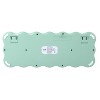
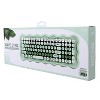
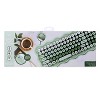
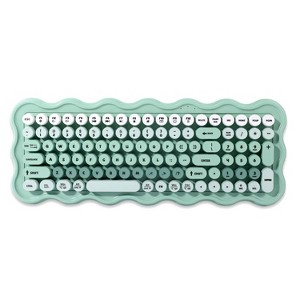
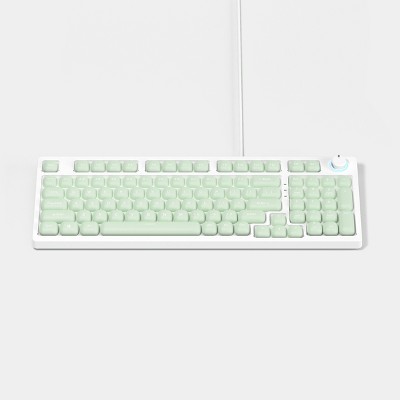
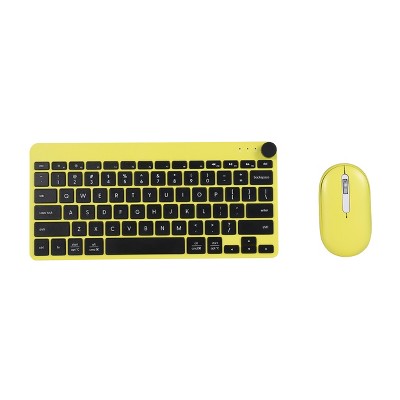
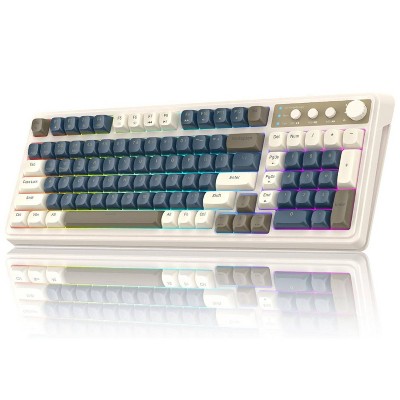
IJoy Wavy Keyboard - Green: ABS Material, Slim Design, Computer Accessory
$24.99
In Stock
Eligible for registries and wish lists
About this item
Additional product information and recommendations

Guests also viewed
- $27.99 - $45.99Lower price on select items4.4 out of 5 stars with 26 ratings
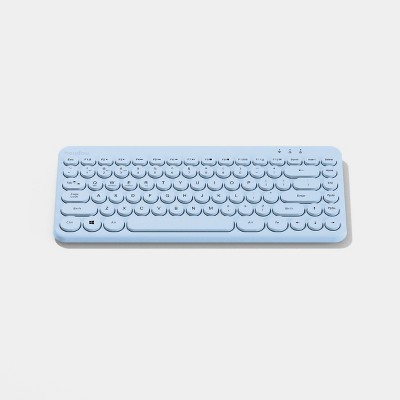
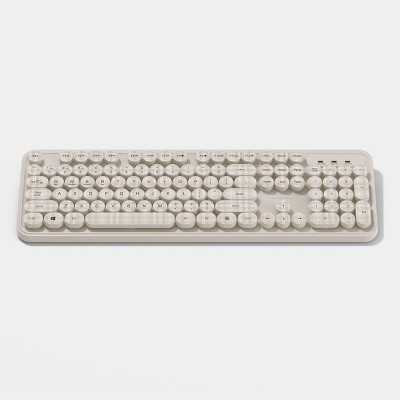
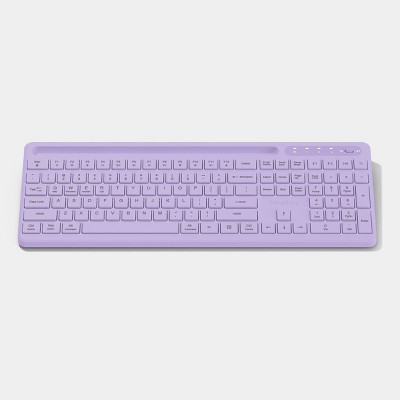
Guests are saying
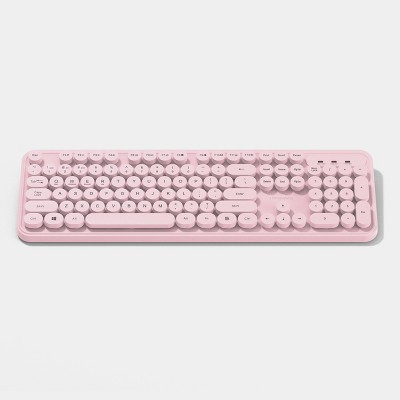
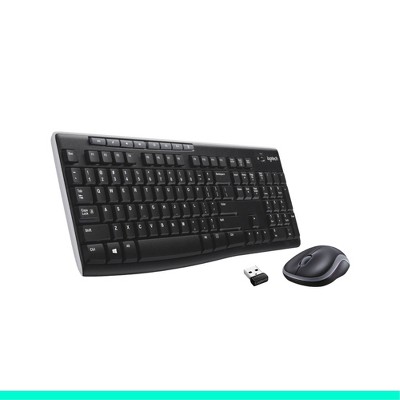
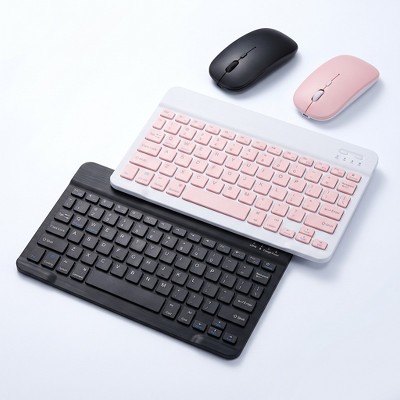
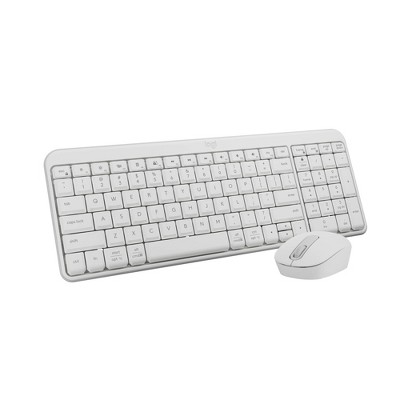
This keyboard offers a stylish and cute design that appeals to many guests, making it a fun addition to any workspace. However, several guests have reported issues with functionality, particularly regarding its compatibility with devices and performance over time. While some appreciate its aesthetic and feel, others have experienced frustrating malfunctions and connectivity problems, especially with Bluetooth capabilities. Guests should consider their specific needs and device compatibility before purchasing.
Summary created by AI from text of reviews reflecting recent feedback provided across different star ratings (includes incentivized reviews)
3.1 out of 5 stars with 146 reviews
quality: 2.69 out of 5
value: 2.63 out of 5
30% would recommend
60 recommendations
5 out of 5 stars
Thumbs up graphic, would recommend
22 July, 2026Verified purchase
(no review title)
I LOVE this keyboard! I was iffy at first because of all the negative comments and I did expirence some of the same things I seen but I figured out that when the batteries are low it tends to interfer with the performance! Once I canged them It was working just fine again
1 out of 5 stars
Thumbs down graphic, would not recommend
21 July, 2026Verified purchase
(no review title)
I have been using this keyboard daily since march and the keys are starting to mess up. Some of the keys are starting to register that i am also pressing another key. The "L" key picks up the ";" key and the "O" key picks up the "P" key. Its very frusturating that i have to get another keybard now that this one is not working properly after only a few months.
1 out of 5 stars
12 July, 2026
Ijoy wireless keyboard
Keyboard says it supports multiple devices however it does not work without the USB receiver. It cannot be connected via Bluetooth only.
1 out of 5 stars
Thumbs down graphic, would not recommend
5 July, 2026Verified purchase
Lies.
The box appears to advertise that this keyboard supports multiple devices…. Including phones and iPads. That is lie. The only way to make it work is to use a USB adapter.
1 out of 5 stars
2 July, 2026Verified purchase
(no review title)
Im usually a fast typer, but i had to slow down because the keys get stuck. Don’t waste your money. It’s not smooth typing with this
4 out of 5 stars
Thumbs up graphic, would recommend
2 July, 2026
Really cute. I use it for work all day
Really cute and the keys aren’t hard to press and don’t make my typing any slower. Works well but I haven’t had it that long to know for sure
1 out of 5 stars
Thumbs down graphic, would not recommend
24 June, 2026Verified purchase
(no review title)
Read the Horrible reviews after the purchase. Due to that , never opened the product and Target wouldn’t let us return because it was a day after 30 days Never opened , completely looks brand new
1 out of 5 stars
Thumbs down graphic, would not recommend
24 June, 2026Verified purchase
Poor Quality – Failed After Light Use
Stopped working in less than six months with only occasional use. This keyboard was never used full time, yet it completely failed. Extremely disappointing quality and a waste of money. I expected a product sold by Target to last much longer. Would not recommend.
1 out of 5 stars
Thumbs down graphic, would not recommend
23 June, 2026Verified purchase
(no review title)
I have had this for two months and it’s already malfunctioning. When pressing the “O” it enters “P” when pressing “L” it enters “;”. There is no debris under the keys to cause this issue. Very disappointing. I will reach out to target to see about an exchange if not then I will be contacting the manufacturer. This should not be an issue so early on in usage.
4 out of 5 stars
14 June, 2026Verified purchase
(no review title)
Honestly review here. I purchased this for my IPad. If you do not have the USB adapter then this will not work for you. I have one and it totally works for me. Granted I just purchased this so I don’t have any problems with it. No I didn’t have a problem setting it up or using it with my IPad like the other reviews suggested. Now I need to purchase a Bluetooth mouse and see if that makes this product better for me. I will update if I have any problems. Hope this helps you decide on your purchase.
1 out of 5 stars
Thumbs down graphic, would not recommend
30 May, 2026
Not bluetooth, not for phones or ipads
Piece of junk, not compatible with multiple devices, definitely not Bluetooth, even though in the questions some “experts” are saying it is…. Unless you have a computer to plug the usb dongle in do not buy this keyboard. IMO even if you do have a computer don’t buy this.
1 out of 5 stars
Thumbs down graphic, would not recommend
26 May, 2026Verified purchase
(no review title)
is not durable or built for extended use. after 4 months of use it has started malfunctioning and inserting random “pppppppppppppp” and “;;;;” when typing a sentence. would absolutely NOT recommend.
3 out of 5 stars
Thumbs down graphic, would not recommend
12 May, 2026Verified purchase
Not Bluetooth
The keyboard only says wireless but is not Bluetooth you can't connect with tablet or phone. If your computer doesn't have a USB dont buy it
1 out of 5 stars
6 May, 2026Verified purchase
(no review title)
Lasted 4 months and it's malfunctioning. Not worth it. Cheap.
1 out of 5 stars
Thumbs down graphic, would not recommend
27 April, 2026Verified purchase
Letters are not accurate
The keys repeatedly translate to two letters. For example, when I press the “L” both the L and the ; will show up on my screen. This is the second keyboard I’m having the same trouble with so it seems to be the keyboard itself and not just a one-off.
1 out of 5 stars
20 April, 2026Verified purchase
DO NOT BUY!!! PIECE OF JUNK
Don’t buy if you’re actually going to use. Breaks within 2 months and I work from home for at most 16 hours a week
1 out of 5 stars
Thumbs down graphic, would not recommend
20 April, 2026Verified purchase
Y'all, it's soppppppp bad.
This is onl;;;;;;;;;;y my second time using this keyboard and it has some wopppnky crap happening. Every so often and mostly when I hit an OPPPPPPPPPPP key it adds a bunch of random other letters or symbols. This is an unedited view opppppppppppppf what the typing copppppppppppmes out with this keybolaprd.\\\\\\\\\
1 out of 5 stars
7 April, 2026Verified purchase
(no review title)
The aesthetic is sooo cute but I want to make sure I preface I do work from home 8-10 hours a day. I started using it for work on March 23rd and on April 4th it started completely malfunctioning. Every key I attempted to press it would add about 20 extra letters. Attempted to reset and add new batteries even though it had only been a little over a week and no luck. Out almost $30 on a keyboard that only worked for 2 weeks. Absolutely not worth the money.
1 out of 5 stars
Thumbs down graphic, would not recommend
22 March, 2026Verified purchase
Waste
Worked great for about six months without issue. Then it was as if I was holding down the delete key randomly. I tried cleaning it with canned air and nothing worked. Unfortunately, it has to be thrown out which is a shame because it was super cute. Waste.
1 out of 5 stars
Thumbs down graphic, would not recommend
16 March, 2026Verified purchase
(no review title)
After 3 months of using this keyboard the keys on the keyboard started typing different letters when I would just try to type out 1 letter at a time. It is unfortunate because Targets return policy is only 30 days for electronics so now I have to trash it. Waste of money, I do not recommend.