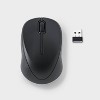

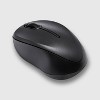
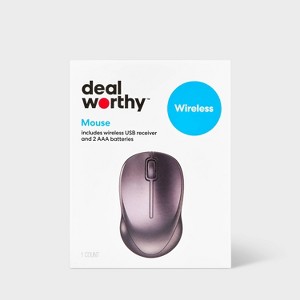
Wireless Mouse - dealworthy™ Black: USB-A Connection Home Accessory
$7.99
In Stock
Eligible for registries and wish lists
About this item
Additional product information and recommendations
Discover more options
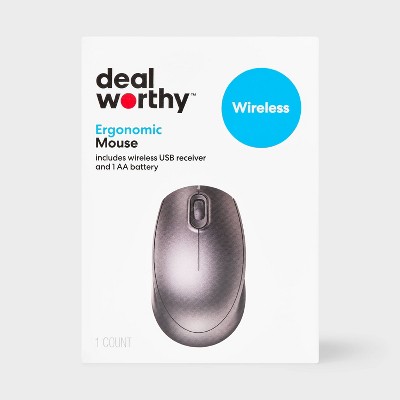
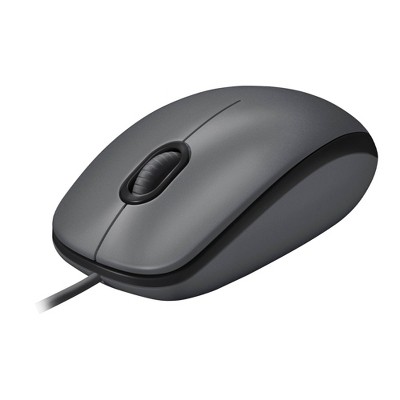
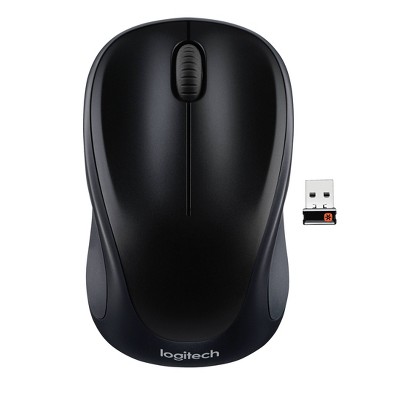
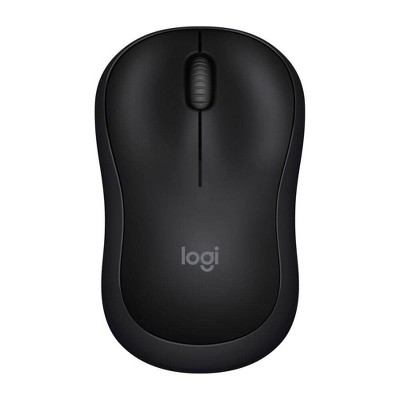
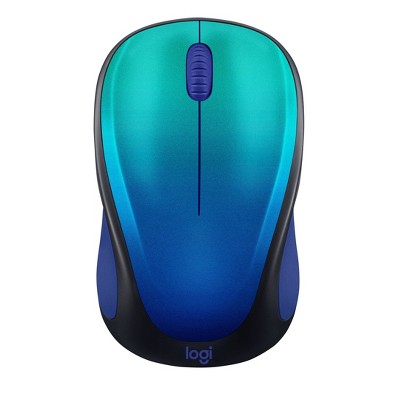
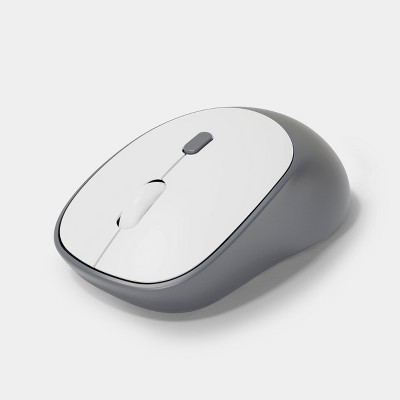
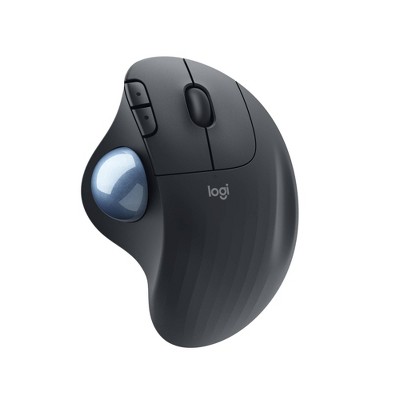
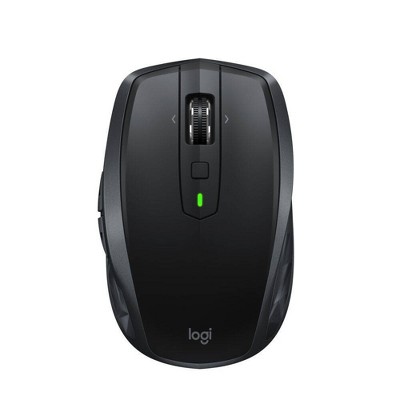
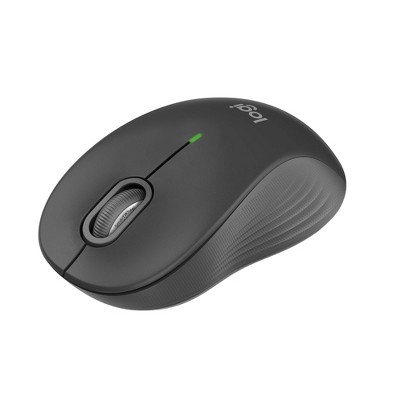
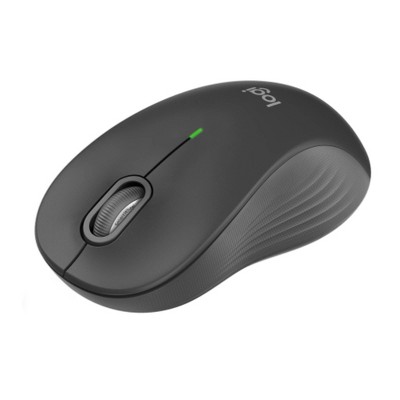
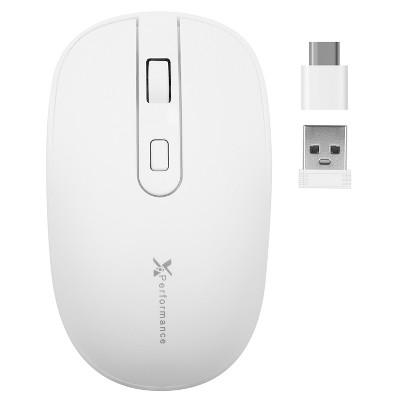
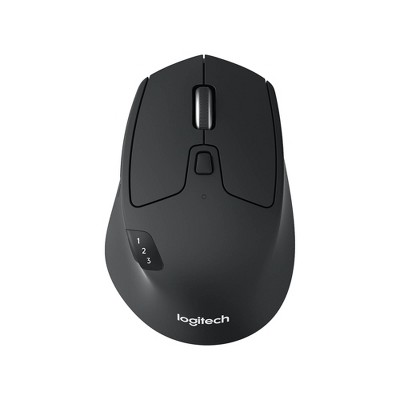
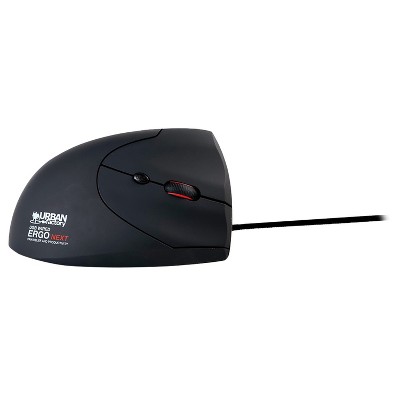
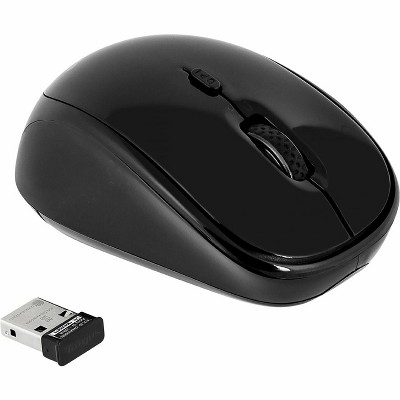
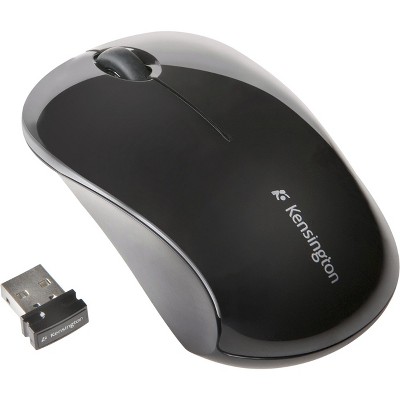
Frequently bought together


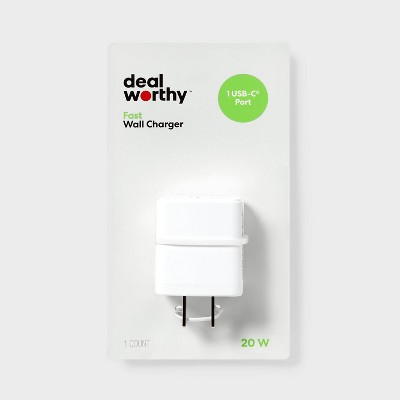
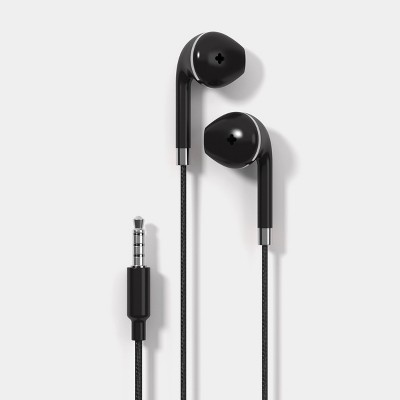
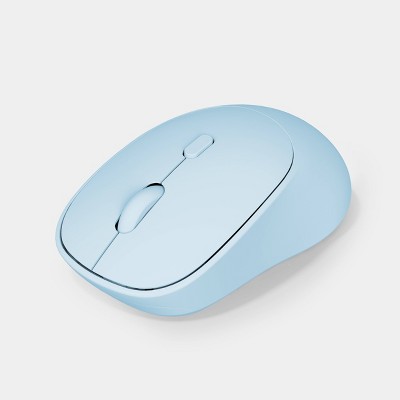
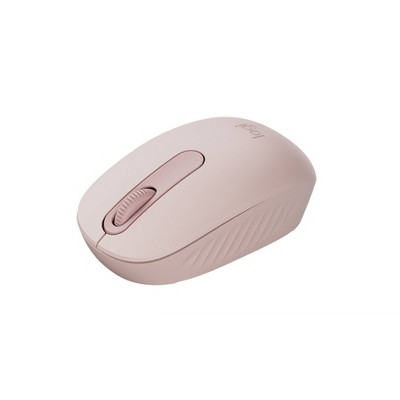
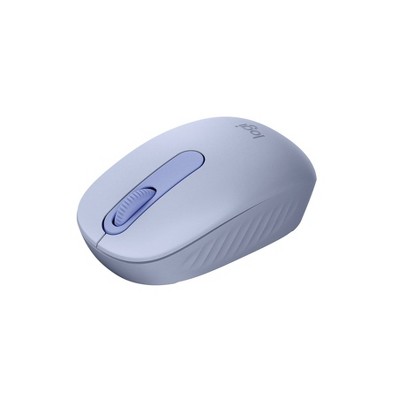
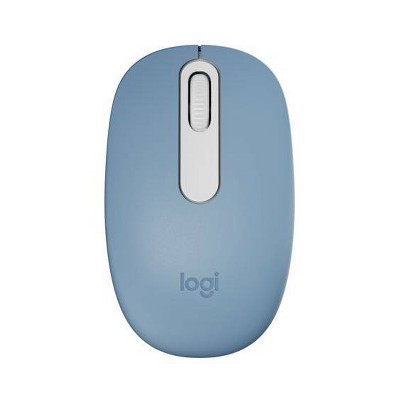
Related Categories
Guests are saying
This wireless mouse offers a blend of affordability and functionality, making it a great choice for guests seeking a reliable device for everyday use. Its lightweight design and easy setup enhance user experience, while the ergonomic shape ensures comfort during extended use. However, some guests have noted issues with the battery compartment design and durability, which may affect long-term satisfaction. Overall, it serves well for both work and casual use.
Summary created by AI from text of reviews reflecting recent feedback provided across different star ratings (includes incentivized reviews)
4.1 out of 5 stars with 158 reviews
64% would recommend
50 recommendations
5 out of 5 stars
Thumbs up graphic, would recommend
30 September, 2026Verified purchase
dealworthy™ Wireless Mouse.
Nice working mouse with a nicer price !!
1 out of 5 stars
23 September, 2026Verified purchase
(no review title)
Does not actually include batteries like the box says
5 out of 5 stars
Thumbs up graphic, would recommend
26 August, 2026Verified purchase
small but powerful
fast and easy to set up comes with batteries
5 out of 5 stars
Thumbs up graphic, would recommend
13 August, 2026Verified purchase
Nice for the price
Love that it works like it should. Perfect wireless mouse that doesn’t break the bank, but shows up to work.
4 out of 5 stars
Thumbs down graphic, would not recommend
13 August, 2026Verified purchase
my stuff
it's working great I don't have to break my neck to see what I'm doing
1 out of 5 stars
Thumbs down graphic, would not recommend
6 August, 2026Verified purchase
Back wouldn't come off.
The back wouldn’t come off to install the battery. I had to return.
3 out of 5 stars
Thumbs down graphic, would not recommend
5 August, 2026
Terrible Design for Battery Door
You get what you pay for. The door for the two AAA batteries is a terrible design and must be broken to open the compartment. At least the mouse then works.
5 out of 5 stars
Thumbs up graphic, would recommend
23 June, 2026
Great for the price
The mouse feels solid and is well designed. Great for the price!
4 out of 5 stars
10 June, 2026Verified purchase
(no review title)
Good and handy
5 out of 5 stars
20 May, 2026Verified purchase
Good
Good mouse. Fits what I need.
5 out of 5 stars
Thumbs up graphic, would recommend
15 April, 2026Verified purchase
Thank you deal worthy!
My go to mouse died and I was desperate, this mouse was a great quick and wonderfully priced product.
3 out of 5 stars
4 April, 2026
(no review title)
Cheap junk
5 out of 5 stars
Thumbs up graphic, would recommend
5 March, 2026Verified purchase
(no review title)
Great mouse
3 out of 5 stars
3 March, 2026
(no review title)
Cursor is constantly moving on its own.. fair price but not great functionality.
5 out of 5 stars
Thumbs down graphic, would not recommend
26 February, 2026
(no review title)
cheap and exactly what I need
1 out of 5 stars
Thumbs down graphic, would not recommend
9 February, 2026
Avoid
The worst mouse I've ever had the misfortune of trying to use. It will freeze and skip unless plugged in, which defeats the entire purpose of a wireless mouse. Waste of time and money. If I could give this less than a 1 star, I would.
1 out of 5 stars
Thumbs down graphic, would not recommend
25 January, 2026Verified purchase
Really?
Worked for all of maybe five minutes. Changing the batteries didn’t help.
5 out of 5 stars
20 January, 2026Verified purchase
(no review title)
Works well and very affordable. Definitely recommend
5 out of 5 stars
Thumbs up graphic, would recommend
13 January, 2026Verified purchase
Easy to Use
This mouse is very easy to use, it connected right away to my laptop. I use it for work 8-10 hours a day and so far I am very happy with it.
5 out of 5 stars
Thumbs up graphic, would recommend
13 January, 2026Verified purchase
Great value
Great value for price. Worth it!