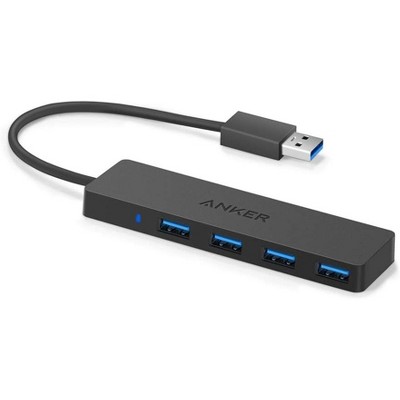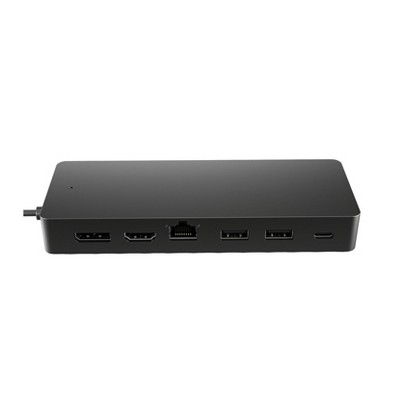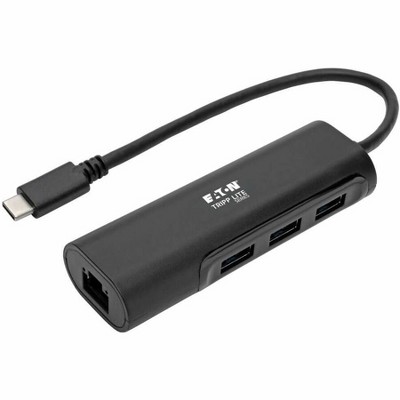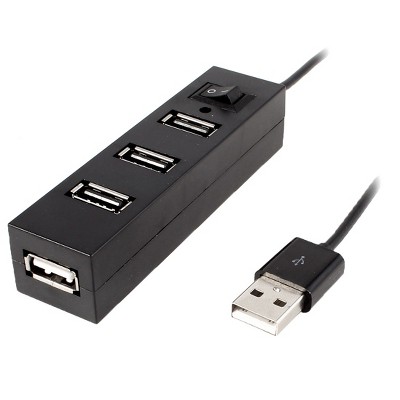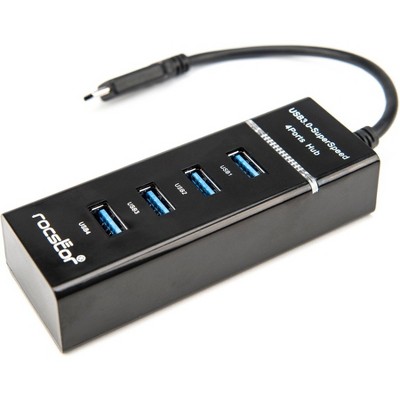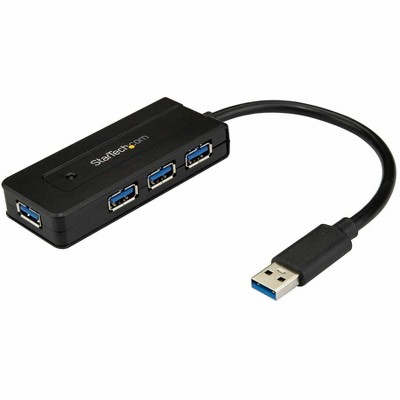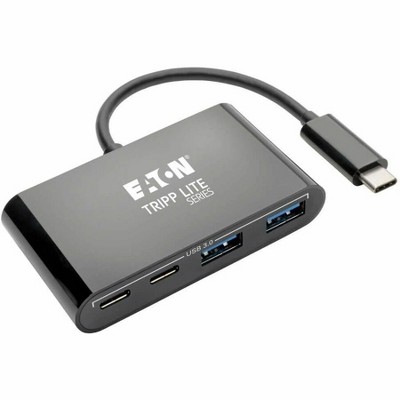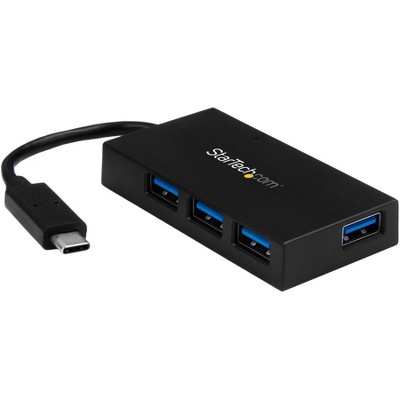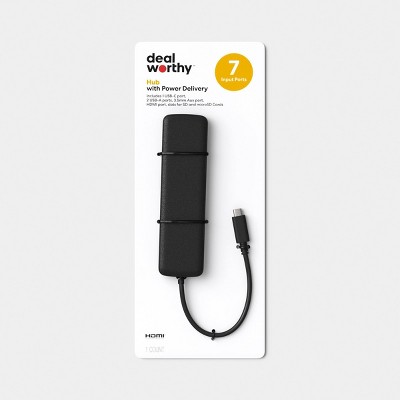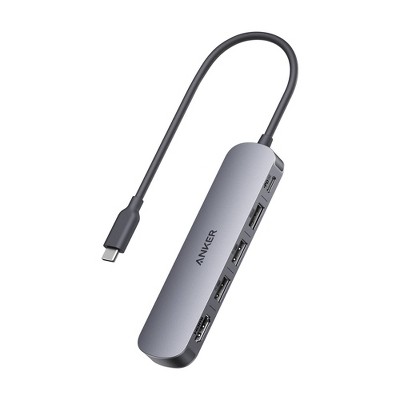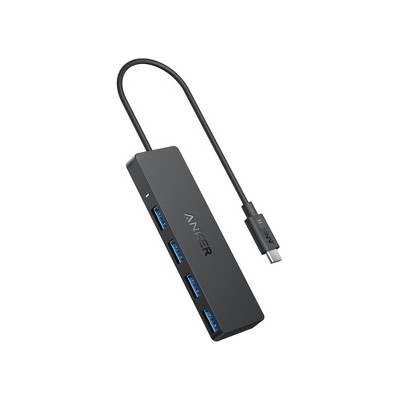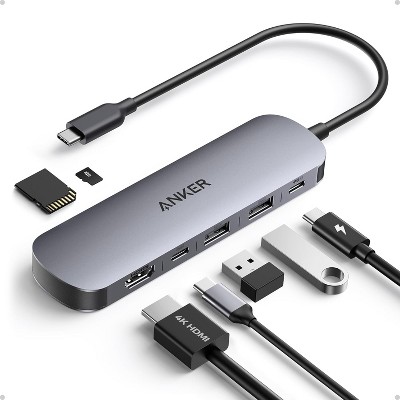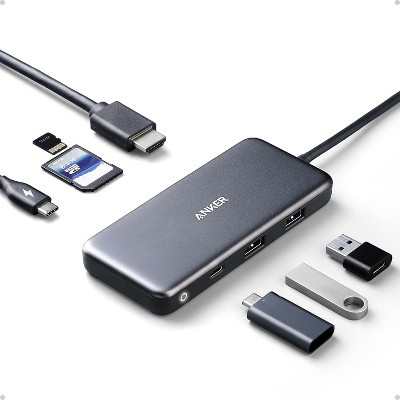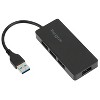
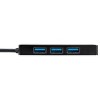
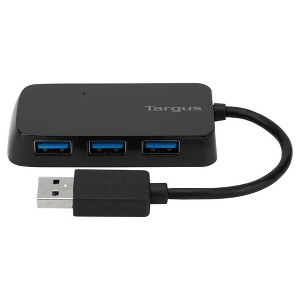
USB 3.0 provides transfer speeds up to 10 times faster than USB 2.0
Connect a mouse, keyboard, flash drive, or charge your smartphone
Overcurrent protection prevents short circuits and electrical current overload
Windows and Mac OS compatible
Description
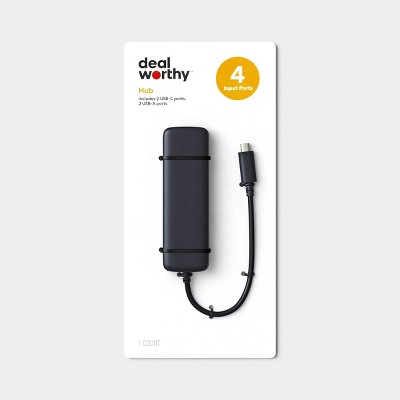
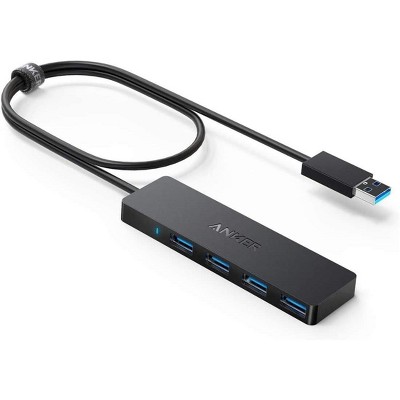
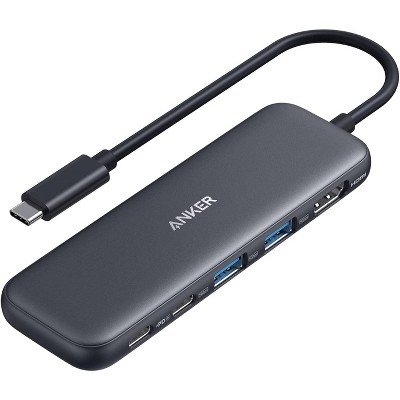
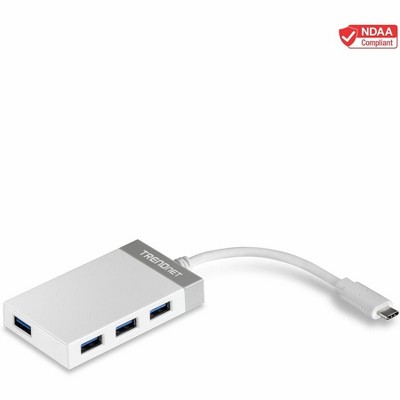
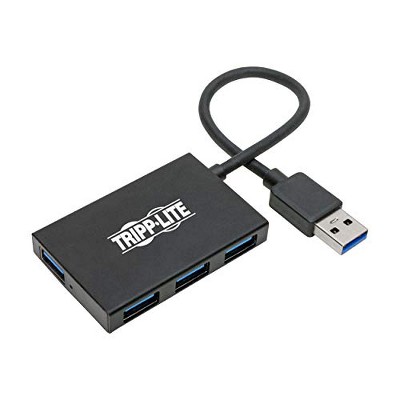
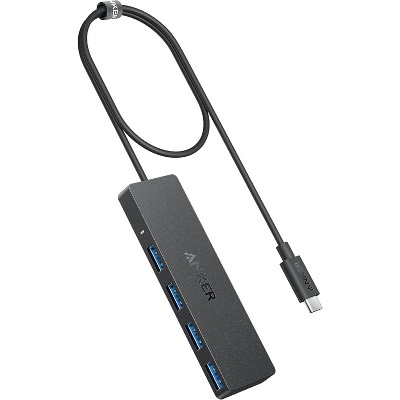
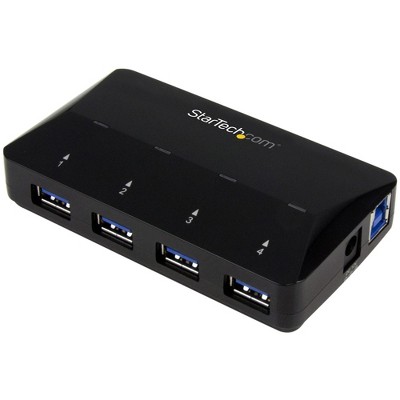
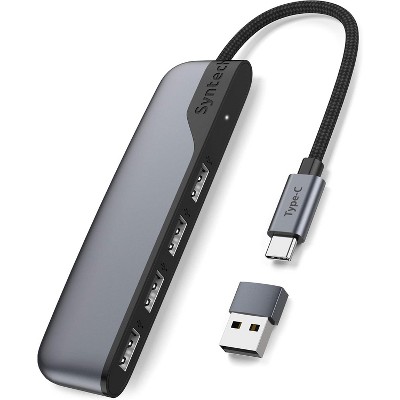
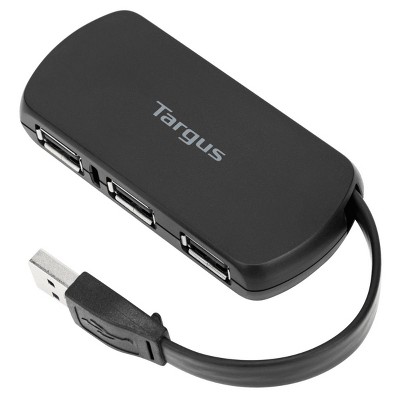
Turn one USB port into four with the Targus USB 3.0 4-Port Hub. To connect to more, simply plug in up to four peripherals in the USB ports and connect the tethered USB cable into your computer's USB 3.0 port. This hub provides transfer speeds up to 10 times faster than USB 2.0. And its compact design makes it easy to take it along with you anywhere you go. Overcurrent protection prevents short circuits and electrical current overload.
Note: Defaults to USB 2.0 data transmission rate when plugged into a USB 2.0 port.
Dimensions (Overall): 1.7 Inches (H) x 7.65 Inches (W) x 5.75 Inches (D)
Weight: .18 Pounds
Number of USB ports: 4
Data Transfer Rate: 400 Mbps
Warranty: 1 Year Limited Warranty. To obtain a copy of the manufacturer's or supplier's warranty for this item prior to purchasing the item, please call Target Guest Services at 1-800-591-3869
TCIN: 17150605
UPC: 092636307653
Item Number (DPCI): 056-00-0214
Origin: Imported
If the item details aren’t accurate or complete, we want to know about it.
Shipping details
Estimated ship dimensions: 7.13 inches length x 5.04 inches width x 1.83 inches height
Estimated ship weight: 0.17 pounds
Return details
This item can be returned to any Target store or Target.com.
This item must be returned within 30 days of the date it was purchased in store, delivered to the guest, delivered by a Shipt shopper, or picked up by the guest.
A: Hello Matt, thanks for stopping by Target.com! Regarding your question about the Targus 4 Port USB Hub requiring an AC power adapter; This device does not require a separate power supply to function. It only requires a USB connection. If you have any additional questions, please do not hesitate to contact MyTGT Tech at 877-698-4883, every day, between 7am-9pm CST.
submitted byKathryn - 9 years ago
Target expert support
A: i bought one hoping to connect it through the usb port on my apple charging cube, and it wouldn't charge my ipad or iphone--though it lit up. Returned it for something else.
submitted byreviewer - 4 years ago
A: It does not have an AC cord, and my chat with Targus recommends not plugging in anything but very low power draw devices "thumb drives and low power devices such as mice and keyboards" "The maximum output on each port is 900 mA (0.9 Amps)."
submitted byPearl - 9 years ago
A: TGT Tech is accurate that no power cord is needed.
submitted byBing24 - 7 years ago
A: If you have an adapter which will let you plug USB into the charging area, it should work. You can connect many things including keyboards and mice. It also work wells with anything which only need a little bit of power.
submitted byMax - 9 years ago
A: This device does not require a separate power supply to function. It only requires a USB connection. If you have any additional questions, please give us a call 24/7 at our toll-free number 866-721-4805.
submitted byTargus Customer Support - 6 years ago
Q: Does this work for ps4?
submitted by Kayden - 6 years ago
A: Hi, Kayden! Regarding your question about the Targus 4 Port USB Hub: It should work normally on PlayStation 4. If you have any additional questions, please do not hesitate to contact MyTGTtech at 877-698-4883 every day, between 7am-11pm CST.
submitted byOrlando - 6 years ago
Target expert support
A: I apologize, this would not work with a PS4. This device is designed for a laptop with a Windows or Mac OS.
submitted byTargus Customer Support - 6 years ago
Q: Does this work in an automobile?
submitted by scbuie - 7 years ago
A: I apologize, this device is designed to be used with a laptop with a Windows or Mac OS.
submitted byTargus Customer Support - 6 years ago
A: Hi, scbuie! Regarding your question about the Targus® 4 Port USB Hub: This would not work in a car. If you have any additional questions, please do not hesitate to contact MyTGTtech at 877-698-4883 every day, between 7am-11pm CST.
submitted byIvan - 7 years ago
Target expert support
Q: Could I use this to charge a cell phone or bluetooth ear bud?
submitted by Grego61 - 8 years ago
A: This unit features data transfer and charging. You would be able to charge any USB 3.0 device.
submitted byTargus Customer Support - 6 years ago
A: Hi, Grego61! Regarding your question about the Targus® 4 Port USB Hub: Absolutely! It can do both device charging and data transfer. If you have any additional questions, please do not hesitate to contact MyTGTtech at 877-698-4883.
submitted byOrlando - 8 years ago
Target expert support
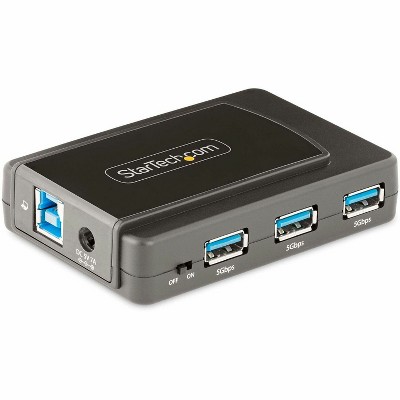
Q: The description says its a 4 port hub, yet the picture shows only 3. Please advise
submitted by Kari226 - 8 years ago
A: The hub has one of the ports on the back side of the device. If you have any additional questions, please give us a call 24/7 at our toll-free number 866-721-4805.
submitted byTargus Customer Support - 6 years ago
A: Hi, Kari226! Regarding your question about the Targus® 4 Port USB Hub: The hub has one of the ports on the back side of the device. If you have any additional questions, please do not hesitate to contact MyTGTtech at 877-698-4883, every day, between 7am-11pm CST.
submitted byOrlando - 8 years ago
Target expert support
Q: Will this work on a iPad Pro
submitted by 0234 - 9 years ago
A: I apologize, this device is designed to be used with a laptop with a Windows or Mac OS. However, it will be able to charge the iPad through one of the ports.
submitted byTargus Customer Support - 6 years ago
A: Yes! plug in and it will power an iPad
submitted byBing24 - 7 years ago
Q: Will this work with a Samsung device?
submitted by Erica Adamick - 7 months ago
A: Hi, thanks for reaching out about Targus 4 Port USB Hub: High-Speed 400 Mbps Multiport Extender.
Whether the Targus 4-Port USB Hub works with your Samsung device depends on what type of Samsung product you have (a laptop vs. a phone/tablet) and which cable you are using.
1. If you have a Samsung Laptop (Galaxy Book)
Yes, it will work perfectly. Since Samsung laptops have standard USB ports and run Windows, this hub is "plug-and-play." You can use it to connect a mouse, keyboard, or flash drive immediately.
Speed Note: If you are looking at the standard ACH114 model, it is a USB 2.0 hub. This means it is great for accessories but will be slow if you are trying to move large files from an external hard drive.
2. If you have a Samsung Phone or Tablet (Galaxy S/Tab)
Yes, but you will need an adapter. Most Samsung mobile devices use a USB-C port, but this Targus hub has a traditional rectangular USB-A plug. To make them talk to each other, you have two options:
Option A: Use a USB-C to USB-A (OTG) adapter. You plug the hub into the adapter, and the adapter into your phone.
Option B: If you haven't bought it yet, look for the Targus USB-C 4-Port Hub (ACH226) instead. It plugs directly into your Samsung phone or tablet without needing an extra piece.
If you have any additional questions, we welcome you to contact MyTGTtech at 833-848-8324 every day, between 7am-11pm CST.
submitted byJoe - 7 months ago
Target staff support
Q: WILL IT WORK IN MY CAR FOR CAR PLAY
submitted by FR - 9 months ago
A: Hi, thanks for reaching out about Targus 4 Port USB Hub: High-Speed 400 Mbps Multiport Extender
No, the Targus 4 Port USB Hub is unlikely to work for CarPlay because CarPlay requires a direct, stable connection to the car's infotainment system. USB hubs, especially unpowered ones, can introduce power and data transfer issues that prevent CarPlay from connecting.
If you have any additional questions, we welcome you to contact MyTGTtech at 833-848-8324 every day, between 7am-11pm CST.
submitted byJustin - 9 months ago
Target expert support
Q: Will this work on a tv to run a digital antenna and a Roku?
submitted by Sheri - 10 months ago
A: Hi, thanks for reaching out about Targus 4 Port USB Hub: High-Speed 400 Mbps Multiport Extender
To better understand your individual needs, we welcome you to contact MyTGTtech at 833-848-8324 every day, between 7am-11pm CST.
submitted byMike - 10 months ago
Target expert support
Q: I am looking for a hub that will plug into a USB 3.2 Gen 2 port. Will this work?
submitted by Newtech - 1 year ago
A: Thank you for your question! This hub will work when connected to a USB 3.2 Gen 2 port, since the ports are backward-compatible. Please note, though, that the hub itself is designed for standard USB speeds and won’t take advantage of the higher transfer rates that Gen 2 can provide. It’s a good option for everyday devices like a mouse, keyboard, or flash drive.
For more details or help finding a hub that supports faster transfer speeds, our customer support team is happy to assist at 1-877-482-7487 or us.support@targus.com
The USB 3.0 4-port hub is a versatile solution for guests needing extra connectivity for their devices. It allows for easy connection of multiple peripherals, making it ideal for home offices, gaming setups, or on-the-go use. While many guests appreciate its compact design and functionality, some have experienced issues with power delivery and device recognition. Overall, it serves as a practical addition for anyone looking to expand their USB capabilities.
Summary created by AI from text of reviews reflecting recent feedback provided across different star ratings (includes incentivized reviews)
4.1
4.1 out of 5 stars
171 star ratings
4.1 out of 5 stars with 171 reviews
quality
3.9 out of 5
quality: 3.88 out of 5
value
3.8 out of 5
value: 3.81 out of 5
68% would recommend
29 recommendations
5 out of 5 stars
Thumbs up graphic, would recommendWould recommend
28 March, 2026Verified purchase
4 Port USB
love the 4 extra USB ports
Chipper
quality
5.0 out of 5
quality: 5 out of 5
value
5.0 out of 5
value: 5 out of 5
Did you find this review helpful?
5 out of 5 stars
26 March, 2026Verified purchase
(no review title)
This is so awesome I love it
Melissa
quality
5.0 out of 5
quality: 5 out of 5
value
5.0 out of 5
value: 5 out of 5
Did you find this review helpful?
5 out of 5 stars
14 January, 2026Verified purchase
(no review title)
Great
Talissa
Did you find this review helpful?
5 out of 5 stars
30 December, 2025Verified purchase
(no review title)
It works as expected!
Fran
Did you find this review helpful?
4 out of 5 stars
Thumbs up graphic, would recommendWould recommend
29 December, 2025Verified purchase
(no review title)
Has a good solid 4 sub ports and good for a console like. A ps5
Dylan
quality
4.0 out of 5
quality: 4 out of 5
value
5.0 out of 5
value: 5 out of 5
Did you find this review helpful?
4 out of 5 stars
Thumbs up graphic, would recommendWould recommend
25 December, 2025Verified purchase
Great laptop accessory
Very helpful for working at home. Ports are a little tight.
Gardenpixie
quality
5.0 out of 5
quality: 5 out of 5
value
5.0 out of 5
value: 5 out of 5
Did you find this review helpful?
5 out of 5 stars
20 December, 2025Verified purchase
(no review title)
Works well
Michael
Did you find this review helpful?
5 out of 5 stars
Thumbs up graphic, would recommendWould recommend
22 September, 2025Verified purchase
Amazing 4 port usb extension
It works amazing for plugging in 4 more USB ports
4 point usb port extender
quality
5.0 out of 5
quality: 5 out of 5
value
5.0 out of 5
value: 5 out of 5
Did you find this review helpful?
1 out of 5 stars
24 July, 2025Verified purchase
No
Did not get my item and won’t give me a refund
1 reply from Targus Team team - 1 year ago
We’re very sorry to hear you didn’t receive your item—that’s understandably frustrating. While Targus does not handle order fulfillment or refunds directly for Target purchases, we recommend reaching out to Target Guest Services for help with missing items or refund concerns. If there’s anything we can assist with regarding the product itself or a warranty concern, feel free to contact us at 877‑482‑7487.
Nk
Did you find this review helpful?
4 out of 5 stars
17 March, 2024Verified purchase
Feels cheap but it worked for me
There are a lot of reviews saying that this didn’t work. It worked for me, but when I took it out of the plastic I immediately felt how cheaply made this thing is. It doesn’t feel sturdy like you’d get with something from Logitech, for example. So I’m not at all surprised that a fair number are defective. If you get one that works it’ll be fine. If not, it’d probably be easy to exchange it. I knocked one star off bc the cord between the usb plug and the hub is very short (~4”) & stiff so it doesn’t lie nicely on top of the computer. Awkward, but it works for my purposes.
EMcG
quality
3.0 out of 5
quality: 3 out of 5
value
4.0 out of 5
value: 4 out of 5
6 guests found this review helpful. Did you?
5 out of 5 stars
Thumbs up graphic, would recommendWould recommend
7 March, 2024Verified purchase
Good hub
Good price its small and dosent take up much space
Aaron H
Did you find this review helpful?
5 out of 5 stars
Thumbs up graphic, would recommendWould recommend
10 June, 2023
Works as it should
Just what I needed to allow me to work comfortably from my living room when I need a change of scenery from my office. I was able to plug in my wireless keyboard, mouse and headset with no issues.
Ybnvus
value
5.0 out of 5
value: 5 out of 5
quality
5.0 out of 5
quality: 5 out of 5
4 guests found this review helpful. Did you?
1 out of 5 stars
Thumbs down graphic, would not recommendWould not recommend
22 April, 2023Verified purchase
Did Not Charge Anything
Didn’t work. Returning. This might only work for items for your computer but then it doesn’t hold the charge anyways.
1 reply from Targus Team team - 3 years ago
We are sorry to hear the 4 Port USB Hub is not working as expected. May I ask what you are trying to charge with it and what was not holding a charge? Our customer support team is available to help you. They can be reached at 877-482-7487 Monday thru Friday 10 AM to 7 PM EST.
Klr
value
1.0 out of 5
value: 1 out of 5
quality
1.0 out of 5
quality: 1 out of 5
4 guests found this review helpful. Did you?
1 out of 5 stars
6 April, 2023
originally posted on Targus
horrable product
bought it and if i have more then 1 thing plug into it, it does not work. i checked and im not putting to much power into it. i use a USB bluetooth for headset, xbox controller, and small USB drive. non work on it. only had it for about 3 months
1 reply from Targus Support team - 3 years ago
We are sorry to hear that the hub has stopped working for you. Please be sure that all updates have been done to your laptop as that can sometimes affect these things. I also am glad to see that a customer support representative has assisted you. If you have any further questions or concerns please feel free to contact us at 877-482-7487 Monday thru Friday 10 AM to 7 PM EST.
badthor
4 guests found this review helpful. Did you?
1 out of 5 stars
25 February, 2023
originally posted on Targus
Wont stay on
I bought this 2 days ago it wont stay on i lose power to all my keyboard mouse , mouse pad and mic. It will not stay on i do not recommend this.
1 reply from Targus Support team - 4 years ago
This could be due to what you have attached to the hub. A standard USB 3.0 port provides 900mA. If you are plugging it into a standard USB 3.0 port it will divide that amongst the 4 devices plugged into the USB output ports. So, if you have a device that uses 500mA then the other 3 devices will only be able to get 400mA provided to them to share. This hub also has overcurrent protection so it will shut off if more power than it supports is being requested.
Iamkkalebb
2 guests found this review helpful. Did you?
1 out of 5 stars
1 January, 2023
originally posted on Targus
Does NOT Work
Plug it in and the blue light is lit up. Plug a device into it and the device is not recognized. I tried plugging it in different spots but it just does not work.
1 reply from Targus Support team - 4 years ago
One of our customer support representatives will be reaching out to you shortly to assist you with this. You can also contact them at 877-482-7487 Monday thru Friday 10 AM to 7 PM EST.
Mar
1 guest found this review helpful. Did you?
1 out of 5 stars
Thumbs down graphic, would not recommendWould not recommend
29 December, 2022
No Power
Bought this to charge two phones and it does not push any power. A waste of money.
1 reply from Targus Team team - 4 years ago
A few questions, in what device do you have this USB hub plugged in? What devices are you trying to charge? Please contact our customer support team at 877-482-7487 Monday thru Friday 10 AM to 7 PM EST they will be happy to help you.
Bob
1 guest found this review helpful. Did you?
5 out of 5 stars
Thumbs up graphic, would recommendWould recommend
21 December, 2022Verified purchase
Durable
durable and good material
Mr Frost
value
5.0 out of 5
value: 5 out of 5
quality
5.0 out of 5
quality: 5 out of 5
1 guest found this review helpful. Did you?
1 out of 5 stars
Thumbs down graphic, would not recommendWould not recommend
7 December, 2022Verified purchase
Didn't work
Didn't work with my USB headset.
1 reply from Targus Team team - 4 years ago
Did you have anything other than the headset plugged in to the Hub? What application are you trying to use the headset with? Please contact our customer support team at 877-482-7487 Monday thru Friday 10 AM to 7 PM EST. They would be happy to look into this further with you.
Lacey
value
1.0 out of 5
value: 1 out of 5
quality
1.0 out of 5
quality: 1 out of 5
Did you find this review helpful?
1 out of 5 stars
Thumbs down graphic, would not recommendWould not recommend
8 September, 2022
Stay away from this!
If I try and use 2 devices at the same time (a face cam and a capture card) my face cam stops working until I close the capture card.
1 reply from Targus Team team - 4 years ago
This could be due to the power requirements of the devices that you are using with the 4 Port Hub. The hub is not powered so it all depends on the input from it gets from the computer. A standard USB 3.0 port provides 900mA. If they are plugging it into a standard USB 3.0 port it will divide that amongst the 4 devices plugged into the USB output ports. I would recommend checking the power needs of the devices. If you have any questions please call us at 877-482-7487 Monday thru Friday 10 AM to 7 PM EST.