Motion sensor lights use several common power options: solar panels (typical for outdoor flood/spot models); hardwired line power (for permanent wall fixtures); built-in rechargeable batteries with USB charging (common in light bars and puck/strip lights); and replaceable disposable batteries (for example, 3×AAA in many portable models).
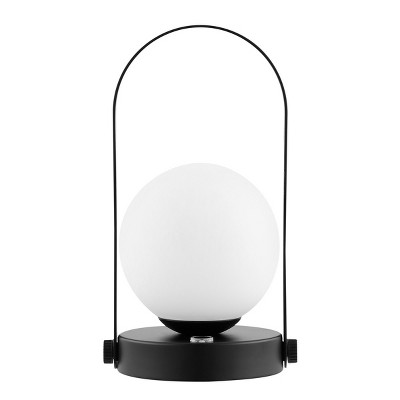
Installation varies by model: many solar and battery-powered units include stakes or screw-in mounting hardware for tool-free placement; rechargeable bars and puck lights often use adhesive strips or magnets for stick-on mounting; portable lantern-style fixtures may hang or sit on surfaces; and permanent outdoor/indoor fixtures are hardwired and require wiring to junction boxes. Always follow the product instructions for secure mounting and local electrical codes for hardwired installs.
Common modes include Auto (motion-activated), On (always on), and Off. Other frequent options are dusk-to-dawn operation (only active at night), selectable Always-On vs. Auto motion mode, and dimmable or multi-level outputs (examples show presets like 20%, 50%, and 100% or dual-level motion-triggered brightness). Check the product spec for available modes and how to switch them.
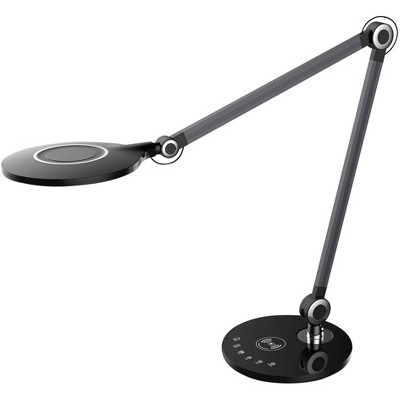
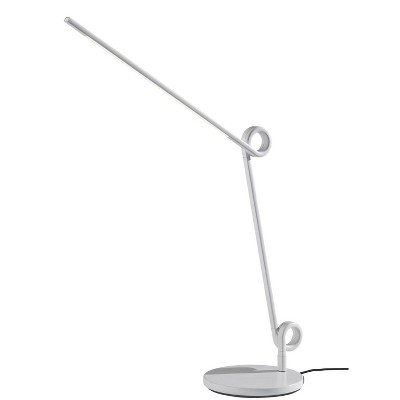
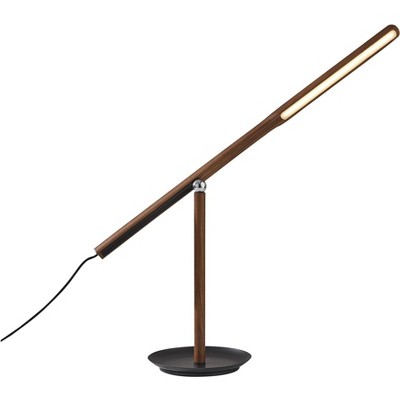
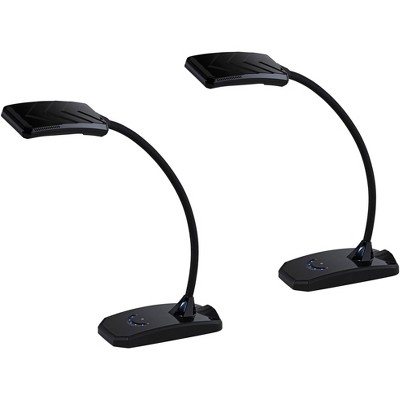
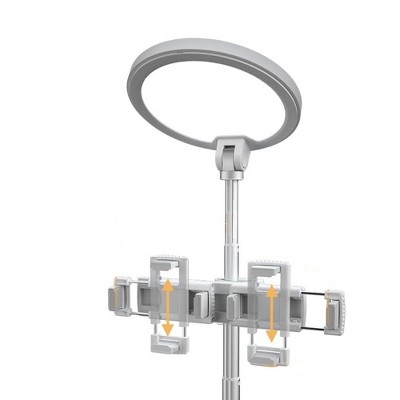
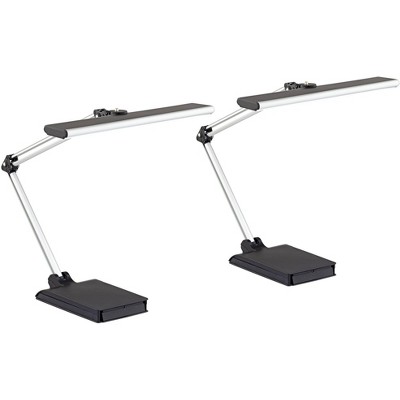
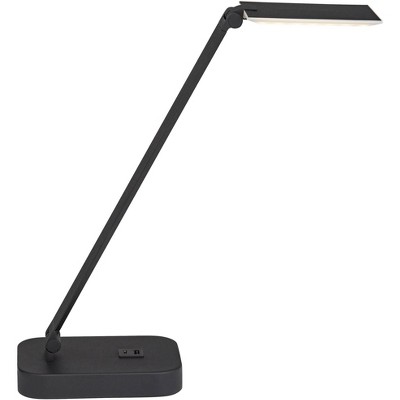
Many models include adjustable features to aim light where needed: multi-panel heads that tilt and swivel, swivel joints that rotate up to about 180°, rotating bases or magnetic mounts that allow 360° orientation (common on puck lights), and telescoping or pivoting arms. These features let you direct illumination and fine-tune coverage after installation.
Brightness across listings ranges widely — roughly 50 up to about 1,100 lumens depending on the model. Color temperatures shown include 4000K, 5000K, 6000K and 6500K. Compare lumen output and listed color temperature to match the light level and color you want for your space.
Auto-off delays vary by product. Examples in listings include about 20 seconds for some light bars and roughly 23 seconds for some puck-style lights; other fixtures simply state the light turns off after motion stops without specifying a delay. If a specific timeout matters to you, check the product spec or user controls for adjustable delay settings.