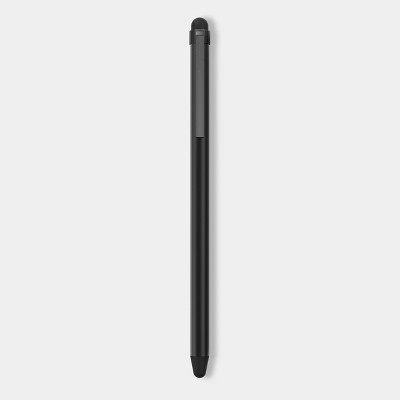
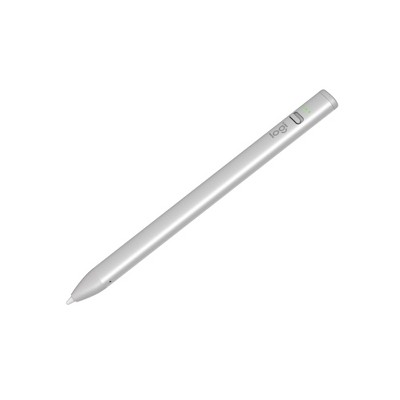
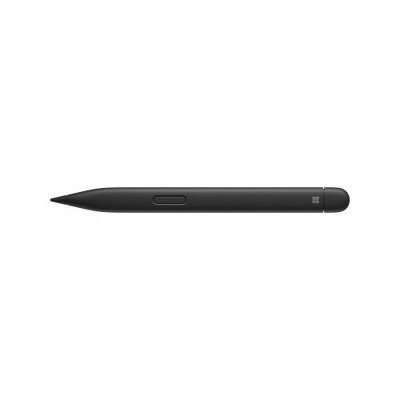
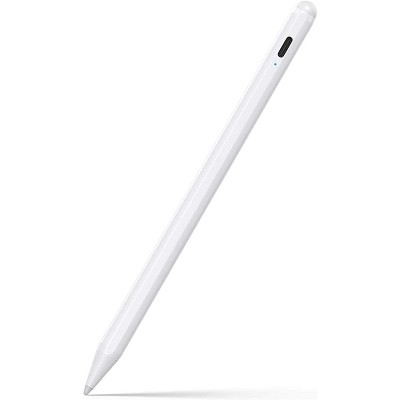
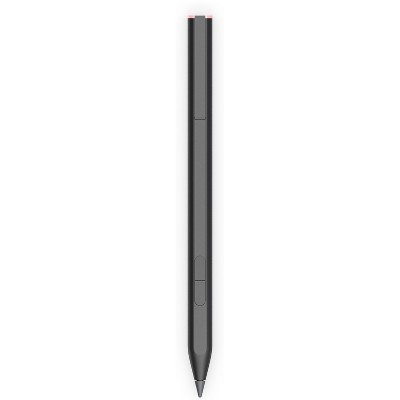
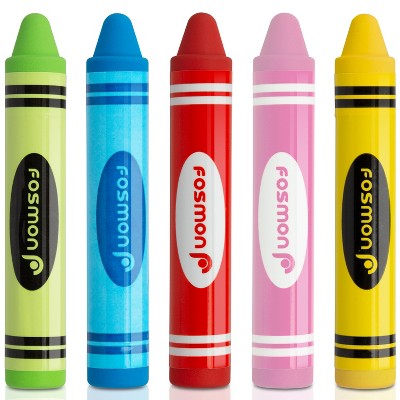
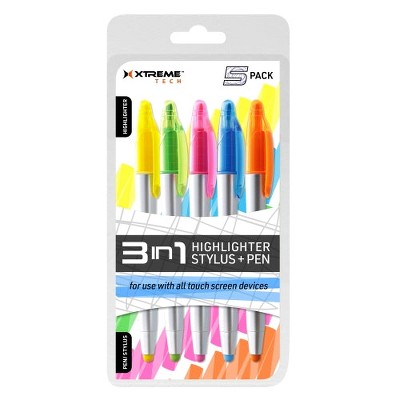
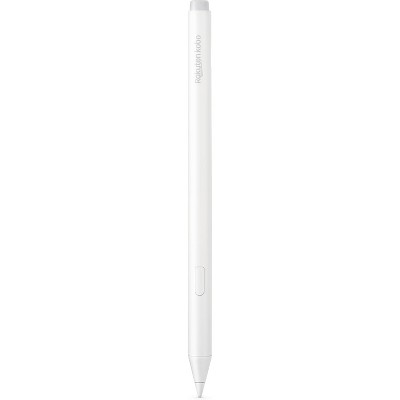
Palm rejection prevents the iPad from treating your palm as touch input, so you can rest your hand on the screen while using the stylus. The product text states this allows you to rest your palm without interference and to write as smoothly as you would on paper.
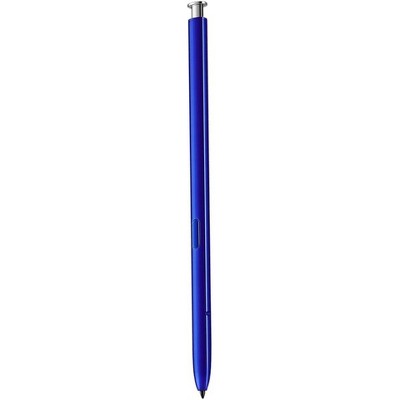
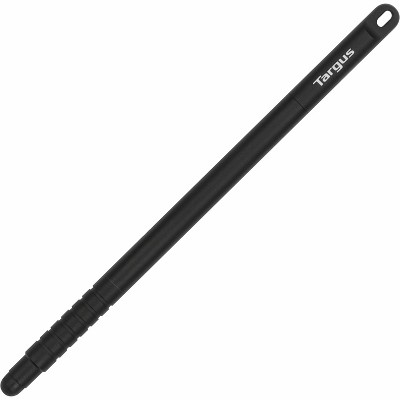
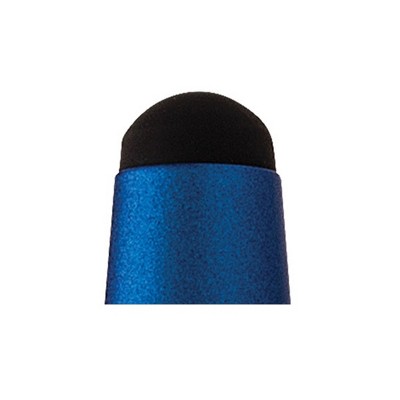
Listings specify a 1.2 mm fine-point POM tip that claims pixel-level precision and supports tilt shading. Descriptions also note the POM tip is durable for pen-like drawing and writing.
According to the listings, the styluses are touch-activated and do not require drivers or a Bluetooth connection to function. In other words, they operate directly via touch and do not need pairing or additional software per the product descriptions.
Product details list charging/runtime figures—"charge 90 minutes for about 10 hours of continuous use and up to 90 days standby"—but another note says "Battery: No Battery Used." This contradiction means you should confirm the battery and charging specs on the specific product page before buying.
Descriptions mention an antimicrobial surface finish containing an additive identified as "Silver Phosphate Glass (nano-)." Materials listed include plastic bodies and a POM tip.
Listings describe an automatic Sleep Mode that activates after about 5 minutes of idle time. They also cite charging/runtime figures: roughly 90 minutes of charging for about 10 hours of continuous use and up to 90 days standby.
They advertise a 1.2 mm fine-point POM tip for pixel-level precision, support for tilt shading, and describe the POM tip as durable for accurate, pen-like drawing and writing.