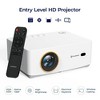
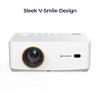
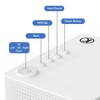
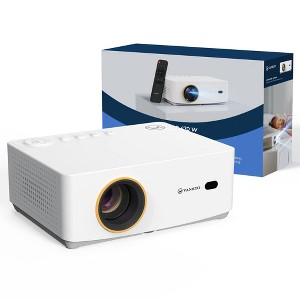
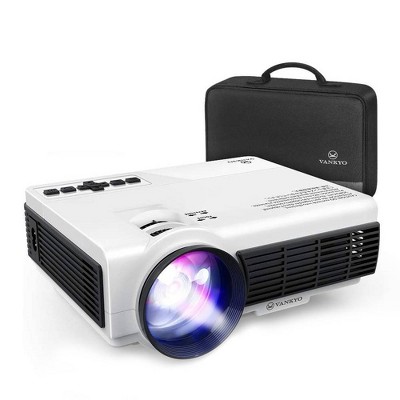
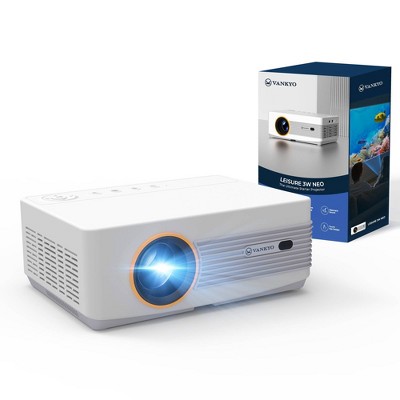
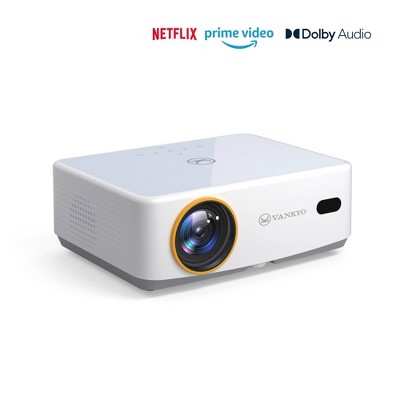
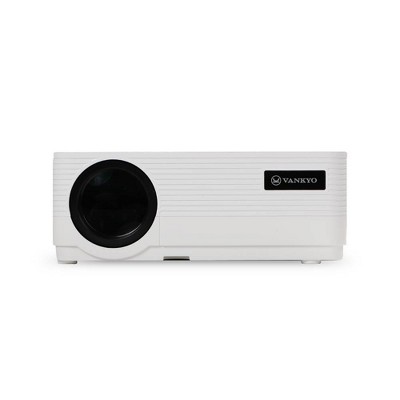
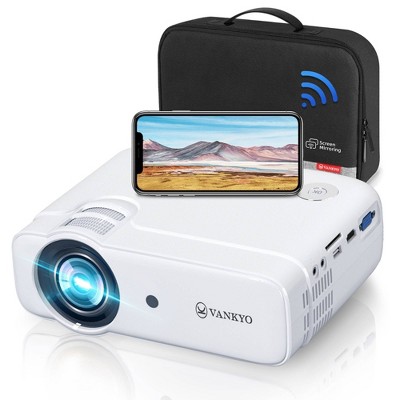
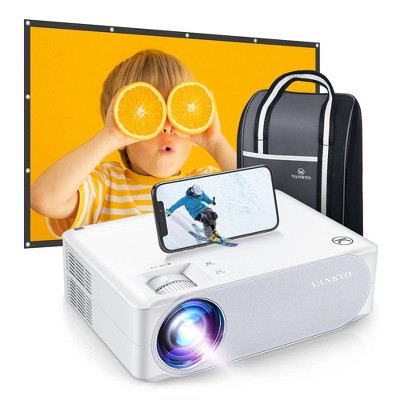
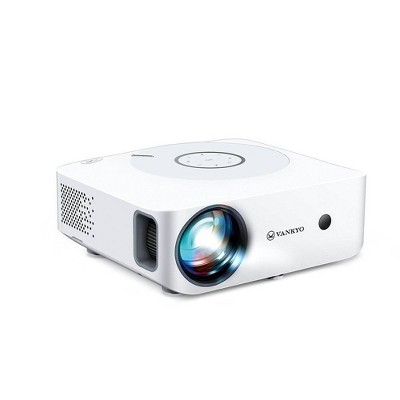
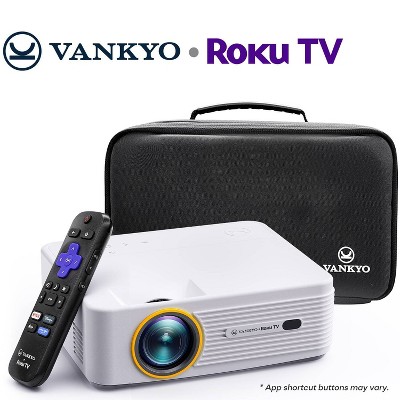
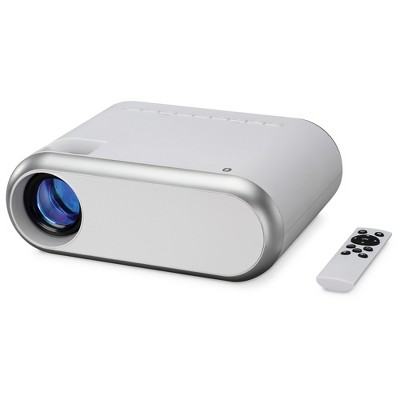
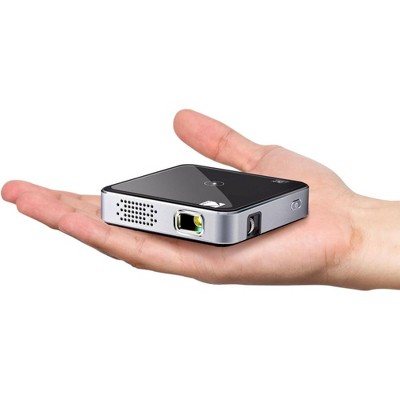
Vankyo Leisure 470W 720P Portable Projector with Wireless Connectivity: Adjustable Focus, HDMI Connection, 20000 Hour Bulb Life
$99.99
In Stock
Find alternative
- $129.99reg $149.99 Sale
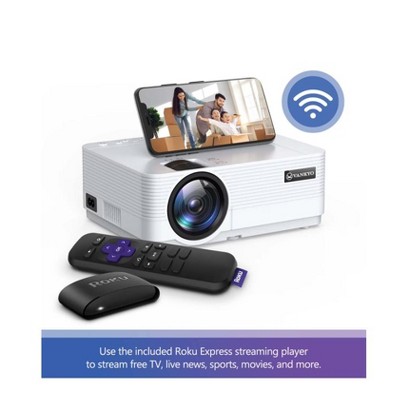
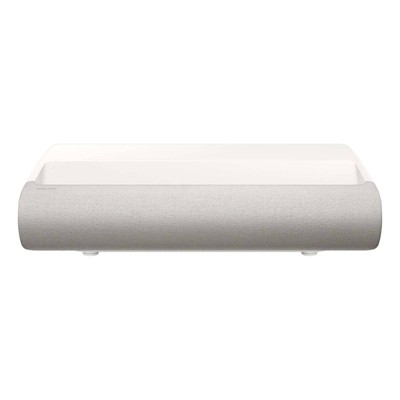
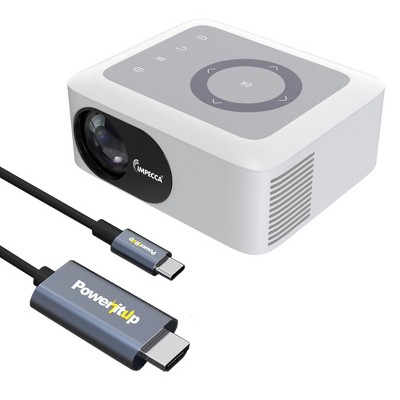
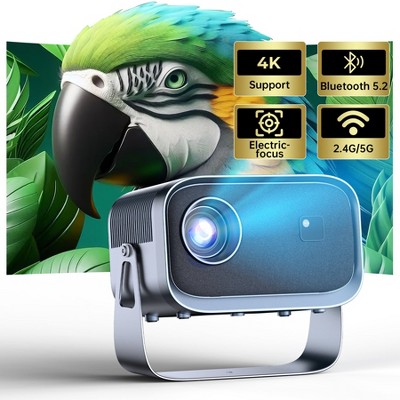
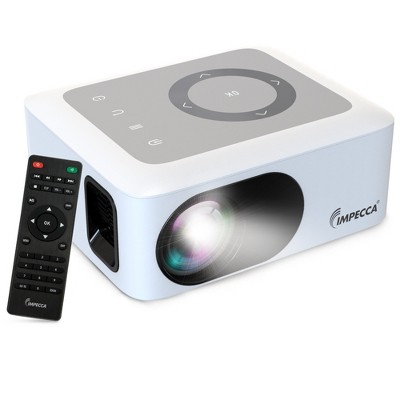
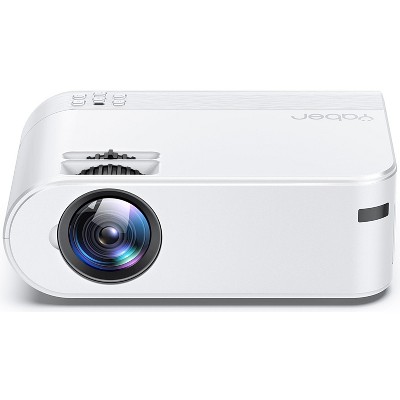
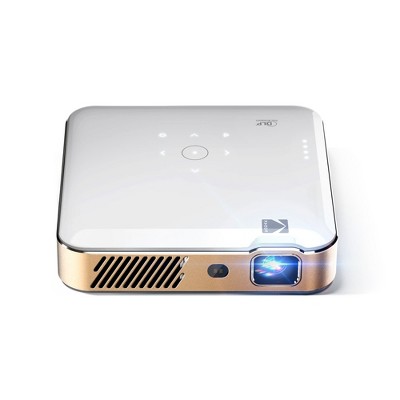
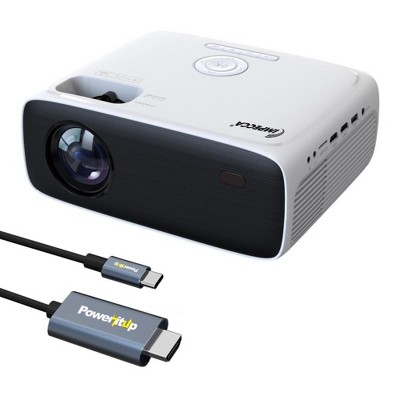
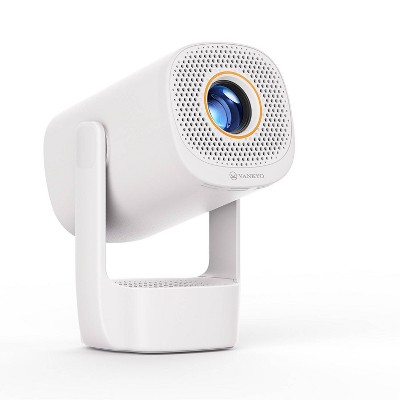
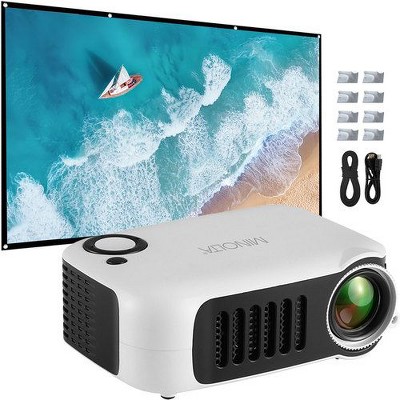
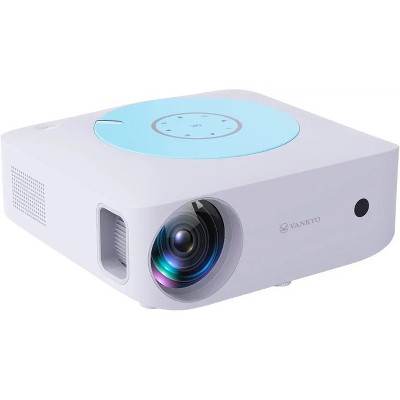
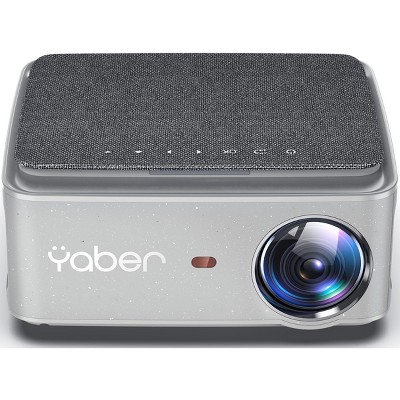
Eligible for registries and wish lists
About this item
Additional product information and recommendations
Frequently bought together
- $399.99 - $549.99



Guests also viewed

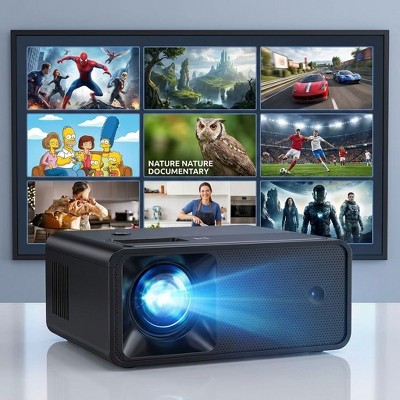
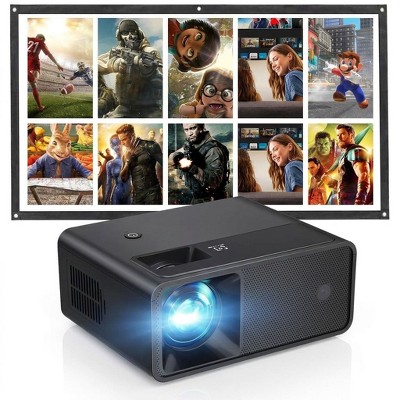
Guests are saying
The Vankyo Leisure 470W projector offers a budget-friendly option for casual movie nights and presentations, with features like wireless streaming and easy setup. Guests appreciate its portability and decent picture quality in dark environments, making it suitable for outdoor use. However, some have experienced issues with connectivity and brightness in well-lit rooms. Overall, it serves well for informal use, especially for those looking for an affordable projector solution.
Summary created by AI from text of reviews reflecting recent feedback provided across different star ratings (includes incentivized reviews)
3.3 out of 5 stars with 66 reviews
ease of use: 4.15 out of 5
features: 3.56 out of 5
quality: 3.38 out of 5
value: 3.53 out of 5
56% would recommend
41 recommendations
1 out of 5 stars
Thumbs down graphic, would not recommend
24 August, 2026Verified purchase
Blurry
The picture was blurry with no way to adjust the focus
1 reply from Vankyo Team team - 28 days ago
Brand Response from Vankyo Team We’re sorry the product didn’t meet your expectations. You can use the Focus button on the remote control to manually adjust the focus. If the focus is still not satisfactory, please make sure the projector is positioned directly facing the wall or screen and try adjusting the distance between the projector and the wall. For the best image quality, we also recommend using the projector in a dark or dimly lit environment. Your product is covered by a 1-year warranty, and please feel free to contact our customer service team for further support. Please reach out to us via support@ivankyo.com. We are more than happy to assist you further. Our standard for responding to email quests is less than 24 working hours, and we look forward to hearing from you!
5 out of 5 stars
Thumbs up graphic, would recommend
29 May, 2026Verified purchase
Projector review
Easy to use
3 out of 5 stars
Thumbs down graphic, would not recommend
18 May, 2026Verified purchase
6month life
It worked great for about few months and now it has a dull orange hue in the middle on the picture. It looks as though a bulb burnt out but you can’t replace the bulb because it’s a built in LED.
1 reply from Vankyo Team team - 4 months ago
Brand Response from Vankyo Team We sincerely apologize for the inconvenience caused. Your product is covered by a 1-year warranty, and please feel free to contact our customer service team for further support. Please reach out to us via support@ivankyo.com. We are more than happy to assist you further. Our standard for responding to email quests is less than 24 working hours, and we look forward to hearing from you!
5 out of 5 stars
Thumbs up graphic, would recommend
8 May, 2026Verified purchase
WORTH THE INVESTMENT
omg such a great projector for the price, great picture, easy to use, amazing quality
5 out of 5 stars
Thumbs up graphic, would recommend
6 April, 2026Verified purchase
Pretty awrsonr
Pretty sick. It’s portable, easy to set up and works really nice. It works well on a blank wall so you don’t really need a projector sheet. You share play on your phone.
3 out of 5 stars
Thumbs down graphic, would not recommend
5 March, 2026Verified purchase
Get a tv instead
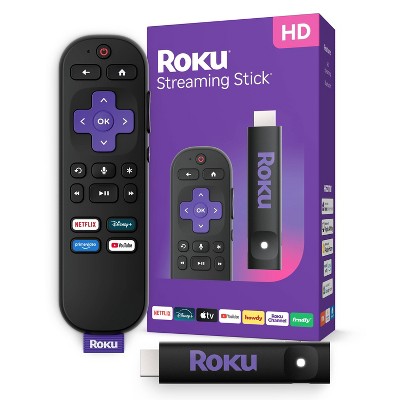
I cannot get this thing to stream. I am unable to screen mirror from my iPhone. I bought a Roku streaming stick and it’s not working either. Disney+ won’t recognize the internet and the other apps just don’t load. I’m extremely upset. This is getting returned and I’m buying a tv instead.
2 out of 5 stars
Thumbs down graphic, would not recommend
4 March, 2026
(no review title)
Recommend another product. While the projector is ok, I’m finding there are better products for the same price. The plastic s even broke on our first use and the company is refusing to replace the part.
1 reply from Vankyo Team team - 7 months ago
Brand Response from Vankyo Team We sincerely apologize for the inconvenience caused. From the photo you provided, this part does not appear to be an accessory of this projector model. Our products come with a 1-year warranty, and if you can provide the purchase invoice, customer service will usually be able to assist you further. Our standard for responding to email quests is less than 24 working hours, and we look forward to hearing from you! Brand Response from Vankyo Team
5 out of 5 stars
Thumbs up graphic, would recommend
6 February, 2026
Good for casual movie nights
I use this projector mostly for movies and YouTube, and it’s been working well. It turns on every time, focus is easy to adjust, and the picture looks fine once the room is dark. For the price, I really can’t complain.
1 out of 5 stars
Thumbs down graphic, would not recommend
1 February, 2026Verified purchase
Does Not Work
Does not work, did not connect to Blue Tooth
1 reply from Vankyo Team team - 8 months ago
Brand Response from Vankyo Team We sincerely apologize for the inconvenience caused. Please make sure you are following the steps in the user manual to connect the projector via Bluetooth. Your product is covered by a 1-year warranty, and please feel free to contact our customer service team for further support. Please reach out to us via support@ivankyo.com. We are more than happy to assist you further. Our standard for responding to email quests is less than 24 working hours, and we look forward to hearing from you!
2 out of 5 stars
Thumbs down graphic, would not recommend
27 December, 2025Verified purchase
(no review title)
It worked for a month then it slowly become bad quality and remote stopped working, and then the system itself started over heating. Overall cool for like a budget projector that isn’t going to be used as a tv but if you’re getting it for like your everyday projector don’t. Not worth it.
1 reply from Vankyo Team team - 9 months ago
Brand Response from Vankyo Team We really appreciate your feedback to make this item better. I would like to present our deepest apologies for all the inconvenience. We are dedicated to ensuring your 100% satisfaction. Please reach out to us via support@ivankyo.com. We are more than happy to assist you further. We offer a warranty for this product, plus lifetime technical support. Our standard for responding to email quests is less than 24 working hours, and we look forward to hearing from you!
1 out of 5 stars
Thumbs down graphic, would not recommend
25 December, 2025
Waste of money
Terrible purchase, image is super blurry and weak, it's not easy to adjust, the only thing that works is YouTube, none of the others app connected with it. Don't waiste your money and time
1 reply from Vankyo Team team - 9 months ago
Brand Response from Vankyo Team We really appreciate your feedback to make this item better. I would like to present our deepest apologies for all the inconvenience. We are dedicated to ensuring your 100% satisfaction. Please reach out to us via support@ivankyo.com. We are more than happy to assist you further. We offer a warranty for this product, plus lifetime technical support. Our standard for responding to email quests is less than 24 working hours, and we look forward to hearing from you!
1 out of 5 stars
Thumbs down graphic, would not recommend
21 December, 2025Verified purchase
Don't buy!
The projector has a very weak picture quality unless the room is very dark. It also has horrible color and tone of projected images even with adjustments. Not worth buying.
1 reply from Vankyo Team team - 9 months ago
Brand Response from Vankyo Team We really appreciate your feedback to make this item better. I would like to present our deepest apologies for all the inconvenience. We are dedicated to ensuring your 100% satisfaction. Please reach out to us via support@ivankyo.com. We are more than happy to assist you further. We offer a warranty for this product, plus lifetime technical support. Our standard for responding to email quests is less than 24 working hours, and we look forward to hearing from you!
5 out of 5 stars
Thumbs up graphic, would recommend
5 December, 2025
Amazed with the Clarity!
I’m so impressed with the quality of this projector & the kiddos LOVE it! The video is crisp and image is well lite. The wireless feature is a huge advantage for easy set up & use! Overall, this projector exceeded my expectations - would recommend!!!
1 reply from Vankyo Team team - 9 months ago
Thank you for your support. We are super excited to provide something that betters your life. We promise to continue striving to exceed your expectations! Remember, your device comes with an warranty, and anytime you need help, just let us know. Email:support@ivankyo.com
5 out of 5 stars
Thumbs up graphic, would recommend
5 December, 2025
Great little projector!
A great little projector!! Easy to use and travel with. Will be gifting to a couple of friends and family members this Christmas!
1 reply from Vankyo Team team - 9 months ago
Thank you for your support. We are super excited to provide something that betters your life. We promise to continue striving to exceed your expectations! Remember, your device comes with an warranty, and anytime you need help, just let us know. Email:support@ivankyo.com
5 out of 5 stars
5 December, 2025
(no review title)
Perfect for movie nights!
1 reply from Vankyo Team team - 9 months ago
Thank you for your support. We are super excited to provide something that betters your life. We promise to continue striving to exceed your expectations! Remember, your device comes with an warranty, and anytime you need help, just let us know. Email:support@ivankyo.com
5 out of 5 stars
Thumbs up graphic, would recommend
5 December, 2025
Love this projecter!
This project is AMAZING! Super easy to use and set up, can’t wait for cozy winter movie nights.
1 reply from Vankyo Team team - 9 months ago
Thank you for your support. We are super excited to provide something that betters your life. We promise to continue striving to exceed your expectations! Remember, your device comes with an warranty, and anytime you need help, just let us know. Email:support@ivankyo.com
5 out of 5 stars
Thumbs up graphic, would recommend
3 December, 2025Verified purchase
Great purchase!
Very impressed by how much this small projector delivers. The picture is bright, colors look rich, and scenes stay sharp. It took no time to set it up! Perfect for a movie night with family!
1 reply from Vankyo Team team - 9 months ago
Thank you for your support. We are super excited to provide something that betters your life. We promise to continue striving to exceed your expectations! Remember, your device comes with an warranty, and anytime you need help, just let us know. Email:support@ivankyo.com
1 out of 5 stars
4 November, 2025Verified purchase
(no review title)
This does not play Netflix prime YouTube. You just have to screen play or screen mirror all the time which was really annoying. What is the point of watching on a big screen by connecting it to my phone?
1 reply from Vankyo Team team - 11 months ago
Brand Response from Vankyo Team We really appreciate your feedback to make this item better. I would like to present our deepest apologies for all the inconvenience. We are dedicated to ensuring your 100% satisfaction. Please reach out to us via support@ivankyo.com. We are more than happy to assist you further. We offer a warranty for this product, plus lifetime technical support. Our standard for responding to email quests is less than 24 working hours, and we look forward to hearing from you!
1 out of 5 stars
13 October, 2025Verified purchase
(no review title)
After 6 months of use it completely stopped working
1 reply from Vankyo Team team - 11 months ago
Brand Response from Vankyo Team We really appreciate your feedback to make this item better. I would like to present our deepest apologies for all the inconvenience. We are dedicated to ensuring your 100% satisfaction. Please reach out to us via support@ivankyo.com. We are more than happy to assist you further. We offer a warranty for this product, plus lifetime technical support. Our standard for responding to email quests is less than 24 working hours, and we look forward to hearing from you!
1 out of 5 stars
Thumbs down graphic, would not recommend
6 October, 2025Verified purchase
Not worth
Easy to use but the quality of the projected screen was so bad I was expecting more due to the price
1 reply from Vankyo Team team - 1 year ago
Brand Response from Vankyo Team We really appreciate your feedback to make this item better. I would like to present our deepest apologies for all the inconvenience. We are dedicated to ensuring your 100% satisfaction. Please reach out to us via support@ivankyo.com. We are more than happy to assist you further. We offer a warranty for this product, plus lifetime technical support. Our standard for responding to email quests is less than 24 working hours, and we look forward to hearing from you!