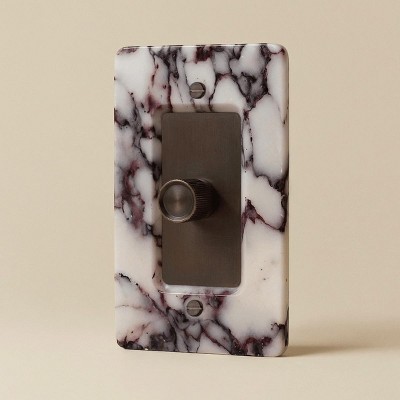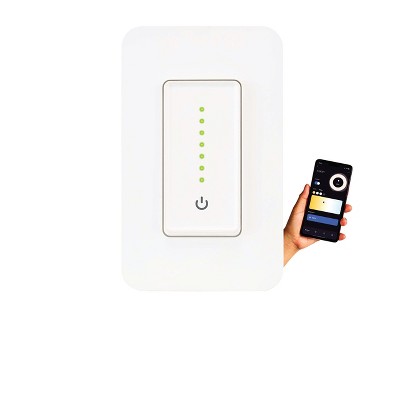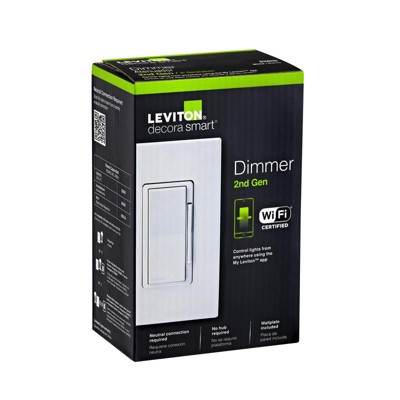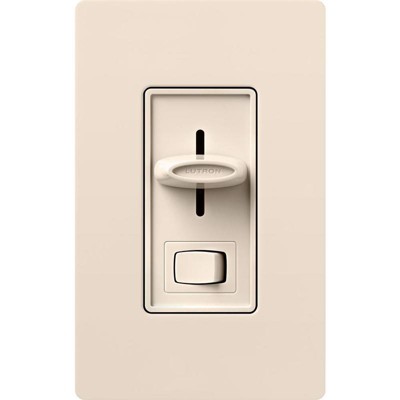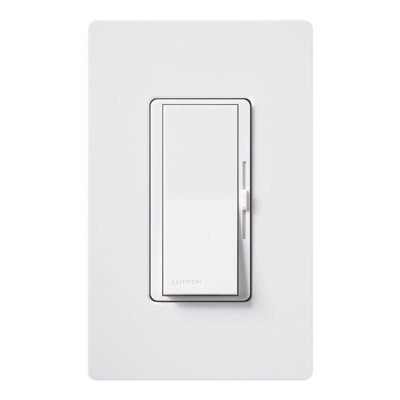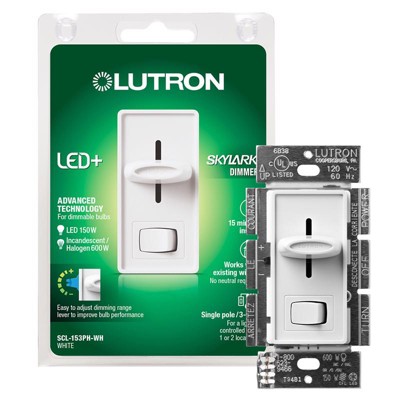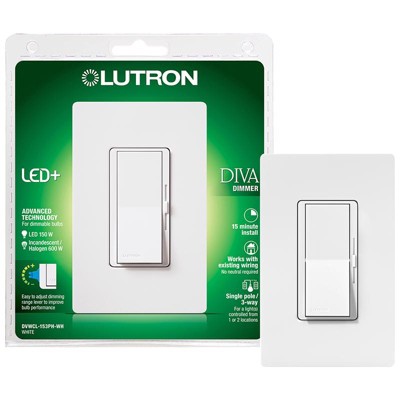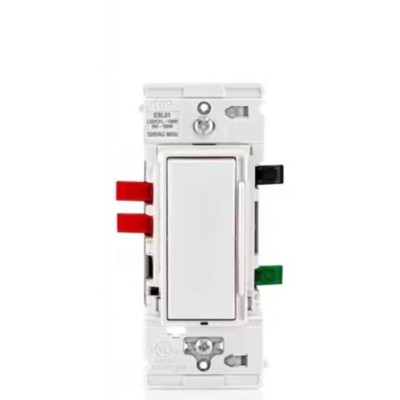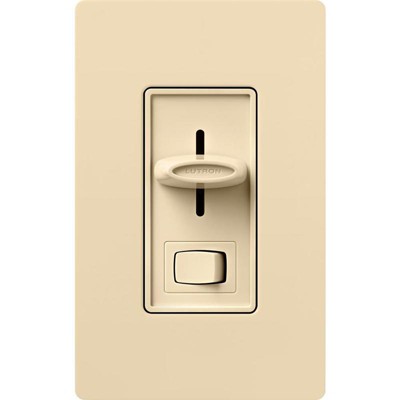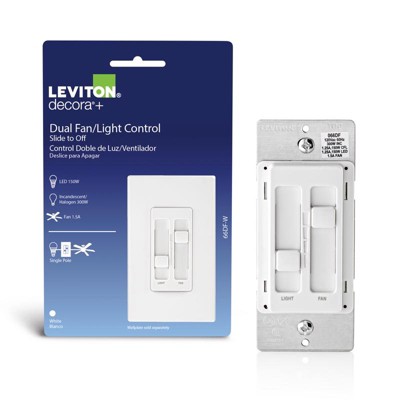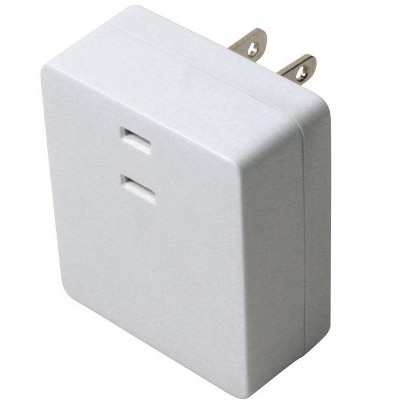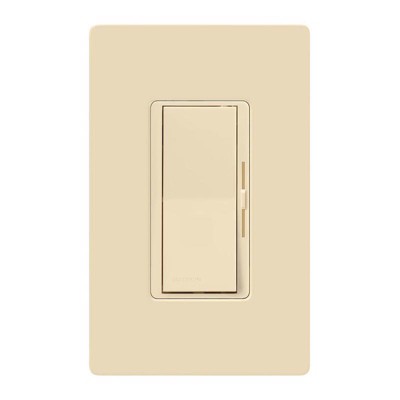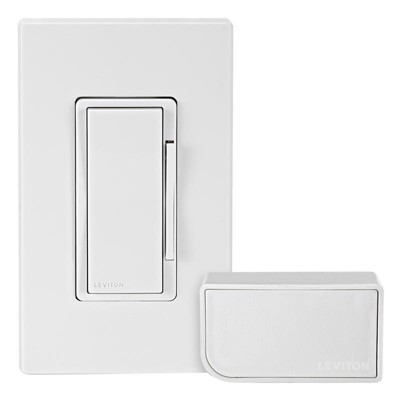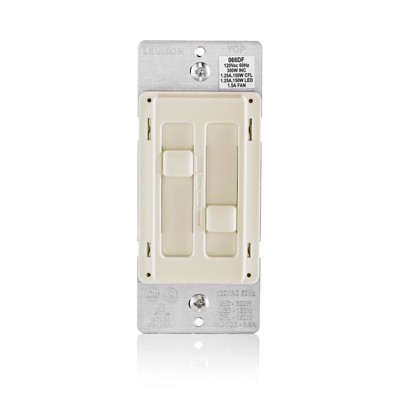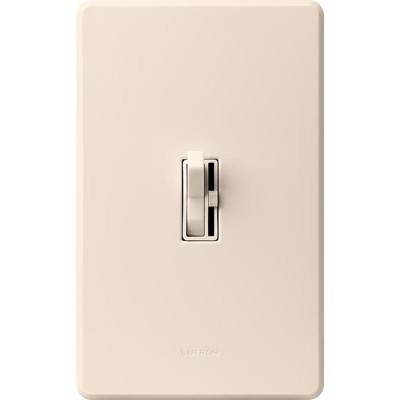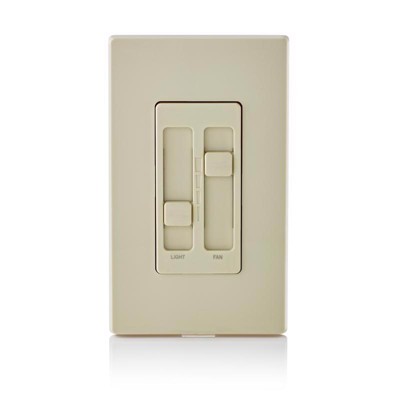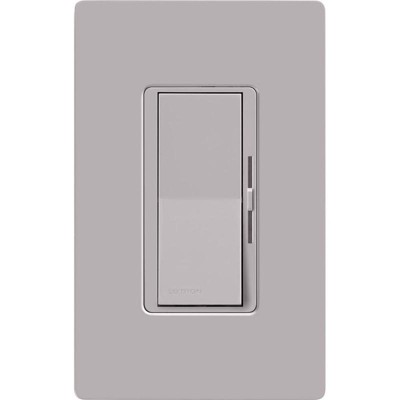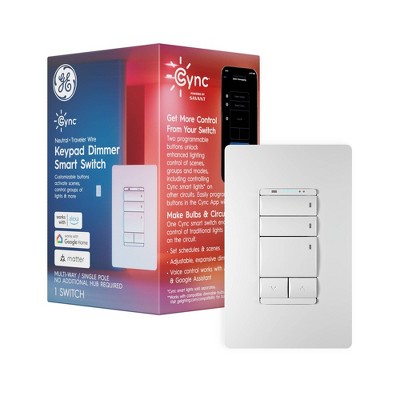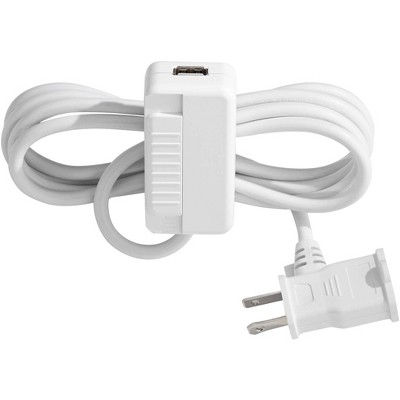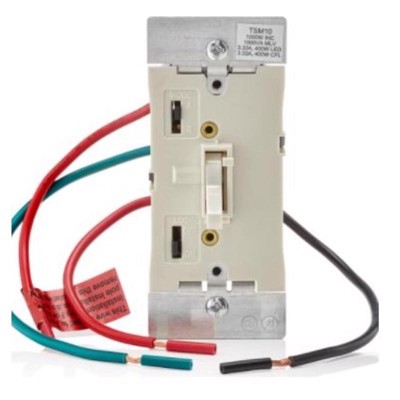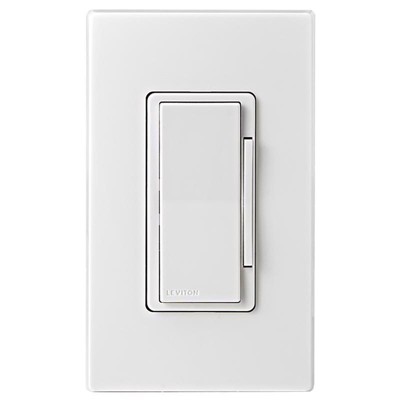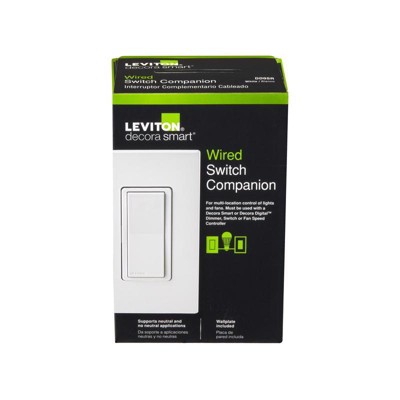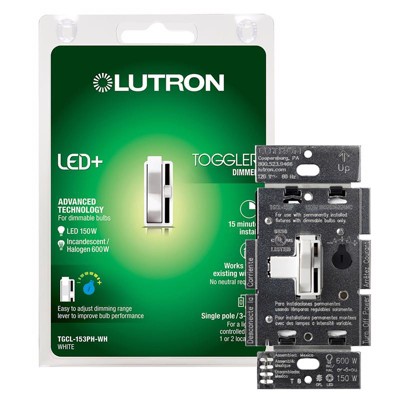
Common types include plug-in touch‑pad lamp dimmers, hardwired smart Wi‑Fi wall‑plate dimmers (for single‑pole or 3‑way wiring), and decorator‑style touch/LED+ multi‑location dimmers that use accessory switches for multi‑location control.
Neutral requirements vary by model. Some smart wall‑plate dimmers list a required neutral wire, while certain touch/LED+ multi‑location dimmers state they do not require a neutral. Always check the product specifications and installation instructions for the specific dimmer you’re considering.
Multi‑location dimmers add accessory switches to the main dimmer (accessories sold separately) so the same light can be controlled from two or more locations. Some systems support adding up to nine accessory switches to control one light from as many as 10 locations.
Many multi‑location setups use accessory switches sold separately. However, some touch dimmers can be paired with an existing mechanical on/off switch to create a 3‑way application. Verify compatibility and wiring instructions on the product page before buying.
Many dimmers list compatibility with incandescent and halogen bulbs; several also support LED and CFL. For wattage, listings vary — for example, one smart Wi‑Fi dimmer specifies a maximum of 250 W for CFL/LED and 430 W for incandescent. Some product pages don’t state watt limits, so always confirm the rated capacity in the product specifications.
Available options include plug‑in touch‑pad lamp controls, hardwired smart Wi‑Fi wall‑plate dimmers for single‑pole or 3‑way use, and decorator‑style touch dimmer switches that support 3‑way or multi‑location installations.
Some decorator‑style dimmers include interactive 3D installation instructions with voice, text and images, plus step replay. Product pages may also let you store receipts and warranty information alongside the installation guides.
Certain touch/LED+ dimmers include a softly glowing light bar that makes the switch easy to find in the dark and offer personalization features to save a preferred preset brightness (for example, a pull‑out tab to enter a MyLevel). Fade‑to‑off timing is also a common feature. Check the product description for exact personalization and light‑bar options.