Target New ArrivalsHalloweenChristmasGift IdeasClothing, Shoes & AccessoriesHome & DecorKitchen & DiningPatio, Lawn & GardenGroceryHousehold EssentialsBabyBeautyTarget Beauty StudioPersonal CareSports & OutdoorsPetsHealthWellnessSchool & Office SuppliesToys & GamesElectronics & TechVideo GamesBooks, Music & MoviesParty SuppliesGift CardsShop by CommunityTarget OpticalDealsClearanceNew ArrivalsHalloweenChristmasGift IdeasTop DealsTarget Circle DealsWeekly AdShop Order PickupShop Same Day DeliveryRegistryRedCardTarget CircleFind Stores
Powered by AI

Guests also ask:

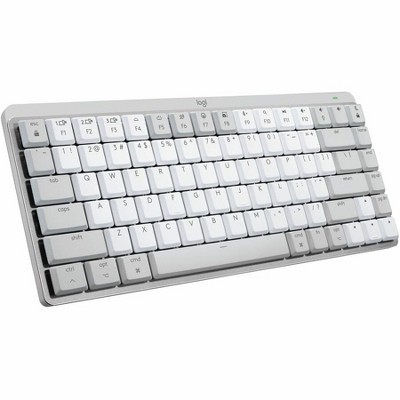
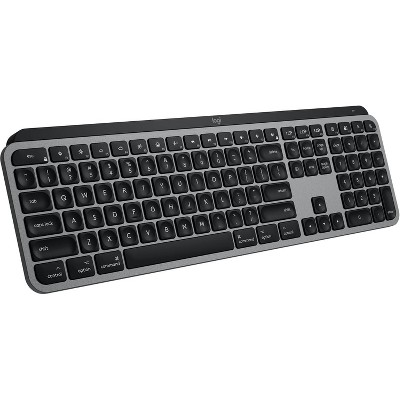
Some Mac-oriented ergonomic keyboards include backlit keys—ranging from simple adjustable brightness to smart illumination that lights when your hands approach and auto-adjusts to ambient light. Other models are intentionally non‑backlit. Check the product spec to confirm the exact backlight behavior and brightness controls.

Many ergonomic keyboards are optimized for macOS and related Apple platforms (iOS, iPadOS). Numerous models are also multi‑OS and explicitly support Windows, Android and Chrome OS. Always check the product listing for specific OS compatibility and any platform-specific key mappings.

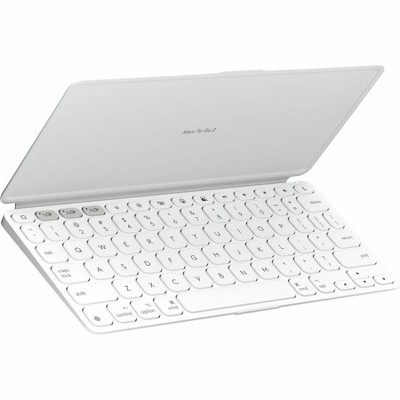
Yes. Some ergonomic keyboards are ultra‑compact or foldable—marketed as pocket- or smartphone‑sized—and often feature split layouts and built‑in rechargeable batteries for on‑the‑go use. Review dimensions and battery specs to confirm portability.
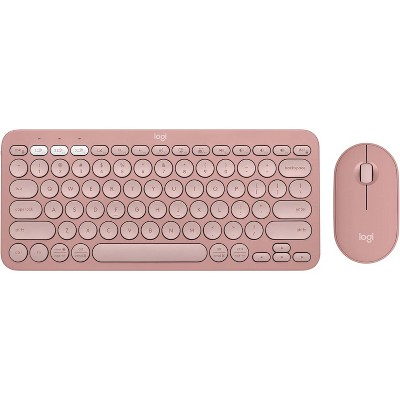
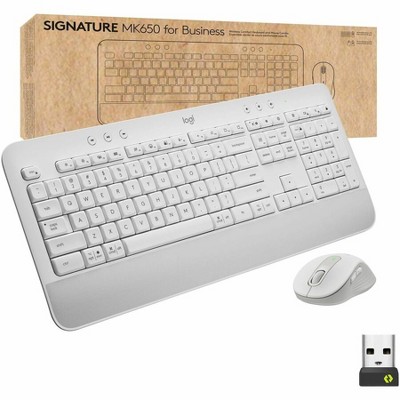
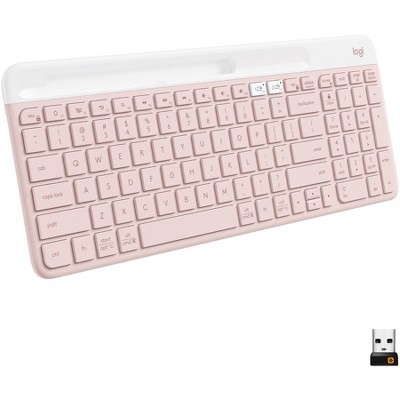
Common connection options include Bluetooth (wireless), USB‑A wired, and USB‑C wired. Some models are purely wireless and list no wired ports. Verify the product specs to confirm which connectors or wireless modes are supported.

Some Mac‑focused ergonomic keyboards provide a Mac‑specific layout and dedicated keys such as Dictation/talk‑to‑text, Mic Mute/Unmute, and an Emoji key. Other ergonomic models are multi‑OS and emphasize broad compatibility rather than Mac‑only keys—check the layout details before buying.

Recommendations for you

Skip to next section

Get top deals, latest trends, and more.