Target New ArrivalsBack to SchoolCollegeClothing, Shoes & AccessoriesHome & DecorKitchen & DiningOutdoor Living & GardenGroceryHousehold EssentialsBabyBeautyPersonal CareSports & OutdoorsHealthWellnessSchool & Office SuppliesToys & GamesElectronics & TechVideo GamesMovies, Music & BooksParty SuppliesGift IdeasGift CardsPetsUlta Beauty at TargetShop by CommunityTarget OpticalDealsClearanceNew ArrivalsBack to SchoolCollegeTop DealsTarget Circle DealsWeekly AdShop Order PickupShop Same Day DeliveryRegistryRedCardTarget CircleFind Stores

samsung tv remote charger

1,000+ results for “samsung tv remote charger”
Sponsored
Sponsored

Powered by AI

Guests also ask:

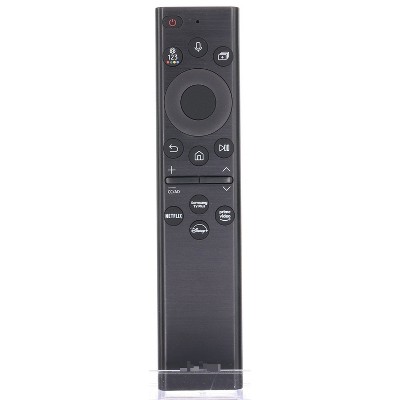
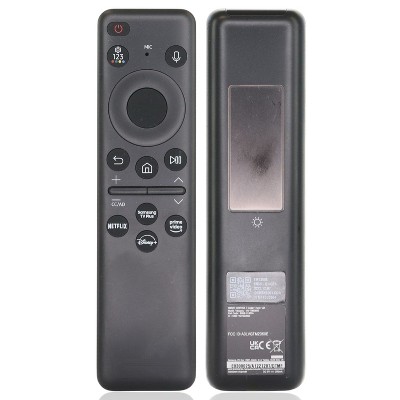
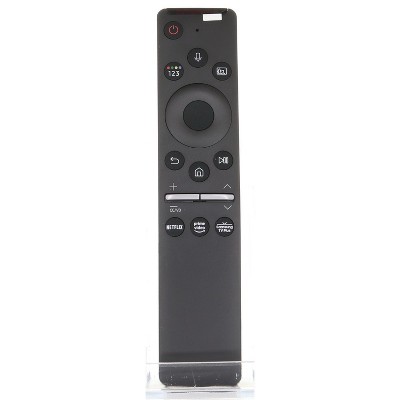
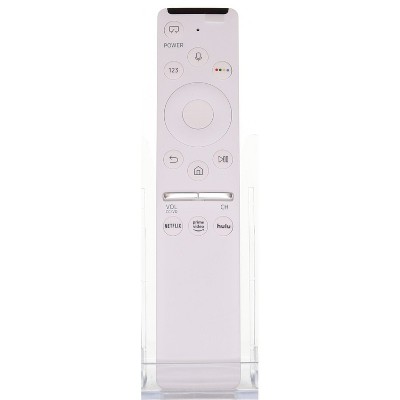
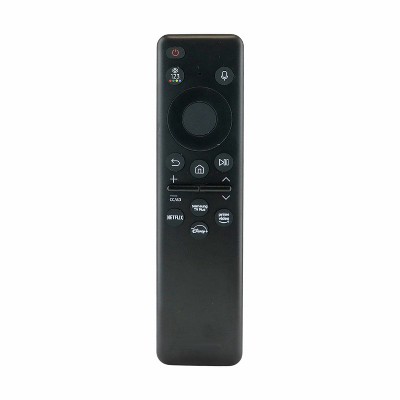
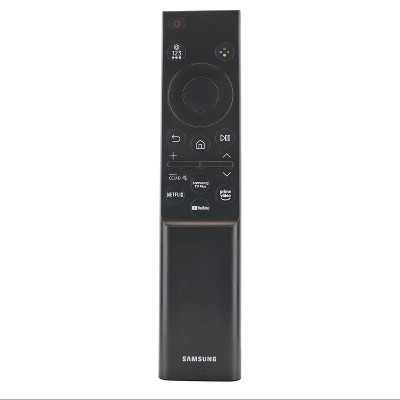
The listings show two common charging approaches: a SolarCell/solar rechargeable system with a built-in lithium battery plus a USB-C port for backup charging, and standard battery-powered remotes that rely on replaceable alkaline cells. Several listings also note the USB-C cable is not included.

Some remotes arrive pre-paired or work without additional programming on compatible Samsung TVs. Others use Bluetooth and require manual pairing—one common step shown is holding Return and Play/Pause for about 3 seconds to initiate pairing.

The remotes use Bluetooth and RF (Radio Frequency). Bluetooth is common for pairing with Smart TVs, while RF remotes are called out for providing non‑line‑of‑sight operation.

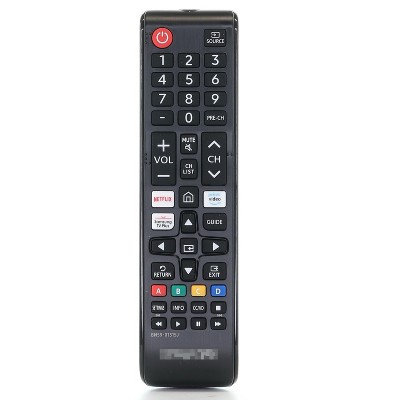
Two patterns appear: some remotes require a replaceable alkaline battery (product bullets often say "1 Non‑Universal Alkaline, Required, Not Included"), while others use a SolarCell rechargeable lithium battery with solar charging plus a USB‑C backup option.

Dimensions listed are consistently about 1.0 in (H) × 2.0 in (W) × 6.0 in (D). Reported weights vary across listings, ranging roughly from 0.11 to 0.30 pounds (examples shown: 0.11, 0.16, 0.20, 0.30 lb).

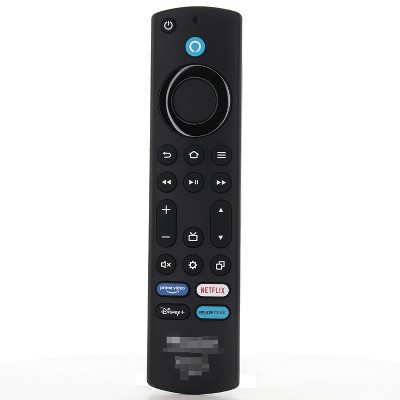
Several descriptions warn the remotes are not compatible with IR‑only or non‑Smart Samsung TV models. Some listings also note the remotes work only with compatible Samsung TVs and not with other brands or non‑compatible devices—check the specific product listing for exact compatibility details.

Get top deals, latest trends, and more.