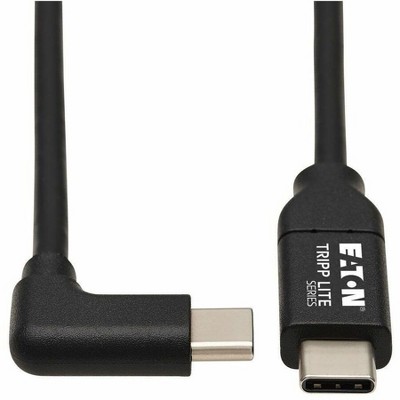
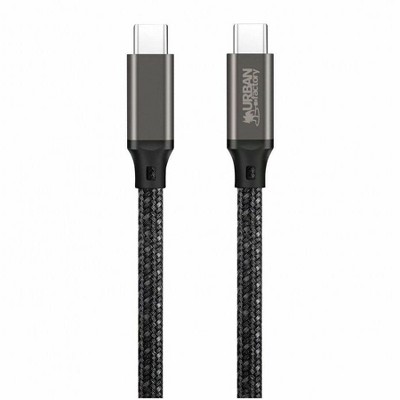
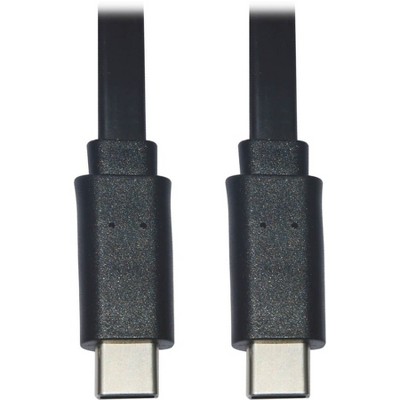
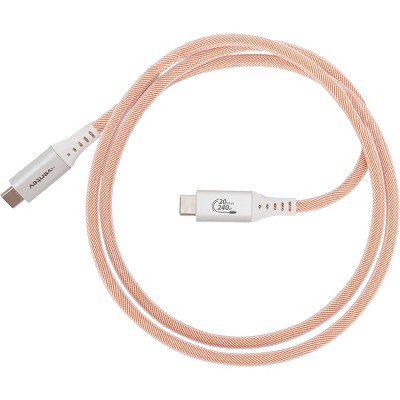
The most common output in these results is HDMI. Many multiport adapters also include DisplayPort or VGA outputs, and some provide native USB‑C video output for displays that accept USB‑C. Check the product details to confirm which video ports are included.
Many adapters include USB‑C Power Delivery (PD) pass‑through and advertise up to 100W PD support. Some product listings indicate the adapter itself reserves part of the available wattage (examples in these results show roughly 84–85W delivered to the host with ~15–16W allocated to the adapter). Confirm the listed PD passthrough rating for the specific adapter you’re considering.
Common extras in these multiport adapters include USB‑A 3.x ports for data, an additional USB‑C data/PD port, Gigabit Ethernet for wired networking, and SD/microSD card readers. These expand charging, data transfer, and wired‑network options alongside video output.
A "video-only" USB‑C cable carries only the video signal and does not support data transfer or USB data rates. Listings labeled this way typically indicate there is no data transfer capability, so the cable won’t handle file transfers or some USB peripherals.
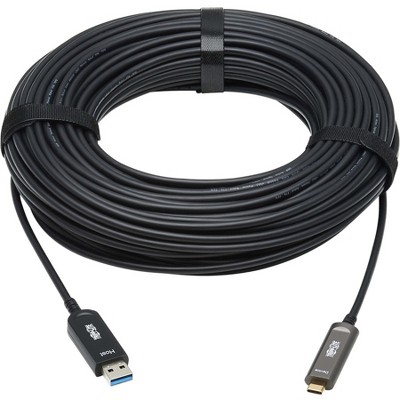
The optical (active) cable in these results is specified to carry 4K@60Hz video up to about 100 feet by using optical fiber instead of copper. Confirm the product page for exact rated distance and supported formats.
Several listings describe true plug‑and‑play operation, stating no driver downloads or installation are required—just connect the adapter and display. Always check a product’s description for any OS or driver notes if provided.

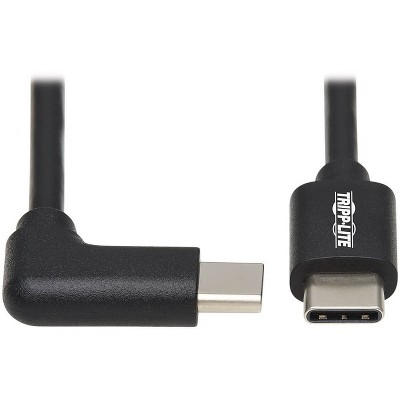
![USB-C Cable, Nakedcellphone Rugged 3.2ft Cord [TYPE-C to Type-C] Fast Charge/Sync Compatible with Apple iPhone 16 Pro Max, Samsung Galaxy S24 Ultra](https://target.scene7.com/is/image/Target/GUEST_56ee3272-2022-466c-817a-6573fc072a5f)