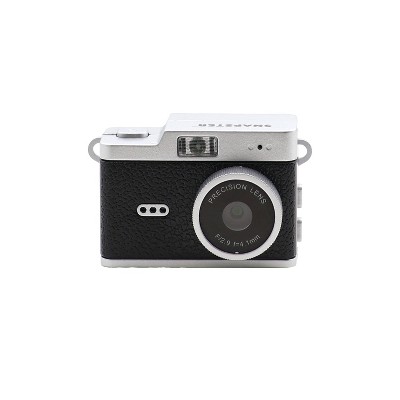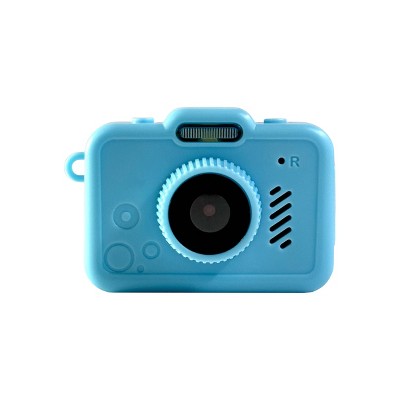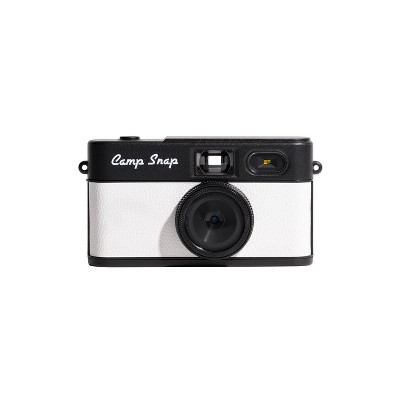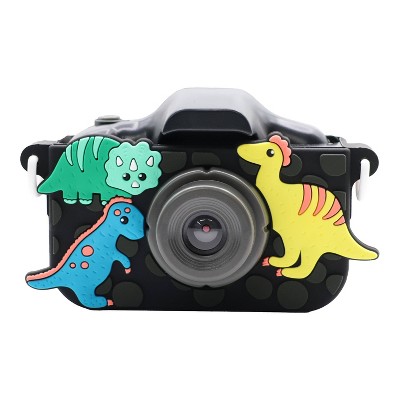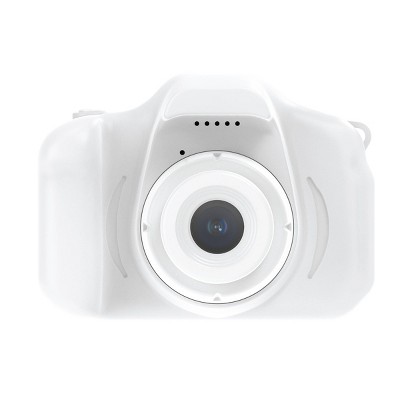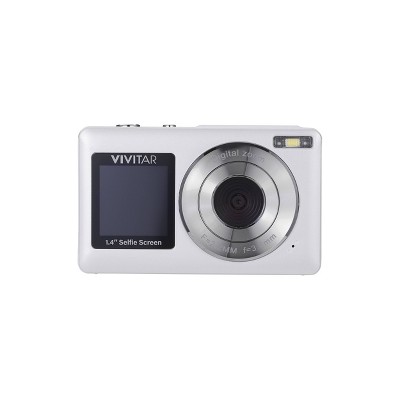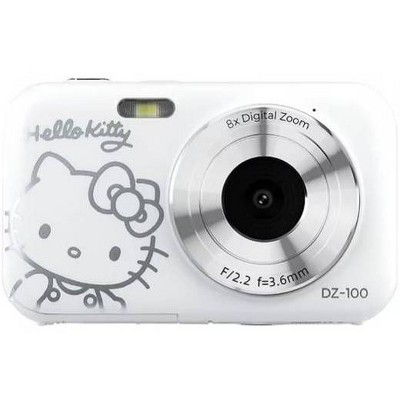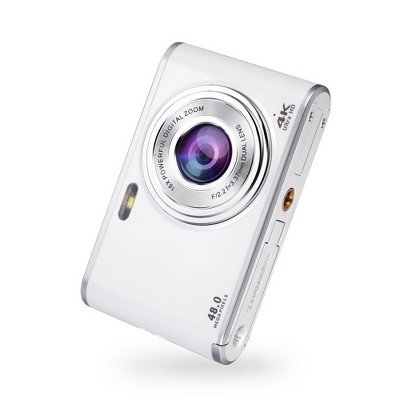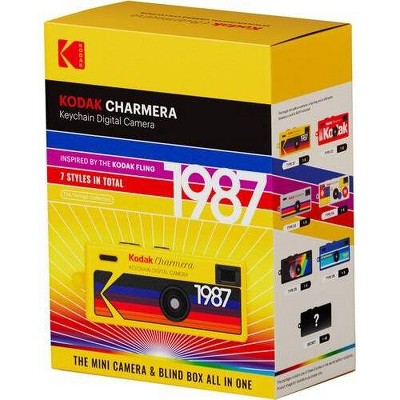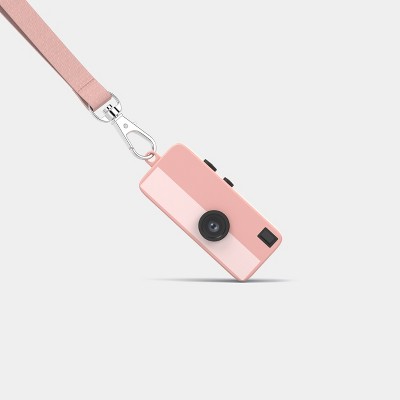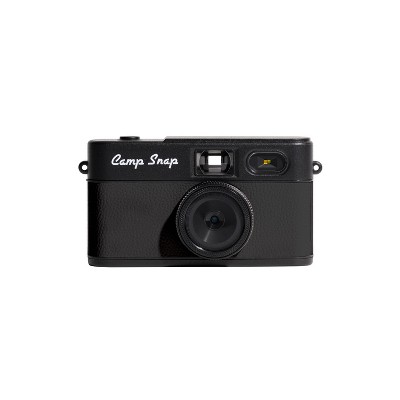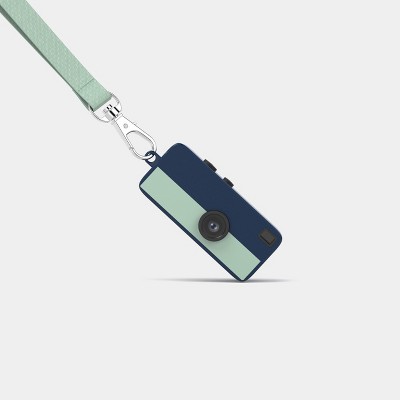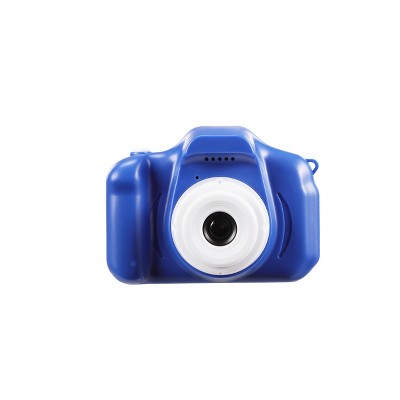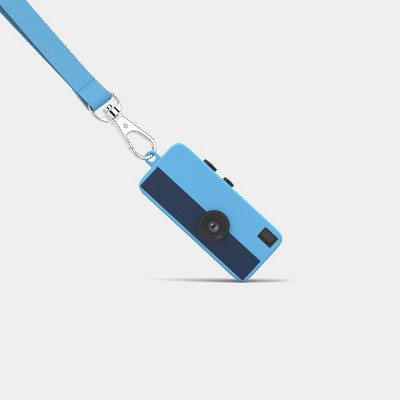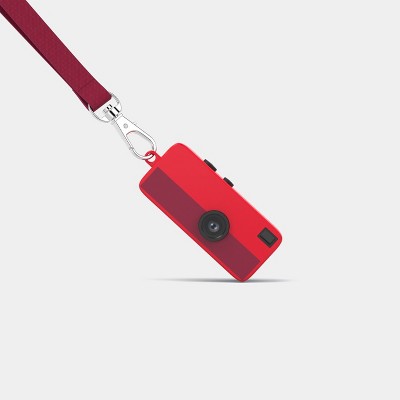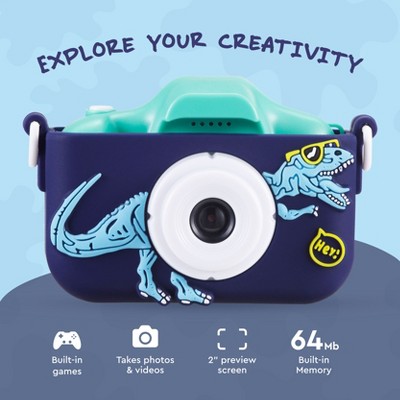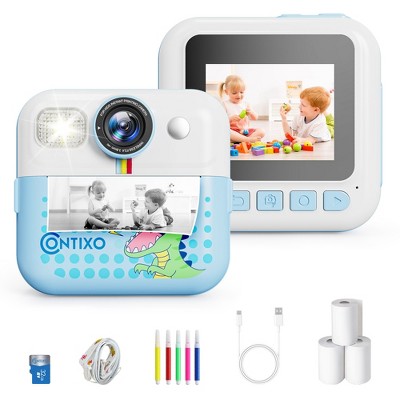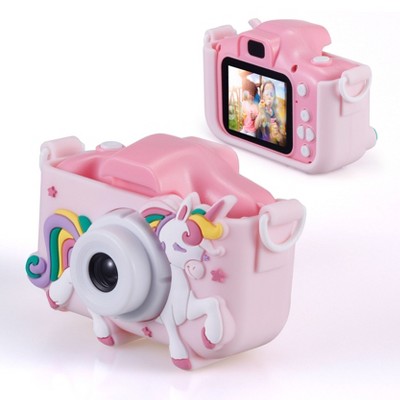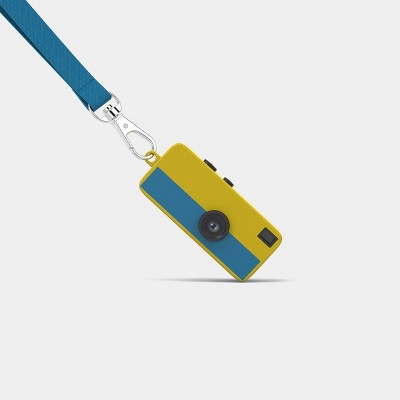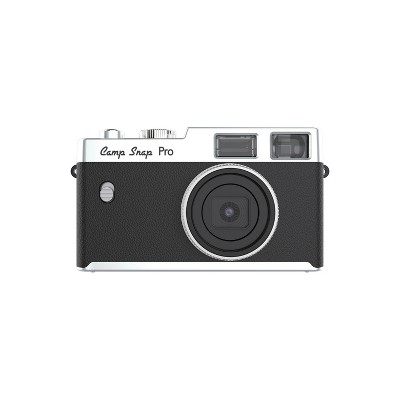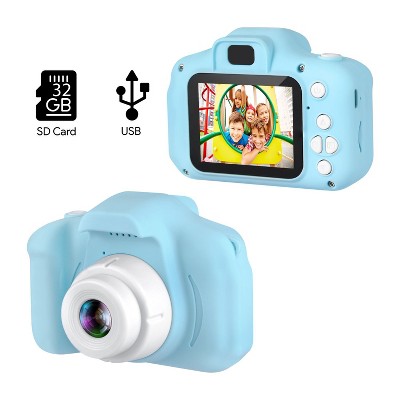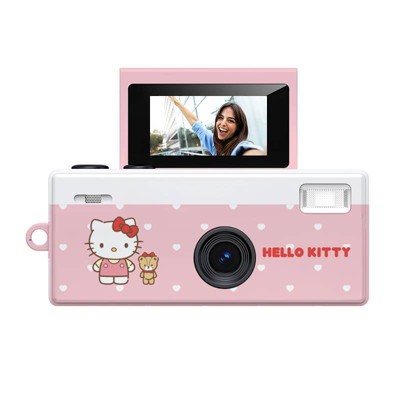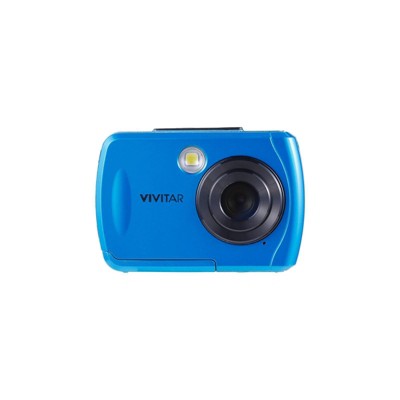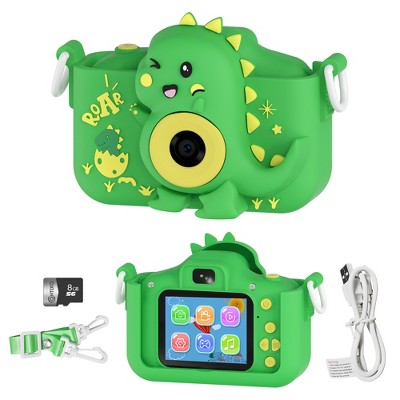
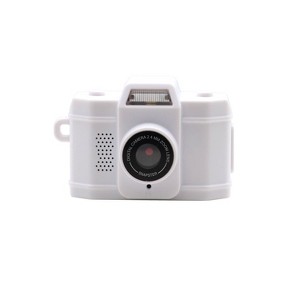
Dimensions (Overall): 32 Millimeter (H) x 45 Millimeter (W) x 21 Millimeter (D)
Weight: .2 Pounds
Camera Features: 1080p HD Movie Recording
Connection Type: USB-C
Megapixels: .3 MP
Data Storage Capacity: 64GB
Maximum Resolution: 720 x 1080
View Finder Type: Electronic Viewfinder (EVF)
ISO Equivalent: 80
Screen Size: .96 Inches
Compatible With: Fixed Lens/No Compatibility
Battery: Required, Installed
TCIN: 95034257
UPC: 030506664826
Item Number (DPCI): 056-10-6419
Origin: Imported
If the item details aren’t accurate or complete, we want to know about it.
Shipping details
Estimated ship dimensions: 6.69 inches length x 4.99 inches width x 3.3 inches height
Estimated ship weight: 0.31 pounds
We regret that this item cannot be shipped to PO Boxes.
This item cannot be shipped to the following locations: American Samoa (see also separate entry under AS), Guam (see also separate entry under GU), Northern Mariana Islands, Puerto Rico (see also separate entry under PR), United States Minor Outlying Islands, Virgin Islands, U.S., APO/FPO
Return details
This item must be returned to any Target store.
This item must be returned within 30 days of the date it was purchased in store, delivered to the guest, delivered by a Shipt shopper, or picked up by the guest.
A: Connect camera to computer with USB cord. When it connects a folder will open on desktop. It will contain 4 folders. 1 is DCIM folder which contains videos and images, IMG folder is images only, TREC is only videos, WAVE folder is if you have music in folder. Choose the folder you want to download content or delete from and proceed.
submitted byAWC Customer Service - 26 days ago
Brand expert
A: Hi, thank you for reaching out about Accutime Kids' Mini Digital Camera - White.
To download pictures from your Accutime Kids' Mini Digital Camera (White), you can use either a direct USB connection or a memory card reader.
If you have any additional questions, we welcome you to contact MyTGTtech at 833-848-8324 every day, between 7am-11pm CST.
submitted byMatt - 26 days ago
Target expert support
Q: How can I delete pictures?
submitted by Stephanie - 1 month ago
A: Long press the shutter button, when you hear the beep short press the power button. Then long press the shutter button and prompt when comes up to delete. Use the left side button on camera to navigate between yes and no. Happy snapping.
My 2 almost 3 year old loves this camera! She is always asking to "take picture" and this is the perfect size for her! Holds a good charge as well and love that it comes with a keychain so you can take it anywhere on your keys!