Target New ArrivalsBack to SchoolCollegeHalloweenClothing, Shoes & AccessoriesHome & DecorKitchen & DiningPatio, Lawn & GardenGroceryHousehold EssentialsBabyBeautyPersonal CareSports & OutdoorsPetsHealthWellnessSchool & Office SuppliesToys & GamesElectronics & TechVideo GamesMovies, Music & BooksParty SuppliesGift IdeasGift CardsShop by CommunityTarget OpticalDealsClearanceNew ArrivalsBack to SchoolCollegeTop DealsTarget Circle DealsWeekly AdShop Order PickupShop Same Day DeliveryRegistryRedCardTarget CircleFind Stores

adjustable computer keyboard tray

1,000+ results for “adjustable computer keyboard tray”
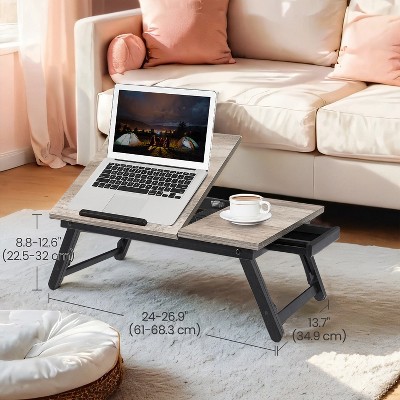
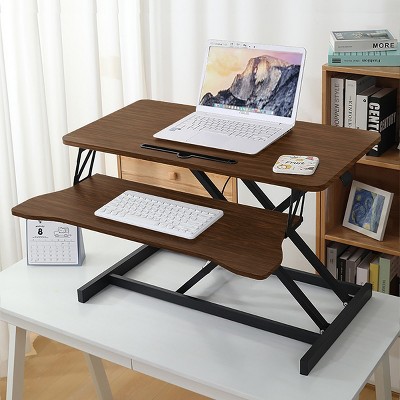
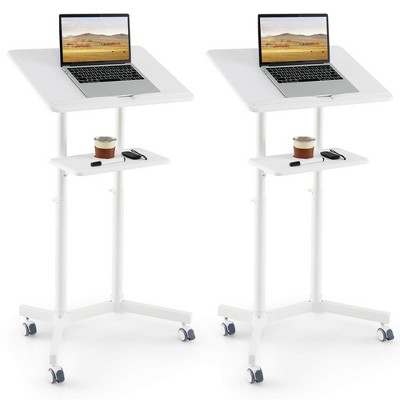
Costway Height Adjustable Computer Desk Sit to Stand Rolling Notebook Table Black

Vivitar Baguette Wrist Rest - Light Brown

$5.00

Sponsored

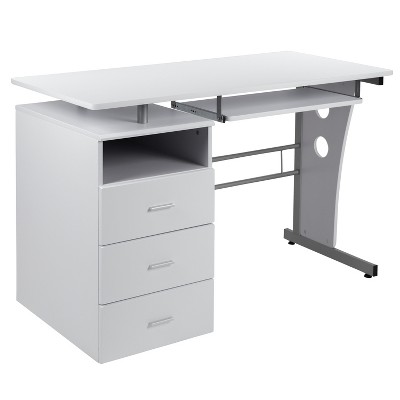
Bestier 55 Inch Office Desk with Drawers, Keyboard Tray, 2 Hooks, Modern Fluted Computer Desk for Home

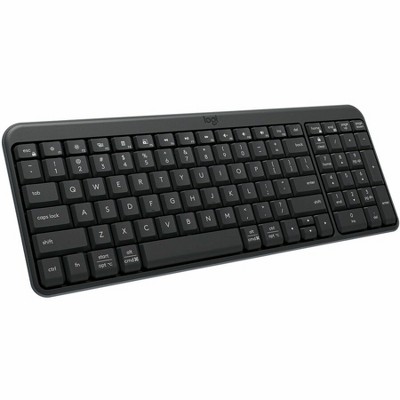
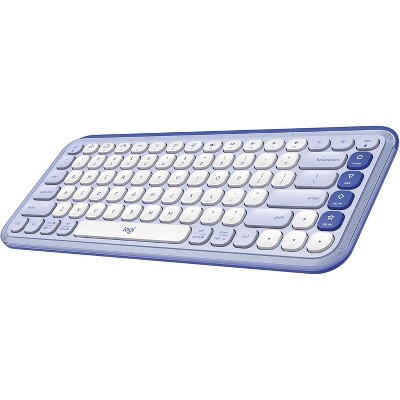
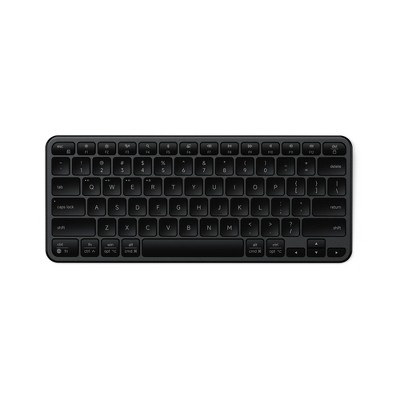
JLab JBuds Wireless Keyboard

$34.99
reg $39.99
Sale
4.5(60)
black
Loved for: multi-device support

Sponsored

Powered by AI

Guests also ask:

Ranges vary by model. Common examples: clamp-on trays often adjust about 4.1 in to 6.6 in below the desk; some sit-to-stand units offer roughly 4.3 in to 20 in of travel; other designs advertise larger total travel (for example around 13.4 in). Check the product spec for the exact range of any model.

Tilt and swivel depend on the model. Typical tilt ranges run from 0° up to about 15° on many trays, with some models tilting as far as 38°. Swivel capability also varies; some platforms offer wide swivels (examples cite 180° total or roughly 90° left/right). Always check the product page for exact tilt and swivel specs.

Common mounting styles are clamp-on and under-desk (under-mount) installations. Clamp systems include standard clamps (often for desks under about 1.25 in thick) and tool-free thumb-screw clamps that can fit desktops up to about 1.5 in thick. Other trays are designed to be permanently mounted beneath the desk—check the product spec for required clearance and screw patterns.

Capacity varies widely by design. Heavy-duty under-desk trays may be rated to support up to about 66 lbs, while integrated riser-style trays often list much lower capacities (for example around 4.5 lbs for the keyboard tray). Always check the rated weight capacity for the specific model before adding heavy equipment.

Many trays provide space for both keyboard and mouse on the main surface. Some models include a dedicated mouse platform or attachable mouse pad, and a number of trays offer ambidextrous or left/right attachable mouse platforms. Check the listing to confirm whether a model includes a mouse tray or only a shared surface.

Adjustment mechanisms vary: some trays use knobs you turn to set and lock tilt or height; others use levers to raise, lower, or tilt the tray quickly; clamp or thumb-screw systems secure clamp-on trays to the desk. The exact mechanism and how it locks will be shown in the product instructions.

Assembly ranges from none to moderate. Some trays arrive fully assembled and require only mounting, some need adult assembly with tools (tools may or may not be included), and certain clamp-on designs advertise tool-free installation. Product listings typically state assembly requirements and include instructions.

Get top deals, latest trends, and more.