Target New ArrivalsBack to SchoolCollegeClothing, Shoes & AccessoriesHome & DecorKitchen & DiningOutdoor Living & GardenGroceryHousehold EssentialsBabyBeautyPersonal CareSports & OutdoorsHealthWellnessSchool & Office SuppliesToys & GamesElectronics & TechVideo GamesMovies, Music & BooksParty SuppliesGift IdeasGift CardsPetsUlta Beauty at TargetShop by CommunityTarget OpticalDealsClearanceNew ArrivalsBack to SchoolCollegeTop DealsTarget Circle DealsWeekly AdShop Order PickupShop Same Day DeliveryRegistryRedCardTarget CircleFind Stores

connect roku hdmi cable

1,000+ results for “connect roku hdmi cable”
Powered by AI

Guests also ask:

Active or directional HDMI cables include built-in equalizers or boosters and an active chipset that regenerate the signal, allowing much longer runs than passive cables. Product descriptions often label these as “active” or “directional.”

Many HDMI cables support Audio Return Channel (ARC) or enhanced audio features including multichannel and lossless surround formats. Note that HDMI-to-DVI adapters or DVI connections do not carry audio, so a separate audio connection is required when using DVI.

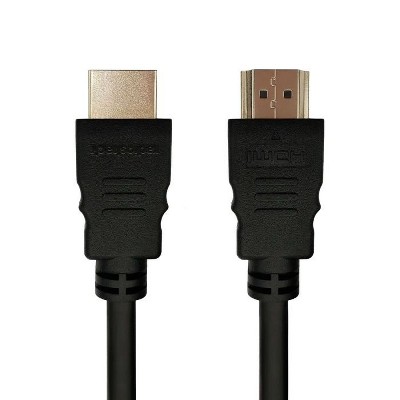
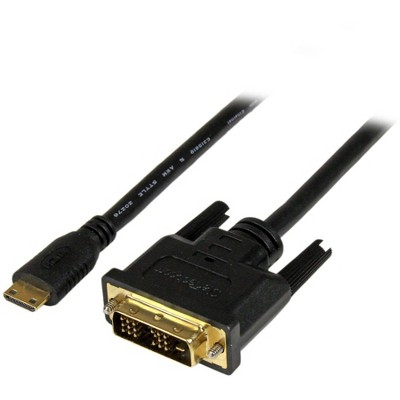
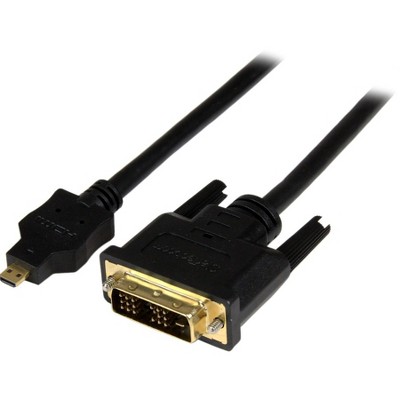
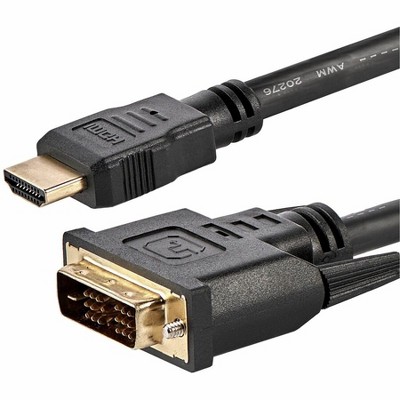
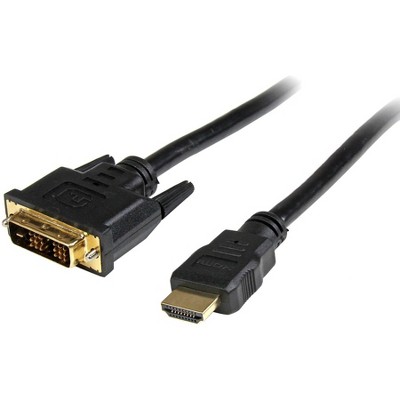
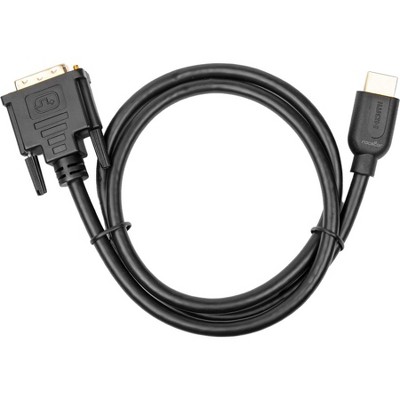
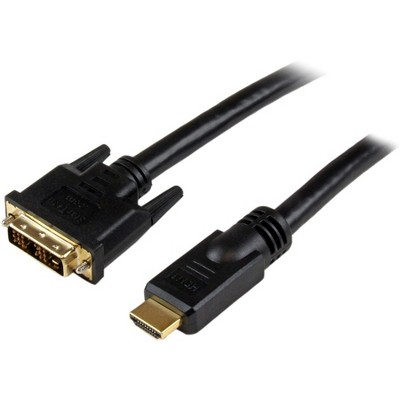
Most connections use standard HDMI male-to-male plugs. There are also HDMI-to-DVI bi-directional adapter cables for connecting HDMI sources to DVI displays; remember that DVI does not carry audio.

Common durability features include braided or nylon jackets, gold‑plated or metalized connectors, zinc‑alloy connector heads, durable PVC construction, and many listings include a limited or lifetime replacement pledge.

Many cables list support up to 18 Gbps (suitable for 4K@60Hz HDR). Higher-capacity cables in some listings advertise up to 48 Gbps for 8K and advanced features.

Directional/active cables must be connected with the correct end orientation: the connector labeled for the display (often marked “SINK”) goes to the TV/monitor and the other end goes to the Roku (the source). Some active cables draw power from the display to run their built-in boosters.

Yes — some listings reference in-wall installation ratings such as CL2 or CL3 for use in walls or structured installations.

An HDMI-to-DVI bi-directional cable can connect a Roku (HDMI source) to a DVI monitor, but DVI‑D does not carry audio. You will need a separate audio connection if you use DVI for video output.

Get top deals, latest trends, and more.