Target New ArrivalsBack to SchoolCollegeClothing, Shoes & AccessoriesHome & DecorKitchen & DiningOutdoor Living & GardenGroceryHousehold EssentialsBabyBeautyPersonal CareSports & OutdoorsHealthWellnessSchool & Office SuppliesToys & GamesElectronics & TechVideo GamesMovies, Music & BooksParty SuppliesGift IdeasGift CardsPetsUlta Beauty at TargetShop by CommunityTarget OpticalDealsClearanceNew ArrivalsBack to SchoolCollegeTop DealsTarget Circle DealsWeekly AdShop Order PickupShop Same Day DeliveryRegistryRedCardTarget CircleFind Stores

desktop charging station

379 results for “desktop charging station”
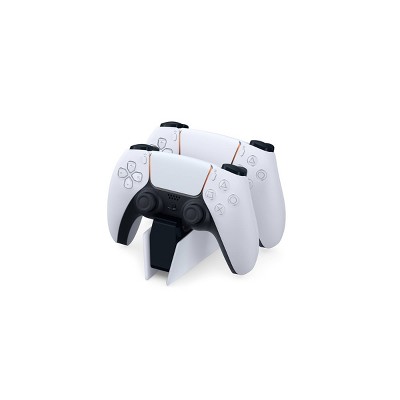
DualSense Charging Station for PlayStation 5

$29.99

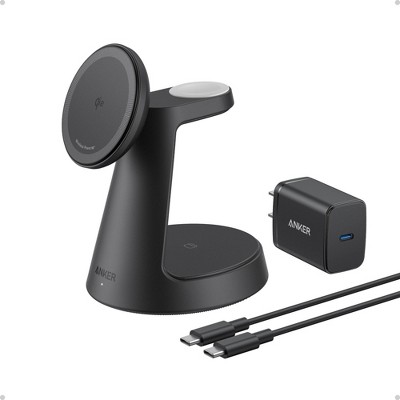
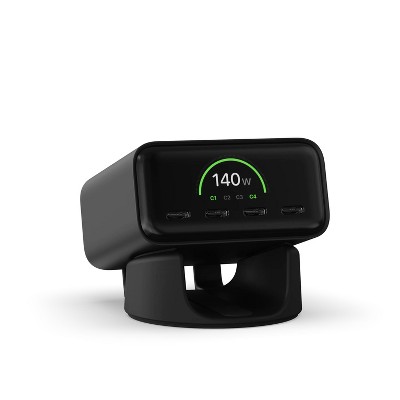
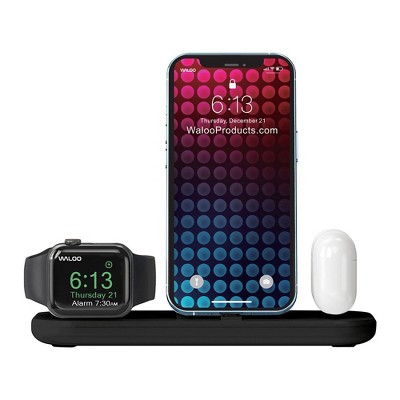
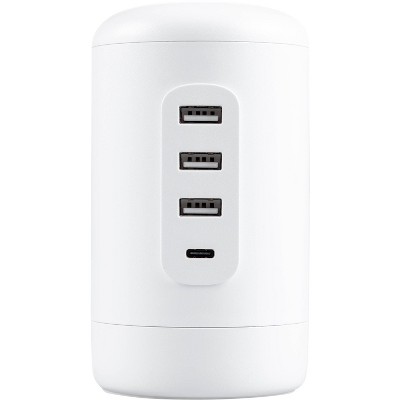
100W Multiport Laptop Charging Kit - heyday™

Sponsored
Related deals

PowerA Joy-Con Charging Dock for Nintendo Switch

$16.49
MSRP $34.99
4.6(176)
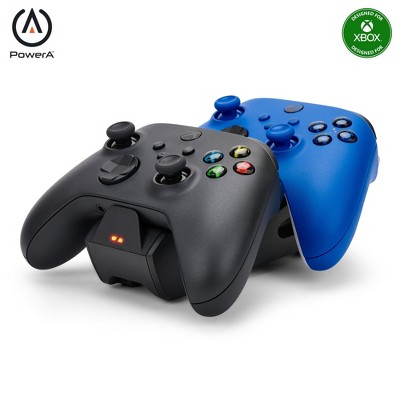
Loved for: charging multiple controllers

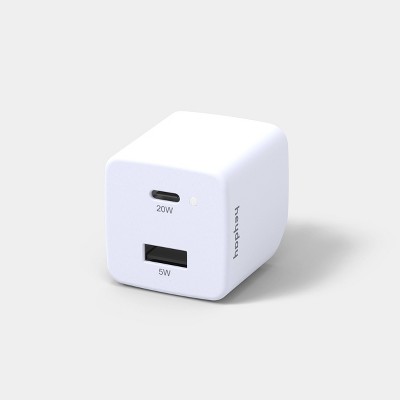
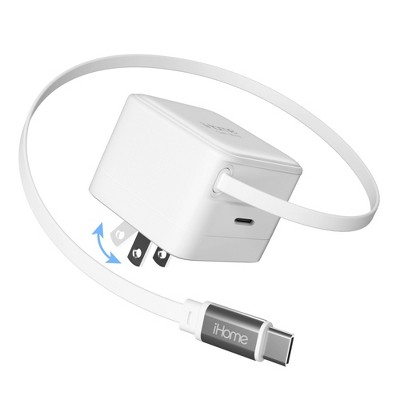
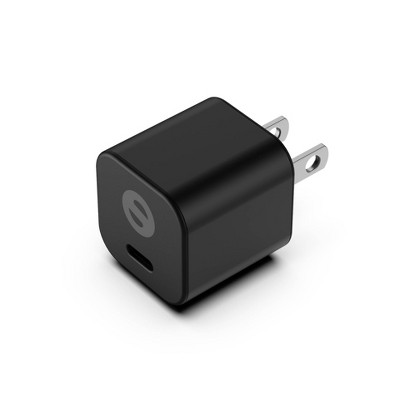
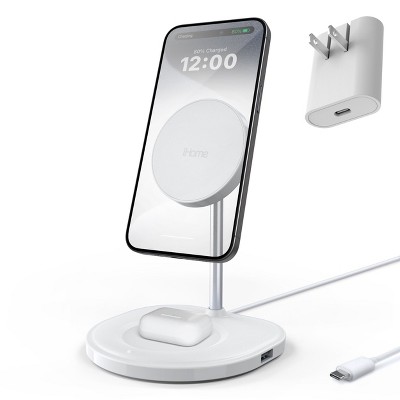
USB-C to Lightning Home Charging Kit - heyday™

Sponsored

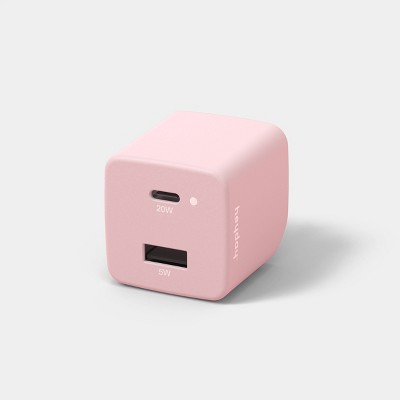
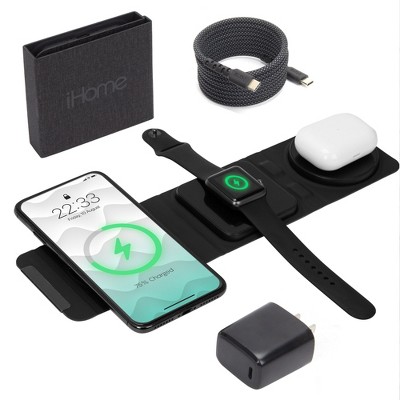
USB-C to USB-C Home Charging Kit - heyday™

Sponsored

Powered by AI

Guests also ask:

Power varies by device type: very small battery chargers and controller docks typically output low power (around 1–3 W); wireless charging pads commonly deliver up to 15 W; single‑port wall USB‑C chargers are often around 20 W; and USB‑C docking stations or hubs advertise host PD or distributed supplies in the range of roughly 96–100 W (some docks list a 150 W distributed supply overall).

Designs span a spectrum: compact single‑device options like wireless pads and single‑port chargers are very portable; small multi‑slot battery or controller docks have a compact footprint for desktop use; and larger multiport USB‑C docking stations are bulkier but provide more ports and often include listed physical dimensions and weights so you can judge desk fit. Controller docks are frequently noted for being especially easy to keep on a desk.

Most chargers and docks include visible indicators: simple models use LED lights (often one per port), while others have an LED status screen showing charging vs. ready states. Some controller and battery chargers show individual port or cell indicators to report charge progress and status.

USB‑C docks commonly add video outputs (HDMI, DisplayPort, sometimes VGA), USB‑A and extra USB‑C data/charging ports, SD/MicroSD card readers, Gigabit Ethernet, and a 3.5 mm audio jack.

Display support varies by model: some docks provide a single external output, while others can extend or mirror across multiple displays (in some cases up to three external monitors). Supported outputs include HDMI and DisplayPort with advertised resolutions up to 4K at 30 Hz; some models note OS or hardware limits for multi‑monitor modes.

Battery chargers often include delta‑V or charge cut‑off, bad/primary battery detection, reverse‑polarity protection, and safety timers. Wall chargers and power adapters commonly list short‑circuit and surge protection and use charge‑indicator lights to show status.

Get top deals, latest trends, and more.