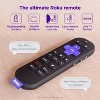
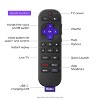
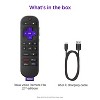
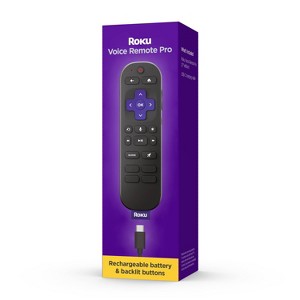
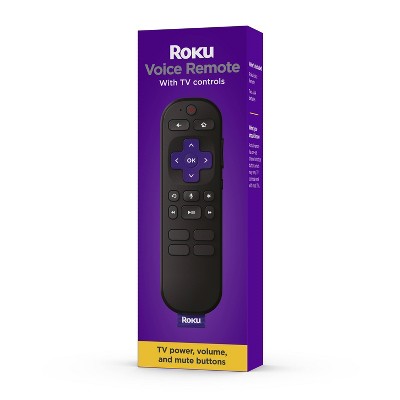
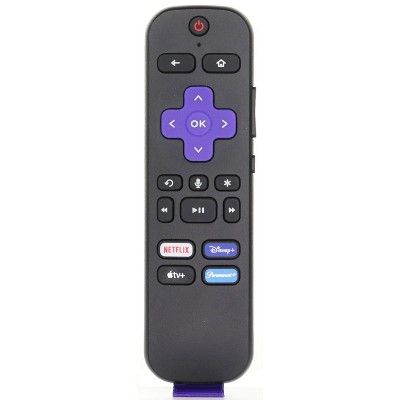
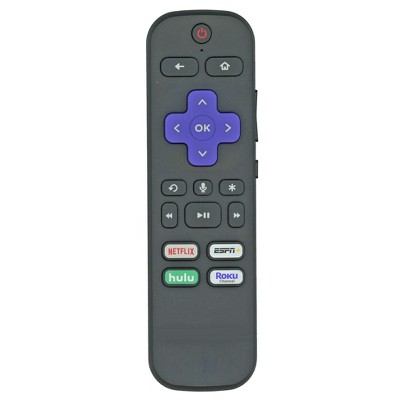
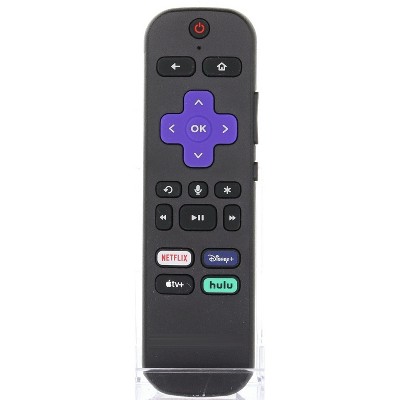
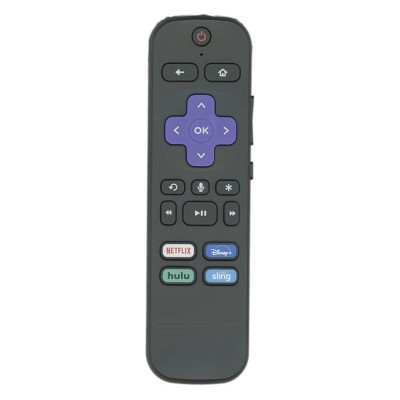
Roku Voice Remote Pro (2nd Edition) Rechargeable replacement voice remote, backlit buttons, and hands-free voice controls
$29.99
In Stock
Add plans or services
Make your selection before adding to cart
2 Year Electronics Protection Plan ($18-$29.99) - Allstate
$3.50
Eligible for registries and wish lists
About this item
Additional product information and recommendations
Discover more options
- $16.39 - $19.99reg $19.95 - $23.95 Sale
- $24.95reg $30.99 Sale
- $24.95 - $29.95reg $28.99 - $36.99 Sale5 out of 5 stars with 1 ratings
- $14.99 - $24.95reg $17.99 - $29.99 Sale4.8 out of 5 stars with 5 ratings
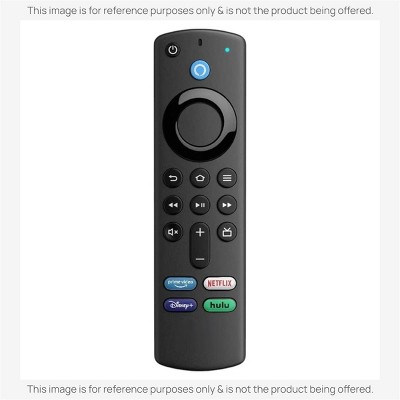
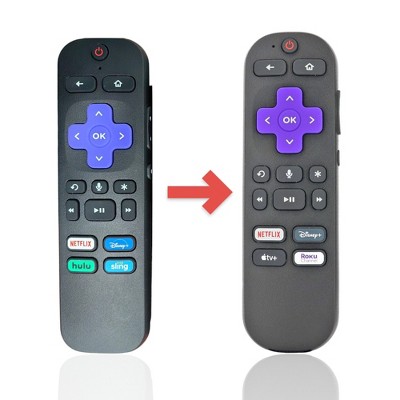
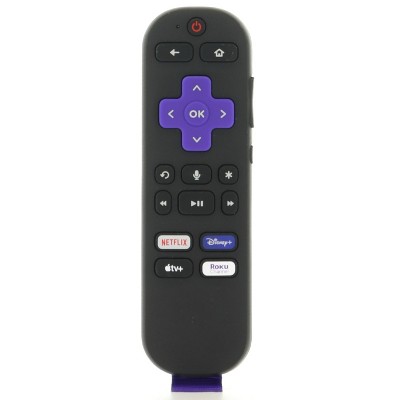
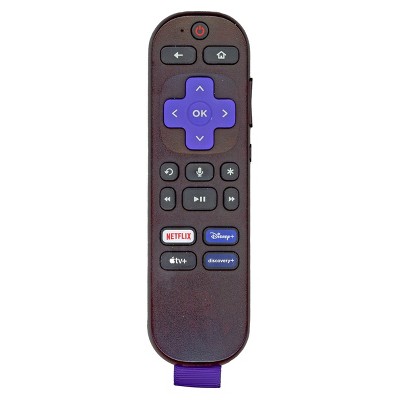
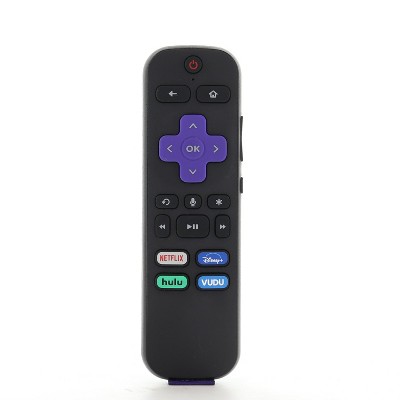
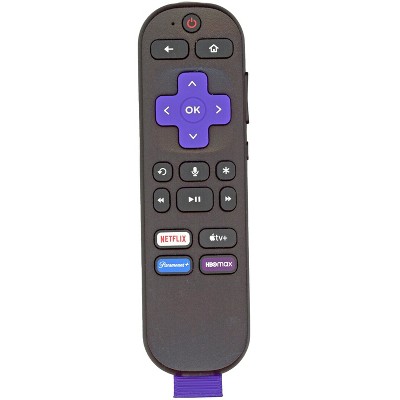
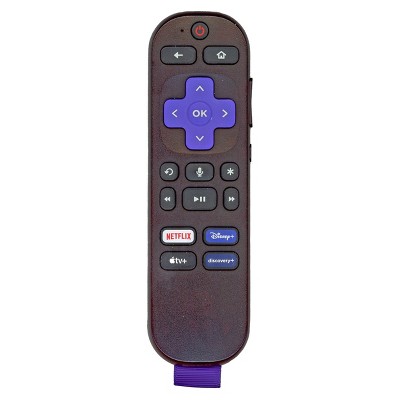
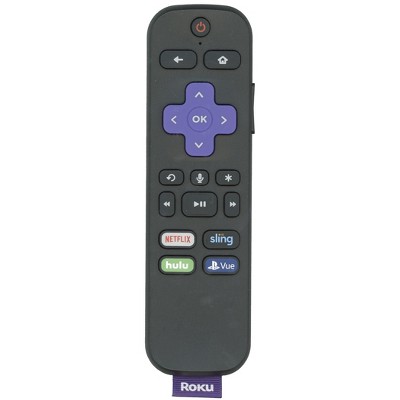
Frequently bought together
Guests also viewed
Related Categories
Guests are saying
The Roku remote offers a blend of modern features like backlit buttons, voice control, and rechargeable battery, making it a convenient choice for guests who enjoy streaming. However, many guests have reported issues with durability, button sensitivity, and the absence of a headphone jack, which can detract from the overall experience. Despite these concerns, the remote's ease of use and innovative features make it appealing for those looking to enhance their viewing experience.
Summary created by AI from text of reviews reflecting recent feedback provided across different star ratings (includes incentivized reviews)
4.1 out of 5 stars with 340 reviews
ease of use: 3.91 out of 5
features: 3.87 out of 5
quality: 3.78 out of 5
value: 3.83 out of 5
62% would recommend
24 recommendations
1 out of 5 stars
20 November, 2026
originally posted on roku.com

You removed headphone jacks????
People thst have hearing issues, elderly, hearing damage or thst need to listen quietly now have to connect to a phone to do it? Try having the elderly dementia people do that with three devices you idiots!
1 out of 5 stars
19 October, 2026Verified purchase
Its great... if it works.
My family kept losing our Roku remote so I decided to purchase one that would beep if we couldn’t find it. The first one I purchased did not work at all, and would not sync to the tv. Followed all trouble shooting steps I could find online and through Roku, and nothing. I exchanged it and got another one which worked great for about a day until the same issues happened again. Tried all the trouble shooting steps again and nothing. Just ended up returning it for a refund.
From Roku Support team
Hi Al! Thanks for taking a few moments to share these details with us. It sounds like you already returned the Roku remote, but we appreciate your comments and will be sure to pass them along to the product team. For your refund request, we advise you to follow up with the store where you purchased the product. You can contact them here: https://corporate.target.com/about/contact-help. Please know that for future reference, if there is anything we can assist you with, don't hesitate to reach out or visit our suite of helpful FAQ articles at support.roku.com. Thank you! Elmer, Roku Customer Advocate
29 days ago
5 out of 5 stars
14 October, 2026
originally posted on roku.com
I recommend Roku
I opted for Roku out of all the streaming devices and I do recommend them. They make a smart TV smarter and a dump (non-smart) TV smart as do many others. But, I am not buying a remote because it has back light, not playing that game. I know what they are doing. I developed a couple products in my life with a very smart partner in marketing. He told me to remove some of the features I had so that I can release a new version with these features later as a new and improved product. Well, roku should have had the back light in there product the whole time but I am sure some marketing person held that feature back. Backlight has been around since the 1990's and was main stream standard in the 2000's. So it was around but they decided not to, NOT PLAYING THAT GAME thanks. I already have a Voice Remote that came with my Roku TV and one of my new Roku streaming device but I really do not like it very much so I very rarely use it. I like going through the menu list because I usually find shows to add to my list. I guess it is like reading a book vs reading a book on a tablet, some people just like the actual book in hand.
2 out of 5 stars
13 October, 2026
originally posted on roku.com
Needs numbers
I still want to be able to push buttons to get to a channel, without scrolling through a list. Voice sometimes tells me "channel not available " when I know it is available.
1 out of 5 stars
13 October, 2026
originally posted on roku.com
Eliminated personal shortcut buttons
The personal shortcut buttons on the previous models were numbered 1 & 2. You could assign what you wanted to the 1 or 2 button and then with a single button press you launched the app of your choice. They replaced these buttons with a "rocket" button. The irony is that the rocket button is slower. It requires 2 presses to activate your first "shortcut" and 3 to activate your second "shortcut". Buy the old remote if you liked the short cut buttons.
2 out of 5 stars
26 September, 2026
originally posted on roku.com
Promises, promises!
The up/down/right/left toggle doesn't respond accurately! Toggle right, and it drops you to the line below. As well, you have to bear down with great force to get the toggle to react. I find myself having to switch hands because of the pain in my thumbs from using this heap of useless plastic. This will be my last roku system. Quality has sunk faster than the Titanic!
From Roku Customer Advocate team
Hi JayDee! Help is here. If you're having trouble with your Roku remote, try these steps: First, reset your Roku remote. If your remote has a pairing button, press and hold it on the back for 20 seconds. If your remote doesn't have a pairing button, press and hold the Back and Home buttons for 20 seconds. Then, restart your Roku device, replace or recharge the batteries, and try to re-pair your voice remote to your streaming device. For detailed instructions, you can refer to this FAQ article at https://support.roku.com/article/fix-your-roku-remote-simple-or-voice#fix-a-roku-voice-remote. In the meantime, please consider using our Roku mobile app for temporary and backup remotes. For detailed instructions, please refer to our dedicated support article:https://support.roku.com/article/install-the-mobile-app. If the issue persists, please get in touch with us directly at https://support.roku.com/contactus. Thanks! Elmer, Roku Customer Advocate
2 months ago
1 out of 5 stars
24 September, 2026
E-waste. These remotes are total garbage.
E-waste. These remotes are total garbage. They don't hold a charge. They lose sync so unless you like reinstalling devices frequently if not daily don't buy one. The paint wears off the buttons. Now the buttons barely work. I have hundreds of electronic devices with remotes which work perfectly. Now "find my remote" doesn't work. I have had to purchase of three and I still don't have a reliable remote. Now it can't see the level of charge. This is the worst remote I have over owned and now I had to order a fourth and Roku's concession was 30% off for something that should have been recalled. I am going to migrate to another streaming platform. Terrible product with even more terrible policies. Own your own screwups. I am reposting since they respond online like they are going to address your issue but really they just waste your time so don't bother responding to their claim they are going to help you. Migrate away from Roku and stop wasting your time.
1 out of 5 stars
14 September, 2026
originally posted on roku.com
Truly Terrible
I am on my third Roku remote now and it is needs to be charged all the time. It also loses sync so find remote doesn't work. The buttons are wearing out and need to be pushed harder. I have tons of electronics and this is the only device which is a persistent problems with remotes. Three remotes later and I still do not have one which is the least bit reliable. I can't wait to move to another platform.
From Roku Customer Advocate team
Hello there. Thank you for taking the time to share your feedback with us. We understand that you are experiencing an issue with your Roku remote, and we would like to offer a few tips to help resolve it. First, please ensure that your Roku device is fully updated to the latest software version. Additionally, when charging your remote, we recommend trying a different power outlet or using an alternative charging cable to rule out power issues. If the problem continues, please visit us at support.roku.com/contactus for further assistance. Your feedback is incredibly important to us, and we are here to support you. Happy Streaming! Roku Customer Advocate
2 months ago
1 out of 5 stars
29 August, 2026
originally posted on roku.com
terrible
i'm the least 3 years i've had to buy 4 of them because something always ends up malfunctioning with them. i would not recommend
From Roku Customer Advocate team
Hi Jacqueline, thanks for sharing. Have you had a chance to contact our customer support team? We'd be happy to learn more and provide the right assistance. Visit us online at support.roku.com/contactus to get started and connect with an agent. Your feedback is very important to us, and we’re eager to assist. Thanks again! Roku Customer Advocate
3 months ago
3 out of 5 stars
15 August, 2026Verified purchase
Okay
I like the guide button, but the quick launch asked twice before changing to set app. And, of course, the preset programs/apps aren't changeable and I wish I could
From Roku Support team
Hello Susan. Thank you for sharing your feedback. We’re glad to hear you’re enjoying the guide button. The quick‑launch behavior and fixed preset app buttons can definitely feel limiting, and your note about the double‑prompt is helpful for others to know. We appreciate you taking the time to let us know what worked well and what you wish were more customizable. If you have other concerns, you can contact support.roku.com/contactus. Happy Streaming! Bernie, Roku Customer Advocate
3 months ago
3 out of 5 stars
11 August, 2026
originally posted on roku.com
New Roku remote
I have been looking to replace my Roku remote but am disappointed with the ones that are available now. No audio jack is a deal breaker for me and I don’t use my phone with the app. I shouldn’t have to do that as it was simple just to plug in my headphones. I don’t use the phone app very often as I have several players in my house.
From Roku Customer Advocate team
Hi Bob. Thank you for sharing your feedback with us. We understand how important the headphone jack feature is to your viewing experience, and we’re sorry that our current remote options don’t meet your needs. Using headphones directly through the remote has been a convenient feature for many, and we appreciate you letting us know how its absence impacts you. If you’d like help exploring alternatives or have questions about other ways to personalize your setup, our support team is here for you. You can reach an agent anytime at support.roku.com/contactus. Your feedback truly helps us improve, and we appreciate you taking the time to share it. Happy Streaming! Roku Customer Advocate
3 months ago
1 out of 5 stars
6 August, 2026
originally posted on roku.com
Headphone private listening GONE
what LAME BRAIN idiot REMOVED the headphone jack? Did you bother to do any MARKET RESEARCH to see how people USED IT? LIKED IT? WHY WAS IT REMOVED?
From Roku Customer Advocate team
Hello! We understand how important this feature is to you, and we appreciate you sharing your feedback. Rest assured that we’ll share this with our product team. As an alternative, we suggest using Headphone Mode through the Roku Mobile App with headphones connected to your phone or tablet. More details about this feature can be found at: https://support.roku.com/en-us/article/use-headphones-with-the-mobile-app-for-headphone-mode. Your input is important to us, and we hope this helps! Roku Customer Advocate
4 months ago
5 out of 5 stars
Thumbs up graphic, would recommend
1 July, 2026
I love that it's lit up just like the Xfinity remote lit up so you can see it anytime especially at night
I love that you can charge the battery and it’ll last roughly 3 months and I also love that it’s lit up so it helps during the nighttime too and anytime really
5 out of 5 stars
Thumbs up graphic, would recommend
14 June, 2026Verified purchase
totally recommend
love the control dont need to waste money on batteries 👌 😌 💯. comes with a cable to recharge.
3 out of 5 stars
10 June, 2026
originally posted on roku.com
Lack of headphone jack
There're some good enhancement on this Voice Remote Pro, but missing a critical feature which is a deal killer for me. Pro: * Rechargeable battery - great, more environmental friendly * Backlit buttons - useful if you're watching TV in a fairly low ambient light environment * Lost remote finder - good to have, voice activated and you can still use the Roku app to trigger if the hands-free voice function is inactivate * TV power, volume, and mute buttons - useful with HDMI-CEC compatible TVs Con: * Missing headphone jack for private viewing - this is definitely a deal killer for me
From Roku Customer Advocate team
Hi Summer! Thanks for sharing. We completely understand how important the headphone jack feature is for your setup. While our newer remote no longer includes a headphone jack, you can still enjoy private listening through the Roku Mobile App using your favorite headphones—giving you the same convenience with a more modern experience. We truly appreciate your loyalty and hope you continue to enjoy everything Roku has to offer. Please let us know if there’s anything else we can do to help. As a tip, here’s a guide to using private listening through the Roku app: https://support.roku.com/article/217478308. Happy Streaming!
6 months ago
1 out of 5 stars
Thumbs down graphic, would not recommend
24 May, 2026
Money Grab
Hey Roku, how about you quit trying to extract every last penny from your customers by requiring them to pay extra for features to use with Roku TVs they purchased? Stop limiting the remote's capabilities and make it easy for customers to use. Is that so hard. Read the reviews. I will never buy another Roku TV.
From Roku Support team
Hello there! We appreciate you sharing. If you have a specific issues with your Roku. You can contact our support team at support.roku.com/contactus we will be happy to help you. Happy Streaming! Bernie, Roku Customer Advocate
6 months ago
1 out of 5 stars
18 May, 2026Verified purchase
Wrong Remote
Not even the remote I ordered. Does it not tell you if it’s the same when you scan it? Doesn’t even make any sense how I could get the completely wrong product without yall knowing.
From Roku Support team
Hello, Justin. We're sorry to hear about your experience with your order. Please get in touch with Target directly so they can assist you with a replacement. If you’d like to share your feedback about the store, contact their team here: https://www.target.com/help/contact-us. They will appreciate your input. Thank you for choosing Roku, and Happy Streaming! Bernie, Roku Customer Advocate
6 months ago
3 out of 5 stars
13 May, 2026
originally posted on roku.com
if you need a new remote
If you remote isn't working anymore then by all means, it does have some upgrades. Unfortunately it still has the single biggest flaw it has always had, the stupid preset buttons you can't change and always inadvertently push at the worst possible time. Ditch these Roku or at least let them be programmable, including to do nothing.
From Roku Customer Advocate team
Hello there! Thanks for sharing your thoughts with us. While the preset buttons on Roku remotes can’t be changed or reprogrammed, we truly appreciate your feedback and will make sure it’s passed along to our product team. If there’s anything we can help you with in the future, please don’t hesitate to reach out! Roku Customer Advocate
6 months ago
1 out of 5 stars
8 May, 2026
originally posted on roku.com
Don't have headphones availability
The worse thing Roku did was discontinued the remote with the headphone was the best remote. The privacy of had headphone and not bother anyone around you was priceless. Wrong move Rolu ! Time another provider with this accessories and change from Roku
From Roku Customer Advocate team
Hello! Thanks for sharing your input. We understand that the headphone‑jack feature is one of the most appreciated options on Roku remotes. While this specific remote is no longer available, you can still enjoy private listening through the Roku Mobile App. Simply connect your headphones to your phone or tablet and use the app’s headphone mode to listen to your streaming content. You can find more details here: https://support.roku.com/en-us/article/use-headphones-with-the-mobile-app-for-headphone-mode. Your feedback is important to us, and we’ll be sure to pass it along to our product team. Roku Customer Advocate
7 months ago
1 out of 5 stars
Thumbs down graphic, would not recommend
1 May, 2026Verified purchase
Absolute garbage
Absolute garbage. The first time we charged this remote it lasted forever and then every time after that we lost about an hour of use time after charging. Eventually we had to charge it every 30 minutes and then had to use it while it was plugged in…now it won’t charge at all. We’ve had it less than 6 months.
From Roku Support team
Hi Sarah! Help has arrived. To ensure your Roku remote communicates properly with your streaming device and to help preserve battery life, try resetting the remote. You can follow the step-by-step instructions in our support article: https://support.roku.com/article/fix-your-roku-remote-simple-or-voice#fix-a-roku-voice-remote. If the issue continues after trying those steps, our support team is ready to take a closer look. You can reach them anytime at: http://support.roku.com/contactus. We appreciate your feedback and are always here to help. Elmer, Roku Customer Advocate
7 months ago