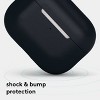
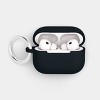
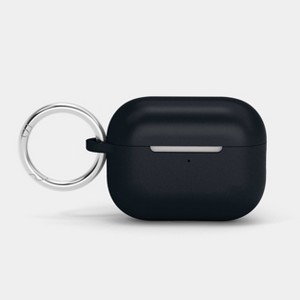
AirPods Pro (3rd Generation) Silicone Case with Clip - heyday™ Black with Silver
$8.00 reg $10.00
Sale save $2.00 (20% off)
In Stock
Eligible for registries and wish lists
About this item
Additional product information and recommendations
Discover more options
- $20.99 - $36.99
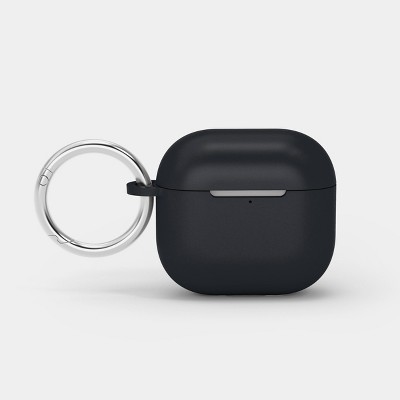
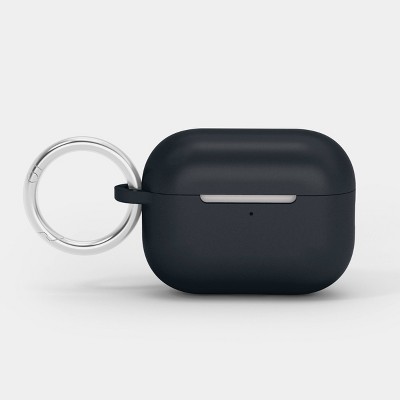
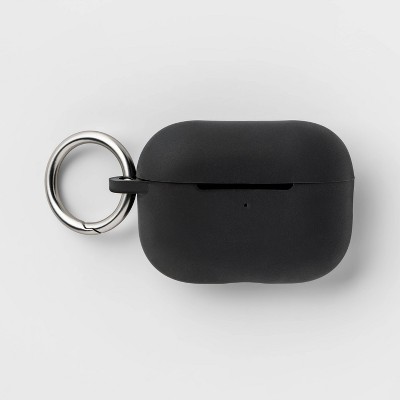
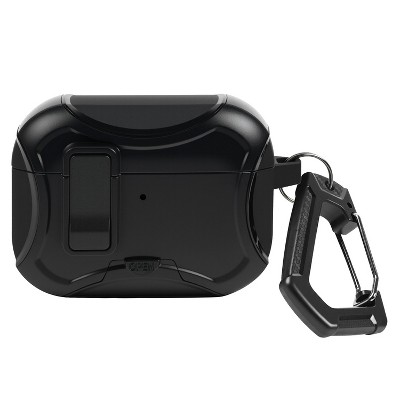
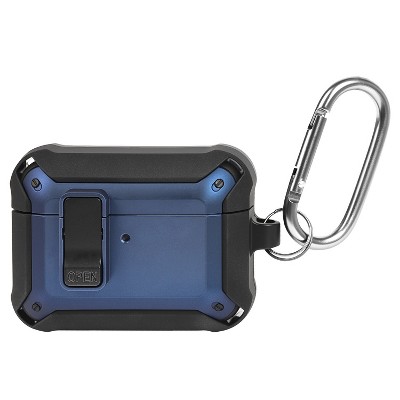
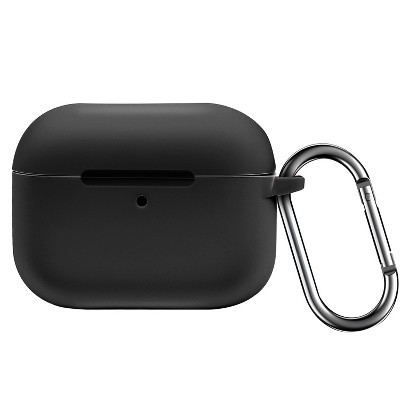
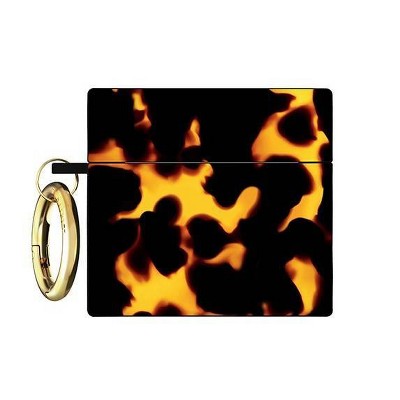
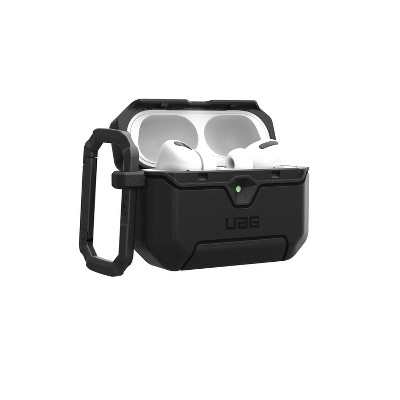
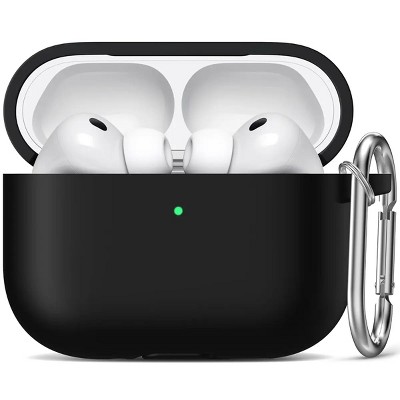
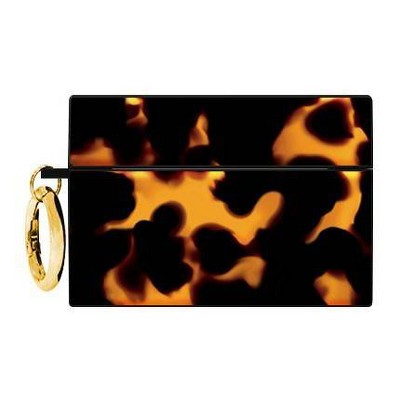
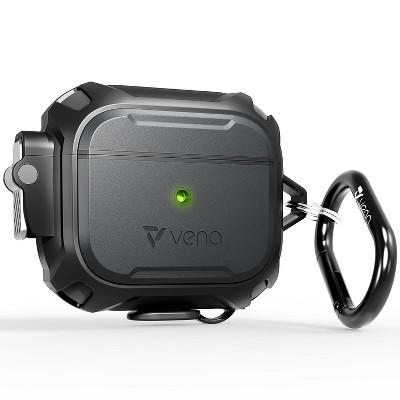
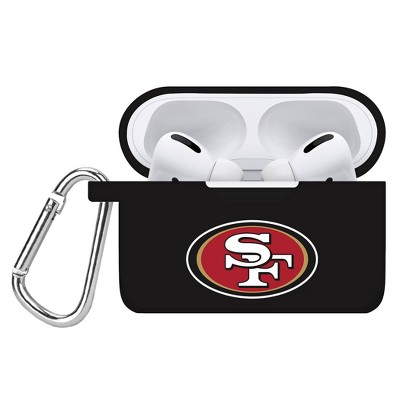
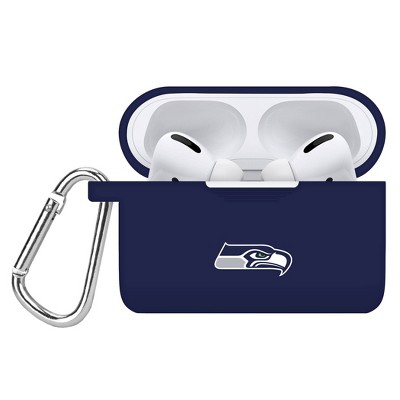
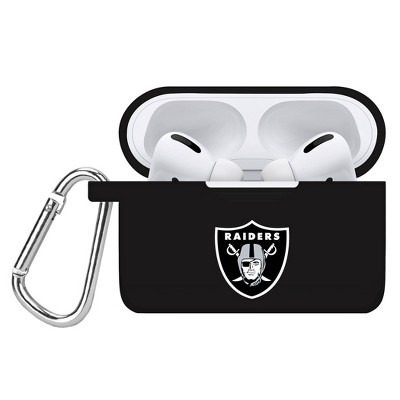
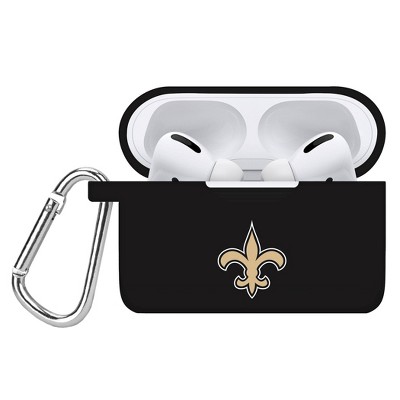
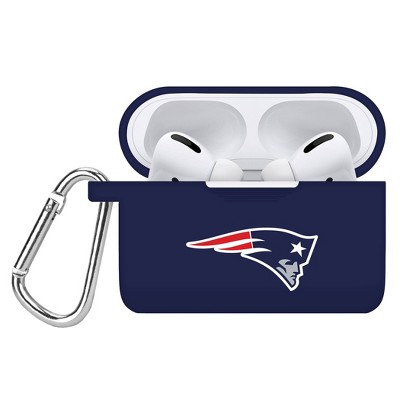
Frequently bought together
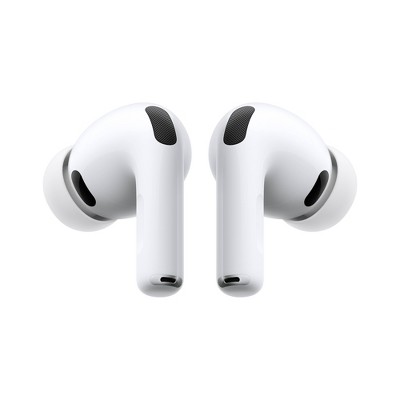
- Bestseller$199.99reg $249.99 SaleGet the AirPods Pro 3 starting at $24/mo.3.9 out of 5 stars with 2111 ratings
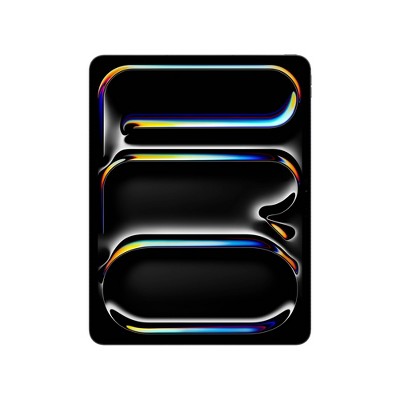
- $1,199.99 - $1,899.99Get the iPad Pro (M5) starting at $98/mo. on select items3.3 out of 5 stars with 25 ratings
- $129.99 - $179.99Get the AirPods 4 starting at $13/mo. on select items3.9 out of 5 stars with 4936 ratings
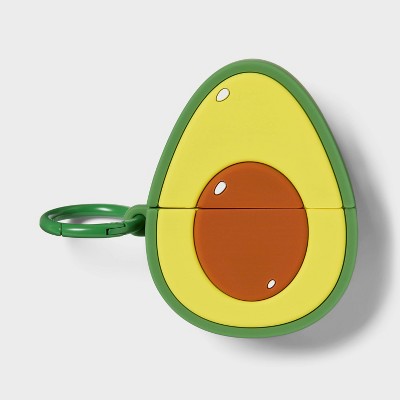
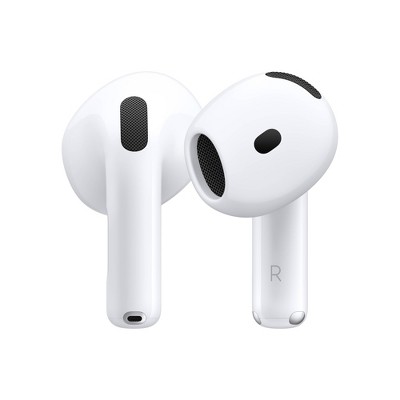
Guests also viewed
- Bestseller$199.99reg $249.99 SaleGet the AirPods Pro 3 starting at $24/mo.3.9 out of 5 stars with 2111 ratings
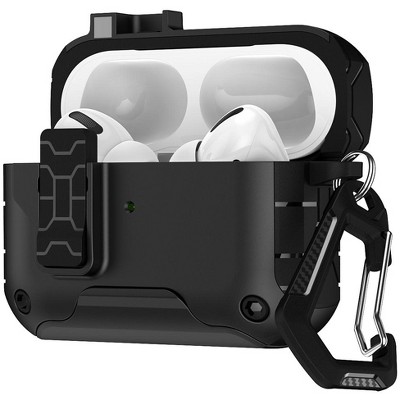
- $8.00 - $8.50reg $10.00 Select items on sale4 out of 5 stars with 194 ratings
- $129.99 - $179.99Get the AirPods 4 starting at $13/mo. on select items3.9 out of 5 stars with 4936 ratings
- $9.74 - $12.99Select items on clearance4 out of 5 stars with 185 ratings
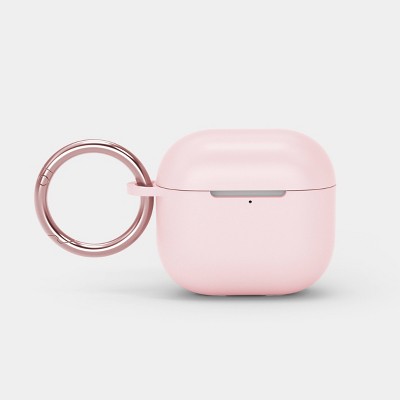
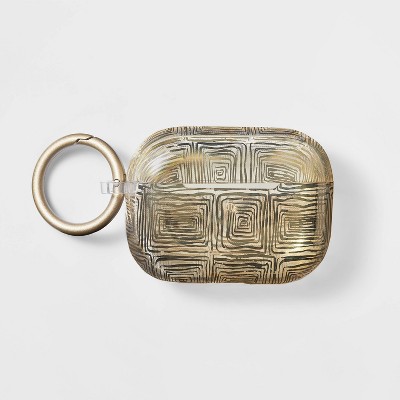
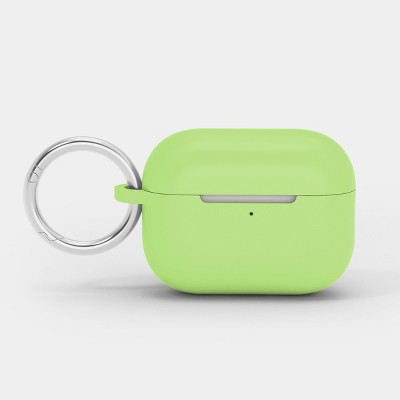
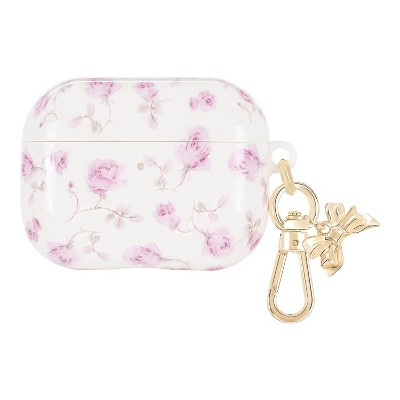
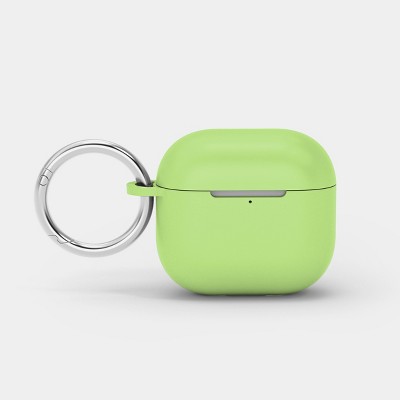
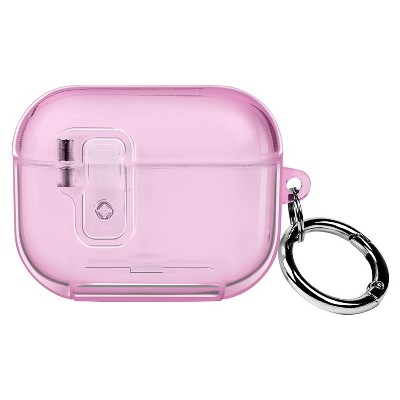
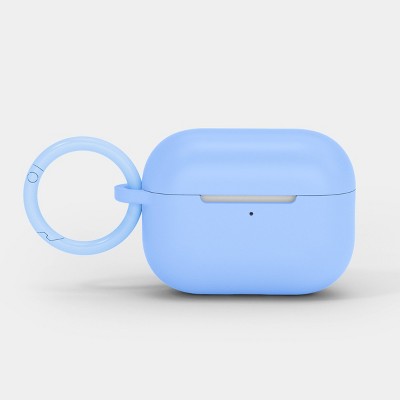
Related Categories
Guests are saying
The airpod case offers a stylish and protective solution for your earbuds, featuring a snug fit and a convenient clip for easy attachment to bags or keychains. Guests appreciate the colorful designs and the soft silicone material that provides a good grip. However, some have experienced issues with the lid not closing properly and compatibility with wireless charging. Overall, it is a fun and functional accessory for airpods.
Summary created by AI from text of reviews reflecting recent feedback provided across different star ratings (includes incentivized reviews)
4.0 out of 5 stars with 194 reviews
quality: 3.17 out of 5
value: 3.42 out of 5
73% would recommend
101 recommendations
1 out of 5 stars
Thumbs up graphic, would recommend
17 September, 2026
(no review title)
They were unable to find it and bring it to my car but i went in and it was in the tech section stocked so that’s really stupid. Case is good, service is not
1 reply from the Product Manufacturer team - 3 days ago
Hi MB, we’re glad to hear you’re happy with the case itself, but we’re sorry the pickup experience was frustrating. We appreciate you sharing the feedback about your order and store experience. Please feel free to reach out to Target Guest Services at guest.service@target.com for further assistance.
3 out of 5 stars
Thumbs up graphic, would recommend
17 September, 2026Verified purchase
Good
The lid is a little loose, and the silicone cover doesn’t open the earbud case lid, so you have to open them separately. Other than that, everything is great. I really like the color! I believe my ear pods are not 3rd generation
1 reply from the Product Manufacturer team - 4 days ago
Hi V, we’re glad you’re loving the color and overall case! We appreciate your feedback on the lid fit and silicone cover, and we’re happy to hear you’re enjoying the case otherwise.
1 out of 5 stars
Thumbs down graphic, would not recommend
5 September, 2026Verified purchase
(no review title)
Super cute but did not fit the AirPod case properly. It did not fully cover the lid and also did not allow for the case to open all the way.
1 reply from the Product Manufacturer team - 13 days ago
Hi, we're sorry to hear that the case did not fit your AirPods properly or allow the lid to open fully. We understand how disappointing that must be. Please feel free to reach out to Target Guest Services at guest.service@target.com for further assistance.
5 out of 5 stars
29 August, 2026Verified purchase
(no review title)
Veri nice
1 reply from the Product Manufacturer team - 21 days ago
Hi Adrian, we're glad you're enjoying your AirPods case! Thanks for sharing your feedback with us.
2 out of 5 stars
Thumbs down graphic, would not recommend
26 August, 2026Verified purchase
Doesn't close anymore
Lid doesn’t close anymore, have had less than a year
1 reply from the Product Manufacturer team - 24 days ago
Hi Yvonne, we’re sorry to hear the lid no longer closes after less than a year of use. This is not the quality we want you to experience. Please feel free to reach out to Target Guest Services at guest.service@target.com for further assistance.
5 out of 5 stars
Thumbs up graphic, would recommend
10 August, 2026Verified purchase
(no review title)
So cute
1 reply from the Product Manufacturer team - 1 month ago
Hi, we're so glad you think your new case is cute! Thanks for sharing your feedback with us. We hope you continue to love it!
1 out of 5 stars
Thumbs down graphic, would not recommend
10 August, 2026
Does not fit
The case does not fit the airpods case properly. I’ve tried to push it in as much as possible, but I don’t want to damage the airpods case. Will return as soon as possible. Do not recommend.
1 reply from the Product Manufacturer team - 1 month ago
Hi AL, we're sorry to hear the case wasn't fitting your AirPods properly. We understand your concern about not wanting to force it and potentially damage your device. We appreciate you bringing this to our attention. Please feel free to reach out to Target Guest Services at guest.service@target.com for further assistance.
5 out of 5 stars
Thumbs up graphic, would recommend
2 August, 2026Verified purchase
(no review title)
Case fits snug and is very secure. Unlike past cases the top is connected to the base so it won’t fall off when opening. Design is very colorful
1 reply from the Product Manufacturer team - 2 months ago
Hi Annette, thank you for your review! We’re glad the case fits securely and that you love the colorful design. It’s great to hear the connected top is a helpful feature, too!
5 out of 5 stars
29 July, 2026Verified purchase
(no review title)
Work great
1 reply from the Product Manufacturer team - 2 months ago
Hi Makenzie, thank you for your review! We’re glad the AirPods case is working well for you.
1 out of 5 stars
27 July, 2026Verified purchase
Used. Bad
It was used
1 reply from the Product Manufacturer team - 2 months ago
Hi Geydi, we’re sorry the case appeared to have been previously used when it arrived. We understand how disappointing that must have been. Please contact Target Guest Services at guest.service@target.com for further assistance.
1 out of 5 stars
Thumbs down graphic, would not recommend
25 July, 2026
Doesn't fit terrible product target should be ashamed
This product has never fit. It’s advertised use. And the fact that target is still selling this should be criminally investigated because it’s false advertising.
1 reply from the Product Manufacturer team - 2 months ago
Hi E, we’re sorry the case did not fit your AirPods Pro as expected. We understand your frustration and appreciate you bringing this issue to our attention. Please contact Target Guest Services at guest.service@target.com for further assistance.
1 out of 5 stars
Thumbs down graphic, would not recommend
20 July, 2026
TERRIBLE DO NOT BUY
Mom bought them for me and the silicone case wouldn’t fit around my AirPods Pro 3! They are absolutely terrible. The stainless steel carabiner is good quality and is pretty strong, but with the rest of it, I do not recommend. Do not buy them.
1 reply from the Product Manufacturer team - 2 months ago
Hi Archebald the great, we're sorry the silicone case didn't fit your AirPods Pro 3, though we're glad the carabiner itself felt strong and well made. We understand how frustrating it is when the main case doesn't fit as expected, and we appreciate you bringing this to our attention. Please feel free to reach out to Target Guest Services at guest.service@target.com for further assistance.
2 out of 5 stars
Thumbs down graphic, would not recommend
20 July, 2026Verified purchase
Too clingy
I don’t like the feeling and everything sticks to it so it’s impossible to keep clean looking or feeling
1 reply from the Product Manufacturer team - 2 months ago
Hello Brandi, thanks for sharing your thoughts. We're sorry to hear the case didn't have the feel you were hoping for and that it was difficult to keep clean during everyday use. We appreciate you taking the time to let us know about your experience. Please feel free to reach out to Target Guest Services at guest.service@target.com for further assistance.
3 out of 5 stars
19 July, 2026Verified purchase
(no review title)
Design of case won’t allow AirPods case to stay closed.
1 reply from the Product Manufacturer team - 2 months ago
Hi McKenzie, we're sorry the design of the case is preventing your AirPods case from staying closed. We understand how frustrating that is, and we appreciate you bringing this issue to our attention so our team can review it.
2 out of 5 stars
Thumbs down graphic, would not recommend
17 July, 2026
Cheap & not functional
Fit is passable at best and the clip is a good idea but cheap quality. The biggest issue is that it advertises compatibility with wireless charging but the hinge on the back of the case prevents full contact to wireless chargers. Meaning, it is NOT compatible with wireless chargers.
1 reply from the Product Manufacturer team - 2 months ago
Hi Kendal, we're sorry the case didn't fit as well as expected and that the hinge interfered with wireless charging. We understand how frustrating that is when wireless charging compatibility is an important feature, and we appreciate you bringing this issue to our attention. Please feel free to reach out to Target Guest Services at guest.service@target.com for further assistance.
2 out of 5 stars
Thumbs down graphic, would not recommend
16 July, 2026Verified purchase
Save your money!
Really really bad case. Like really bad. None of the holes on the case match up to the ones on the AirPods. Can’t see the battery indicator on the front. The top doesn’t stay on. Very frustrating. Low quality case; would not recommend. Not worth taking back for 5 dollars so I’ll just keep until I find something else. Atleast the print is pretty I guess
1 reply from the Product Manufacturer team - 2 months ago
Hi Hannah, thank you for taking the time to leave such detailed feedback. We're sorry to hear the case didn't fit properly and that the design made it difficult to use your AirPods the way you expected. We appreciate you pointing out what worked as well as what didn't. Please feel free to reach out to Target Guest Services at guest.service@target.com for further assistance.
5 out of 5 stars
Thumbs up graphic, would recommend
11 July, 2026Verified purchase
(no review title)
Like
1 reply from the Product Manufacturer team - 2 months ago
Hi Dia, thanks for your review! We're happy to hear you're enjoying your AirPods case. We appreciate you choosing heyday!
1 out of 5 stars
Thumbs down graphic, would not recommend
4 July, 2026Verified purchase
Disappointed with Poppy Flowers Case
Top of Poppy Flowers case will not stay shut. Should have read the reviews before buying. I like the color, but do not want to take the chance of losing an airpod. Will be returning.
1 reply from the Product Manufacturer team - 2 months ago
Hi Nan, thank you for your honest feedback. We're sorry to hear the case would not stay securely closed and did not give you confidence using it. We appreciate you sharing your experience with us. Please feel free to reach out to Target Guest Services at guest.service@target.com for further assistance.
5 out of 5 stars
Thumbs up graphic, would recommend
3 July, 2026Verified purchase
Cool and easy
Very easy to install my AirPods.
1 reply from the Product Manufacturer team - 3 months ago
Hi Frankie, thank you for your review! We're glad to hear the case was easy to install and has been working well for your AirPods. We appreciate you sharing your experience and hope you continue enjoying it!
5 out of 5 stars
Thumbs up graphic, would recommend
25 June, 2026Verified purchase
Snug fit! :)
Fit perfectly! Love the pink color 💗
1 reply from the Product Manufacturer team - 3 months ago
Hi Joanna, thanks for your review. I am glad the case fits perfectly and that you are loving the pink color!our feedback is appreciated!!