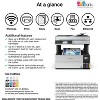
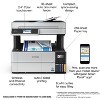
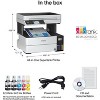
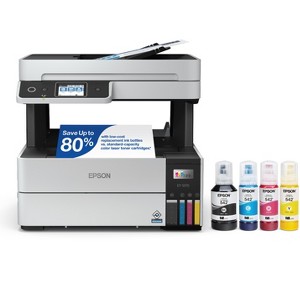
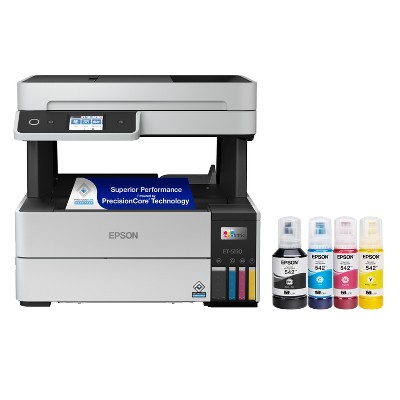
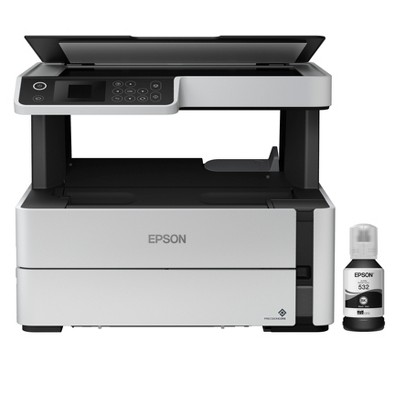
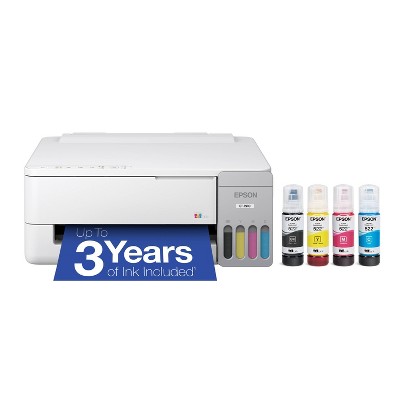
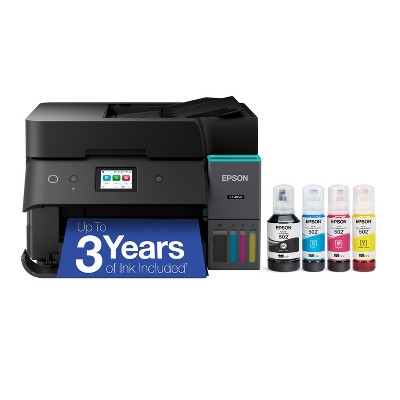
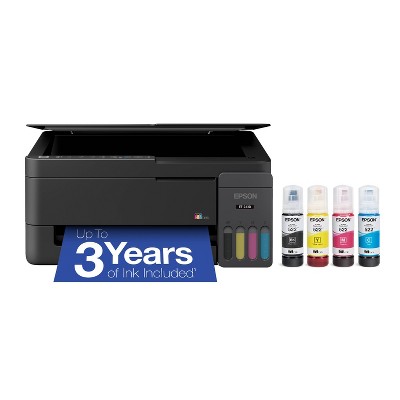
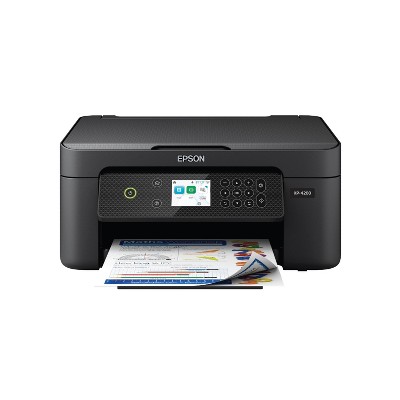
Epson EcoTank Pro ET-5170 Wireless Color All-in-One Supertank Printer
$399.99 reg $579.99
$180 off
Out of Stock
Add plans or services
Make your selection before adding to cart
2 Year Electronics Protection Plan ($350-$399.99) - Allstate
$50.00

Free & easy returns
Return this item by mail or in store within 30 days for a full refund.
Sold & shipped by Epson
Eligible for registries and wish lists
About this item
Additional product information and recommendations
Guests are saying
The Epson EcoTank Pro ET 5170 wireless printer is highly praised for its impressive print quality, fast printing speed, and user-friendly setup. Guests appreciate the eco-friendly ink tank system that significantly reduces ink costs and the convenience of wireless connectivity. The printer's dual functionality for scanning and copying adds to its versatility, making it an excellent choice for home offices and small businesses. However, some guests have experienced issues with paper jams and connectivity.
Summary created by AI from text of reviews reflecting recent feedback provided across different star ratings (includes incentivized reviews)
4.2 out of 5 stars with 48 reviews
5 out of 5 stars
27 March, 2026
originally posted on http://www.dell.com/en-us

(no review title)
5
4 out of 5 stars
4 March, 2026
originally posted on epson.com

my usage
great family home work device
5 out of 5 stars
6 January, 2026
originally posted on epson.com
Great printer
This is the best printer I have ever had for my office use. I used printers of other brands in the past (hp and Cannon) and this one is the best. I liked the features of having the printed papers ejected toward inside rather than outside. It's very fast in printing. The scanner works great with excellent resolution. Connectivity is great. It also looks elegant. Set-up is easy. Overall, it is worth the price.
5 out of 5 stars
23 October, 2025
originally posted on http://www.dell.com/en-us
Thanks dell, the right product shipped fast
Love the printer, print quality is very good and fast fast printing Love the ink tanks and 2 side printing Copy and scan is a bonus I was on chat with Dell, they helped me pick the right model for me
2 out of 5 stars
9 July, 2025
originally posted on epson.com
(no review title)
Through the printer is out of warranty at this moment the printer has stopped printing. The nozzle assembly sounds like it prints but it doesn't. I am still using the ink that shipped with the printer...So spent $902.17 on a lemon.
From The Epson Team team
Hi JTBR, we are sorry to hear you are having issues with your Epson printer. Your ET-5170 includes free technical telephone support for the life of your product. Our Epson Support Team would be happy to help you and can be reached at (562) 276-4382; Hours: Monday – Friday, 7 a.m. to 4 p.m. (PT). Sincerely, Joseph – The Epson Team.
1 year ago
2 out of 5 stars
18 March, 2025
originally posted on epson.com
Great printer, but scanner jams all the time
Printer works great, however the feed mechanism jams most of the time, it has always jammed most of the time, I have faith that it was never intended to not jam. Needless to say, when I scan I only scan one sheet at a time.
From The Epson Team team
Hi Charles, Visit www.epson.ca/support/et5170 for useful product information on optimizing print settings and avoiding paper jams. Your Epson includes free technical support for the life of your product. Our Epson Support Team would be happy to help you and can be reached at (562) 276-4382; Hours: Monday – Friday, 7 a.m. to 4 p.m. (PT). We appreciate your purchase, and we value your feedback. Sincerely, Joseph– The Epson Team.
2 years ago
5 out of 5 stars
3 February, 2025
originally posted on epson.com
Saves big time on ink.
Bought this last year and waited to write this so buyers hype would not skew the review. I like the 5170 - a little slow but the idea of a whole year until refills is a HUGE plus. I have had problems all along with wireless connect and my desktop. It has really been a pain the last three months. Just download an update - hope that helps.
3 out of 5 stars
9 April, 2024
originally posted on epson.com
Disappointed
I'm rather disappointed in the newer Epsons. I had one some time ago and it was flawless and printed extremely well. The newer ones seem to be made with less quality. My feeder keeps getting jammed or won't feed at all so I end up making copies or scans one page at a time on the glass. Trying to print on photo Epson photo paper not working out as it keeps getting jammed. I checked all the settings and paper and every advice to see what needed to be done but none helped. Pretty disappointed.
From Epson Service team
Hi Berni, we are sorry to hear that you are having issues with your Epson EcoTank Pro ET-5170 printer. Epson provides useful information on paper loading and clearing paper jams in the product User’s Guide at www.epson.com/support/et5170. If you continue to have problems with your printer, our Epson Support Team would be happy to help you and can be reached at (562) 276-4382; Hours: Monday – Friday, 7 a.m. – 4 p.m. PT. Sincerely, Dylan – The Epson Team.
3 years ago
5 out of 5 stars
5 February, 2024
originally posted on epson.com
first impressions
set up was relatively easy and output looks good
1 out of 5 stars
1 February, 2024
originally posted on epson.com
Can't scan
hate it
From Epson Service team
Hi frustrated5, Epson provides information on how to set up your ET-5170 to scan and how to solve scanning issues in the product’s User’s Guide at www.epson.com/support/et5170. If you still have problems scanning, our Epson Support Team would be happy to help you and can be reached at (562) 276-4382; Hours: Monday – Friday, 7 a.m. – 4 p.m. PT. Sincerely, Dylan – The Epson Team.
3 years ago
4 out of 5 stars
18 December, 2023
originally posted on http://www.dell.com/en-us
Good but...
I purchased the ET-5170 instead of the ET-5150 because the reviews were better. But both styles seem to have the same problem that the upper paper feed gets stuck often. It also has a delay from the time you hit print to it actually starts takes about 15 seconds. Overall a decent machine.
3 out of 5 stars
13 December, 2023
originally posted on http://www.dell.com/en-us
(no review title)
3
3 out of 5 stars
5 June, 2023
originally posted on http://www.dell.com/en-us
(no review title)
3
4 out of 5 stars
30 May, 2023
originally posted on http://www.dell.com/en-us
Printer Good, Dell's price high
Printer works great. Price was higher with Dell than most other places.
5 out of 5 stars
9 May, 2023
originally posted on http://www.dell.com/en-us
(no review title)
5
2 out of 5 stars
11 April, 2023
originally posted on http://www.dell.com/en-us
Ok Printer; Sub-Par Printer
Purchased this printer for a small business. This printer would probably save money over a color laser if you factor in toner costs; however, the printer itself is pretty poorly made. The build quality is pretty flimsy. If you scan a lot, I would avoid this printer. The unit we got had a broken ADF. It only scans one side. Feeder does not take a lot of papers. Print quality was fine.
5 out of 5 stars
29 March, 2023
originally posted on http://www.dell.com/en-us
(no review title)
5
5 out of 5 stars
3 February, 2023
originally posted on http://www.dell.com/en-us
Great product, Good investment
This product works great, no issues with ink usage, and good print quality.
4 out of 5 stars
27 January, 2023
originally posted on http://www.dell.com/en-us
(no review title)
4
5 out of 5 stars
2 January, 2023
originally posted on epson.com
Houston Household of Today's Entrepreneurs
We love our new printer. I use the printer for my Real Estate Business. Both my Husband and Daughter use the printer and fax for his A/C and Heating Business and her Party Planning business. Each print job is so nice and clean each time. We all are very happy with the purchase.