
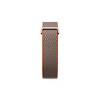
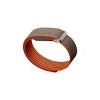
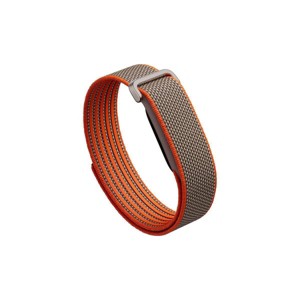
Google Fitbit Air Special Edition Stephen Curry - Rye
New at target
$129.99
ColorRye
In Stock
Eligible for registries and wish lists
At a glance
About this item
Additional product information and recommendations
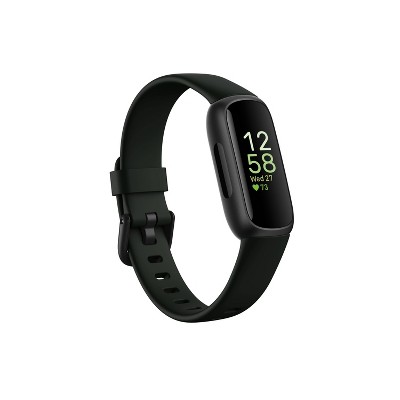
This item is featured in
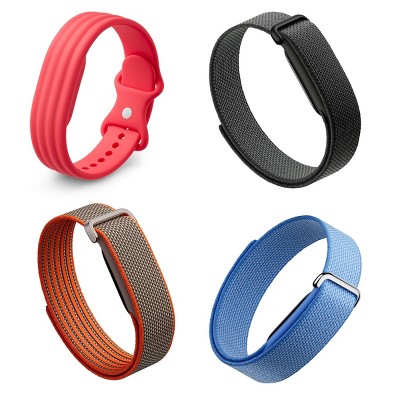
Google Fitbit Air Collection
View Google Fitbit Air Collection collection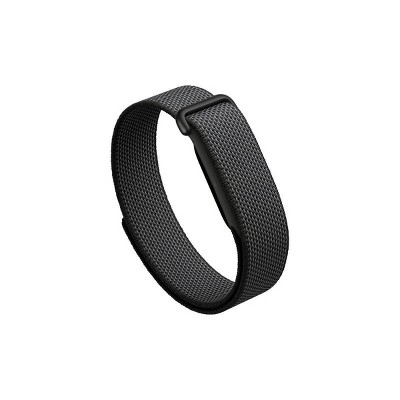
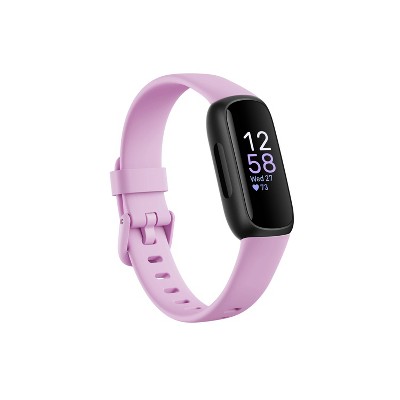
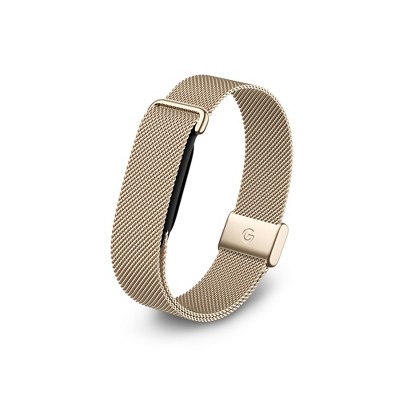
Related Categories
Guests are saying
The product has received mixed feedback from guests, with some praising its lightweight design and comfort, as well as its effective sleep tracking and health insights. However, many guests have reported significant issues with accuracy, particularly in step counting and syncing with apps. While some appreciate the simplicity of a screenless tracker, others find the app chaotic and difficult to navigate. Overall, it offers potential for health tracking but may require improvements in functionality.
Summary created by AI from text of reviews reflecting recent feedback provided across different star ratings (includes incentivized reviews)
3.3 out of 5 stars with 113 reviews
quality: 3.08 out of 5
value: 3.19 out of 5
43% would recommend
37 recommendations
5 out of 5 stars
21 October, 2026Verified purchase
(no review title)
Fits great and works well, especially with Bevel app. Currently have a second one on the way for my wife
1 out of 5 stars
Thumbs down graphic, would not recommend
20 October, 2026Verified purchase
Does not track steps accurately (Not even close)
This is in regard to the Google Fitbit Air in which I have had for 3 days. This band repeatedly drops from Bluetooth connection and also counts steps that I’m not even taking, which is mainly why I purchased it. I’m returning it to Target tomorrow.
3 out of 5 stars
19 October, 2026Verified purchase
(no review title)
Honestly i love everything about this thing, very comfy and slim. I will be returning it though bc it doesn't send the hourly step reminders which is one of my fave features since I work a desk job.
5 out of 5 stars
19 October, 2026Verified purchase
(no review title)
Adore this so much, battery life lasts multiple days and the app is so fun!
1 out of 5 stars
10 October, 2026Verified purchase
(no review title)
I didn’t received my package
From FitBit Team team
Hi there. We're sorry to hear you're running into shipping issues with the Fitbit Air. We recommend reaching out to the retailer directly so they can help track it down.
13 days ago
1 out of 5 stars
Thumbs down graphic, would not recommend
2 October, 2026Verified purchase
(no review title)
After about a month my Fitbit kept dropping from my Bluetooth. So I kept missing my data. Constantly had to check whether it was connected. Waste of money because now I can’t get it fixed or refunded.
From FitBit Team team
Hey there. We're sorry to hear your Fitbit Air has been dropping its Bluetooth connection — we totally get the frustration. Normally, a quick reset will resolve this. Here's how: 1. Plug the charging cable into a USB-C power source. 2. Put Google Fitbit Air on the charger. 3. While keeping your device on the charger, press and hold the button on the back of the charger for 10 seconds, or until the status light on the side of Google Fitbit Air flashes white. 4. Let go of the button. Your device has restarted. If this doesn't fix the issue, reach out to us here: https://support.google.com/googlehealth/gethelp
22 days ago
1 out of 5 stars
Thumbs down graphic, would not recommend
23 September, 2026
Awful piece of junk product
This thing is a piece of junk. I went to my brothers soccer game and it counted every single time I clapped as a step. I had 1,200 steps in the span of 20 minutes. I heard there was issues with accuracy but that’s ridiculous. You would think after years and years of different Fitbits they’d get their crap together but somehow it’s only gotten worse. I’ve had it for 3 hours and will be returning as soon as possible.
From FitBit Team team
Hey there, Chiara. We’re sorry to hear about step counting hasn't been consistent on the Fitbit Air for you. We know how frustrating that can be. Even though you've returned the device, we’d like to learn more about what happened. When you find a moment, please share your feedback here: https://google.qualtrics.com/jfe/form/SV_2aStd8wsbcLGvwG
29 days ago
3 out of 5 stars
Thumbs down graphic, would not recommend
21 September, 2026Verified purchase
Disappointed on Target SLA
Apparently Target think it's efficient to have preorders shipped cross country, from east to west. I don't even have the darn product in my hands. Maybe I will update this review once I have it, but for now Target is VERY ALLERGIC on delivering items on time when I could had gotten it in store. I couldn't because I used gift card for this item.
5 out of 5 stars
Thumbs up graphic, would recommend
21 September, 2026Verified purchase
Fitbit Air (obsidian)
Out of all the fitness trackers and smart watches I've purchased this by far is my favourite. Already within a week of wearing it I have gained so much insight on my health, my sleep, my heart, the ability to take pictures of nutritional facts and log meals tracking every nutrient so a massive bonus. Setting goals, building workouts, this thing is awesome. Barely even notice it's there. No wasted time tracking things you really don't need. Don't listen to what they say about the app, once you learn to navigate it it's quite simple. Just remember to pull down to refresh your data so the band syncs.
1 out of 5 stars
Thumbs down graphic, would not recommend
21 September, 2026Verified purchase
I would not recommend
Bought 2 of these and never got them to even connect to the Google Health App. The transfer from the FitBit app to Google Health has been a total mess if you read the reviews. Spoke to customer support and still could not get the Google App out of parent view so it could see the FitBit Air. Restarted the phone 10 times, deleted and reinstalled the app, cleared cache, you name it. I would not buy this or recommend it and I would buy a WHOOP if I were you which is what we had to do. No problems there.
From FitBit Team team
Hey there. We're sorry to hear you've had so much trouble getting your Fitbit Air devices to connect to the Google Health app, and your experience with our support team wasn’t the best. We understand how frustrating that is. We'd like to take a closer look at this for you and help get things sorted out. Please reach out so we can investigate further: https://support.google.com/googlehealth/gethelp
29 days ago
1 out of 5 stars
18 September, 2026
(no review title)
No good not accurate
From FitBit Team team
Hey there. We’re sorry to hear that you've had problems with accuracy on the Fitbit Air — we understand how frustrating that can be. To help improve it, make sure your dominant hand setting is correct in the Google Home app (wearing it on your non-dominant hand and setting it to "Non-Dominant" can help reduce accidental step counts from arm movements). Additionally, ensure your height is set correctly so it can accurately calculate your stride length. If you're still experiencing issues, reach out so we can investigate further: https://support.google.com/googlehealth/gethelp?hl=en
1 month ago
1 out of 5 stars
Thumbs down graphic, would not recommend
13 September, 2026Verified purchase
Target ships empty boxes and charges you!
The product I never received . They sent me an empty box and took a picture of it, I was home and got the package and opened , only to find it empty. Contacted them multiple times . They refused to issue a refund or send another item. This is first time shopping with Target in years. It will be the last time ! Filed complaint with BBB, contacted FedEx , Discover Bank (debit card), and filed police report with Prescott police! They still refused to give me a refund or product! Do not ever order anything from these people online! Glenn S.
5 out of 5 stars
Thumbs up graphic, would recommend
9 September, 2026Verified purchase
(no review title)
This product is fabulous, the in-store pickup was easy, and the watch is very comfortable
1 out of 5 stars
Thumbs down graphic, would not recommend
5 September, 2026Verified purchase
Great while it works
Stopped working after 90 days. Google is not assisting me.
From FitBit Team team
Hey there. We’re sorry to see your Fitbit Air stopped working after 90 days and that your experience with our support team wasn't the best — we totally get how frustrating that can be. We’d like to take a closer look into this and see how we can help. When you have a moment, please reach out to our support team here: https://support.google.com/googlehealth/gethelp
1 month ago
1 out of 5 stars
Thumbs down graphic, would not recommend
4 September, 2026Verified purchase
(no review title)
Everything you moved your arm it counted as a step Not very accurate
From FitBit Team team
Hey there. We’re sorry to hear that you've had problems with step counting on the Fitbit Air — we understand how frustrating that can be. To help improve accuracy, make sure your dominant hand setting is correct in the Google Home app (wearing it on your non-dominant hand and setting it to "Non-Dominant" can help reduce accidental step counts from arm movements). Additionally, ensure your height is set correctly so it can accurately calculate your stride length. If you're still experiencing issues, reach out so we can investigate further: https://support.google.com/googlehealth/gethelp?hl=en
1 month ago
4 out of 5 stars
2 September, 2026Verified purchase
(no review title)
Did not fit m e
5 out of 5 stars
Thumbs up graphic, would recommend
21 August, 2026
Must have!
Love it. It’s so discreet and light. And its features are great!!!
5 out of 5 stars
Thumbs up graphic, would recommend
19 August, 2026Verified purchase
Works great!! I love it.
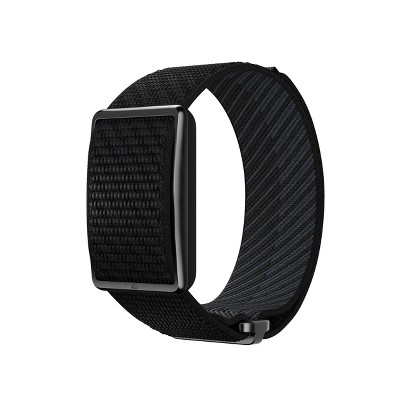
I purchase it the day it came out. It’s works great. I love that it doesn’t have a screen. I would like to have more variety and sizes for the band. That’s probably the only bad. I wear it on my ankle. But, the size is pretty generous because it fits great. I have never had a problem with it. It’s worked great from the beginning. I absolutely recommend it. It was so easy to get started.
1 out of 5 stars
Thumbs down graphic, would not recommend
19 August, 2026
Wrong product
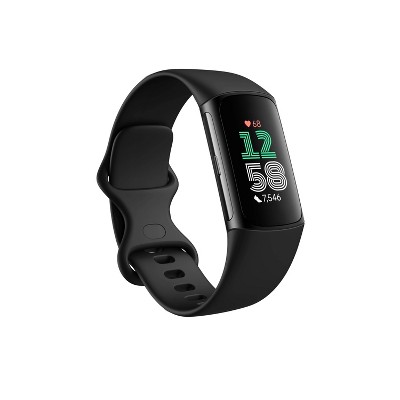
Wrong it comes with screen. They do not have proper one. This is fake . Can not return or ask for help on item either do not buy DOnot BUY
From FitBit Team team
Hi there. Sorry to see there was an issue getting you the Fitbit Air. Our recommendation is to reach out to the retailer directly to get the correct item.
2 months ago
5 out of 5 stars
Thumbs up graphic, would recommend
9 August, 2026Verified purchase
(no review title)
Bought this for my husband’s birthday! He loves it so much! Very comfortable! He loves that he can see his sleep and tracking his steps.