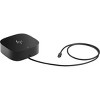
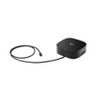
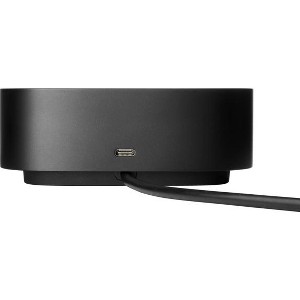
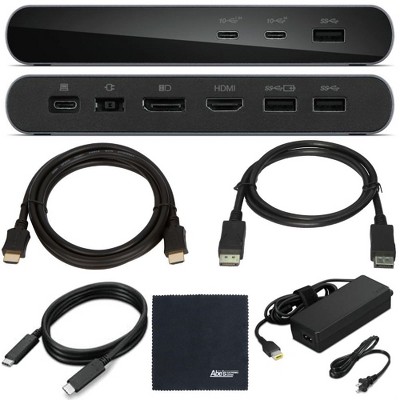
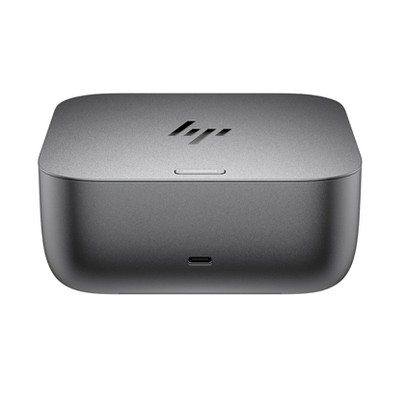
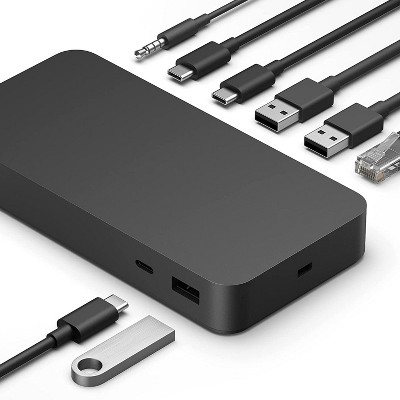
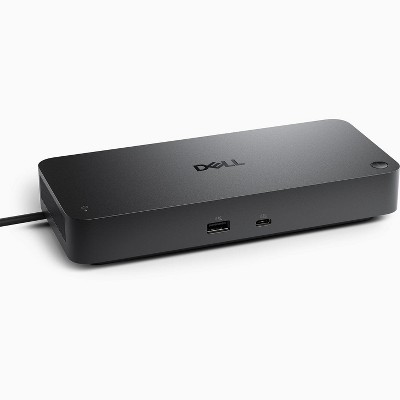
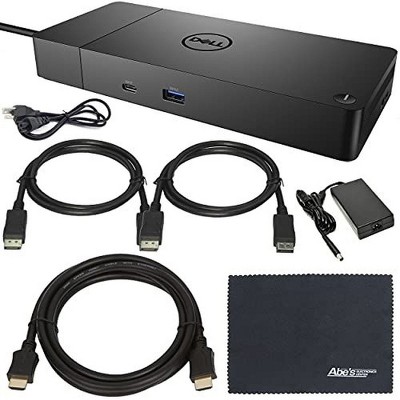
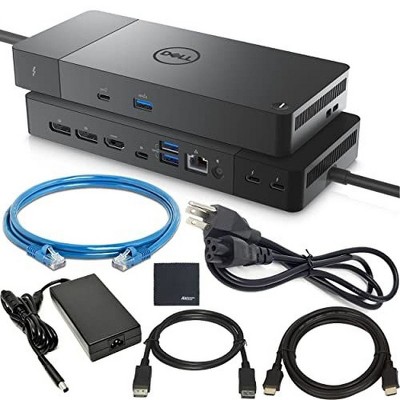
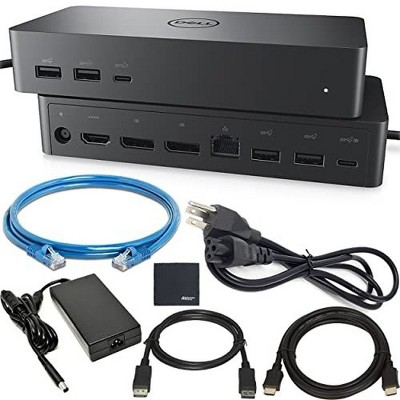
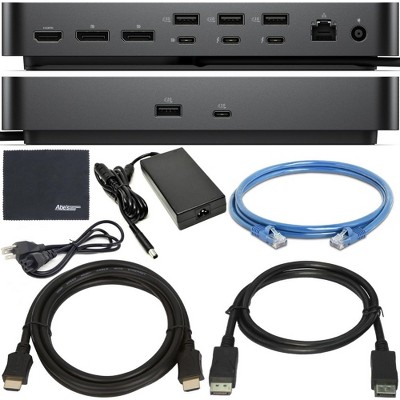
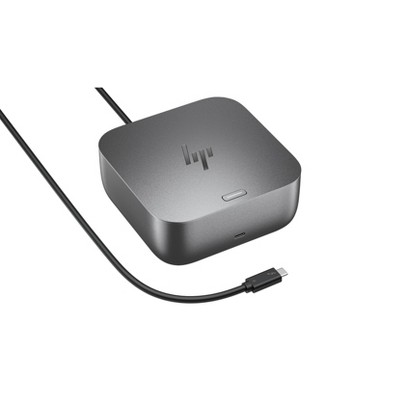
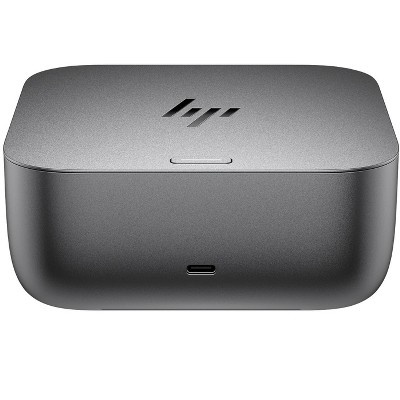
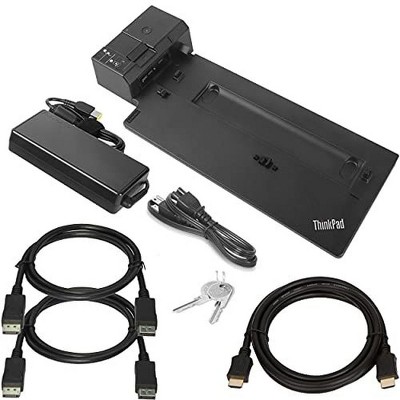
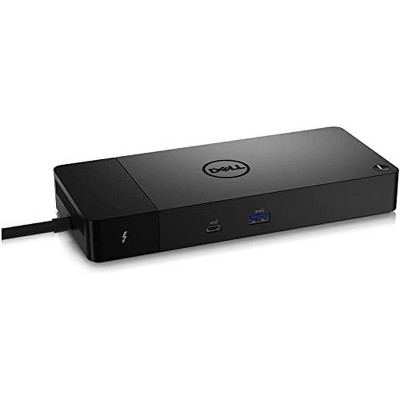
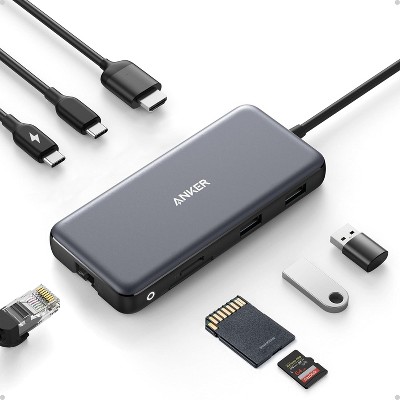
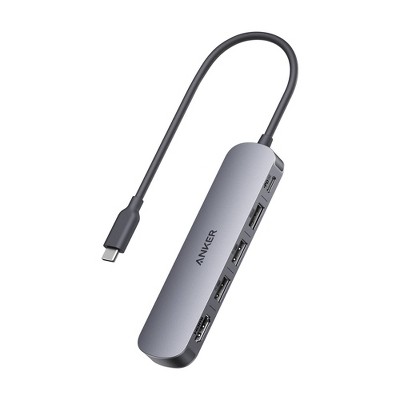
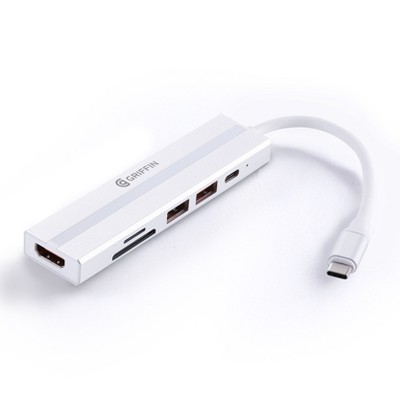
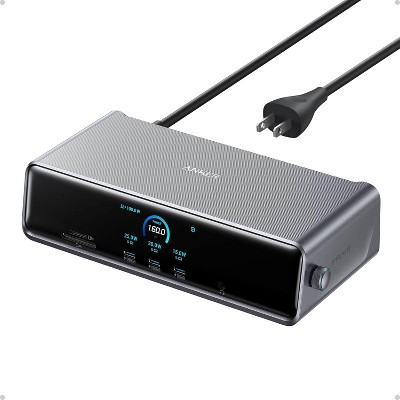
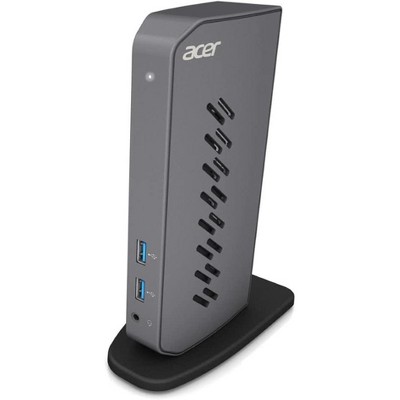
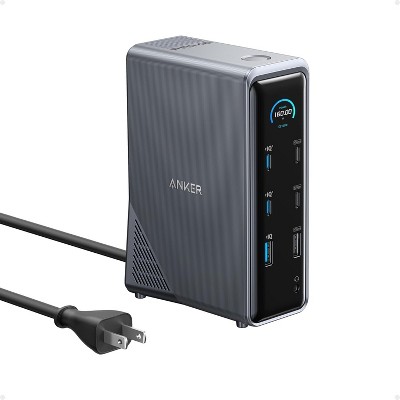
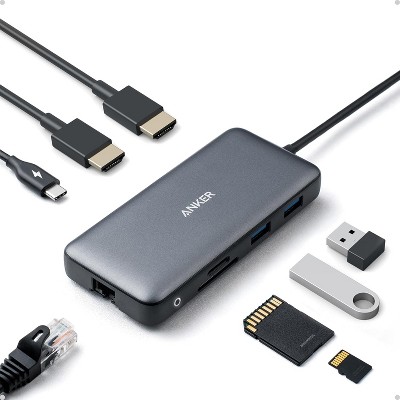
Overview - Connect your USB-C®-enabled laptop to your displays, accessories, and wired network with the versatile, elegant, and space-saving HP USB-C® Dock G5. What's in the box? - HP USB-C® Dock G5; AC Adapter; AC Power cord; Product notices; Warranty; Quick Start guide Disclaimers - For USB-C® functionality, host PC must support the DisplayPort™ Alt mode protocol through its USB-C® port. Thunderbolt™-enabled notebooks will function at USB-C® speeds. Charging and port replication is supported on notebooks that have implemented USB-C® industry specifications. Power button to turn on or wake the system, on HP notebooks. HP does not provide Ethernet and audio drivers on Mac PCs. - Based on HP internal testing on select non-HP notebook models compatible with USB-C® industry standards. Certain Alt mode features are not supported, such as power button. Visit the HP Support page to determine your HP notebook's wattage and port specifications. Visit the support page of your non-HP notebook to determine its wattage and port specifications. - Capable of supporting all three display outputs at the same time. - Internet connection required and sold separately. Managed PC must be running Windows 10. - HP includes a one-year limited warranty with online support available 24x7. Internet access required and not included.
Dimensions (Overall): 1.77 inches (H) x 4.8 inches (W) x 4.8 inches (D)
Weight: 1.65 pounds
Holds up to: 1 pounds
Compatible With: Most Laptops up to 15.6"
Battery: No Battery Used
Warranty: Multiple Warranties and/or Time Frames Apply. To obtain a copy of the manufacturer's or supplier's warranty for this item prior to purchasing the item, please call Target Guest Services at 1-800-591-3869
TCIN: 92697929
UPC: 195161120916
Origin: imported
The above item details were provided by the Target Plus™ Partner. Target does not represent or warrant that this information is accurate or complete. On occasion, manufacturers may modify their items and update their labels.
We recommend that you do not rely solely on the information presented. If you have a specific question about this item, you may consult the item's label, contact the manufacturer directly or call Target Guest Services at 1-800-591-3869.
If the item details aren’t accurate or complete, we want to know about it.
Shipping details
Estimated ship dimensions: 6.14 inches length x 5.8 inches width x 2.77 inches height
Estimated ship weight: 3.27 pounds
item ships from third party seller: HP Official Store
Return details
This item can be returned to any Target store or Target.com.
This item must be returned within 30 days of the date it was purchased in store, delivered to the guest, delivered by a Shipt shopper, or picked up by the guest.
The HP USB-C Dock G5 is a versatile and reliable docking solution that enhances productivity by allowing seamless connections to multiple peripherals and monitors. Guests appreciate its plug-and-play setup, premium build quality, and the convenience of a single USB-C cable for power and data. While many users report excellent performance with dual monitors and various devices, some have experienced compatibility issues with specific HP laptops. Overall, it is a valuable addition for remote work and home office setups.
Summary created by AI from text of reviews reflecting recent feedback provided across different star ratings (includes incentivized reviews)
4.2
4.2 out of 5 stars
355 star ratings
4.2 out of 5 stars with 355 reviews
4 out of 5 stars
10 April, 2026
originally posted on hp.com
Works great
Just what I needed to use the monitors with my laptop
Bob Hdwk
Did you find this review helpful?
1 out of 5 stars
22 February, 2026
originally posted on store.hp.com
Useless to me
Doesn't work with my HP laptop. updated Bios and required drivers and still won't work. You would think a HP dock would work on ANY HP laptop.
NHJ95
Did you find this review helpful?
2 out of 5 stars
20 February, 2026
originally posted on hp.com
Intermittent disconnect of docking station
The dock loses connectivity with the monitor intermittently. I have to unplug the USB cable from the HP laptop and wait for it to reconnect to the monitor.
Dan b jr
Did you find this review helpful?
1 out of 5 stars
11 February, 2026
originally posted on hp.com
not compatible with my HP laptop
not compatible with my 6 month old HP laptop. Total stupidity.
MikeBo
Did you find this review helpful?
5 out of 5 stars
8 February, 2026
originally posted on store.hp.com
Neat and compact
Works perfectly with an Elitebook laptop. Also works OK with an Omen 15 laptop apart from power button and charging. You need to use the Omen’s power button to switch on and plug in Omen’s charger. Apart from that, all good.
Andrew6502
Did you find this review helpful?
5 out of 5 stars
5 February, 2026
originally posted on store.hp.com
A+ service
A+ service. Product arrived sooner than expected and entire transaction was seamless. Fantastic communication and updates through the process.
JJE1
Did you find this review helpful?
5 out of 5 stars
22 January, 2026
originally posted on store.hp.com
It's Fine
No issues. It's a bit bigger than expected.
GVaug
Did you find this review helpful?
4 out of 5 stars
15 January, 2026
originally posted on hp.com
Works well but instructions are weak.
Works well but instructions are weak.
Beer Man
Did you find this review helpful?
3 out of 5 stars
14 January, 2026
originally posted on hp.com
G5 Docking Station
It is not compatible with all your laptops.
J. Jenkins
Did you find this review helpful?
5 out of 5 stars
2 January, 2026
originally posted on hp.com
USB Dock/Power is very convenient
USB Dock/Power is very convenient and easy to setup your external devices (i.e. display, printer, et
Dan_D
Did you find this review helpful?
1 out of 5 stars
31 December, 2025
originally posted on hp.com
USBC G5 Dock
it does not work.
Don Mc
Did you find this review helpful?
1 out of 5 stars
30 December, 2025
originally posted on hp.com
Does not work with shopping network HP laptops
If you purchase an HP laptop over TV shopping networks, the likelihood of this device working with your laptop is NOT!. I could not find documentation on the HP website on what docking station to connect my HP laptop. I read horror stories of folks trying to return this.
__Jeff
Did you find this review helpful?
4 out of 5 stars
24 December, 2025
originally posted on hp.com
Nice Docking Station
I liked the dock but I seemed to develop some intermittent connection issues with my wireless HP Printer so I decided to return it as I can get buy without it.
Snowman987
Did you find this review helpful?
5 out of 5 stars
21 December, 2025
originally posted on hp.com
VERY GOOD
I WILL RECOMMEND IT TO ANYBODY.
JOHN QUANN
Did you find this review helpful?
3 out of 5 stars
16 December, 2025
originally posted on hp.com
haven't used it yet
Still getting the bloatware, adware etc., off my new omnibook X flip first so it's usable. lol!!
Did you find this review helpful?
5 out of 5 stars
11 December, 2025
originally posted on hp.com
Works great
The dock works great. I love the fact that it also charges the laptop, so there's only one cord to plug in or remove. And the power button on the top of the dock turns the laptop on, which is very convenient. The size and shape can be awkward if space it tight.
Bob-in-NJ
Did you find this review helpful?
5 out of 5 stars
15 November, 2025
originally posted on hp.com
Thoughts on the hub
Works great! Lots of ports, perfect to bundle with monitor.
Bobble2
Did you find this review helpful?
2 out of 5 stars
14 November, 2025
originally posted on hp.com
It’s bulky, but it works
Very bulky product compared to what other computer companies have for sale.
DLD1234
Did you find this review helpful?
5 out of 5 stars
20 October, 2025
originally posted on store.hp.com
Great product.
Great product. Easy to set up and use.
FranktheGreyhound
Did you find this review helpful?
3 out of 5 stars
2 October, 2025
originally posted on store.hp.com
(no review title)
Please accept this as not critical feedback. The Dock was received in very good timing however I wasn't at home at the time. I installed it when I did get at home however it didn't work. It had power to the dock but wouldn't turn on so no power out. I had to go away after that and still won't get home again until next week so have yet to make contact with you to tell you about it. I will call next week and see if we can resolve the issue. Thanks
1 reply from HP Support Team team - 5 months ago
Thank you for choosing HP! Your product includes a 1-year warranty. During this period, you can review its performance and reach out to our Customer Service team at 1800-108-4749 for any assistance.