Sponsored
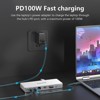
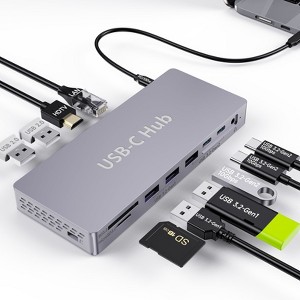
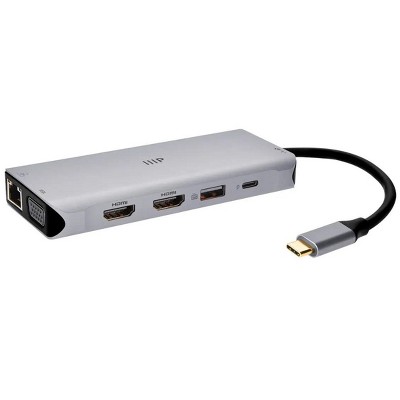
USB C Docking Station Adapter for Dell HP, Laptop Docking Station USB C Hub, Ethernet, 3 USB 10G,100W PD, SD/TF, Audio, 8 in 1 Thunderbolt Dock
In Stock
Sponsored
About this item
Highlights
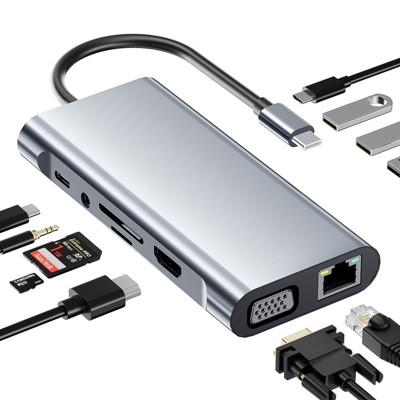
- 10Gbps USB 3.2 Gen 2 Data Transfer: The Laptop Docking Station comes with 2*USB 3.2-C and 1 USB 3.2-A ports, transfer your large files up to 10Gbps in seconds, suitable for video editor, Financial analysts and gamers. Notice: The USB-C 3.2 -C Gen2 ports just support data transfer and charging, do not support video output.
- Laptop Docking Station Dual Display: This usb c to HDMI adapter supports single 4K@60Hz/ 2K@144hz displays out put. You could choose Mirror or Extend Mode.
- PD 100W Fast Charging:With 100W Charging USB C port, this usb c dock can charge your laptops/tablets/phone quickly when you using other ports.
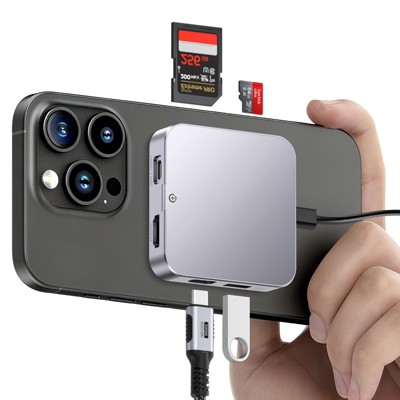
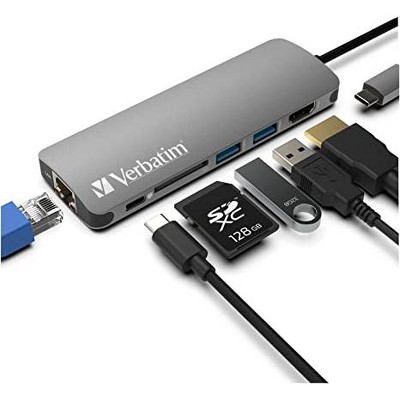
- 1 Gigabit Ethernet and 3.5mm Mic/Audio: Plug and Play, acasis usb c to ehternet adapter with 2 hdmi ports supports 1000 BASE-T Lan networks. Also, this usb c to hdmi adapter have a 3.5mm Mic/Audio port for you to put in your wired headset. Dual USB-A 2.0 & SD/TF Fast Data Transfer: USB 2.0 up to 480Mbps(best for keyboard or mouse), SD/TF up to 200Mbps.
- Strong Compatibility: This usb c dock dongle hub multiport adapter compatible with all laptops with thunderbolt3/4/usb-c/type c.
Description
Shipping details
Return details
Q: Will this work for a MacBook?
A: Hi, thanks for reaching out about USB C Docking Station Adapter for Dell HP, Laptop Docking Station USB C Hub, Ethernet, 3 USB 10G,100W PD, SD/TF, Audio, 8 in 1 Thunderbolt Dock. This specific type of generic USB-C Hub/Docking Station is designed to use common industry standards, and therefore, it will work for a MacBook, but with a few important caveats, especially concerning external displays. The key features (Ethernet, USB ports, Power Delivery, SD/TF) will generally function perfectly. If you only need to connect one external monitor, the hub will work fine. If you need two or more extended monitors, this generic hub will likely only mirror the second screen, or it may not work at all, depending on your specific MacBook chip. If you have any additional questions, we welcome you to contact MyTGTtech at 833-848-8324 every day, between 7am-11pm CST.
submitted byJoe - 1 month agoTarget staff support
Frequently bought together
![Fosmon [Intel Certified] Thunderbolt 4 Cable 3.3 ft, USB-C Thunderbolt 4 Cable, USB-PD 3.0, Support 8K Display, 100W Charging for iPad Pro MacBook Pro](https://target.scene7.com/is/image/Target/GUEST_09a0920c-6398-4fdd-8ca1-e50d0f2a9fdf)