
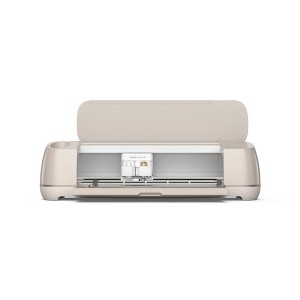
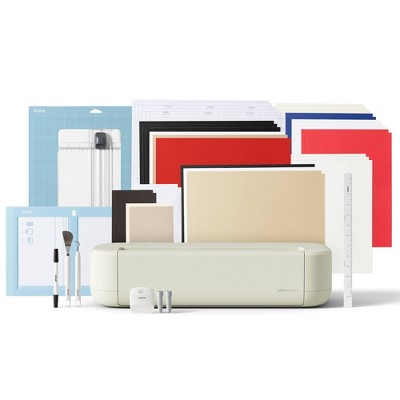
Cricut Maker 4 Electric Die Cutting Tool/Cutting Machine/Seashell
See price in cart
In Stock
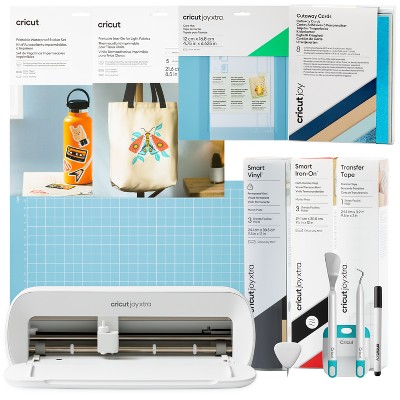
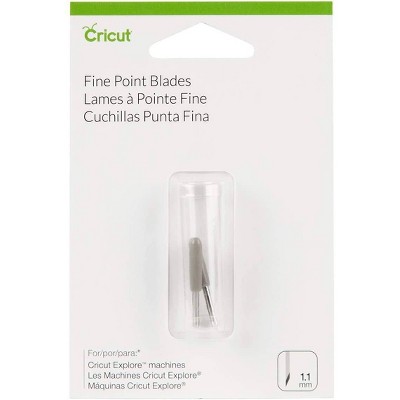
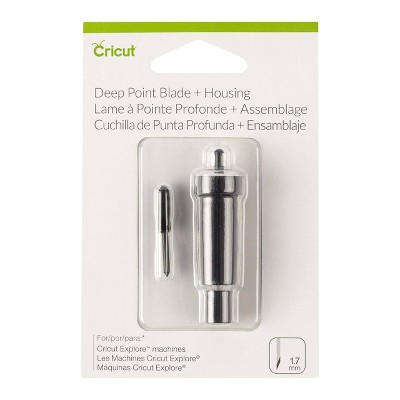
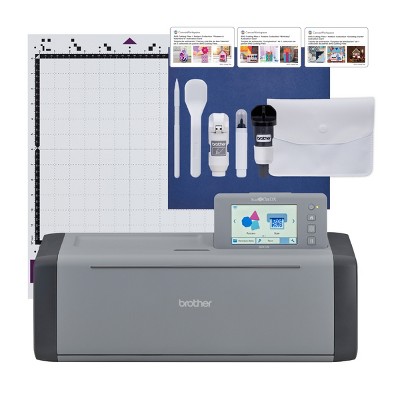
Eligible for registries and wish lists
At a glance
About this item
Additional product information and recommendations
Frequently bought together
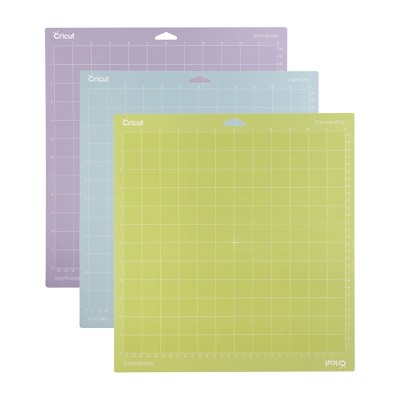
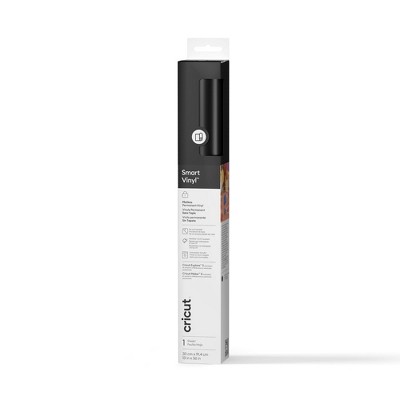
Guests also viewed
- $449.99reg $479.99 Sale1 out of 5 stars with 1 ratings
Guests are saying
The Cricut Maker 4 is a significant upgrade, offering enhanced speed and quieter operation compared to previous models. Guests appreciate its versatility, allowing for a wide range of materials and projects, from card making to engraving. The machine is user-friendly, making it suitable for both beginners and experienced crafters. However, some guests have experienced connectivity issues and concerns about material waste, which are worth considering before purchase.
Summary created by AI from text of reviews reflecting recent feedback provided across different star ratings (includes incentivized reviews)
4.5 out of 5 stars with 484 reviews
quality: 3.22 out of 5
value: 3 out of 5
25% would recommend
8 recommendations
5 out of 5 stars
6 September, 2026
originally posted on Cricut

Maker 4 improvements
Seems to cut faster than my Maker 3 quieter than the original Maker and Maker 3.
5 out of 5 stars
6 September, 2026
originally posted on Cricut
Awesome cutting machibe
This is an awesome cutting machine. I love cutting fabric with it, this machine is my backup machine for my original Maker.
1 out of 5 stars
31 August, 2026
originally posted on Cricut
New User
I’m extremely disappointed to have paid this much for the Cricut Maker 4 only to learn that I have to pay for a subscription to be able to use it the way I intended. AND the learning curve is high because it comes with no instructions. Everything I want to do must be researched.
1 reply from Cricut team - 18 days ago
Hello! We’re so sorry to hear about the difficulties you've had using your machine, as well as the frustration with the Cricut Access subscription and using Design Space®. We understand how frustrating this must be, and it’s not the experience we want for our members. Please reach out to our Cricut Member Care team, and we’ll work with you to resolve the issues as quickly and smoothly as possible.
5 out of 5 stars
30 August, 2026
originally posted on Cricut
Maker 4
Absolutely love it ! The speed is amazing. It cuts beautifully.
1 out of 5 stars
Thumbs down graphic, would not recommend
29 August, 2026Verified purchase
Horrible experience
Delivered to the wrong address and they won’t refund or replace and now I’m out $350x
5 out of 5 stars
29 August, 2026
originally posted on Cricut
Maker 4
The machine itself is simple and easy to use. I bought it to help make decorations for my daughters wedding and know I make all kinds of projects
1 reply from Cricut team - 20 days ago
Hi Tammy, we’re glad to hear you’re enjoying your Maker 4 and that it’s been a great addition to your crafting projects. If you need any assistance now or in the future, please reach out to our Cricut Member Care team.
5 out of 5 stars
27 August, 2026
originally posted on Cricut
Maker 4
The Maker 4 is exceptional with its various materials and blade configurations. The Explores have work arounds but there really is no work around for the rotary blade. That is my favorite. If the Explore had that ability I wouldn’t have changed.
1 reply from Cricut team - 20 days ago
Hello Milo, Thank you for your feedback on the Maker 4 and for sharing what you enjoy most about the machine. It’s great to hear that the variety of materials and blade options, especially the rotary blade, have made a difference for you. If you need any assistance now or in the future, please reach out to our Cricut Member Care team.
4 out of 5 stars
21 August, 2026
originally posted on Cricut
New features I like
I used to have the explorer 3 and wanted an upgrade of stuff to do. I do like the engraving feature on maker 4. And it does cut faster.
1 reply from Cricut team - 26 days ago
Hello Bobbie, we are glad to hear that you are happy with your Maker 4 and the increased speed. Please let us know if there is anything we can do for you.
4 out of 5 stars
20 August, 2026
originally posted on Cricut
Cricut maker 4
It's just faster I didn't really have anything else to say
1 reply from Cricut team - 26 days ago
Thank you for sharing! We're glad you found it fast and easy to use. Happy crafting!
5 out of 5 stars
20 August, 2026
originally posted on Cricut
Cricut Maker 4…WOW!!
I’ve been a Cricut user since the beginning. This model is truly amazing. Be prepared to be pleasantly shocked by the speed. So glad I took the plunge and purchased it!
1 reply from Cricut team - 30 days ago
Thank you for being with us from the beginning! We're thrilled to hear you're loving your new machine and its incredible speed. Happy crafting!
5 out of 5 stars
18 August, 2026
originally posted on Cricut
My favorite passtime
Purchasing My maker4 has been a tremendous blessing to my life. I started with a used maker and used it weekly for most of a year . It started having calibration sensor issues so I took the plunge and purchased my M4 I love it and look forward to learning more ways to create with paper, faux leather , Infusible ink, htv and other vinyl, stickers and infusible ink are just a few of the materials I enjoy working with.
1 reply from Cricut team - 30 days ago
Thank you for sharing your Cricut journey! We're thrilled you love your Maker 4 and all the creative possibilities it brings.
5 out of 5 stars
16 August, 2026
originally posted on Cricut
Love my Maker 4
So far I am very much enjoying and excited about my Maker 4. Quicker, quieter and the options for paper weight are just a few reasons why.
1 reply from Cricut team - 1 month ago
Hello Susan, we are glad to hear that you are happy with your Maker 4. Please let us know if there is anything we can do for you.
3 out of 5 stars
15 August, 2026
originally posted on Cricut
Please fix design space!!
Design space is its Achilles’ heel—so unwieldy, counterintuitive, clumsy. Please, dear company, improve the software!!!!! Better yet, don’t use proprietary software at all!! I have to use multiple other programs to get my design ready to cut. That said, if I import a 100% ready-to-cut SVG file, the machine works beautifully at actually cutting.
1 reply from Cricut team - 1 month ago
Hello Kristen, Thank you for your feedback about your experience with Design Space. We understand your concerns about the software and appreciate you taking the time to share them. Your thoughts on usability are important to us and will be shared with the appropriate teams. If you need further assistance or have any specific issues, please reach out to our Member Care team for support.
5 out of 5 stars
14 August, 2026
originally posted on Cricut
UPGRADE
I upgraded from Maker 3 to Maker 4. I continue to love the Maker series. I didn’t have to change the cutting accessories. If I could change one thing, it would be to have color options. I really liked the rose gold on the Maker 4.
1 reply from Cricut team - 1 month ago
Thank you so much for sharing your experience and for being a loyal Maker fan! We're thrilled to hear that transitioning from the Maker 3 to the Maker 4 was seamless for you and that you’re enjoying the compatibility with your current accessories. We appreciate your feedback about color options. Rose gold is a favorite for many, and we love hearing which finishes inspire our community. Your input is valuable, and we’ll be sure to share your suggestion with our product teams. Happy making!
5 out of 5 stars
13 August, 2026
originally posted on Cricut
Easy to create
I am very happy with all projects I create with Cricut! From paper to fabric. I find design space very easy to use.
1 reply from Cricut team - 1 month ago
Hello Kim, it is so great to know you are loving your Maker 4.
5 out of 5 stars
11 August, 2026Verified purchase
(no review title)
Best machine! I had the silhouette machine and this one is so much better.
5 out of 5 stars
9 August, 2026
originally posted on Cricut
Great machine 👏
Definitely much faster than the 3 at cutting. The cuts are very precise and clean. Love it 👍👍 Seems to function a bit smoother also.
1 reply from Cricut team - 1 month ago
Hello Ethel, we are glad to hear that you are happy with your Maker 4. Please let us know if there is anything we can do for you.
2 out of 5 stars
8 August, 2026
originally posted on Cricut
Poor performance issues continually
Maker 4 performance is very disappointing. I had an Explore 2 for years before I upgraded to the maker 4 and had very few machine issues. In less than a year and a half, I have had 6 new replacement machines sent to me because of various issues with performance of the maker 4. Pulling mat in crooked and bending all of the mats, cutting issues despite following all of recommended cutting settings, broken door multiple times. 4 of the replacement machines were broken right out of the box when I received them, with 2 of them being the same door problem, the front door would not open automatically when opening the top. One of the machines never cut any materials properly and I basically had to use a deep cut blade on fine point blade setting, on a higher than default pressure setting so that it would cut without running it through multiple times. I purchased a 3 yr extended warranty on the machine at the original purchase time, and I’ve already had to use that to get another machine that I had only had for nine months, because it was a replacement that cricut had sent but since it was more than 1 year since my original purchase, I had to do the replacement through the warranty. Luckily it was a quick and easy process and they immediately refunded my money to an electronic card to purchase a new maker 4 from Cricut. The current machine I now have, after receiving 2 broken replacements, is working as expected ( I’ve had it about 2 weeks), and I’m hoping that will continue. I use my Cricut almost every day and love it, but my experience with the maker 4 performance issues has been ridiculous. I don’t know if others have had any problems or just f it’s just me, but it’s hard to believe that I’m alone with all of these issues.
1 reply from Cricut team - 1 month ago
Hello Bonnie, we first want to thank you for taking the time to let us know about your experience with the Maker 4. We want you to know we take all feedback seriously, and this will be passed on so that our team can review it. We are happy to hear that your current machine is working as expected. Please reach out if there is anything we can do to help you.
5 out of 5 stars
7 August, 2026
originally posted on Cricut
Best machine on the market!
A ten out of ten in ease and workability! The fact that this machine even exist for the public is astonishing and I love it! Thank you for making this product for the little guys out here trying to do something fun l!
1 reply from Cricut team - 1 month ago
Hello Aaron, we are glad to hear that you are happy with your Maker 4. Please let us know if there is anything we can do for you.
4 out of 5 stars
6 August, 2026
originally posted on Cricut
Makes Crafting Easier
I have enjoyed Cricut since I first heard of the product. I liked that it made large projects easier to manage. Before Cricut I did handmade cards and invitations by hand. I’m glad these machines are around to make art easier.
1 reply from Cricut team - 1 month ago
Hello, we are glad to hear that you are happy with your Maker 4 and that it has been helpful for your card projects. If you have any questions or need further support, please let us know.