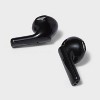
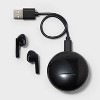
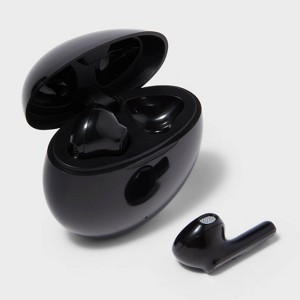
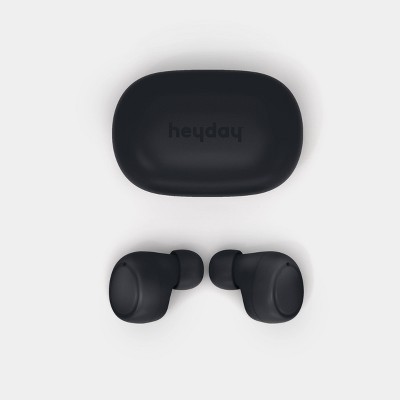
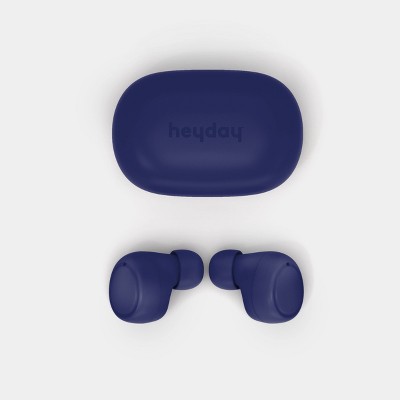
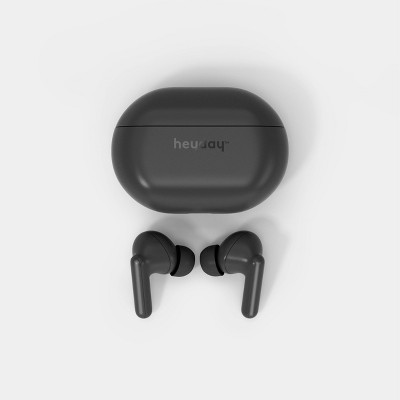
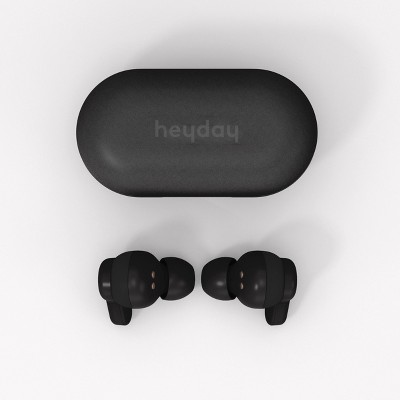
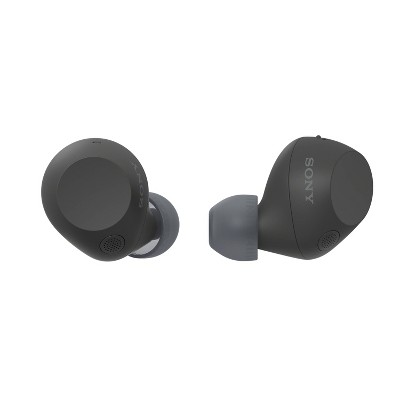
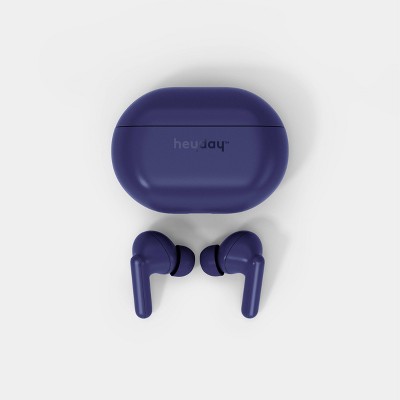
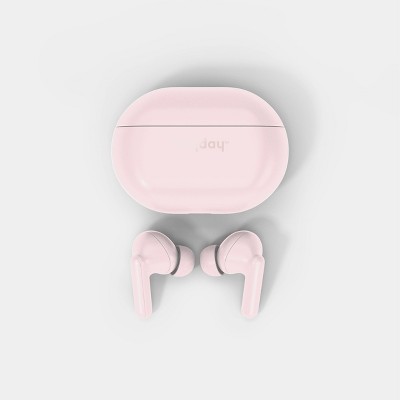
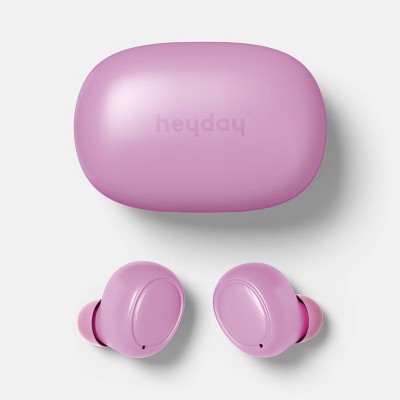
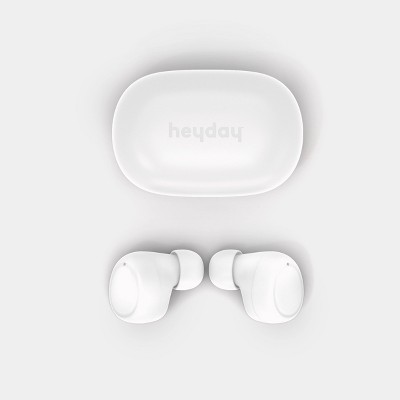
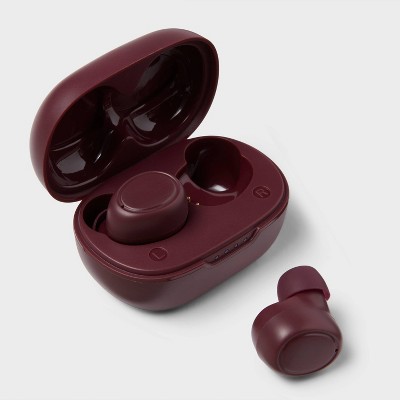
True Wireless Bluetooth Earbuds - heyday™ Black: In-Ear Headphones, 5hr Battery Life
$10.00
Out of Stock

Free & easy returns
Return this item in store within 365 days for a full refund.
Find alternative
Eligible for registries and wish lists
About this item
Additional product information and recommendations

Guests also viewed
- $99.99 - $149.99reg $129.99 - $179.99 SaleGet the AirPods 4 starting at $13/mo. on select items3.9 out of 5 stars with 4964 ratings
3.1 out of 5 stars with 243 reviews
35% would recommend
117 recommendations
1 out of 5 stars
22 August, 2026
(no review title)
One earbud stopped working on 2nd day of use
1 reply from the Product Manufacturer team - 1 month ago
Hello Ricardo, we’re so sorry that one of the earbuds stopped working after just two days. You should be able to enjoy a new pair for much longer than that. If you can, please return them to Target for a refund or exchange. Should you need anything else, our Tech Support Team is available at support@ttinno.com.
2 out of 5 stars
Thumbs down graphic, would not recommend
20 August, 2026Verified purchase
Short Life
I purchased these for an 8yo. The sound quality was good. Pairing with devices was easy. They weren't uncomfortable to wear for short car rides. Battery life was up and down. Some days it would hold a charge longer than others with usage being the same. The box said USB-C charger but it's not. These were purchased in March, and within three months, one earbud stopped working, and now neither work.
1 reply from the Product Manufacturer team - 1 month ago
Hi VisionaryEnigma, we’re sorry to hear about the inconsistent battery life and that both earbuds stopped working within a few months. We also appreciate you bringing the discrepancy with the charging information on the packaging to our attention. We recommend returning the earbuds to Target for a refund or exchange. If you need further assistance, please feel free to reach out to our Tech Support Team at support@ttinno.com.
5 out of 5 stars
Thumbs up graphic, would recommend
10 July, 2026
(no review title)
For only 10 dollars the quality is nice and the battery life is pretty good. Survives daily usage for 9 months now.
5 out of 5 stars
30 June, 2026Verified purchase
(no review title)
Great earbuds!!
2 out of 5 stars
Thumbs down graphic, would not recommend
18 June, 2026Verified purchase
You get what you pay for.
The sound quality was fair. I bought these cause they were the cheapest I could find. They were comfortable to run with. However, one of the ear buds has stopped working now. It’s too late to return it. They lasted about 6 months for $10.
1 reply from the Product Manufacturer team - 3 months ago
Thank you for your review and feedback. We are so sorry for the bad experience that you had! We will share your feedback with our Product Engineering Team so that they can continue to improve future models of this product. Thank you again.
1 out of 5 stars
Thumbs down graphic, would not recommend
10 June, 2026Verified purchase
buy for someone you hate
terrible quality, too difficult to pair
1 reply from the Product Manufacturer team - 3 months ago
Thank you for your review and feedback. We are so sorry for the bad experience that you had! We will share your feedback with our Product Engineering Team so that they can continue to improve future models of this product. Thank you again.
1 out of 5 stars
Thumbs down graphic, would not recommend
5 June, 2026
Terrible
Abysmal battery life, fall out whenever I MOVE A SINGLE MUSCLE, audio quality severely degraded after ~10 hours of use, only reason im using them is because my phone doesnt take wired headphones. Find some better budget earbuds than these because they are not it.
1 reply from the Product Manufacturer team - 3 months ago
Thank you for your review and feedback. We are so sorry for the bad experience that you had! We will share your feedback with our Product Engineering Team so that they can continue to improve future models of this product. Thank you again.
1 out of 5 stars
Thumbs down graphic, would not recommend
27 May, 2026Verified purchase
(no review title)
My ears ache shortly after wearing them.
1 reply from the Product Manufacturer team - 3 months ago
Thank you for your review and feedback. We are so sorry for the bad experience that you had! We will share your feedback with our Product Engineering Team so that they can continue to improve future models of this product. Thank you again.
1 out of 5 stars
Thumbs down graphic, would not recommend
12 May, 2026Verified purchase
Not Worth It
To be honest I just needed headphones for work and didn’t wanna pay $100 for AirPods but these are not worth it. They don’t stay in my ear, they don’t last long, and they’re just uncomfortable. Sorry but don’t buy them even if you’re on a budget :/
1 reply from the Product Manufacturer team - 3 months ago
Thank you for your review and feedback. We are so sorry for the bad experience that you had! We will share your feedback with our Product Engineering Team so that they can continue to improve future models of this product. Thank you again.
1 out of 5 stars
Thumbs down graphic, would not recommend
10 May, 2026Verified purchase
no
returned, instantly. they are so quick to die and are honestly too big for my ears and they fall out easily. don't waste your money.
1 reply from the Product Manufacturer team - 5 months ago
Thank you for your review and feedback. We are so sorry for the bad experience that you had! We will share your feedback with our Product Engineering Team so that they can continue to improve future models of this product. Thank you again.
1 out of 5 stars
Thumbs down graphic, would not recommend
28 April, 2026Verified purchase
(no review title)
Didn't last one week of very moderate use. Will be returning.
1 reply from the Product Manufacturer team - 5 months ago
Thank you for your review and feedback. We are so sorry for the bad experience that you had! We will share your feedback with our Product Engineering Team so that they can continue to improve future models of this product. Thank you again.
3 out of 5 stars
Thumbs down graphic, would not recommend
18 April, 2026Verified purchase
Wish it were better
Just ok. Falls out easy. Not the best but not the worse. I wouldn’t buy again. The color is cute and the price it’s awesome but I would rather spend the extra money and get better sound.
3 out of 5 stars
Thumbs up graphic, would recommend
7 April, 2026Verified purchase
My bad brain
love them, lost one of them lol
1 out of 5 stars
Thumbs down graphic, would not recommend
3 April, 2026Verified purchase
(no review title)
At first these worked fine, but as the months went on they glitch on and off, even when charged.
1 reply from the Product Manufacturer team - 6 months ago
Hello, thank you for your review and feedback. We're very sorry to hear about your experience and truly appreciate you bringing it to our attention. Our goal is to provide all our customers with quality products and responsive service. Please reach out to our Tech Support Team at support@ttinno.com so we can better understand the issue and work toward a satisfactory resolution. We look forward to assisting you and making things right. Thank you again, and we hope you have a great week!
3 out of 5 stars
Thumbs down graphic, would not recommend
23 March, 2026
Good inexpensive but not for me
I bought the purple color it looks cool. it works great sounds great but I hate that I have to charge it after 4 hours of use. I wish it would last all day. well because it can't hold an eight hour charge I decided to buy the Beats brand from tmobile where it holds up to 36 hours and I'm so happy that I purchased it because I have worn it for 9 hours and still have a lot of juice. no need to charge. I'm giving my heyday to one of my cousins coz I don't like throwing it away when works fine.
5 out of 5 stars
Thumbs up graphic, would recommend
20 March, 2026
(no review title)
For $10 they were great. They lasted over a year and i lost them they didn’t break. Would recommend if you just need something cheap and don’t need them turned all the way up. Sound quality was really good unless turned up loud, really good for travel and the battery lasted longer than expected
1 out of 5 stars
Thumbs down graphic, would not recommend
16 March, 2026Verified purchase
Heyday Earbuds
When they say, ‘You get what you pay for,’ they mean it. I just needed something for work. These had to be paired separately. I got both paired, but they didn’t work at the same time. I tried to forget, then pair again, and only one would power on to be paired. I’m glad I only spent $10. I’m also upset that I spent $10.
1 reply from the Product Manufacturer team - 6 months ago
Thank you for your review and feedback. We are so sorry for the bad experience that you had! We will share your feedback with our Product Engineering Team so that they can continue to improve future models of this product. Thank you again!
1 out of 5 stars
Thumbs down graphic, would not recommend
12 March, 2026
(no review title)
Didn’t work
1 reply from the Product Manufacturer team - 7 months ago
Thank you for your review and feedback. We are so sorry for the bad experience that you had! We will share your feedback with our Product Engineering Team so that they can continue to improve future models of this product. Thank you again!
2 out of 5 stars
Thumbs down graphic, would not recommend
11 March, 2026
Only lasted 2 months not worth buying
The heyday earbuds are great with battery life and has a ton of comfort wearing it but all of a sudden I started to charge it and it won't turn on for some odd reason please help me with the bug
1 reply from the Product Manufacturer team - 7 months ago
Hello, thank you for your review and feedback. We're very sorry to hear about your experience and truly appreciate you bringing it to our attention. Our goal is to provide all our customers with quality products and responsive service. Please reach out to our Tech Support Team at support@ttinno.com so we can better understand the issue and work toward a satisfactory resolution. We look forward to assisting you and making things right. Thank you again, and we hope you have a great week!
5 out of 5 stars
Thumbs up graphic, would recommend
8 March, 2026Verified purchase
Survived the washer.
Can survive multiple washes. They are surprisingly durable for cheap earbuds. I've had multiple pair survive the washer, with and without the case.
1 reply from the Product Manufacturer team - 7 months ago
Thanks for sharing your experience! We're glad to hear the earbuds have been holding up so well, even after a few unexpected trips through the wash. While we definitely don’t recommend testing them that way, it’s great to know they’ve been durable for you. We appreciate you taking the time to leave a review!