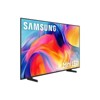
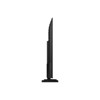
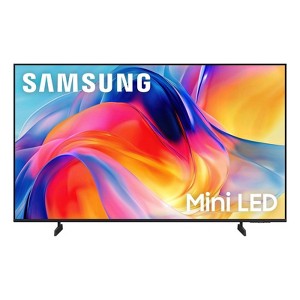
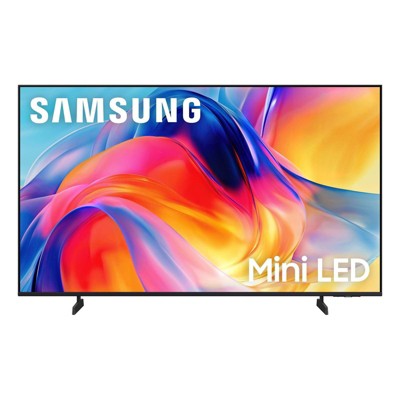
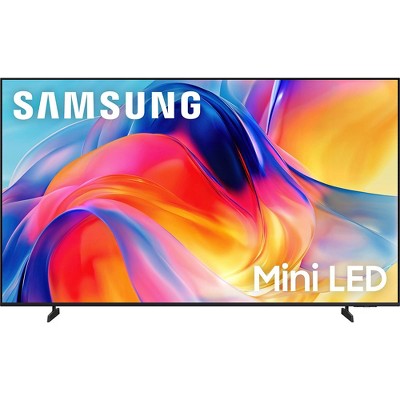
Samsung 55" 4K UHD M70H Series Mini LED SamsungVision AI Companion Smart Tizen OS TV - UN55M70H
See price in cart
In Stock
Eligible for registries and wish lists
At a glance
About this item
Additional product information and recommendations
Frequently Also Added
Guests also viewed
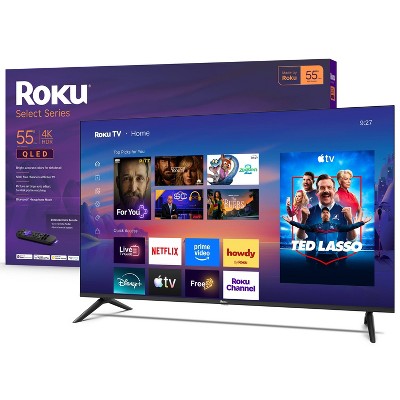
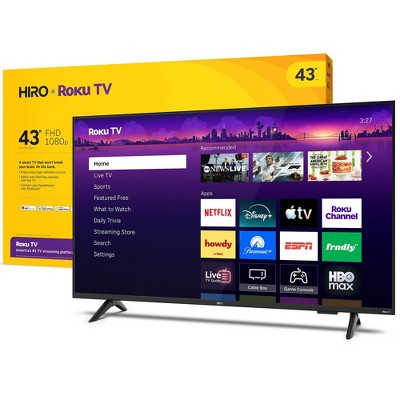
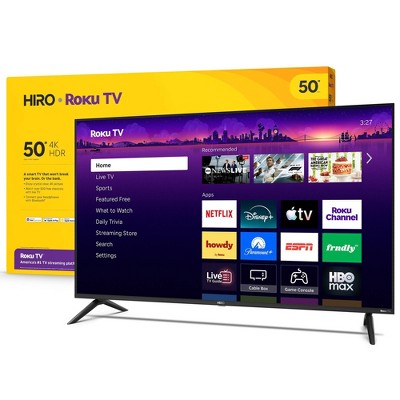
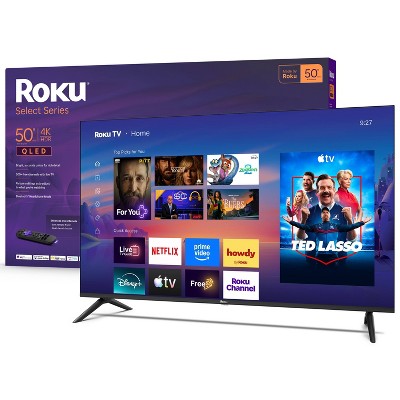
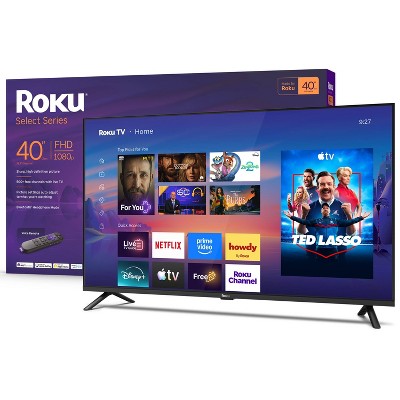
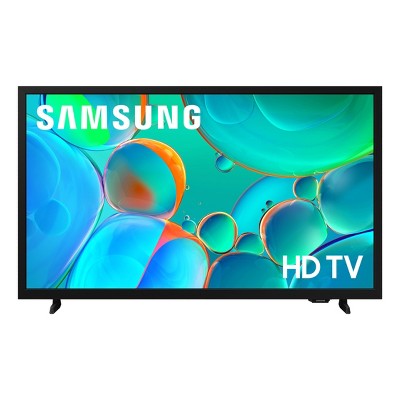
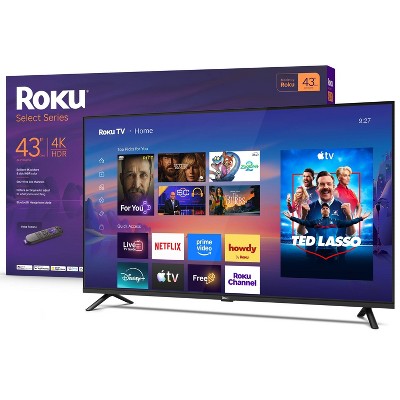
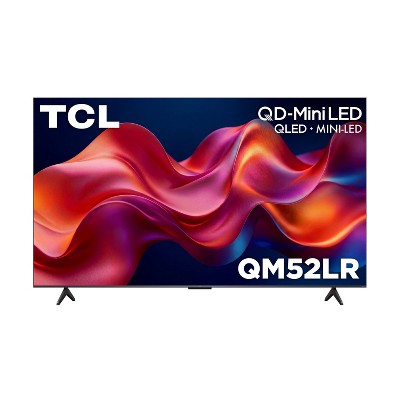
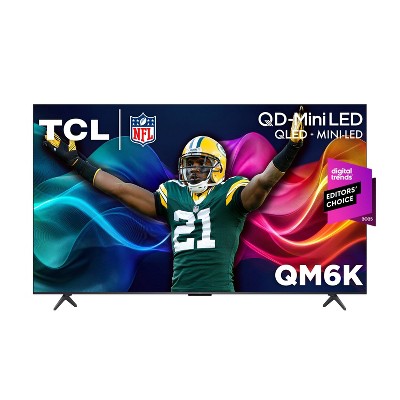
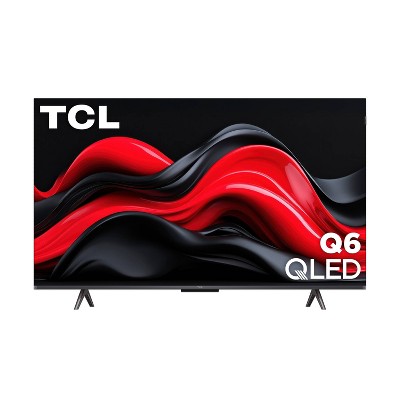
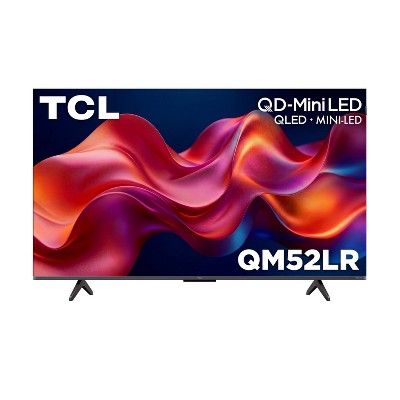
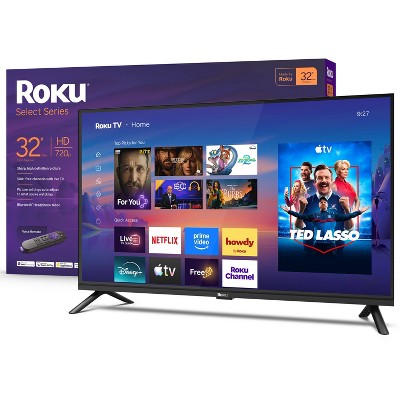
Related Categories
Guests are saying
The Samsung mini LED TV offers impressive picture quality with vibrant colors and excellent brightness, making it a great choice for sports and movie enthusiasts. Guests appreciate its user-friendly setup and responsiveness, along with a variety of smart features. However, some have noted concerns about the remote control's usability and the absence of certain features like picture-in-picture. Overall, it stands out as a solid upgrade for any viewing experience.
Summary created by AI from text of reviews reflecting recent feedback provided across different star ratings (includes incentivized reviews)
4.5 out of 5 stars with 1151 reviews
black levels: 4.83 out of 5
brightness: 4.83 out of 5
color quality: 4.83 out of 5
features: 4.83 out of 5
sound quality: 4.67 out of 5
85% would recommend
7 recommendations
5 out of 5 stars
21 October, 2026
originally posted on Samsung US

Great TV
[This review was collected as part of a promotion.] This mini LED Samsung TV worked great right out of the box . We have had no issues and the picture looks great. Great TV for home or office . Highly recommended .
5 out of 5 stars
21 October, 2026
originally posted on Samsung UK

Great product
[This review was collected as part of a promotion.] Quality images and easy to setup. Would definitely recommend.
3 out of 5 stars
21 October, 2026
originally posted on Samsung US
Picture is great but not a fan of the programming
[This review was collected as part of a promotion.] In my opinion not user friendly Programming or remote when first using tv. Compared to Roku and Samsung ease of setting up viewing and finding apps to load I would recommend Roku over Samsung. After having our Samsung TV a week n half still trying to figure stations and where to go to watch it.The picture is really crisp and clear, it does have reflections in the screen and could use better viewing from side views. Volume is clear. I’ve always worked with computers so I’m not in left field with knowledge to use them but maybe getting some people who are different range in age, jobs types, stay at home and are not techs that are full of knowledge would help with seeing what would benefit the ease of your product.
From Samsung Advisor team
Hi Memetn, We appreciate you sharing your user experience. To help you get the most from your TV, you can download the full e-Manual and more by visiting Samsung’s website then navigating to: Support > Manual & Software > TVs & Home Theater. From there, you can search for and select your M70H TV model to view or download the available guides. The e-Manual and Remote Control Guide are also conveniently built into your TV: Settings > Support > Tips and User Guides If you need additional help, please contact Samsung Support at 1-800-SAMSUNG (8AM – 9PM EST Mon – Fri, 8AM – 6PM Sat). LiveChat agents are also available through the ‘Support’ link on our website. ~ Samsung Advisor
2 days ago
5 out of 5 stars
21 October, 2026
originally posted on Samsung US
It has many great features! I love it!
[This review was collected as part of a promotion.] I love my new 75 inch TV I bought it so that I could watch my granddaughter's volleyball and basketball games and it’s perfect for that. The color is beautiful the only thing I don't really like is the new remote but It's working ok. Otherwise I'm very happy with it!
5 out of 5 stars
20 October, 2026
originally posted on Samsung US
Great features
[This review was collected as part of a promotion.] From ordering to delivery everything was smooth. Installation was easy and simple. For my needs the size and the picture quality are great. I have purchased Samsung products in the past and never been disappointed with your products.
5 out of 5 stars
20 October, 2026
originally posted on Samsung US
Awesome TV
[This review was collected as part of a promotion.] Love our new Samsung tv. It replaced an old one we had and cannot belive the improvements. My wife and I are catching up on movies and documentaries almost every night. Picture quality is outstanding.
1 out of 5 stars
20 October, 2026
originally posted on Samsung US
internet connection
[This review was collected as part of a promotion.] Finding it very hard to navigate. Having lots of trouble connecting with our internet service. keeps defaulting to Samsung TV plus in which I have zero interest.
From Samsung Advisor team
Hi Mary, Thank you for sharing your experience with the internet connection on your Samsung M70H TV. Whether you're using Wi-Fi or a wired (LAN) connection, there are a few steps you can take to help resolve the issue: 1. Power Cycle Your Equipment. Unplug both your TV and router/modem from the wall outlet. Wait at least 30 seconds, then plug them back in and allow both devices to fully restart. 2. Check the Network Status. On your TV, go to: Home > left directional key > Settings > All Settings > Connection > Network > Network Status. This will help determine if the issue lies with the network or the TV. 3. Try a Different Connection Type. If you're using Wi-Fi, try connecting an Ethernet (LAN) cable directly from your router to the TV to test the connection. If you're using a wired connection, try switching to Wi-Fi to see if the issue persists. 4. Reestablish the Network Connection. Go to: Settings > All Settings > Connection > Network > Open Network Settings, and follow the prompts to reconnect to your Wi-Fi or wired network. 5. Update Firmware. Software updates can often resolve network bugs. To check for the latest version: Settings > Support > Software Update > Update Now If these steps don't resolve the issue, we’d be happy to provide further assistance. Please call Samsung Support at 1-800-SAMSUNG, (8AM – 9PM EST Mon – Fri, 8AM – 6PM Sat). LiveChat is also available at the ‘Support’ link on our website. ~ Samsung Advisor
3 days ago
5 out of 5 stars
20 October, 2026
originally posted on Samsung US
Awesome picture
[This review was collected as part of a promotion.] It was an Awesome choice to select for my family room. The location is perfect, the screen is perfect for my viewing pleasure and family time. So far, it's been a blast.
5 out of 5 stars
20 October, 2026
originally posted on Samsung US
Great tv
[This review was collected as part of a promotion.] great tv well worth the price ,picture great,sound good just an overall great tv,well worth the price,it will also be the next brand I buy to replace other tv"s
5 out of 5 stars
20 October, 2026
originally posted on Samsung US
Great Product!
[This review was collected as part of a promotion.] This is my 4th Samsung TV and would not consider any other make. One disappointment, can’t speak into controller. My other Samsungs use an Amazon Firestick.
3 out of 5 stars
20 October, 2026
originally posted on Samsung US
samsung tv
[This review was collected as part of a promotion.] the tv is ok, the remote is the worst I've ever had. no numbers on remote, very difficult to use, need to supply a remote that is user friendly, would not recommend this to anyone.
From Samsung Advisor team
Hi paddy, We appreciate your thoughts on the M70HB TV’s remote. While it may appear minimal at first glance, many of the buttons are designed with dual or long-press functions to help reduce clutter without sacrificing functionality. For example: • Volume rocker: Push UP/DOWN to adjust volume; press and release quickly to MUTE. • Long-press Volume button: Hold for more than 1 second to access Accessibility Shortcuts. • RETURN button: Press to go back to the previous screen or menu; when watching TV, it takes you back to the previous channel. These combined functions help create a cleaner design while keeping everything you need just a button away. If you ever need help with your remote or want to learn more shortcuts, we’re here to assist. You can reach us at 1-800-SAMSUNG (8AM – 9PM EST Mon – Fri, 8AM – 6PM Sat), or reach us via text anytime. You can also visit ‘Support’ on our website for: • Live Chat • Manuals, Software, & Warranty Info ~ Samsung Advisor
3 days ago
5 out of 5 stars
20 October, 2026
originally posted on Samsung US
Wish fulfilled.
[This review was collected as part of a promotion.] My experience with the TV is amazing. The picture quality and brightness are excellent. The responsiveness is quick. The contrast is better than most.
5 out of 5 stars
20 October, 2026
originally posted on Samsung US
"Color burst" time !
[This review was collected as part of a promotion.] The "mini LED" is VERY important & worth the extra cost plus the diming feature is a must for the best resolution any time of day/night. The remote is not heavy or bulky for ease of use.
3 out of 5 stars
20 October, 2026
originally posted on Samsung US
Slow and cluttered
[This review was collected as part of a promotion.] Samsung smart tv is slow on the volume. Hard to tweak volume with remote that comes with it. And slow when it does respond. Screens are way to cluttered with useless apps. Changing channels is cumbersome. To be honest i wish i had my Vizio back. Everytime changing channels volume is uncontrolled.
From Samsung Specialist team
Hi Allen, We appreciate your feedback regarding response time. For optimal performance, please ensure your TV is running the latest firmware. You can check this by going to: Home > top directional key > Settings > Support > Software Update To further optimize performance, try running Device Care, which checks memory, clears unused cached data, and closes background apps: Home > top directional key > Settings > Support > Device Care > Start Device Care If issues continue, please reach Samsung Support at 1-800-SAMSUNG (8AM – 9PM EST Mon – Fri, 8AM – 6PM Sat). LiveChat is also available via the ‘Support’ link on our website. ~ Samsung Specialist
3 days ago
5 out of 5 stars
20 October, 2026
originally posted on Samsung US
Nice tv
[This review was collected as part of a promotion.] Enjoy the tv , but wish more apps were available looking for the CW app. Remote is easy to use,navigation is easy, enjoy the sound and the overall design
5 out of 5 stars
20 October, 2026
originally posted on Samsung US
Great picture
[This review was collected as part of a promotion.] This TV is amazing! This is the second Samsung I've ever owned and the picture is incredible! It feels like the people on the screen are standing in the same room! Way to go Samsung!
5 out of 5 stars
20 October, 2026
originally posted on Samsung US
Amazing TV
[This review was collected as part of a promotion.] Great sound with an amazing picture, I love all the different options and features of this TV (alot better than my old RCA) I would definitely recommend this TV to friends and family
5 out of 5 stars
Thumbs up graphic, would recommend
20 October, 2026Verified purchase
(no review title)
This tv is perfect . Quick shipping.
5 out of 5 stars
20 October, 2026
originally posted on Samsung US
Quality TV!
[This review was collected as part of a promotion.] Love our new Samsung TV! The picture quality is CRISP and the colors are vibrant! I love that there's no glare from the windows in our living room and the sound is of high quality as well. TV is also lightweight and can propped up with the stand that is provided or mounted on the wall easily.
5 out of 5 stars
20 October, 2026
originally posted on Samsung Canada

wanted tech and reasonable size for a 19 inch man.
size specific purchase, it is a better TV than other brands but only Samsung deliver in this format. mini led at 43 inches.