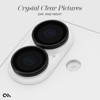
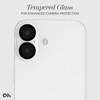
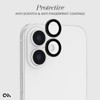
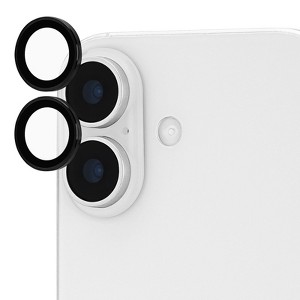
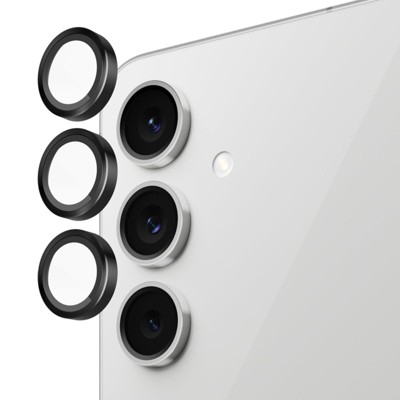
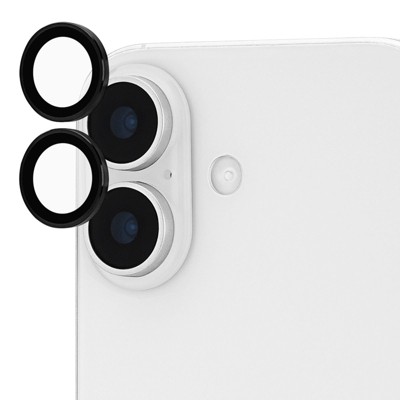
Case-Mate Apple iPhone 17 Aluminum Lens Protector - Black
$24.99
sizeiphone 17
In Stock

Free & easy returns
Return this item by mail or in store within 30 days for a full refund.
Sold & shipped by Case-mate
Eligible for registries and wish lists
About this item
Additional product information and recommendations
Discover more options
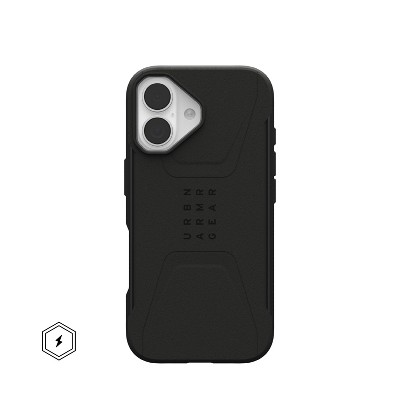
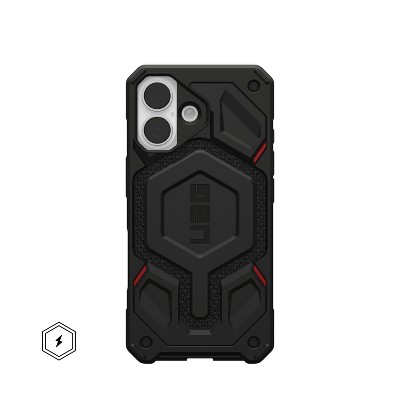
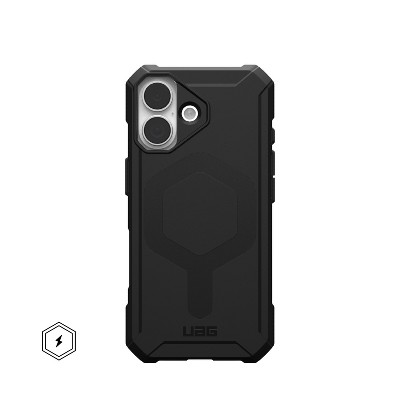
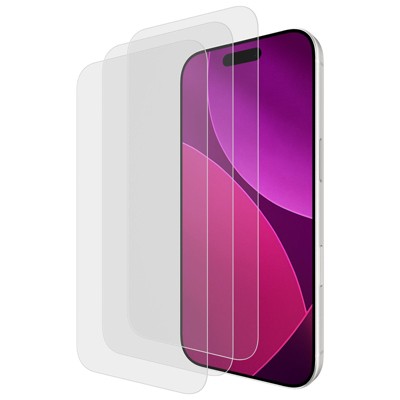
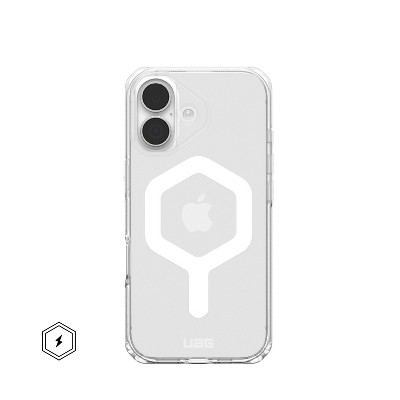
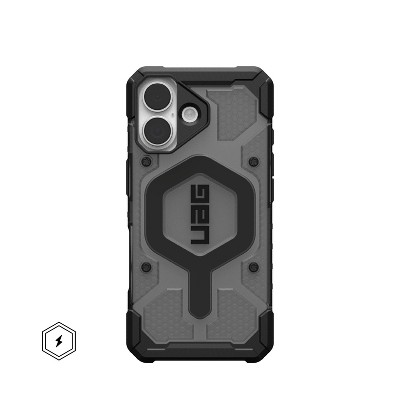
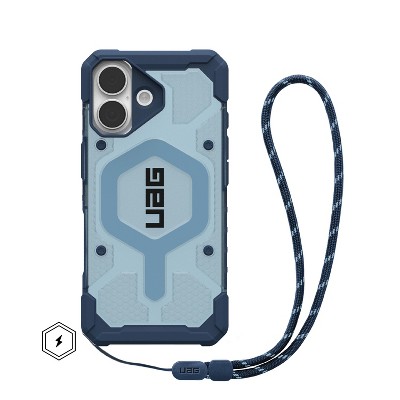
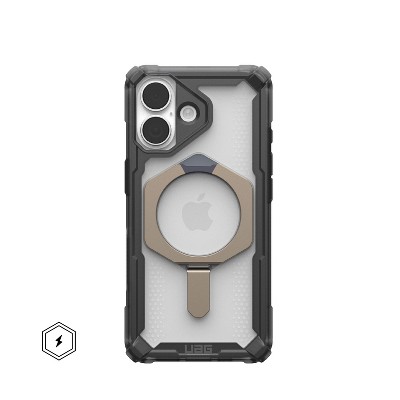
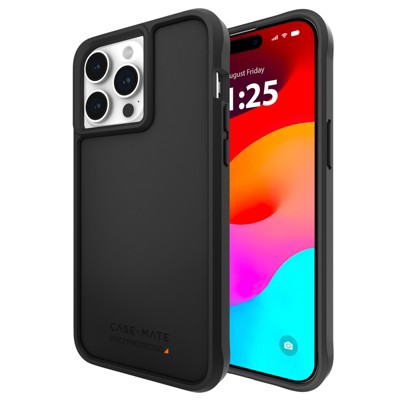
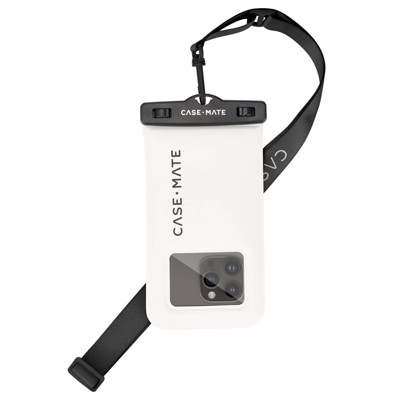
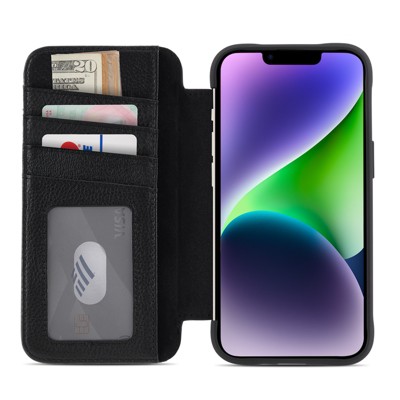
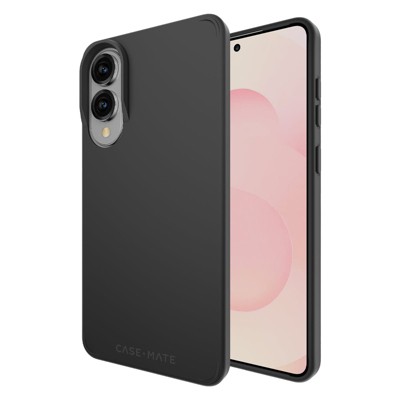
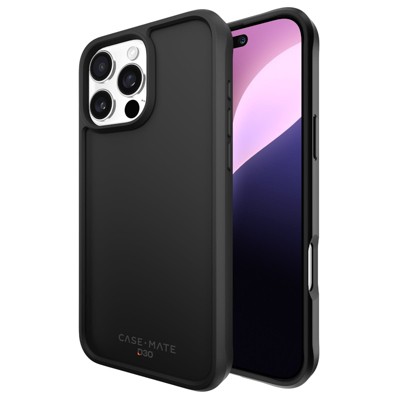
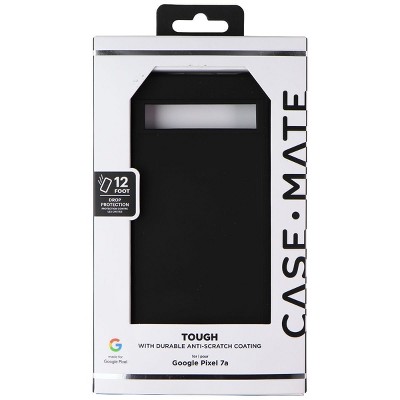
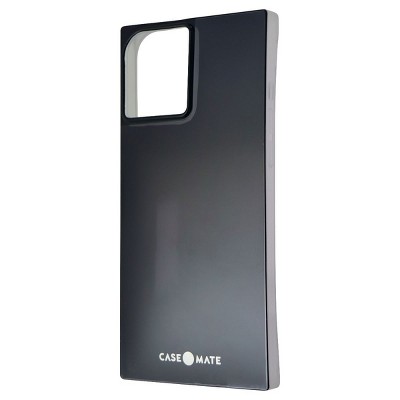
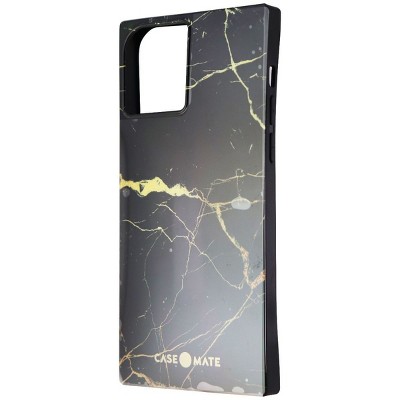
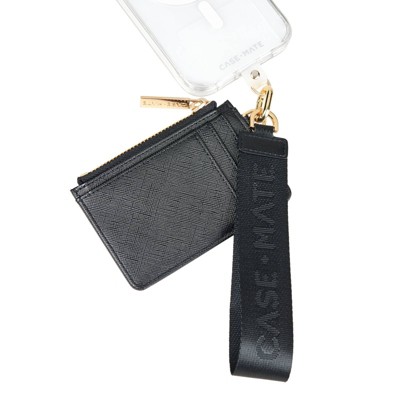
Frequently bought together
- $19.95reg $49.99 Sale
- $9.95reg $47.98 Sale
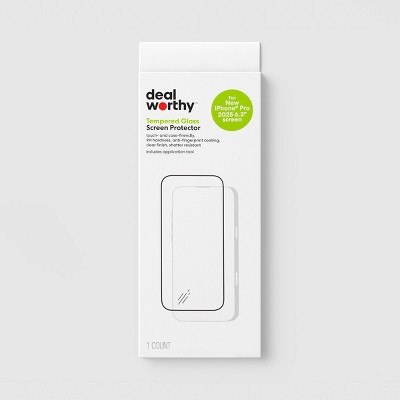
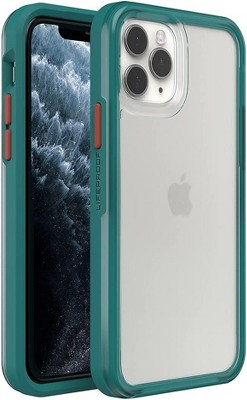
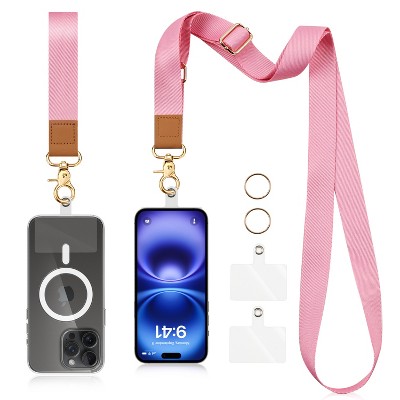
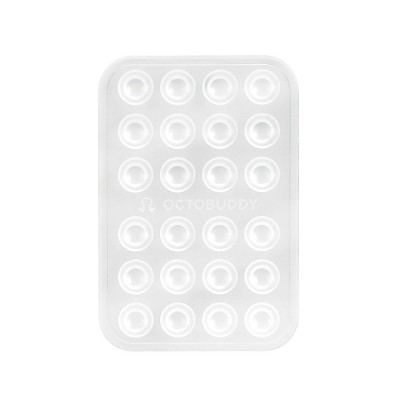
![USB-C Cable, Nakedcellphone Rugged 3.2ft Cord [TYPE-A to Type-C] Fast Charge/Sync Compatible with Apple iPhone 16 Pro Max, Samsung Galaxy S24 Ultra](https://target.scene7.com/is/image/Target/GUEST_9976441f-f9ff-43de-950c-0423d742a6df)


Guests also viewed
- $39.99reg $49.99 Sale3.7 out of 5 stars with 86 ratings
- $54.99was $59.99 New lower price3.9 out of 5 stars with 55 ratings
- $39.99reg $49.99 Sale3.5 out of 5 stars with 32 ratings
- $24.99reg $34.99 Sale5 out of 5 stars with 3 ratings
![Entronix [Magnetic] Case Compatible with iPhone 17 - [Clear Back] Soft Matte Frame](https://target.scene7.com/is/image/Target/GUEST_9516fc68-2323-4872-9cd4-60e8882bad91)
Related Categories
1.0 out of 5 stars with 1 reviews
quality: 1 out of 5
value: 1 out of 5
0% would recommend
1 recommendations
1 out of 5 stars
Thumbs down graphic, would not recommend
15 April, 2026Verified purchase
(no review title)
Crack very easily. If you drop your phone don’t buy. Very Expensive