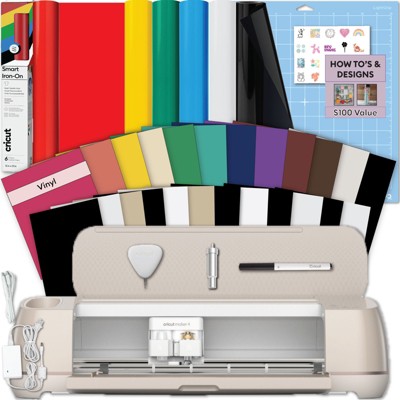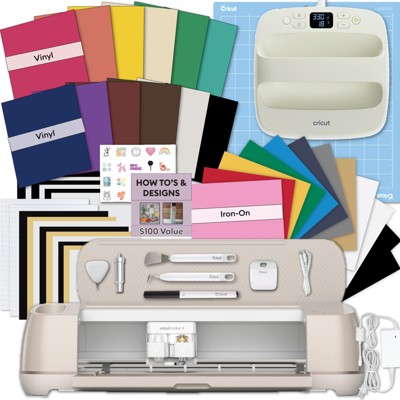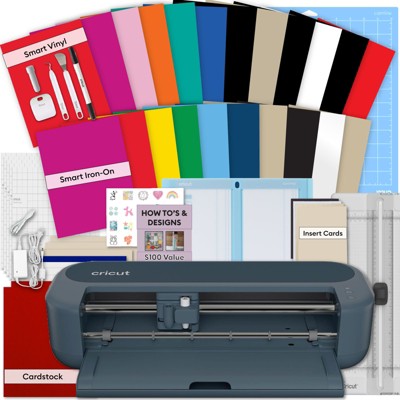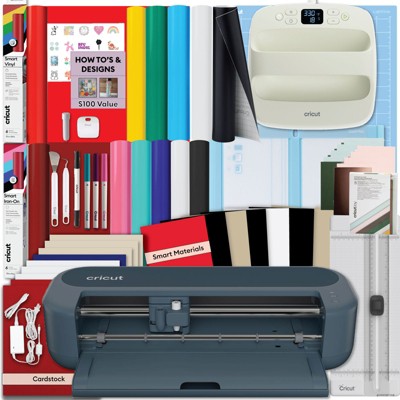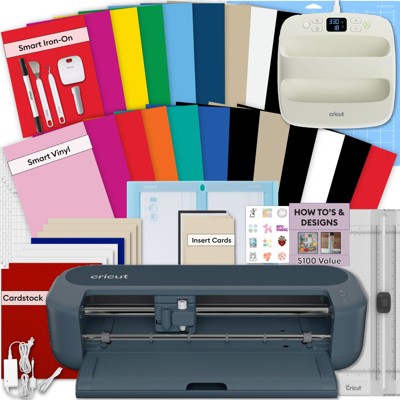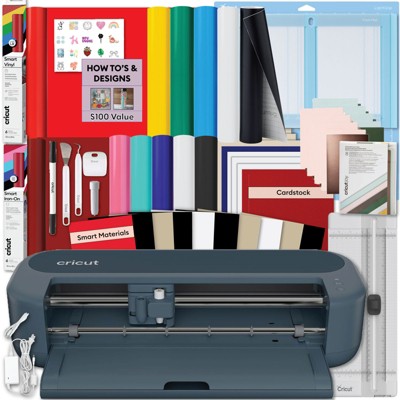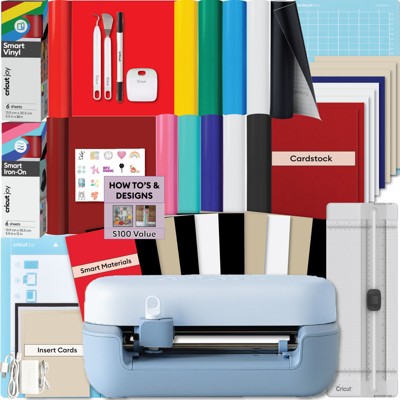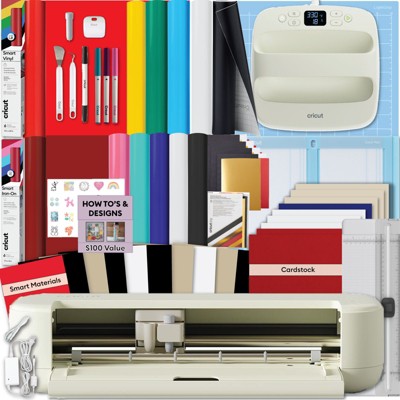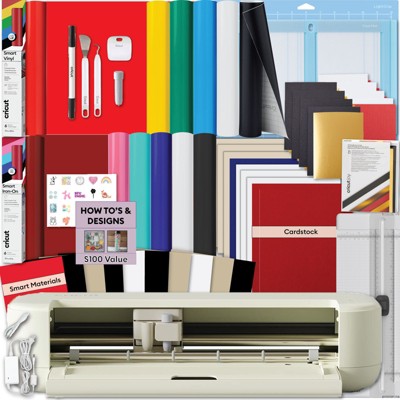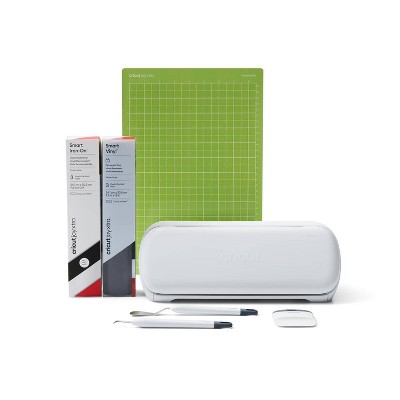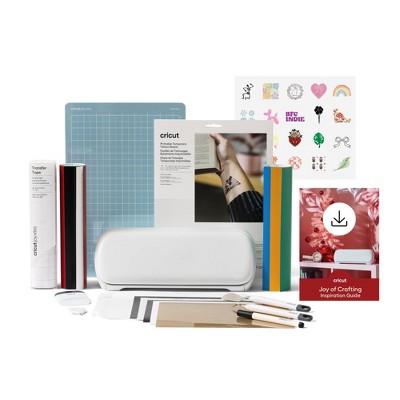
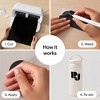
Works with 50+ materials, including popular materials like vinyl, iron-on & cardstock1
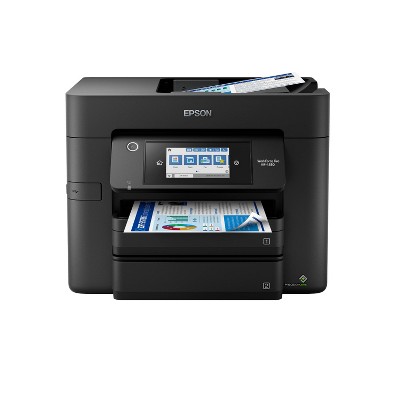
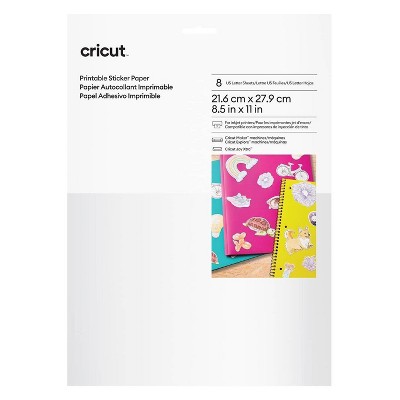
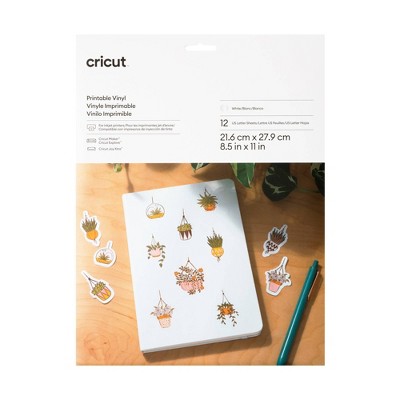
Compatible with your home inkjet printer to print then cut full-color designs
Cuts intricate designs with precision
Writes, draws, and foils2
Works with popular material sizes, including US Letter and A4
Bluetooth® wireless technology3
Upload & cut your own designs or choose from the Cricut Design Space library
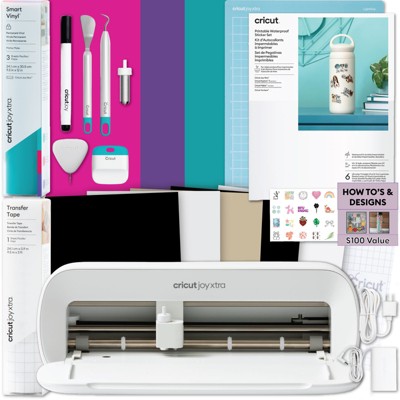
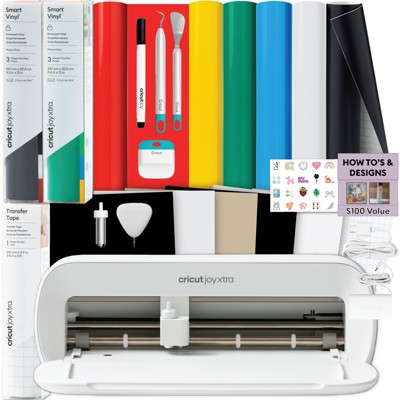
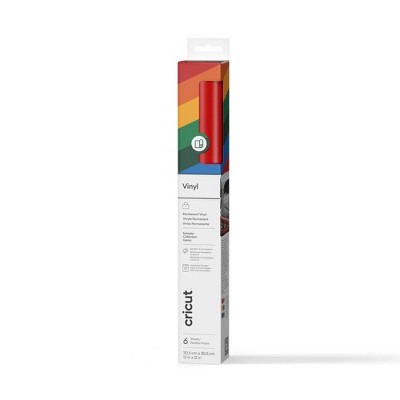
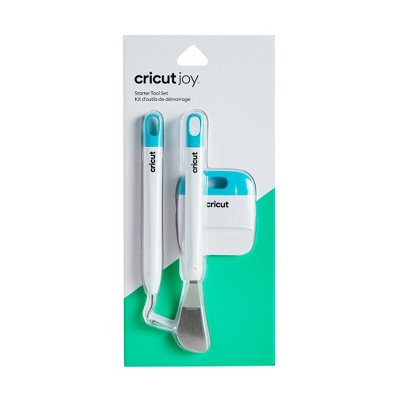
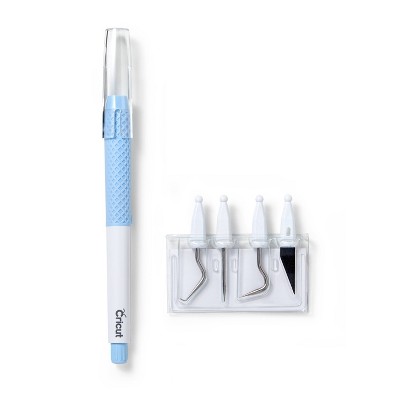
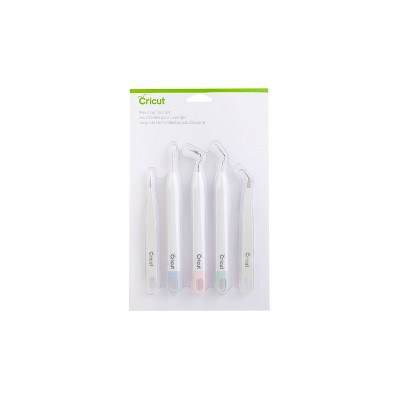
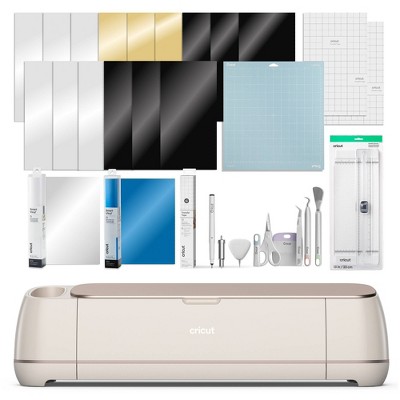
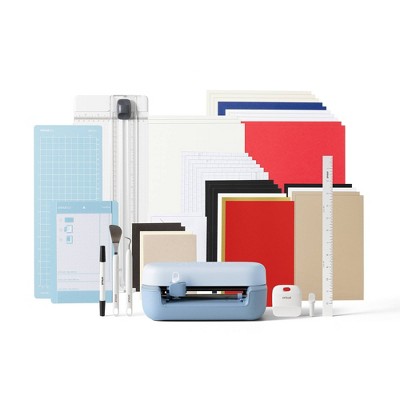
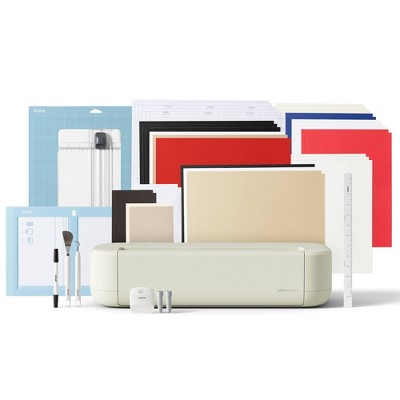
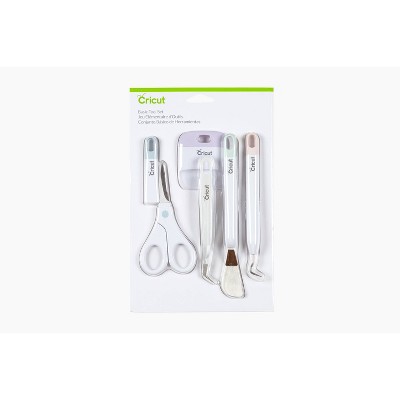
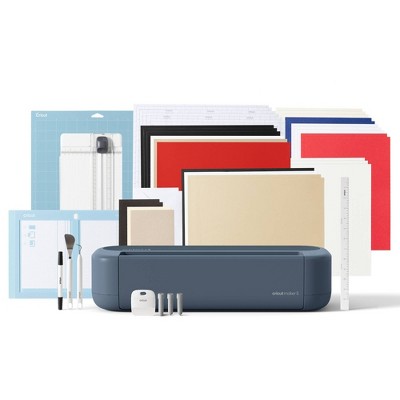
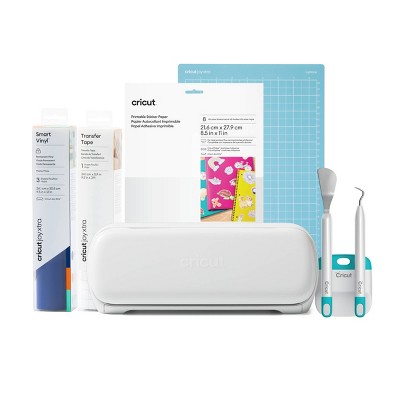
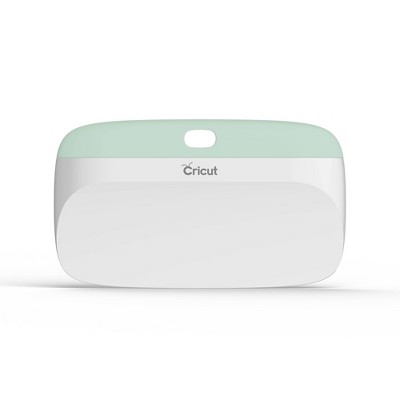
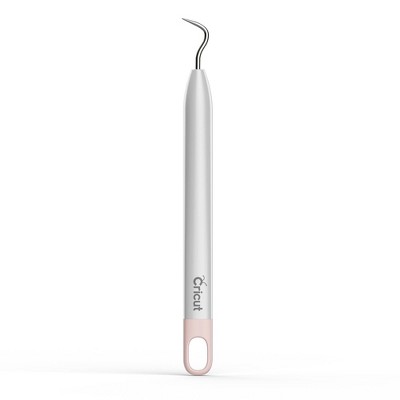
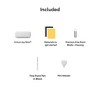
Cricut Joy Xtra machine Premium Fine-Point Blade + Housing Cricut Joy™ Fine Point Pen Cricut Mini Weeder Welcome card Power adapter Free trial subscription to Cricut Access™ (for new subscribers) 50 free, pre-designed projects in the companion app Materials for a practice cut
Description
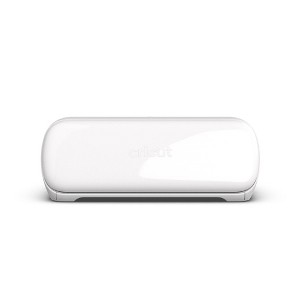
Cricut Joy Xtra™ fits-in-any-space, looks-good-anywhere smart cutting machine. The Cricut Joy Xtra™ cuts, writes, draws, and foils to make popular projects like full-color stickers, custom cards, T-shirts, vinyl decals & more. Works with 50+ materials, including popular materials like vinyl, iron-on & cardstock. Works with free, easy-to-learn Design Space app.
Warranty: 1 Year Limited Warranty. To obtain a copy of the manufacturer's or supplier's warranty for this item prior to purchasing the item, please call Target Guest Services at 1-800-591-3869
TCIN: 89191395
UPC: 093573787140
Item Number (DPCI): 081-22-2220
Origin: Imported
If the item details aren’t accurate or complete, we want to know about it.
Shipping details
Estimated ship dimensions: 14.57 inches length x 8.41 inches width x 6.89 inches height
Estimated ship weight: 7.99 pounds
Return details
This item can be returned to any Target store or Target.com.
This item must be returned within 90 days of the date it was purchased in store, delivered to the guest, delivered by a Shipt shopper, or picked up by the guest.
Q: What size vinyl can I use? It doesn’t specify if this fits 12x12 vinyl.
submitted by F Schultz - 1 year ago
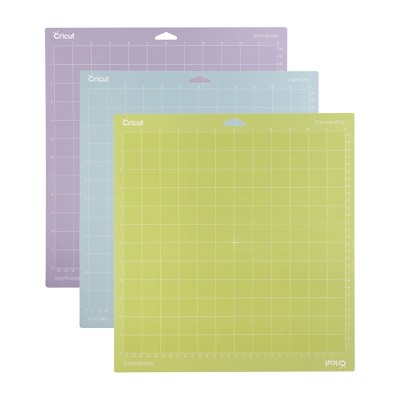
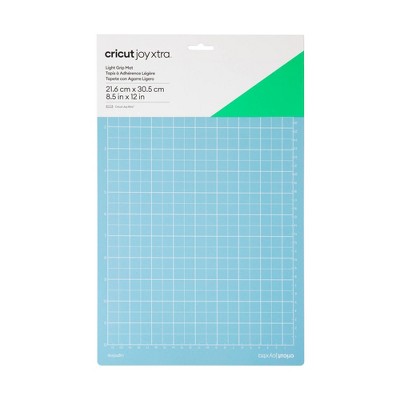
A: A 12x12 vinyl is not compatible with the Cricut Joy Xtra. The Max cut size using a Joy Xtra mat is 8.2 in x 11.7 in (20.8 cm x 29.7 cm). The max cut size using Smart Materials is 8.5 in x 4 ft (21.6 cm x 1.2 m).
submitted byCricut - 1 year ago
Brand expert
Q: Do I only need to use connected programs when using this product? Or can I use jpg, png, etc.?
submitted by Gumnye - 4 months ago
A: Hi Gumnye. Our software called Cricut DesignSpace has over 1.5 million images, over 1000 fonts, and DOES also allow you to upload .JPGs, .PNGs, .GIFs, .SVGs, and more!
submitted byCricut - 4 months ago
Brand expert
Q: Can you transfer foil
submitted by Am - 4 months ago
A: Yes! The Joy Foiling Kit will work in the Joy Xtra, as well as in the Joy machines.
submitted byCricut - 4 months ago
Brand expert
Q: What exactly does this machine come with?
submitted by NY - 7 months ago
A: Hi. The Joy Xtra comes with the machine itself, a Blade and Housing, a Mini Weeded, a Joy Fine Point Pen, a Welcome Card, a User Guide, a power adapter and cord, a one month free trial for Cricut Access(new subscribers only), ready to make projects online, materials for a practice cut, some additional bonus materials, and a warranty document.
submitted byCricut - 7 months ago
Brand expert
Q: What smart materials samples does it come with and what are they for ?
submitted by Aaaal - 8 months ago
A: Thank you for your question. We at Cricut do not have information about what is in the Target bundle, but it would likely be a combination of Cricut vinyl, which is great for applying to walls, car windows, notebooks, water bottles and more. It would also likely contain Iron On materials, which are for making designs to be ironed onto T-shirts, hats, bags, decorative pillows, etc. The bundle might have "smart" materials, meaning that they can be cut in the Cricut Machine without a mat. Materials that don't say "Smart" will require a mat to be cut in the Joy Xtra. If you have more questions you can visit Cricut.com to see a wider variety of the materials we offer.
submitted byCricut - 8 months ago
Brand expert
Q: Does this machine print our own design and later we can cut ?
submitted by Hanu - 9 months ago
A: Hi Hanu. Thanks for your questions. This machine actually does not print. However, you can use our software(which is free) to send a print to your regular home printer, and then take that print and cut it in the Joy Xtra. We call this process Print Then Cut.
submitted byCricut - 9 months ago
Brand expert
Q: Does the Cricut Joy Xtra cut comic book backing boards that are? 24-point (0.024") thick?
submitted by Disappointed - 1 year ago
A: This is not a material that has been tested for the Joy Xtra. Our Joy Xtra can cut up to 2 mm thick materials.
submitted byCricut - 1 year ago
Brand expert
Q: Does this machine cut fondant for cakes or can you cut fondant
submitted by Katy - 1 year ago
A: We do not recommend using this product with food, such as fondant.
submitted byCricut - 1 year ago
Brand expert
Q: Does this come with the weeder tool?
submitted by Natasha - 1 year ago
A: The Cricut Joy Xtra comes with a mini weeder in the box!
submitted byCricut - 1 year ago
Brand expert
Q: Can the Cricut Joy or Cricut Joy Xtra cut small letters like 1/8" in height??? And what is the difference between these two machines? Thank you.
submitted by Tolefairie - 2 years ago
A: Going as small as 1/8 of an inch, results may vary depending on the intricacy of the font. We recommend testing on copy paper before committing to the project material. The biggest difference is that the Joy Xtra has the ability to do Print then Cut projects, whereas the Joy does not.
The Cricut Joy Xtra is a versatile and compact cutting machine that excels in portability and ease of use, making it ideal for crafting on the go. Guests appreciate its ability to handle various materials and its print then cut functionality, which enhances creativity for projects like stickers and cards. While it is perfect for smaller tasks, some guests have noted challenges with software compatibility and mat loading. Overall, it is a great addition for both beginners and experienced crafters looking for a reliable machine.
Summary created by AI from text of reviews reflecting recent feedback provided across different star ratings (includes incentivized reviews)
4.5
4.5 out of 5 stars
626 star ratings
4.5 out of 5 stars with 626 reviews
quality
3.4 out of 5
quality: 3.38 out of 5
value
3.1 out of 5
value: 3.13 out of 5
50% would recommend
8 recommendations
5 out of 5 stars
28 August, 2026
originally posted on Cricut
Versatility
It is practical to bring with you anywhere and offers a great range of cutting options. I would not have bought the early version.
1 reply from Cricut team - 2 days ago
Hello Lynn, Thank you for sharing your thoughts on the versatility and convenience of your machine. We’re glad to hear it’s practical for you to use anywhere and that the range of cutting options meets your needs. If you have any questions or need support, please reach out to our Cricut Member Care team.
Lynn66
Did you find this review helpful?
5 out of 5 stars
Thumbs up graphic, would recommendWould recommend
21 August, 2026
Love it!
I love the compact version that I can carry it around.
Love ito
quality
5.0 out of 5
quality: 5 out of 5
value
5.0 out of 5
value: 5 out of 5
Did you find this review helpful?
5 out of 5 stars
21 August, 2026
originally posted on Cricut
Great beginner machine!
A great beginner machine if you are new to Cricut. The machines offers Print then Cut capability while being able cut cardstock, sticker paper, vinyl, and iron-on. The machines also uses Cricut Smart materials that allow users to cut without having to use a mat. This is my favorite machine and is great to use on the go!
1 reply from Cricut team - 8 days ago
Hello Beth, we are glad to hear that you are happy with your Joy Xtra. Please let us know if there is anything we can do for you.
Beth C
Did you find this review helpful?
5 out of 5 stars
15 August, 2026
originally posted on Cricut
My go to machine
Best little machine to take to scrapbooking events.
1 reply from Cricut team - 16 days ago
Thank you! We're so glad it's your go-to machine for scrapbooking events. Happy crafting.
HM
Did you find this review helpful?
5 out of 5 stars
14 August, 2026
originally posted on Cricut
Great addition to the cricut lineup
Love the compact size and still able to print then cut 8.5x11 piece of paper. It’s a great addition to the cricut family. Not too small not too big, it has its place. Cuts well and accurately. I’ve enjoyed having it
1 reply from Cricut team - 19 days ago
Thank you for your review! We're so glad you're enjoying the size, accuracy, and print then cut capabilities. It’s great to hear it’s been a perfect addition to your Cricut collection. Happy crafting!
Alwaysforget
Did you find this review helpful?
5 out of 5 stars
1 August, 2026
originally posted on Cricut
Enjoying My Cricut Joy Xtra
My children purchased the Cricut Joy Xtra as a gift for me. I have a Maker, Explore Air and a Joy. The Joy Xtra is great and reliable. It's a bit larger than the Joy and smaller than the Maker and Explore which makes it very versatile. It cuts well with the materials I have used and I finds it also cuts accurately.
1 reply from Cricut team - 30 days ago
Hello Reenie, we are glad to hear that you are happy with your Joy Xtra. Please let us know if there is anything we can do for you.
Reenie
Did you find this review helpful?
5 out of 5 stars
30 July, 2026
originally posted on Cricut
Easy to take with me
I bought this machine when it first came out and totally love it. It is very easy to take with me to the crops
1 reply from Cricut team - 29 days ago
So glad you love it and can easily take it with you. Happy crafting!
oo3
Did you find this review helpful?
5 out of 5 stars
24 July, 2026
originally posted on Cricut
Great for traveling!
Bought this a year ago and it is a game changer for travel!
1 reply from Cricut team - 1 month ago
Thanks for taking Cricut on your travels! We're thrilled it's been a game changer for you. Happy crafting!
Joan8360
Did you find this review helpful?
4 out of 5 stars
18 July, 2026
originally posted on Cricut
Great for larger than Joy
I do not use it as much as I thought. I still use the joy or larger machine
1 reply from Cricut team - 1 month ago
Thank you for your review! We're glad you enjoy having both machines and appreciate you sharing your experience.
Gail54
Did you find this review helpful?
5 out of 5 stars
14 July, 2026
originally posted on Cricut
Small but mighty
I bought my Cricut Joy Xtra to cut signage for vacation Bible school. I needed a machine that could cut up to 4 feet and my Joy Xtra was perfect for the job. After that, it became my machine of choice, until I discovered the Maker.
1 reply from Cricut team - 2 months ago
Hello, we are glad to hear that you are happy with your JoyXtra. Please let us know if there is anything we can do for you.
?
Did you find this review helpful?
5 out of 5 stars
11 July, 2026
originally posted on Cricut
Always has a place on my desk.
This is the perfect machine to leave up on my desk. I do a lot of print-to-cut sticker labels for my micro-business, all on printer-paper size stock. I love my Maker, and I use it regularly. And the Joy Xtra is my go-to when I'm working in that size paper format.
1 reply from Cricut team - 2 months ago
Thank you so much for sharing your experience! We’re thrilled to hear that your Cricut machines are an important part of your micro-business and creative process. It’s wonderful to know the Maker and the Joy Xtra are meeting your needs for Print Then Cut sticker labels and desk-friendly convenience. If you ever have questions or need support, Cricut Member Care is always here to help. Happy crafting!
Bun E. Woofter
Did you find this review helpful?
5 out of 5 stars
10 July, 2026
originally posted on Cricut
Great Machine
I love my cricut joy xtra, I can't wait to try the new Cricut Joy
1 reply from Cricut team - 2 months ago
We can't wait for you to try the new Cricut Joy too. Happy crafting and thanks for being part of the Cricut community!
Joy
Did you find this review helpful?
4 out of 5 stars
10 July, 2026
originally posted on Cricut
I love the option of a more portable machine!
I purchased my Joy Xtra about a year ago and I love how easy it is to adapt the materials I already have to use in this smaller machine. I sometimes like to work in different areas of my house and tis machine is so portable it makes it very easy. I have found that the Jit Xtra is every bit as accurate as my Maker 3 and it cuts quickly and thoroughly.
1 reply from Cricut team - 2 months ago
Thank you for sharing your experience! We're so glad you love the portability of your Joy Xtra and that it gives you the flexibility to craft anywhere in your home.
Kaye L
Did you find this review helpful?
5 out of 5 stars
6 July, 2026
originally posted on Cricut
One of my best craft purchases.
There isn't much more to say other than it's fun, it fills my need to be creative, and allows me to make personalized things that otherwise would be very costly.
1 reply from Cricut team - 2 months ago
Thank you for sharing! We're so glad your Cricut helps spark your creativity and makes it easy to create personalized projects without the high cost. Happy crafting!
juliannasmom
Did you find this review helpful?
5 out of 5 stars
3 July, 2026
originally posted on Cricut
Just the right size.
I received the Cricut Joy Extra as a gift, I really like it for the mat (8.5 x 11) paper size, I don’t feel like I am wasting as much materials as I was with the larger formats. Another plus is the print and cut function, it works great! It’s just easy to pack up and take with us while we travel during the summer.
1 reply from Cricut team - 2 months ago
Hello Patty, we are glad to hear that you are happy with your Cricut Joy Xtra and you have enjoyed using it for your projects. Please let us know if there is anything we can do for you.
Patty
Did you find this review helpful?
5 out of 5 stars
2 July, 2026
originally posted on Cricut
Joy Xtra, compact, portable
Love that its light weight, portable and is perfect for smaller projects. Easy to use, would be perfect if it could score.
1 reply from Cricut team - 2 months ago
Thank you for your feedback! We're glad you love the Joy Xtra's lightweight, portable design. We'll share your suggestion about adding scoring capabilities with our team. Happy crafting!
SD
Did you find this review helpful?
5 out of 5 stars
30 June, 2026
originally posted on Cricut
Joy Extra
I bought this machine to make smaller and quick projects on the go.
Loretta
Did you find this review helpful?
1 out of 5 stars
29 June, 2026
originally posted on Cricut
Cricut Joy Xtra stopped cutting.
I recently purchased the cricut joy xtra and it stopped cutting. It stated it has cut when it hasn't even started to cut anything. Need to resolve this problem please.
1 reply from Cricut team - 2 months ago
Hello. We’re sorry to hear you’re experiencing issues with you JoyXtra. We understand your frustration and want to make sure you get the support you deserve. Please contact our Member Care team, so they can help find a solution.
F. Gardner
Did you find this review helpful?
5 out of 5 stars
19 June, 2026
originally posted on Cricut
I love my Cricut Joy xtra@
I love my Cricut Joy Xtra. It's fun and easy to use.
1 reply from Cricut team - 2 months ago
Hello Linda, we are glad to hear that you are happy with your Joy Xtra. Please let us know if there is anything we can do for you.
Lindacraftygirl
Did you find this review helpful?
5 out of 5 stars
18 June, 2026
originally posted on Cricut
Love the portability.
I bought this machine to enable my Mom, who is 94, to make some simple projects for the bulletin board in her nursing home. It’s easy to take to her as it is more difficult for her to come to my house and use the Maker 3. I can use my current account to save projects that I know she can make. The machine is smaller than the maker, but will suit for the projects she can do. My daughter also wants to learn to use the cricut, and this allows me to take the machine to her place as well.
1 reply from Cricut team - 2 months ago
This is such a heartfelt reason to choose a Cricut! I love that you’re making it easier for your mom to stay creative and share joy with her community, and that it’s something you can also enjoy with your daughter. It sounds like the perfect fit for your family!