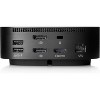
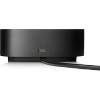
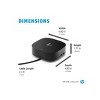
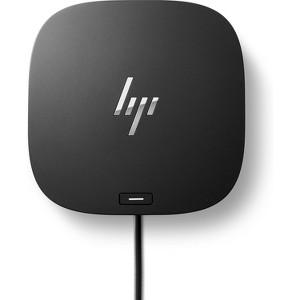
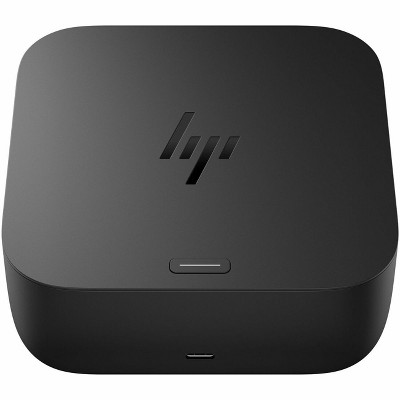
HP USB-C Dock G5 for business
$259.00
Out of Stock

Free & easy returns
Return this item by mail or in store within 30 days for a full refund.
Sold & shipped by HP Official Store
Eligible for registries and wish lists
About this item
Additional product information and recommendations
Related Categories
Discover more options
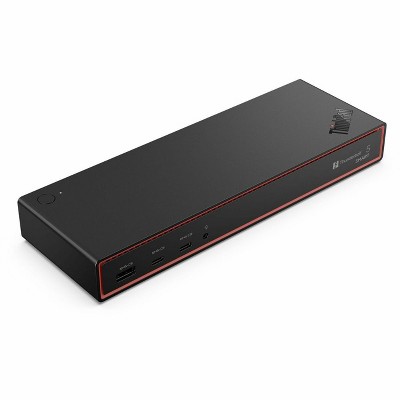
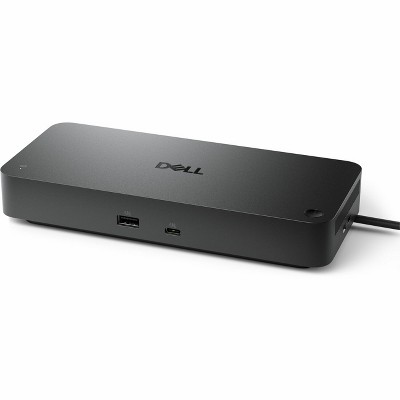
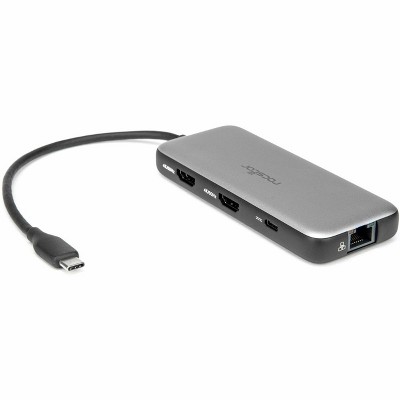
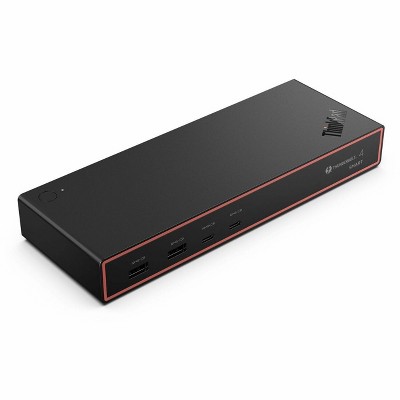
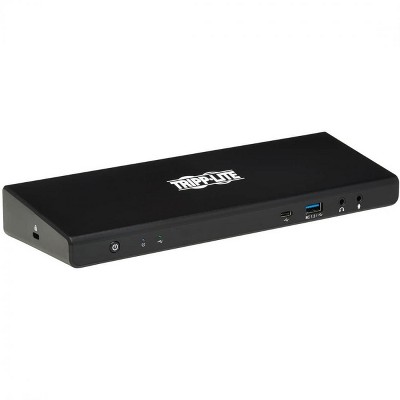
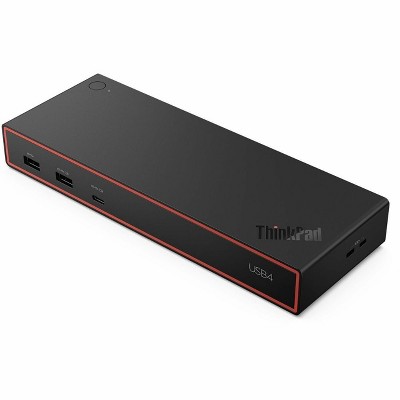
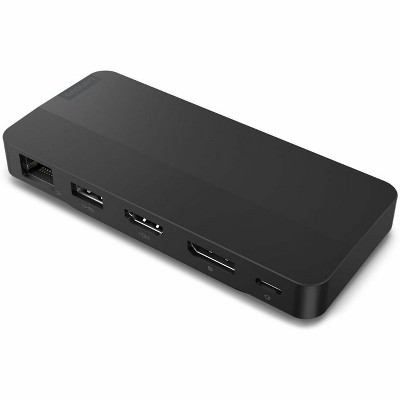
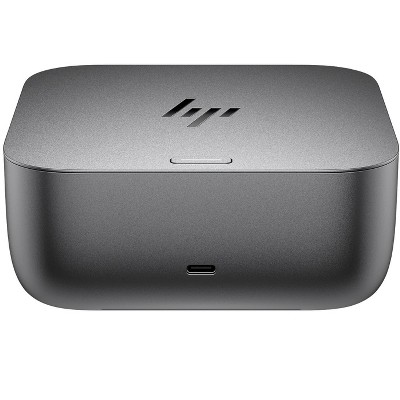
Frequently bought together
Guests also viewed
- $96.99reg $99.99 Sale
Guests are saying
The HP USB-C Dock G5 is a versatile and reliable docking solution that enhances productivity by allowing seamless connections to multiple peripherals and monitors. Guests appreciate its plug-and-play setup, premium build quality, and the convenience of a single USB-C cable for power and data. While many users report excellent performance with dual monitors and various devices, some have experienced compatibility issues with specific HP laptops. Overall, it is a valuable addition for remote work and home office setups.
Summary created by AI from text of reviews reflecting recent feedback provided across different star ratings (includes incentivized reviews)
4.1 out of 5 stars with 347 reviews
4 out of 5 stars
14 May, 2026
originally posted on hp.com

My Positive Experience with the HP USB-C Dock G5
I’ve been using the HP USB-C Dock G5 for a few months now, and it has quickly become an essential part of my setup. Here’s my honest feedback: What I like: • It’s incredibly reliable and delivers excellent performance. I can easily run dual monitors (one HDMI + one DisplayPort) at high resolutions with zero lag or flickering. • The build quality feels premium and sturdy. • Plenty of ports: multiple USB-A, USB-C, Ethernet, and audio — everything I need in one compact dock. • Single USB-C cable connection to my laptop makes it super clean and convenient. Setup experience: Setup was genuinely plug-and-play. I connected the power, plugged in my peripherals, attached the USB-C cable to my laptop, and everything worked immediately. No drivers to hunt down or complicated software, it just worked. How I use it daily: I use it as my main home workstation hub. I connect my HP laptop, an external monitor, keyboard, mouse, and external hard drive all through the dock. It turns my laptop into a full desktop experience in seconds, essential for my remote work. Super helpful! Overall, I’m very happy with this dock — it’s well worth it for anyone needing a solid, reliable Highly recommend! Thank you, HP! Keep up the great work.
4 out of 5 stars
10 April, 2026
originally posted on hp.com
Works great
Just what I needed to use the monitors with my laptop
5 out of 5 stars
28 March, 2026
originally posted on hp.com
HP USB-C G5 Dock
The Hub & Dock is just what I needed for this Laptop.
1 out of 5 stars
22 February, 2026
originally posted on store.hp.com

Useless to me
Doesn't work with my HP laptop. updated Bios and required drivers and still won't work. You would think a HP dock would work on ANY HP laptop.
2 out of 5 stars
20 February, 2026
originally posted on hp.com
Intermittent disconnect of docking station
The dock loses connectivity with the monitor intermittently. I have to unplug the USB cable from the HP laptop and wait for it to reconnect to the monitor.
1 out of 5 stars
11 February, 2026
originally posted on hp.com
not compatible with my HP laptop
not compatible with my 6 month old HP laptop. Total stupidity.
5 out of 5 stars
8 February, 2026
originally posted on store.hp.com
Neat and compact
Works perfectly with an Elitebook laptop. Also works OK with an Omen 15 laptop apart from power button and charging. You need to use the Omen’s power button to switch on and plug in Omen’s charger. Apart from that, all good.
5 out of 5 stars
5 February, 2026
originally posted on store.hp.com
A+ service
A+ service. Product arrived sooner than expected and entire transaction was seamless. Fantastic communication and updates through the process.
5 out of 5 stars
29 January, 2026
originally posted on hp.com
Dock 5G
Loving this docking station. Keeps my computer desk area neat and tidy, all while providing all my technology with plenty of battery life. Love, Live, Love!
5 out of 5 stars
22 January, 2026
originally posted on store.hp.com
It's Fine
No issues. It's a bit bigger than expected.
4 out of 5 stars
15 January, 2026
originally posted on hp.com
Works well but instructions are weak.
Works well but instructions are weak.
3 out of 5 stars
14 January, 2026
originally posted on hp.com
G5 Docking Station
It is not compatible with all your laptops.
5 out of 5 stars
5 January, 2026
originally posted on store.hp.com
Great hub for stand up work station
Great hub and reliable, but a little pricy
5 out of 5 stars
2 January, 2026
originally posted on hp.com
USB Dock/Power is very convenient
USB Dock/Power is very convenient and easy to setup your external devices (i.e. display, printer, et
1 out of 5 stars
31 December, 2025
originally posted on hp.com
USBC G5 Dock
it does not work.
1 out of 5 stars
30 December, 2025
originally posted on hp.com
Does not work with shopping network HP laptops
If you purchase an HP laptop over TV shopping networks, the likelihood of this device working with your laptop is NOT!. I could not find documentation on the HP website on what docking station to connect my HP laptop. I read horror stories of folks trying to return this.
4 out of 5 stars
24 December, 2025
originally posted on hp.com
Nice Docking Station
I liked the dock but I seemed to develop some intermittent connection issues with my wireless HP Printer so I decided to return it as I can get buy without it.
5 out of 5 stars
21 December, 2025
originally posted on hp.com
VERY GOOD
I WILL RECOMMEND IT TO ANYBODY.
3 out of 5 stars
16 December, 2025
originally posted on hp.com
haven't used it yet
Still getting the bloatware, adware etc., off my new omnibook X flip first so it's usable. lol!!
5 out of 5 stars
11 December, 2025
originally posted on hp.com
Works great
The dock works great. I love the fact that it also charges the laptop, so there's only one cord to plug in or remove. And the power button on the top of the dock turns the laptop on, which is very convenient. The size and shape can be awkward if space it tight.