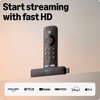
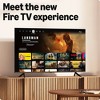
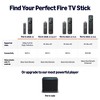
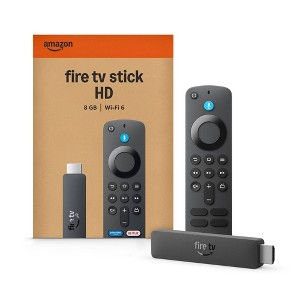
Amazon Fire TV Stick HD (2026)
$15.99 reg $39.99
$24 off
In Stock
Eligible for registries and wish lists
About this item
Additional product information and recommendations
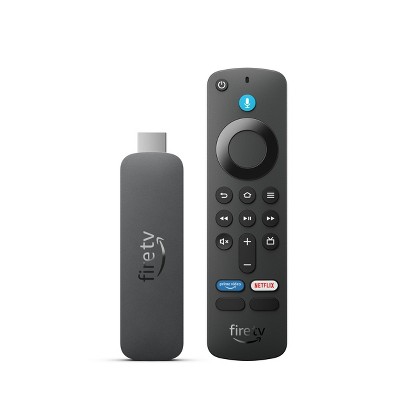
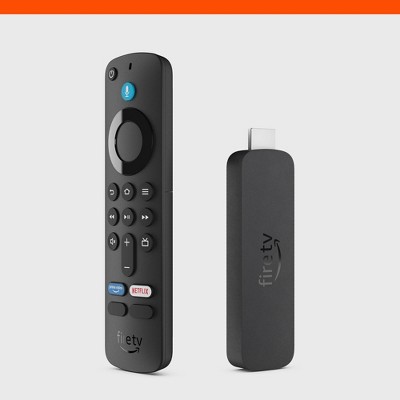
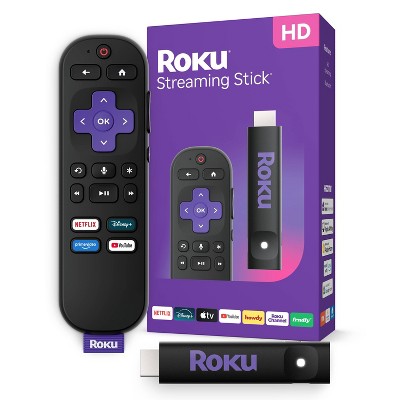
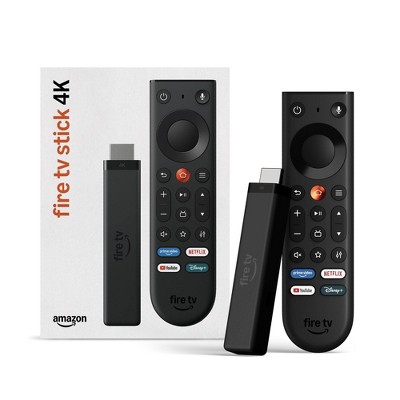
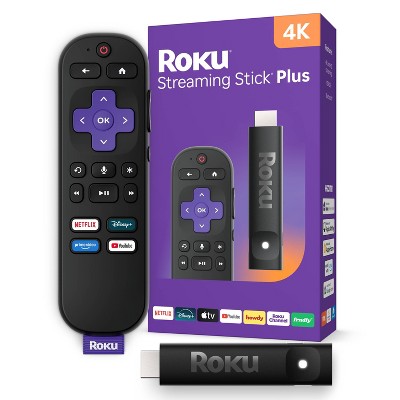
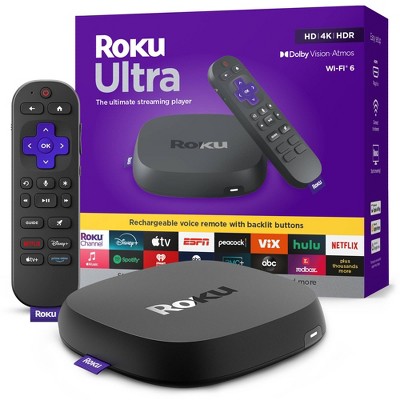
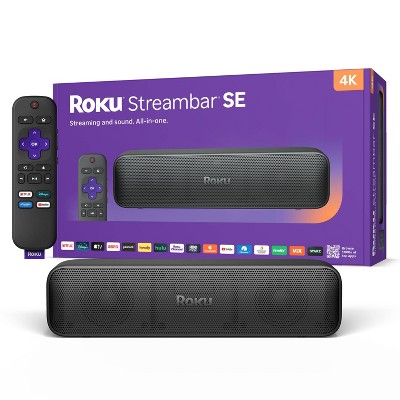
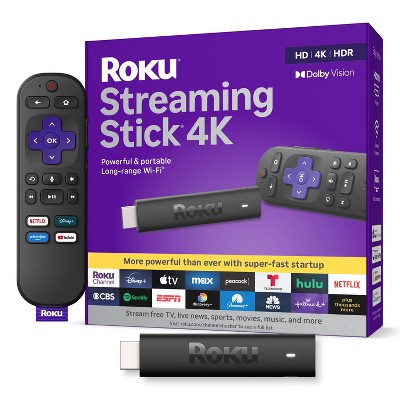
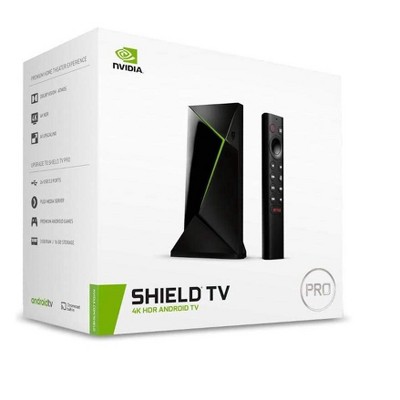
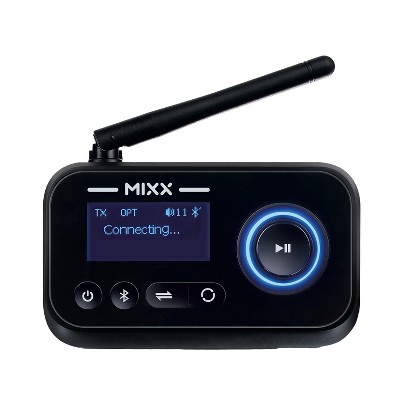
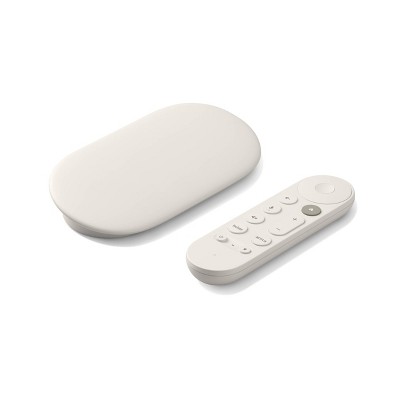
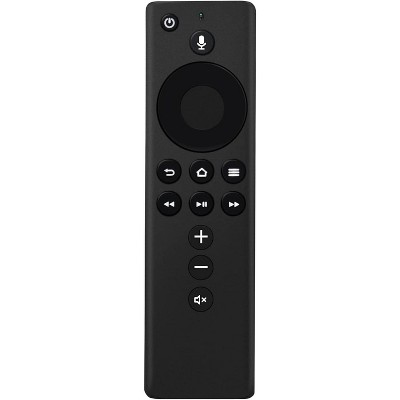
Frequently bought together
Related Categories
4.3 out of 5 stars with 107 reviews
ease of use: 4.46 out of 5
features: 4.16 out of 5
quality: 4.25 out of 5
value: 4.29 out of 5
70% would recommend
27 recommendations
5 out of 5 stars
Thumbs up graphic, would recommend
25 November, 2026Verified purchase
good
My smart tv is old and no longer supports apps and with this it now functions like a smart tv should
5 out of 5 stars
Thumbs up graphic, would recommend
21 November, 2026
(no review title)
Got it for a good price
5 out of 5 stars
Thumbs up graphic, would recommend
21 November, 2026Verified purchase
(no review title)
Got 2 for the price of one
4 out of 5 stars
16 November, 2026
(no review title)
So I gave this fire stick a four the only reason why is that you end up losing some of your apps so basically you have to convert Peacock and make sure it shows in your apps when you turn on your TV and for other apps that do show up, you just make sure again it's implemented in the system, but so far so good
1 out of 5 stars
15 November, 2026
Rushed to fulfill my order
I waited for an hour in the area to pick up my order just to discover when I got home that the security box is still attached so I have to return the item to have the security box removed 😤
1 out of 5 stars
Thumbs down graphic, would not recommend
1 November, 2026Verified purchase
(no review title)
worked for maybe 2 months then just died
From Amazon Devices Customer Support team
Hello, and thank you for your feedback on the Fire TV Stick HD. We are sorry to hear that your device stopped working after only two months of use. We understand how disappointing it can be when a product does not last as expected. The Fire TV Stick HD is built for reliable streaming performance, and a device failing after such a short period is not the experience we want for our customers. Here are a few troubleshooting steps that may help revive the device. Try unplugging the Fire TV Stick HD from both the TV and the power adapter, then wait at least 30 seconds before plugging it back in. If the device still does not power on, try using a different power adapter and USB cable, as a faulty power source can sometimes cause the device to appear unresponsive. You can also try plugging the Fire TV Stick into a different HDMI port on your TV to rule out a port issue. If the device powers on but is frozen, you can perform a factory reset by holding the Back button and the right side of the navigation circle simultaneously for 10 seconds. If none of these steps resolve the issue, Amazon Customer Service is available 24/7 and can be reached at 1-888-280-4331. They can assist with further troubleshooting and help explore your options. We appreciate your feedback and hope we can help get you back to streaming.
23 days ago
5 out of 5 stars
Thumbs up graphic, would recommend
20 October, 2026Verified purchase
(no review title)
Easy to install
5 out of 5 stars
19 October, 2026Verified purchase
(no review title)
Easy to use.
5 out of 5 stars
Thumbs up graphic, would recommend
13 October, 2026Verified purchase
More storage space for apps, but unusual standby mode
I like how this version of the device has up to 8 GB of storage. However, I do not like how this device going to standby mode after only a few minutes of an activity; so, I wish there was a way to set a time delay to minimize how many times I have to enter a pin to unlock standby mode.
5 out of 5 stars
1 October, 2026Verified purchase
(no review title)
Setup instructions were easy.
5 out of 5 stars
Thumbs up graphic, would recommend
27 September, 2026
(no review title)
Excellent
5 out of 5 stars
Thumbs up graphic, would recommend
27 September, 2026Verified purchase
(no review title)
Great item for a non smart tv in our sunroom
2 out of 5 stars
Thumbs down graphic, would not recommend
25 September, 2026Verified purchase
(no review title)
It’s new and uses new software so it doesn’t allow you to download the downloader app which was the purpose of buying a new one please do your research on the models and software i will be returning
5 out of 5 stars
14 September, 2026Verified purchase
(no review title)
The service was great!!
2 out of 5 stars
11 September, 2026Verified purchase
(no review title)
Give her so often it starts stuttering, and I have to restart the fire
From Amazon Devices Customer Support team
Hello Jennifer, Thank you for your feedback on the Fire TV Stick. I'm sorry to hear that you are experiencing frequent stuttering that requires restarting the device — that is certainly not the seamless streaming experience it should be delivering, and your frustration is understandable. Stuttering and buffering issues on the Fire TV Stick are typically caused by a few common factors, and the good news is most of them are resolvable. First, accumulated cached data from apps over time is one of the leading causes of performance slowdowns. To clear this, go to Settings > Applications > Manage Installed Applications, select the apps you use most frequently such as your streaming services, and tap Clear Cache for each one. This frees up memory and often has an immediate impact on performance. Second, ensuring your Fire TV Stick's software is fully up to date is critical, as updates often contain performance improvements and bug fixes. To check, go to Settings > My Fire TV > About > Check for Updates, and install any available updates. Third, background apps running simultaneously can consume the device's limited memory and processing power. After each use, rather than simply returning to the home screen, fully close apps by pressing and holding the Back button or navigating to Settings > Applications > Manage Installed Applications and force stopping unused apps. If the stuttering is specifically happening during video playback, your internet connection may also be a contributing factor. The Fire TV Stick requires a minimum of 5 Mbps for HD streaming, and a weak or congested WiFi connection can cause intermittent buffering. Moving your router closer to the device, reducing the number of other devices using the network during streaming, or connecting through a WiFi extender can all help stabilize the connection. You can also check your network speed directly on the device by going to Settings > Network and selecting your connected network to view the signal strength and connection speed I hope this information helps. Have a great day!
3 months ago
3 out of 5 stars
10 September, 2026Verified purchase
Remote stopped working
Worked well at first, but remote stopped connecting after just a couple weeks.
From Amazon Devices Customer Support team
Hello sm. Thank you for your feedback on the Fire TV Stick HD, and I'm sorry to hear that your remote has stopped connecting. It's great that the device was working well initially, and I'd like to help get your remote back up and running. Here are some troubleshooting steps that typically resolve remote connectivity issues: Replace the batteries — Even relatively new batteries can sometimes lose charge quickly. Try a fresh pair of AAA batteries and ensure they are seated correctly. Restart your Fire TV Stick — Unplug the device from power, wait 30 seconds, then plug it back in. Once it fully boots up, try using the remote again. Re-pair the remote — Press and hold the Home button on your remote for about 10 seconds. This will initiate the pairing process and should reconnect the remote to your Fire TV Stick. Clear obstructions — Make sure there is a clear line of sight between the remote and the Fire TV Stick, and that no other electronics nearby are causing interference. Reset the remote — Press and hold the Left button, the Menu button (three horizontal lines), and the Back button simultaneously for about 12 seconds. Release the buttons, wait 5 seconds, then remove and reinsert the batteries. The remote should enter pairing mode automatically. If none of these steps restore your remote's connection, Amazon Customer Service is available 24/7 and can assist with additional troubleshooting or replacement options. You can reach them at 1-888-280-4331. I hope this helps get everything working again. Thank you!
2 months ago
1 out of 5 stars
9 September, 2026Verified purchase
(no review title)
Did not work returned
From Amazon Devices Customer Support team
Hello Jelly Block, Thank you for your feedback on the Fire TV Stick HD. I'm sorry to hear that the device did not work for you and that you had to go through the return process — that is certainly not the experience we want any customer to have. While your review is brief, there are several common issues that can cause a Fire TV Stick to appear non-functional right out of the box, and many of them are resolvable. In case you or anyone reading this encounters a similar situation in the future, here are some steps that often restore full functionality: First, ensure the Fire TV Stick is connected to a power source using the included USB cable and power adapter rather than powering it through the TV's USB port, as many TV USB ports do not supply enough power for the device to operate properly. This is one of the most frequent causes of startup failures. Second, try a different HDMI port on your TV and confirm that the TV input is set to the correct HDMI source. If the device powers on but the screen remains blank, using the included HDMI extender can help resolve signal interference issues that sometimes occur when the stick is plugged directly into certain TV models. Third, performing a soft reset by unplugging the device from power for 30 seconds and then reconnecting it can clear temporary issues that may prevent the device from booting up correctly. If the device showed no signs of life at all — no LED light, no logo screen — this could indicate a defective unit, and the return was absolutely the right decision. Amazon's quality assurance process is thorough, but occasionally a unit can arrive with a hardware issue, and the return and replacement policy exists to ensure you receive a fully functional product. I hope this information helps. Have a great day.
3 months ago
5 out of 5 stars
Thumbs up graphic, would recommend
31 August, 2026Verified purchase
(no review title)
My order was ready early. I caught it on a great sale, so it was very much worth the money. It was exactly what I needed and functioned perfectly wiwth an easy setup.
5 out of 5 stars
Thumbs up graphic, would recommend
30 August, 2026Verified purchase
(no review title)
This was a replacement so I knew the product would be good. Plus I was able to buy 2 since they were on sale and able to place on another tv. Win win
1 out of 5 stars
Thumbs down graphic, would not recommend
24 August, 2026
OUT OF STOCK when I Came to Pick It Up
I came by to pick it up and the individual in the service area showed that it was OUT OF STOCK with none in Harker Heights, TX despite saying it was ready. I went to Temple and got one when he said that they had some. I wasted gas and hopefully will get a refund.