

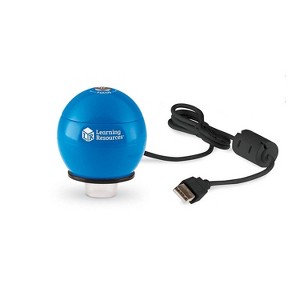
Learning Resources Zoomy 2.0 Blue Handheld Digital Microscope: USB-Powered Toy for Kindergarten Biology
$59.99
Out of Stock

Free & easy returns
Return this item by mail or in store within 90 days for a full refund.
Eligible for registries and wish lists
At a glance
About this item
Additional product information and recommendations
Related Categories
Discover more options
- $29.99
- $19.99

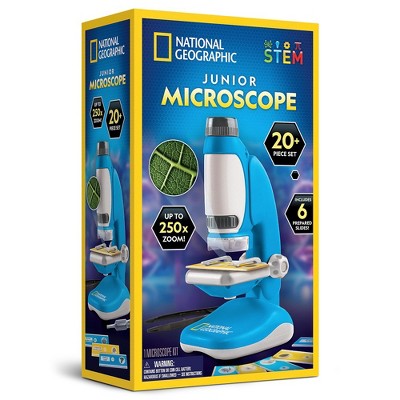
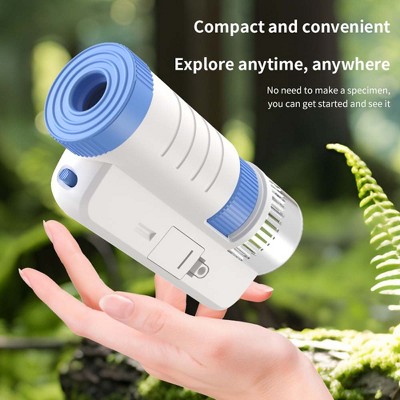
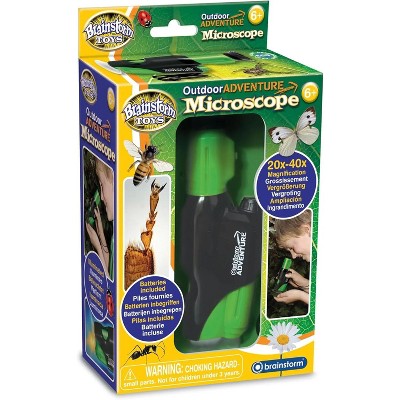
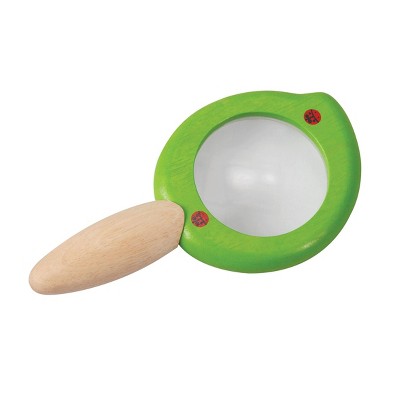

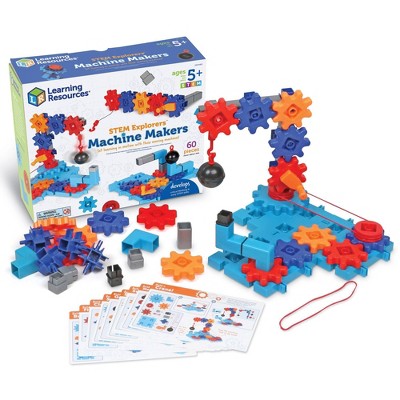
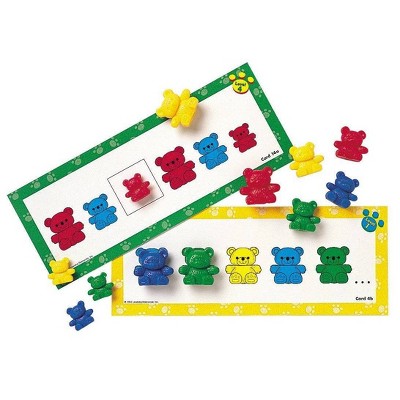
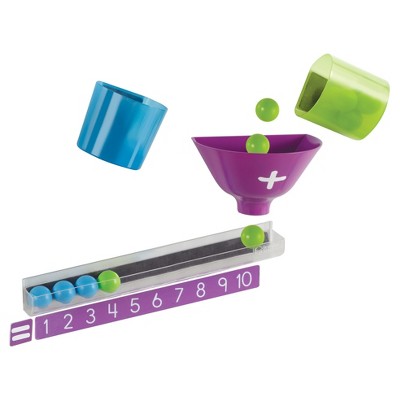





Frequently bought together
- Bestseller$49.99reg $99.99 Sale







Trending Educational Games











3.2 out of 5 stars with 35 reviews
5 out of 5 stars
13 March, 2026
originally posted on http://www.learningresources.com

Definitely needed for any classroom.
I'd easy to use and the magnification is amazing. My students love to see the roots of their hair and the fibers of their clothes and beg often for me to attach it to my projector to continue to explore all kind of surfaces. I especially like to use it to show how a few grains of salt can make an egg stand on end, because the grains are actually little cubes.
5 out of 5 stars
1 March, 2026
originally posted on http://www.learningresources.com
Easy Download and works with my MAC
I bought this years ago and tried it recently to use at a science fair. I downloaded the software from Learning Resources and works perfect! So amazing and can't believe it still works!
5 out of 5 stars
13 October, 2024
originally posted on http://www.learningresources.com
Works well with Windows 11 Pro
I've owned and used it for several years with different computers. I had to install the software "as administrator" for it to work on my current Windows 11 Pro, and it defaulted to my Pixel phone camera but I went to its settings and it had the USB camera as an option, and it works perfectly. For many students and kids it is fascinating, but some just are not curious.
5 out of 5 stars
13 October, 2024
originally posted on Learning Resources, Inc.

Works well with Windows 11 Pro
I've owned and used it for several years with different computers. I had to install the software "as administrator" for it to work on my current Windows 11 Pro, and it defaulted to my Pixel phone camera but I went to its settings and it had the USB camera as an option, and it works perfectly. For many students and kids it is fascinating, but some just are not curious.
5 out of 5 stars
16 September, 2024
originally posted on http://www.learningresources.com
Software
The software is in exe file. Does the software come in .msi format? Thank you!
1 out of 5 stars
25 September, 2023
originally posted on http://www.learningresources.com
No CD drive fro software
I keep reading there is a way to download the software for zoomy 2.0, BUT WHERE??? Can you give an EXACT address? Most laptops don't have CD slots anymore. Totally bumme.
1 reply from Learning Resources team - 3 years ago
Hello, please visit our website and under product description you can find the Windows latest version: https://www.learningresources.com/item-zoomytm-2-0-handheld-digital-microscope-blue
Please contact us if you have any questions! Thank you
1 out of 5 stars
25 September, 2023
originally posted on Learning Resources, Inc.
No CD drive fro software
I keep reading there is a way to download the software for zoomy 2.0, BUT WHERE??? Can you give an EXACT address? Most laptops don't have CD slots anymore. Totally bumme.
1 reply from Learningresourcespwr team - 20 days ago
Hello, please visit our website and under product description you can find the Windows latest version: https://www.learningresources.com/item-zoomytm-2-0-handheld-digital-microscope-blue Please contact us if you have any questions! Thank you
1 out of 5 stars
13 September, 2023
originally posted on http://www.learningresources.com
Doesn't work
It doesn't work. Plugged it into the computer and the only thing that happens is a light emits from the bottom of it.
1 reply from Learning Resources team - 3 years ago
If you are having any issues with this, please visit us on our Learning Resources site under the “contact us” page and we will be happy to help.
1 out of 5 stars
13 September, 2023
originally posted on Learning Resources, Inc.
Doesn't work
It doesn't work. Plugged it into the computer and the only thing that happens is a light emits from the bottom of it.
1 reply from Learningresourcespwr team - 20 days ago
If you are having any issues with this, please visit us on our Learning Resources site under the "contact us" page and we will be happy to help.
5 out of 5 stars
28 April, 2023
originally posted on http://www.learningresources.com
Great for chromebooks!!
Works great with chromebooks! Just plug it in, go to the camera app and push the little switch camera button and voila, it works:)
5 out of 5 stars
28 April, 2023
originally posted on Learning Resources, Inc.
Great for chromebooks!!
Works great with chromebooks! Just plug it in, go to the camera app and push the little switch camera button and voila, it works:)
1 out of 5 stars
2 December, 2022
originally posted on Learning Resources, Inc.
I don't recommend this!
I think this product is good for kids or parents to interact with their children. But don't think it's a convince factor, such as it just need to download by CD. Apple laptop doesn't have CD player. How can we use it? Eve though it doesn't show need to download by CD.
1 reply from Learningresourcespwr team - 20 days ago
Hello and Thank you for reaching out to us. We do have the download available on our site. You have the option for a MAC or PC download. Let us know if you have any questions or need any help with this.
1 out of 5 stars
18 September, 2022
originally posted on Learning Resources, Inc.
REQUIRES CD-ROM for SET UP!!
The Zoomy 2.0 looks as if it would be a wonderful product, but the software installation requires the use of a CD. If you don't have access to this feature is your device(s) (as many do not now for quite some time), DO NOT PURCHASE THIS ITEM!! As always, do your research before purchasing.
1 reply from Learningresourcespwr team - 20 days ago
Hi Moe, You can download the software by visiting our website. Please visit us on our Educational Insights site under the "contact us" page with any other questions you may have; we are happy to help you get started.
5 out of 5 stars
2 November, 2021
originally posted on http://www.learningresources.co.uk

Such a great tool to get a closer look at the world..
I cannot describe what an excellent little gadget this is!.. After reading some of the reviews, I was slightly hesitant to get this, but I'm so glad we did!! The Zoomy 2.0 is so easy to use!.. Even my 6 year old can set it up and use it unaided! We have all had so much fun looking at leaves, different materials, and flowers close up. Simply connect to a computer, download the program, and off you go!.. Twist the top of the Zoomy to focus, and just place a live the item you want to look at.. it's as simple as that! The Zoomy gives such clear pictures, and you can even take a photo of the image to look at in depth later! It is perfectly sized for little hands.. and such an ideal way to look in depth at the world around you! I would definitely recommend!!
5 out of 5 stars
2 November, 2021
originally posted on Learning Resources, Inc.
Such a great tool to get a closer look at the world..
I cannot describe what an excellent little gadget this is!.. After reading some of the reviews, I was slightly hesitant to get this, but I'm so glad we did!! The Zoomy 2.0 is so easy to use!.. Even my 6 year old can set it up and use it unaided! We have all had so much fun looking at leaves, different materials, and flowers close up. Simply connect to a computer, download the program, and off you go!.. Twist the top of the Zoomy to focus, and just place a live the item you want to look at.. it's as simple as that! The Zoomy gives such clear pictures, and you can even take a photo of the image to look at in depth later! It is perfectly sized for little hands.. and such an ideal way to look in depth at the world around you! I would definitely recommend!!
1 out of 5 stars
26 August, 2021
originally posted on http://www.learningresources.com
Windows has no idea what this thing is
The software works great for the built-in camera, but doesn't recognize this one. Windows doesn't even know that it is a camera, it just puts it under "other devices". I tried using it with AMCap, but that didn't work either. (AMCap worked great until it was bought out by someone else). Maybe you just need an older version of AMCap.
1 reply from Learning Resources team - 5 years ago
Sorry to hear your having difficulty with this. If you continue to have issues, reach out to us and we will be happy to help assist in this. Look forward to hearing from you.
1 out of 5 stars
26 August, 2021
originally posted on Learning Resources, Inc.
Windows has no idea what this thing is
The software works great for the built-in camera, but doesn't recognize this one. Windows doesn't even know that it is a camera, it just puts it under "other devices". I tried using it with AMCap, but that didn't work either. (AMCap worked great until it was bought out by someone else). Maybe you just need an older version of AMCap.
1 reply from Learningresourcespwr team - 20 days ago
Sorry to hear your having difficulty with this. If you continue to have issues, reach out to us and we will be happy to help assist in this. Look forward to hearing from you.
4 out of 5 stars
28 June, 2021
originally posted on http://www.learningresources.com
Great tool for Numismatists!
This is the best tool I have for collecting coins. I can see details, mint errors and other features of the coin. The only drawback is that it needs a stand to take pictures with as hand held photos are difficult to hold still
4 out of 5 stars
28 June, 2021
originally posted on Learning Resources, Inc.
Great tool for Numismatists!
This is the best tool I have for collecting coins. I can see details, mint errors and other features of the coin. The only drawback is that it needs a stand to take pictures with as hand held photos are difficult to hold still
1 out of 5 stars
13 January, 2021
originally posted on http://www.learningresources.com
Won't connect
I tried connecting this to my desktop and laptop, I can not get it to work with either. Any help would be greatly appreciated.
1 reply from Learning Resources team - 5 years ago
We would be happy to help you with this. Please call us at 800-222-3909 and look forward to hearing from you.