

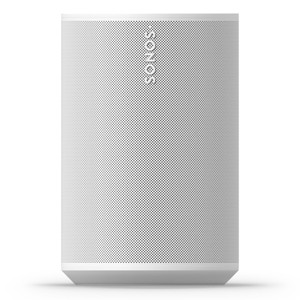
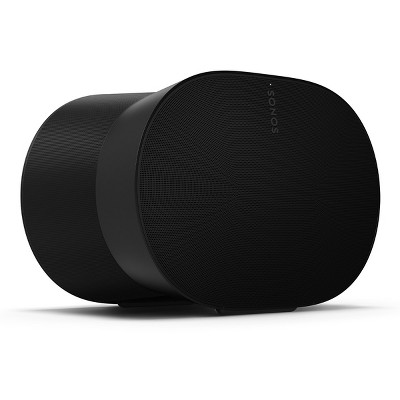
Sonos Era 100 Voice-Controlled Wireless Smart Speaker (White)
$219.00
In Stock
Eligible for registries and wish lists
At a glance
About this item
Additional product information and recommendations
Related Categories
Discover more options
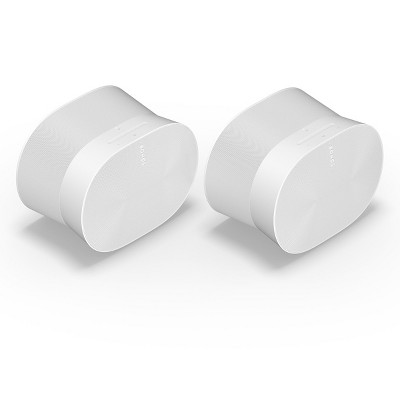
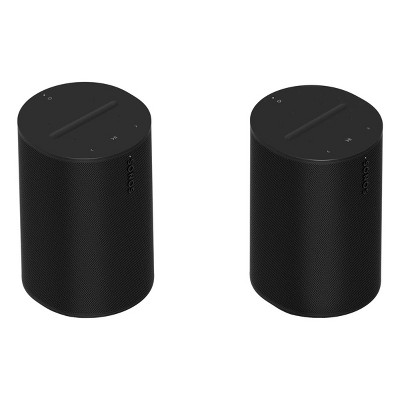
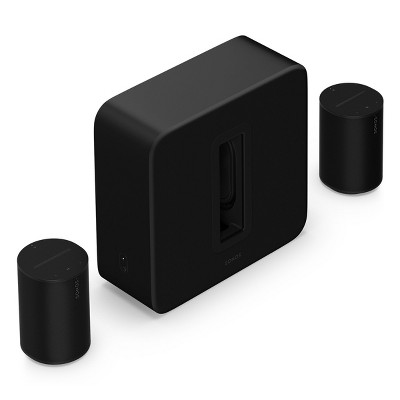
Frequently bought together
$40.79 - $43.99
reg $63.80 - $73.90 Sale
$40.79 - $43.99
reg $63.80 - $73.90 Sale

4.5 out of 5 stars with 8 reviews
quality: 1 out of 5
value: 1 out of 5
0% would recommend
1 recommendations
1 out of 5 stars
Thumbs down graphic, would not recommend
2 July, 2024Verified purchase
Bad product! Avoid!
Do not buy this product!!! A mere three months after purchase, it is no longer discoverable on wireless. And the controls on the product are barely visible.
1 reply from Sonos Customer Care team - 2 years ago
It sounds like you're experiencing frustrating issues with your Sonos Era 100. Here are a few steps you can take to try to resolve the problems: Check power and connections: Ensure that the Sonos Era 100 is properly powered and connected to your network. Sometimes, simply restarting the device or your network router can help re-establish connectivity. Update firmware: Make sure your Sonos Era 100 has the latest firmware installed. You can check for and update the firmware through the Sonos app on your mobile device or computer. Reset the device: Perform a factory reset on the Sonos Era 100 to see if it resolves the connectivity issues. Check for wireless interference: Ensure that there are no other devices or sources of wireless interference near your Sonos Era 100 that could be affecting its connectivity. Contact Sonos support: If the above steps do not resolve the issue, it may indicate a hardware problem with the Sonos Era 100. Contact Sonos customer support for further assistance, especially if the product is still under warranty. Given your experience, it's understandable to be frustrated. Following these steps should help diagnose and potentially resolve the connectivity issues with your Sonos Era 100.