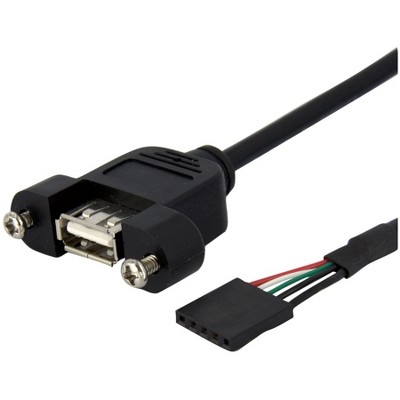
usb motherboard connector
1,000+ results for “usb motherboard connector”
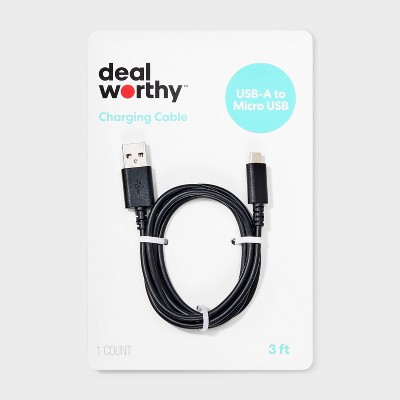
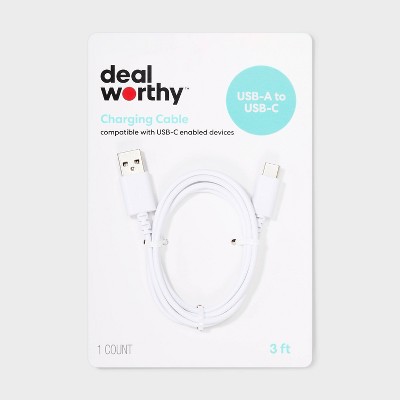
$5.99
Loved for: affordable price
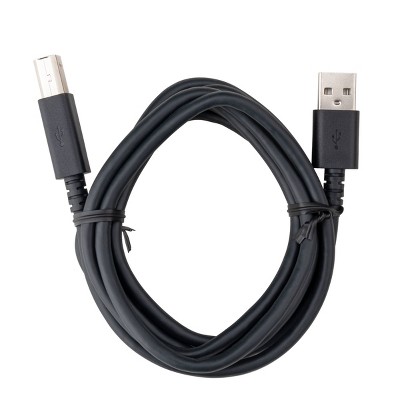
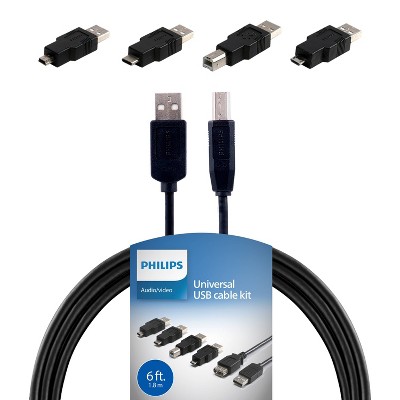
Recommendations for you
- $10.99 - $14.99Select items on sale4.5 out of 5 stars with 6 ratings
- $5.00 - $19.99Select items on sale
- $10.49reg $13.99 Sale
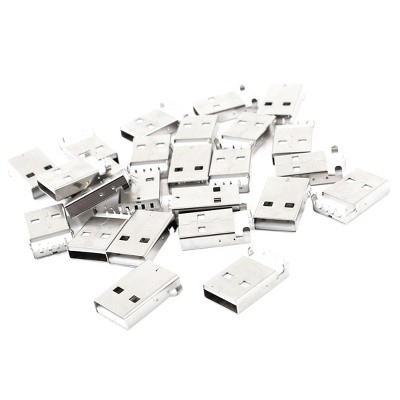
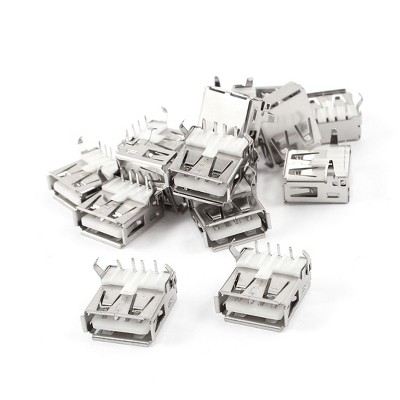
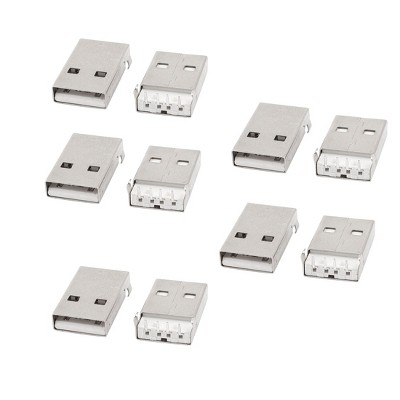
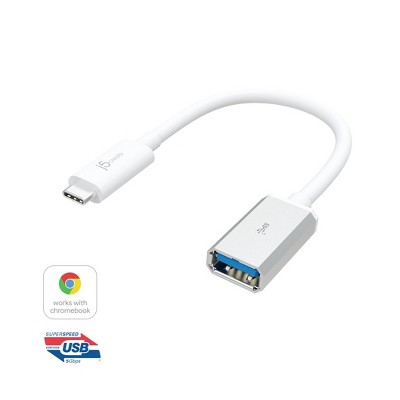
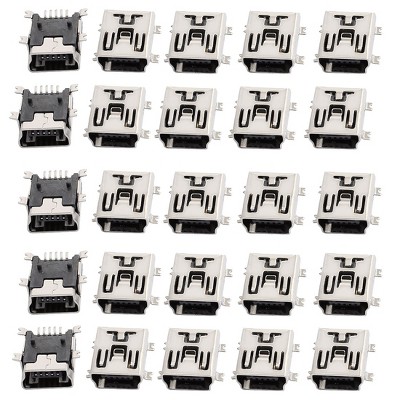
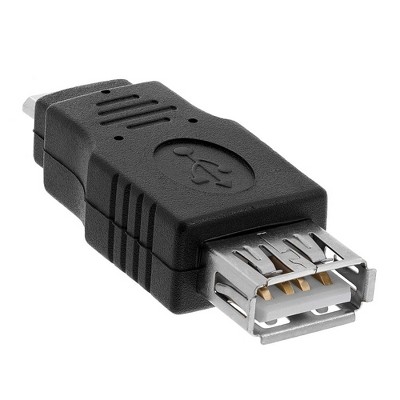
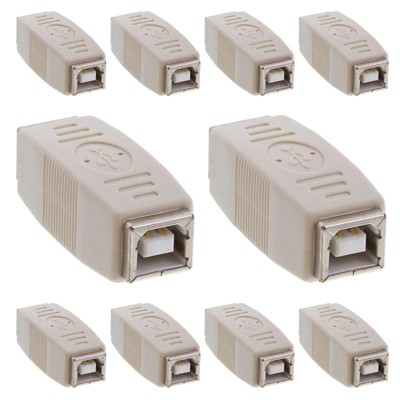
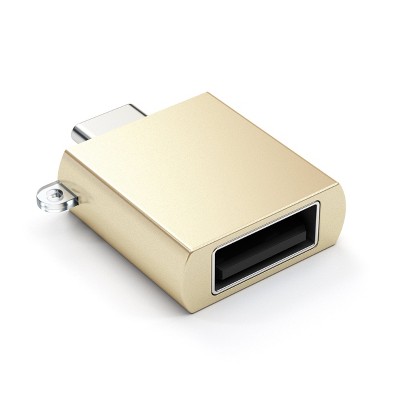
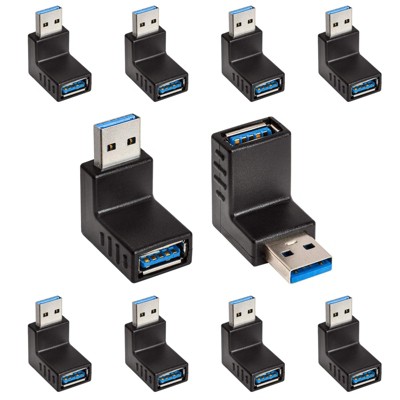
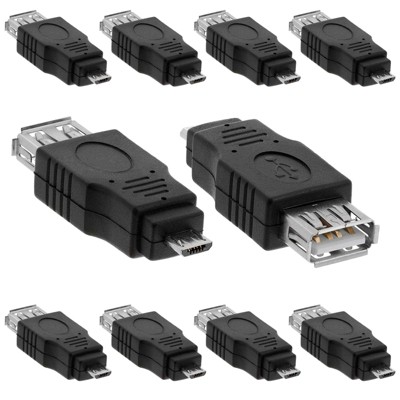
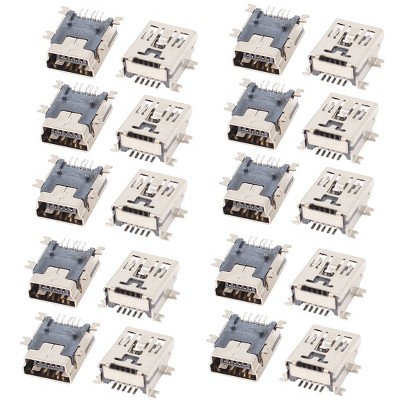
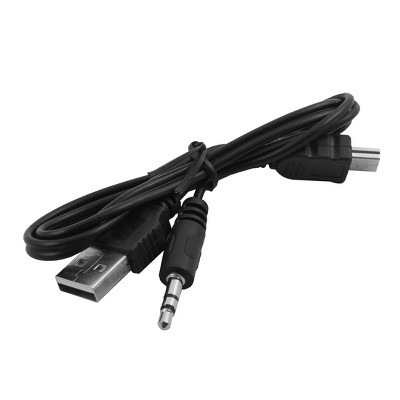
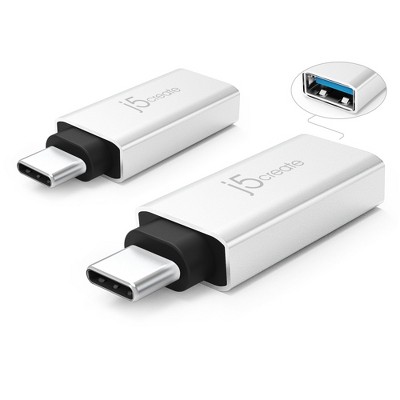
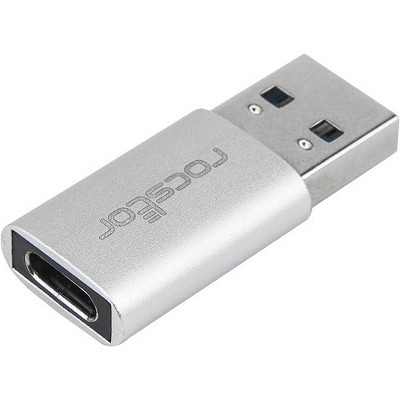
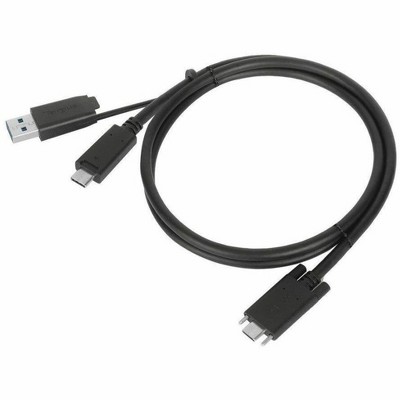
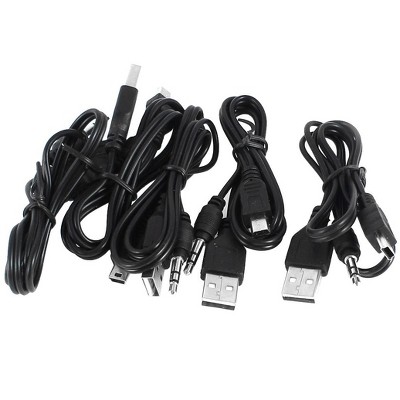
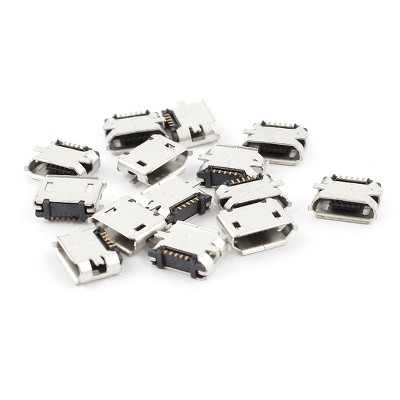
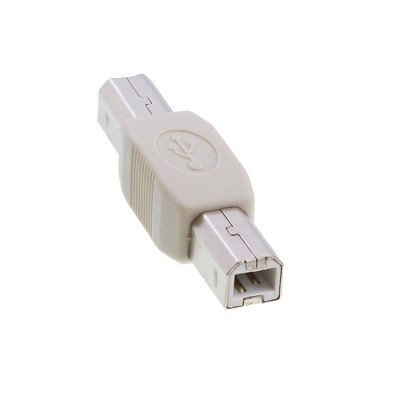
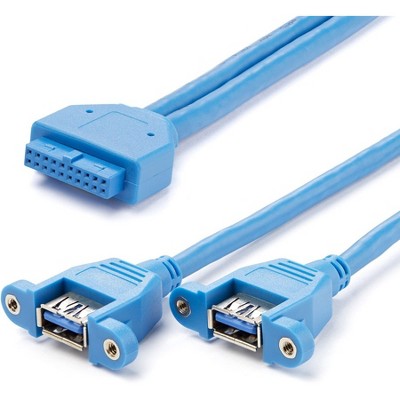
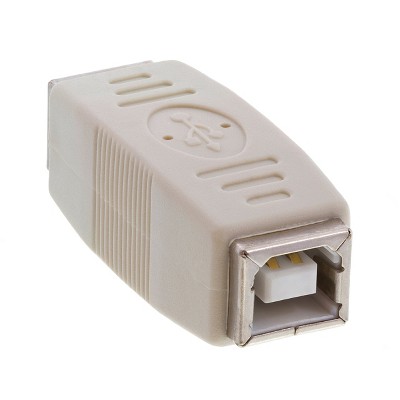
Sponsored
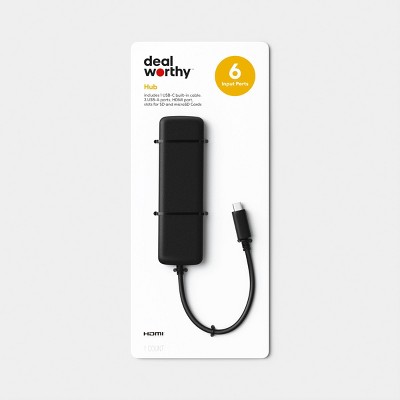
$14.99
Loved for: multiple usb ports
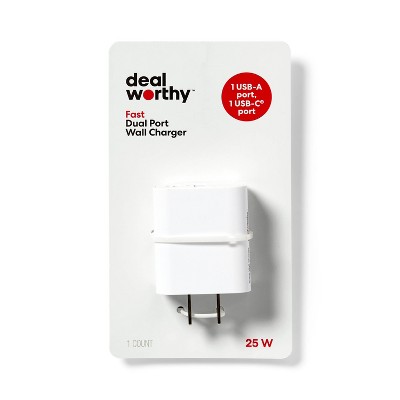
$9.99
Loved for: fast charging
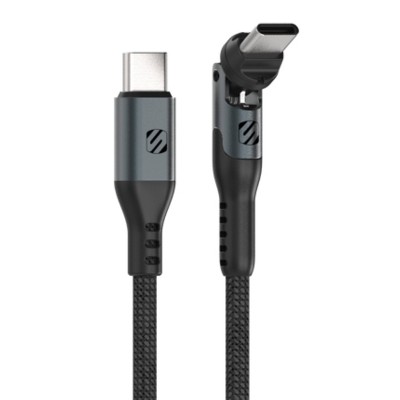
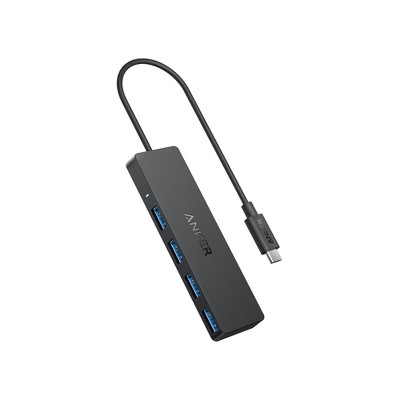
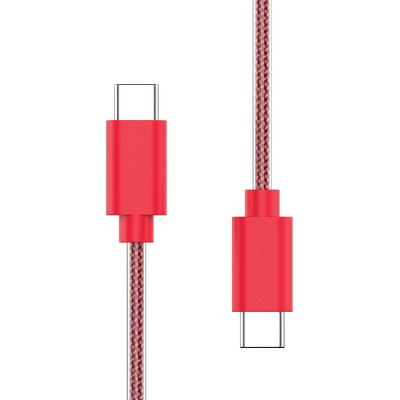
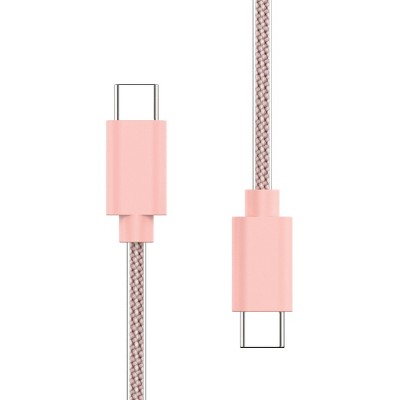
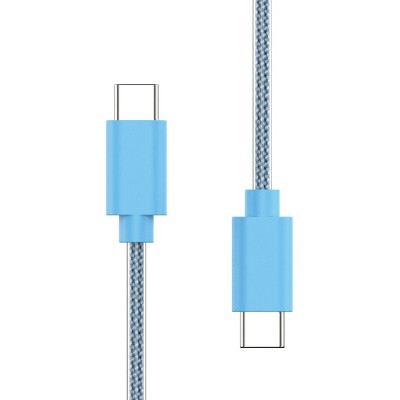
Related deals
- Highly rated$6.29 - $19.99$15 Target GiftCard with $50 household items purchase4.6 out of 5 stars with 9290 ratings
- Highly rated$4.99 - $29.99Select items on sale$15 Target GiftCard with $50 household items purchase4.7 out of 5 stars with 30433 ratings
- Highly rated$5.99 - $20.99$15 Target GiftCard with $50 household items purchase4.5 out of 5 stars with 23124 ratings
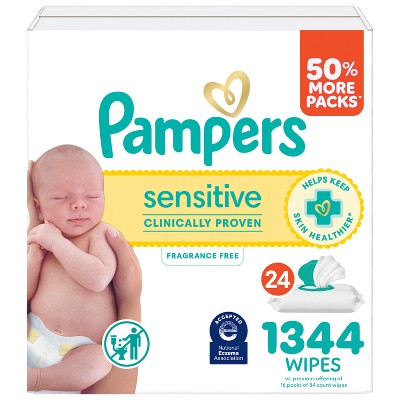
- Highly rated$8.99 - $49.99$20 Target GiftCard with $80 diapers & wipes purchase4.1 out of 5 stars with 15313 ratings
- Highly rated$9.99 - $59.99$20 Target GiftCard with $80 diapers & wipes purchase4.8 out of 5 stars with 75652 ratings
- Highly rated$3.29 - $6.19Lower price on select itemsBuy 2 for $9 breakfast cereal on select items4.7 out of 5 stars with 16413 ratings
- Highly rated$1.49 - $4.29$15 Target GiftCard with $50 household items purchase4.4 out of 5 stars with 6441 ratings
- Highly rated$5.99 - $21.99$15 Target GiftCard with $50 household items purchase4.6 out of 5 stars with 14704 ratings
- Highly rated$1.69 - $13.79Lower price on select items$15 Target GiftCard with $50 household items purchase4.7 out of 5 stars with 9755 ratings
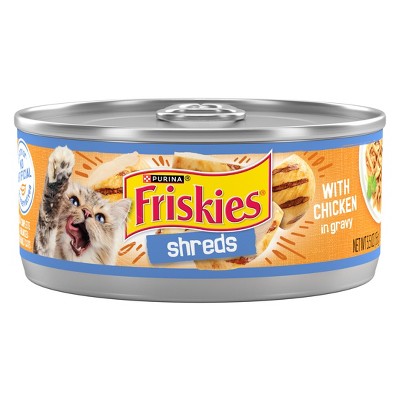
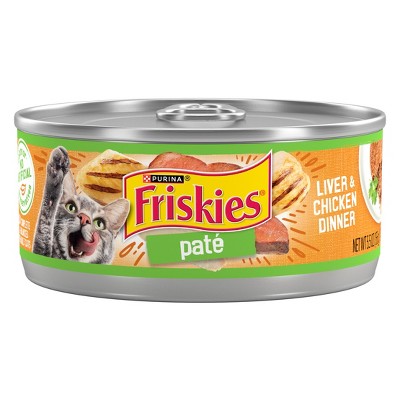
- $0.89Buy 14 for $12 Purina Friskies wet cat food4.7 out of 5 stars with 7689 ratings
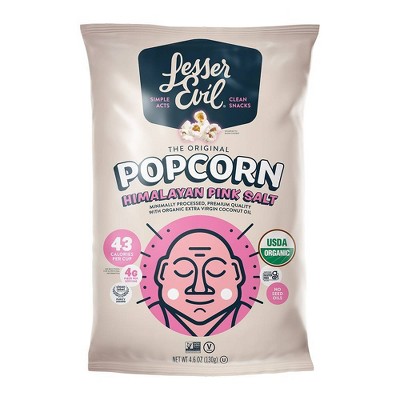
- Highly rated$3.49 - $5.79Buy 1 get 1 25% off LesserEvil organic popcorn on select items4.6 out of 5 stars with 8558 ratings
- Highly rated$3.44 - $9.49Select items on clearance$15 Target GiftCard with $50 household items purchase4.6 out of 5 stars with 12406 ratings
- Highly rated$14.99$5 Target GiftCard with 4 select personal care items4.5 out of 5 stars with 4672 ratings
- $6.19 - $37.99$20 Target GiftCard with $80 diapers & wipes purchase4.2 out of 5 stars with 17561 ratings
- Highly ratedSee price in cart$15 Target GiftCard with $50 household items purchase4.4 out of 5 stars with 36224 ratings
- Highly rated$7.99 - $32.99$15 Target GiftCard with $50 household items purchase4.7 out of 5 stars with 16660 ratings
- Highly rated$6.99 - $26.99$15 Target GiftCard with $50 household items purchase4.6 out of 5 stars with 12289 ratings
- Highly rated$2.89 - $6.19$15 Target GiftCard with $50 household items purchase4.7 out of 5 stars with 13236 ratings
- Highly rated$1.59 - $9.19$15 Target GiftCard with $50 household items purchase4.7 out of 5 stars with 11314 ratings
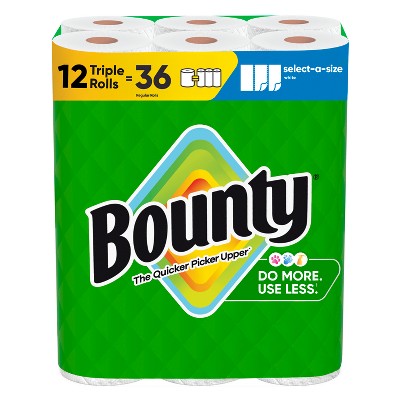
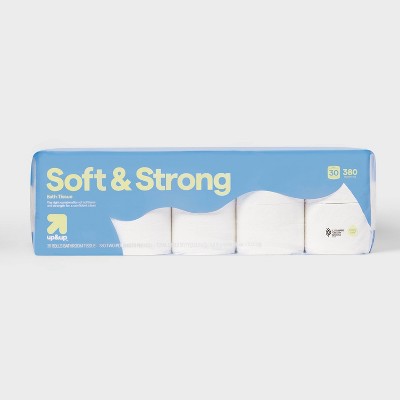
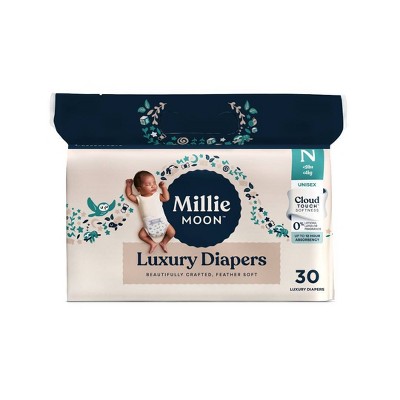

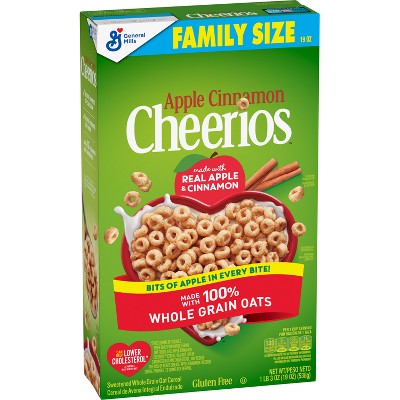
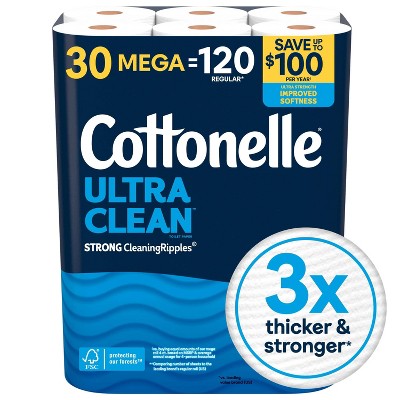
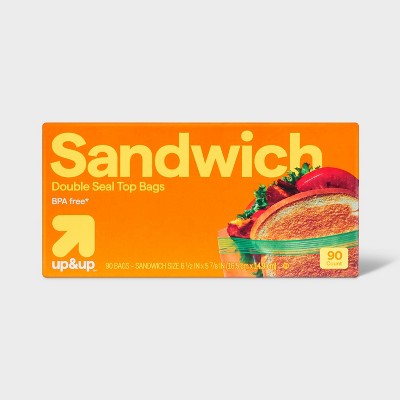
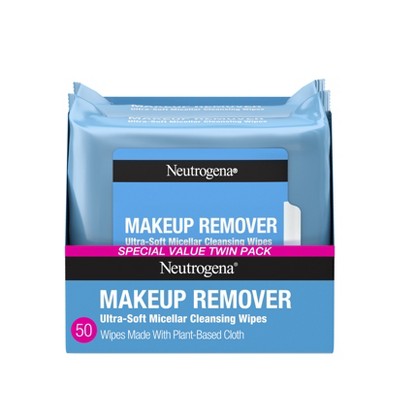
Sponsored


Sponsored
Powered by AI
Guests also ask:
Page 1Page 2Page 3Page 4Page 5Page 6Page 7Page 8Page 9Page 10Page 11Page 12Page 13Page 14Page 15Page 16Page 17Page 18Page 19Page 20Page 21Page 22Page 23Page 24Page 25Page 26Page 27Page 28Page 29Page 30Page 31Page 32Page 33Page 34Page 35Page 36Page 37Page 38Page 39Page 40Page 41Page 42Page 43Page 44Page 45Page 46Page 47Page 48Page 49Page 50
Related searches
- usb micro ab connector
- usb mini b socket
- micro ab usb
- usb a solder connector
- usb to usb female connector
- sata power connector motherboard
- z370 micro atx motherboard
- usb c video splitter
- usb c hdmi splitter
- dell usb c adapter
- gddr6 motherboard
- usb ssd adapter
- usb to hdmi adapter for xbox one
- universal usb ac adapter
- usb c cable adapter
- usbc hdmi splitter
- usb c to usb male adapter
- usb ac adaptor ac ud20
- evga z87 classified motherboard
Sponsored