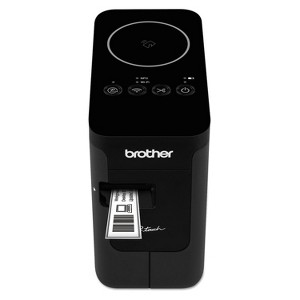
Brother P-touch PT-P750W Compact Wireless Label Maker
$169.53
In Stock

Free & easy returns
Return this item by mail or in store within 30 days for a full refund.
Sold & shipped by Spacebound
Eligible for registries and wish lists
At a glance
About this item
Additional product information and recommendations
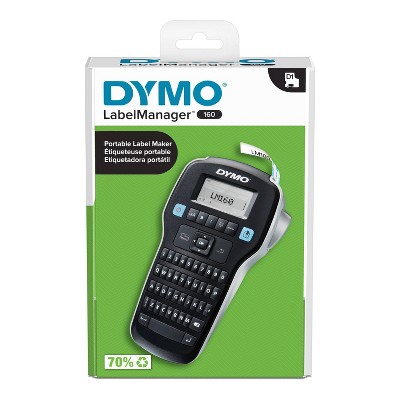
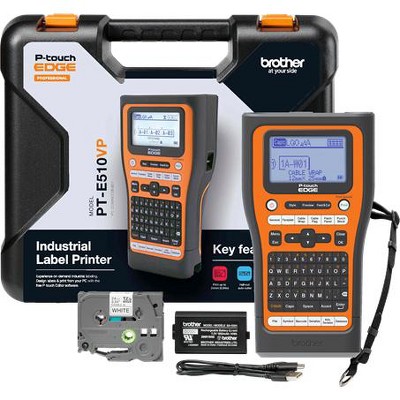
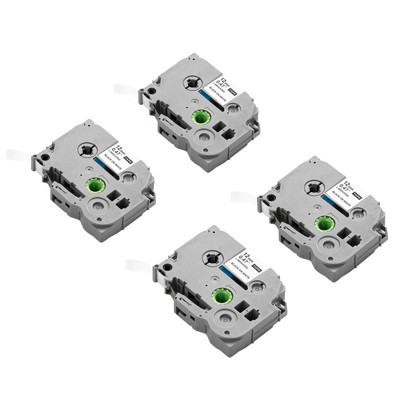
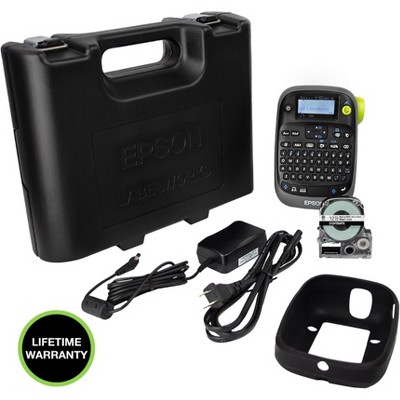
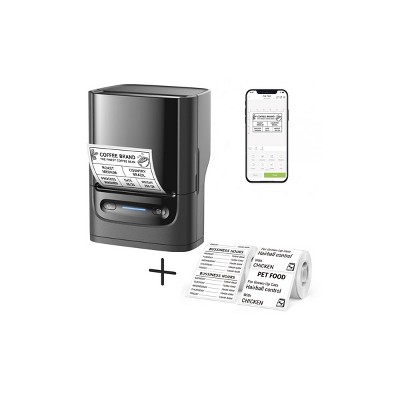
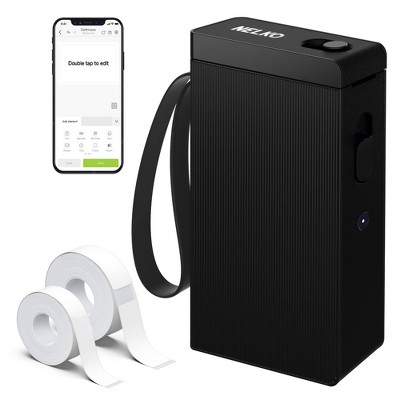
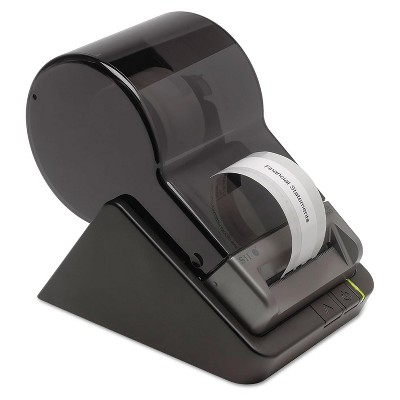
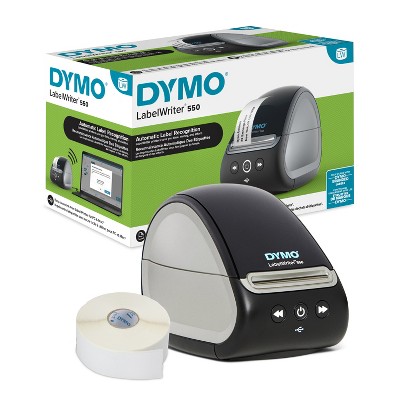
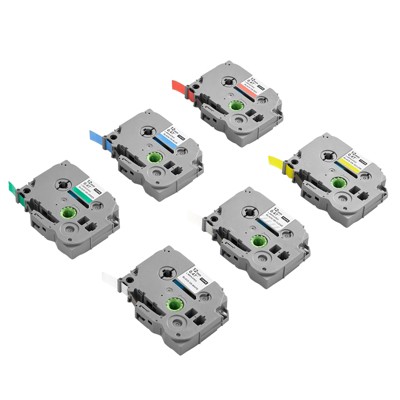
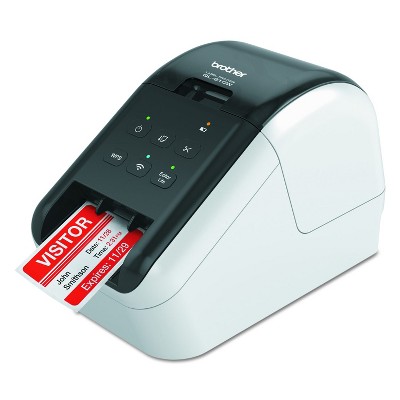
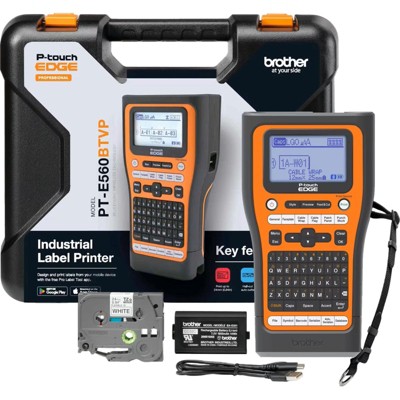
Frequently bought together
- $18.99 - $29.99reg $25.39 - $39.99 Sale
Related Categories
Guests are saying
The PT-P750W label maker offers a versatile and efficient solution for various labeling needs, making it suitable for both home and office use. Guests appreciate its compact design, wireless capabilities, and compatibility with multiple devices. While some have experienced minor setup challenges and software quirks, the overall performance and quality of labels produced are commendable. This printer is ideal for those looking to streamline their labeling tasks with ease and flexibility.
Summary created by AI from text of reviews reflecting recent feedback provided across different star ratings (includes incentivized reviews)
3.8 out of 5 stars with 64 reviews
4 out of 5 stars
13 January, 2025
originally posted on brother-usa.com

Solid, functional, ok print quality
I've found this to be fairly solid, with a couple of issues: first, although I didn't realize it at the time, I was replacing a higher-resolution P-Touch (360dpi) with this printer (180dpi) and the quality is disappointing. It's "good" - but I was used to better; mostly my fault but the higher resolution model is more than 2× the cost. At this point, if I could, I'd trade it for an upgrade. There have been minor alignment issues as well - remedied by more careful checking of the cartridge insertion. However: aside from these two points, this is a good unit, does what I need, has been reliable, and fits into the workflow (software, labels) that I've been using. Worthy upgrade from any of the handheld units, if you're okay with the quality. Cutting works as promised, speed is fine, and if you're able to navigate the P-Touch editor, it's a great tool. I've not used the mobile apps, but it's been working fine with the latest macOS (which is a definite improvement from the past)!
2 out of 5 stars
25 November, 2024
originally posted on brother-usa.com
Hoped for easier set up
I think this might be a good label maker if I am ever able to get it set up to use. I wanted to used it at school but the Wifi we have there won't allow it to be added so I brought it home to use it and I had to download a new firmware/software to get it to work. I have not had time to get back to it and see if it works. I thought it would be easier to set up and use with the mobile app. I was able to get the mobil app downloaded and create labels easily - I just have not been able to print them.
1 reply from Brother Customer Service team - 2 years ago
Thanks for taking the time to review your experience with the Brother PTP750W. We appreciate your feedback. I’m sorry to hear that you are having unable to print issues with the Brother PTP750W. I apologize for any inconvenience this issue may have caused you. We can help with that. I have included a link to the FAQ answer that should assist you. Please follow all the steps listed in the following link: Answer Link: https://help.brother-usa.com/AgentWeb/api/contextmanager/v.32410250004/workspaceContext/workspace/processedPrint/Answer/173318 If you still have difficulties please contact Brother Customer Service at: https://www.brother-usa.com/support/PTP750W
5 out of 5 stars
7 October, 2024
originally posted on brother-usa.com
Easy
Easy to use, and super fast I can priint labels directly from my cellphone
5 out of 5 stars
4 March, 2023
originally posted on brother-usa.com
Great Little Tape Printer
This is a really great little tape printer. It is compact, compatible with a large number of label tape options. The software works well and provides for customizable output. I use mine with stencil tape to make stencils for electro-chemical etching. I am very happy with the output...does exactly what I needed it to do. Also, very useful for making custom stick-on labels.
5 out of 5 stars
14 February, 2023
originally posted on brother-usa.com
Great versatile label printer
Great versatile label printer - anything from asset to marking bins of office supplies
4 out of 5 stars
20 June, 2022
originally posted on brother-usa.com
Quirky software, very good printer
I really like this printer, but the software that it is bundled with is a bit quirky. For example, one day it started placing all text within a frame on any new label. I figured out how to turn it off temporarily, but it comes right back with the next new label. Really annoying. I can’t figure how to make it gone and keep it gone. It prints beautiful labels any number of ways. They are always crisp, easy to read, and do the job well. The Brother software has tons of features, some are hidden deep within the sub menus. Often trying to find a feature requires going to the on-line help (which isn’t always easy to maneuver through.) which can be a pain. And the help info is hit or miss as to if the topic one is looking for exists. This printer is more temperamental than some of the other label printers I’ve had from brother. For example, it has jammed more times than any other brother label printer. When it jams, the tape cartridge is done. You cannot repair it, you just have to toss it. But those are minor inconveniences that can be overcome. For the most part the printer works well, does exactly what it is supposed to do, and does that well over and over again. I like the chain printing feature which saves quite a bit on tapes. Otherwise every label has an 1” to 1.5” of leader before the actual text.
5 out of 5 stars
15 May, 2022
originally posted on brother-usa.com
Faster & Easier
The PT-P750W is much faster and easier to use than the previous model we had.
4 out of 5 stars
12 March, 2022
originally posted on brother-usa.com
Great machine with some minor limitations.
The machine is great. Easy to use, load, and the software is easy to use. The only thing is it wastes tape. It maybe a setting but it rolls some tape out then cuts it off then prints before every label. Then the 2nd downer is the graphics in the software on all platforms is limited when they could be more abundant and better. Other than those two things it works great and has many tape options in size, color and tape type mediums.
5 out of 5 stars
26 February, 2022
originally posted on brother-usa.com
Highly recomended! Going to get two more.
Great not being tied down with cables and not dependent onAA bateries. The Battery pack lasts much longer. And I can print from my iPhone.
2 out of 5 stars
21 February, 2022
originally posted on brother-usa.com
Margins too big to fully use 1" Tape
Can not print 1" labels designed for printers that can handle 1.5" tape because of Margin Restrictions.
1 reply from Brother Customer Service team - 5 years ago
We are sorry that you are experiencing margins issues with your Brother PTP750W labelers. We'll be happy to help you. Due to the design and construction of the tape mechanism, it is essential to feed a certain amount of tape through the machine before the first label. Our Brother Customer Support Team is on stand-by to provide quality products and service to our customers via online, email or live chat: www.brother-usa.com/brother-support if you need any assistance with the margins.
3 out of 5 stars
15 November, 2021
originally posted on brother-usa.com
Good Product, Lacks basic functions
Speedy and quick printer, however, this printer can not tell when the tape is out and continues to try and print. All pervious printers from Brother have stopped the printing process allowing for a tape change. Since I use this printer for remote printing at my job, it leads to problems when the tape runs out and it only prints half a job. For a printer that can be networked to other printers and share print queues, that feature is a must!
1 reply from Brother Customer Service. team - 5 years ago
The Brother PTP750W machine has LED that indicates when the tape is depleted. This is a flashing red LED.
2 out of 5 stars
26 July, 2021
originally posted on brother-usa.com
wastes ALOT of ribbon tape
this printer wastes ALOT of ribbon tape when making labels. its a little blurry and can be touch and go with lettering clarity. the directions for set up are lack luster, good ol google to the rescue. i have a brothers printer scanner that i simply adore, assuming i would also love their barcode printer as much i went looking for one. While it does work, had i seen its results prior to buying i would have selected something different.
1 reply from Brother Customer Service. team - 5 years ago
Due to the design and construction of the tape mechanism of the Brother PTP750W machine, it is essential to feed a certain amount of tape through the machine before the first label. However, by printing labels consecutively, subsequent labels can be printed without this excess tape when Chain Printing is selected in Print Options.
5 out of 5 stars
2 July, 2021
originally posted on brother-usa.com
Easy to setup.
I keep this close to my computer and use it to print file folder labels and tags for marking cables.
3 out of 5 stars
15 March, 2021
originally posted on brother-usa.com
Wifi feature is not good at all
I chose this particular machine because I thought the wifi feature would be very convenient in that it would allow you to print from you mobile device but the feature does not function well at all. This is true with my both my Android and iOS devices. Every time I try to print from my mobile devices, the app says that it is unable to connect to a device. So I have to try multiple ways to get it to connect to my device even trying to connect manually with the IP address doesn't work. I always have to connect through direct wifi and then it will connect. But that means I have to disconnect from the network I'm on and then connect to the printer. I just think the connection process should flow more smoothly any time I want to print wirelessy.
1 reply from Brother Customer Service team - 6 years ago
We are sorry that you are experiencing issues with your Brother PT-P750W. We understand you've already taken some steps to try and resolve this issue. We believe the additional steps below should help. Please contact us via chat, email or phone so we can provide you further assistance by using the link below: https://www.brother-usa.com/brother-support
1 out of 5 stars
19 October, 2020
originally posted on http://brother.ca
Will not work with a macbook
This is not working with my mac book and I have already contacted customer service twice but received no response in return.
1 reply from Brother Canada PROD team - 6 years ago
We are sorry to hear that you were having difficulties with your machine. We have verified your file and are happy to see that all is resolved now, if you need any additional assistance Visit Brother Canada for support our support team would be happy to help! Visit Brother Canada for support.
5 out of 5 stars
25 September, 2020
originally posted on brother-usa.com
Should be great
Has all the features and so far everything I have done is exactly what I needed. I have not had a chance to try everything but I got tired of the emails so I am writing a review
5 out of 5 stars
31 July, 2020
originally posted on brother-usa.com
Good labler
it is easy to set up and use and it is fast to print
4 out of 5 stars
25 November, 2018
originally posted on brother-usa.com
Perfect in the field!
Have yet to need the "touch" feature, and have not learned how to use it. Hooked to my laptop it makes short work of labeling wires and cables!
4 out of 5 stars
5 November, 2018
originally posted on brother-usa.com
Love having it available instantly!
I really like the fact that I can leave it out on the counter and when I need a label just simply turn it on, open my phone app and input the label and print. The only reason I gave this machine a 4 star rating is I wanted the ability to make UPC-A barcode labels and you can only do that through the computer program! Brother keeps saying it’s coming at a later time for the app and it’s been over a year so until then.... 4 Stars!
5 out of 5 stars
30 September, 2018
originally posted on brother-usa.com
A Great Little Printer
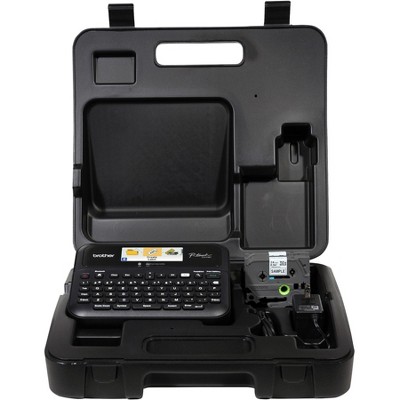
I bought this as a replacement for an old Brother P-Touch I had for years. I am very impressed with this printer. I've used it with Windows, Mac, my iPhone and my iPad and all work great. I bought this as a kit that included a case, the rechargeable battery, the printer, and two label cartridges. I'm very happy with the flexibility this provides. I've printed barcodes, graphic images, text, you name it. I would definitely buy this again.