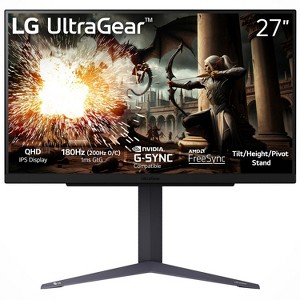
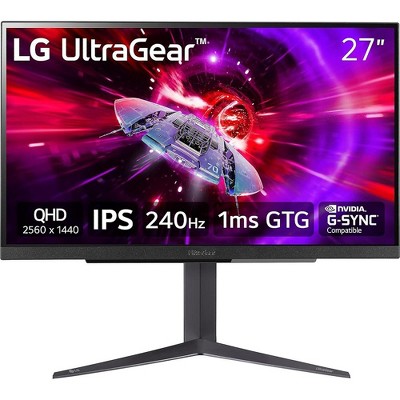
LG 27" UltraGear QHD 1440P 180Hz 1ms G-Sync Compatible IPS Gaming Monitor
$192.49 reg $349.99
Sale save $157.50 (45% off)
In Stock

Free & easy returns
Return this item by mail or in store within 30 days for a full refund.
Sold & shipped by Beach Camera
Eligible for registries and wish lists
About this item
Additional product information and recommendations
Discover more options
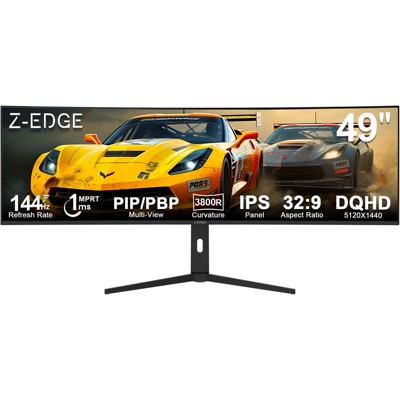
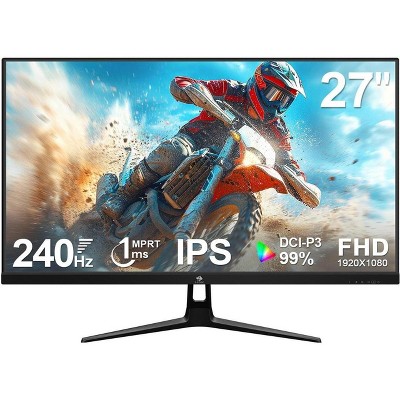
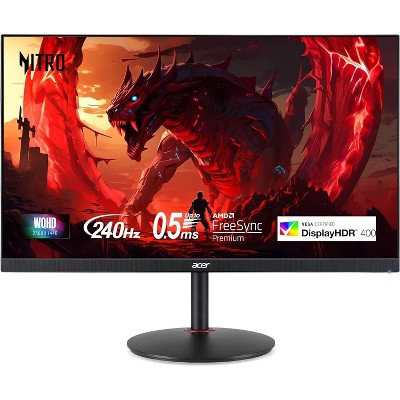
Frequently bought together
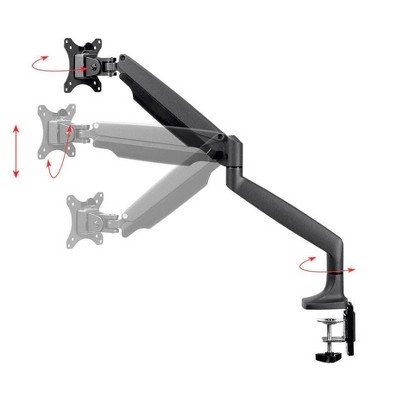
- $229.99 - $299.99
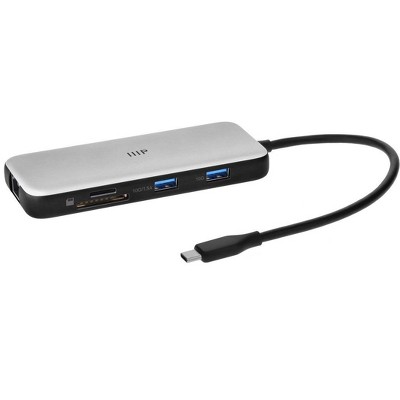
- $143.43 - $161.79reg $179.29 - $202.24 Sale
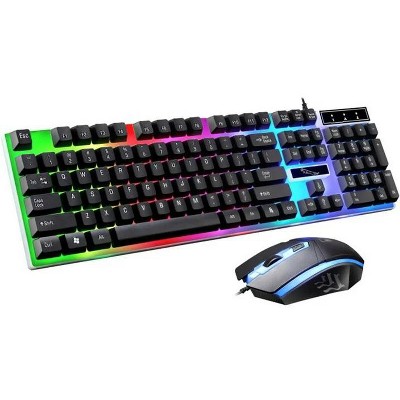
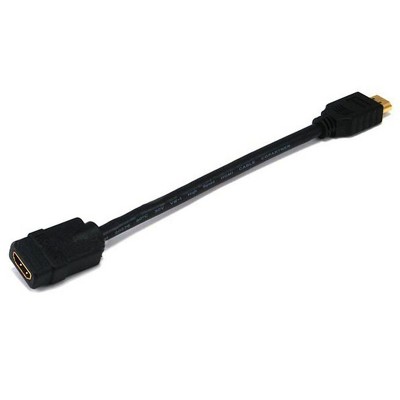
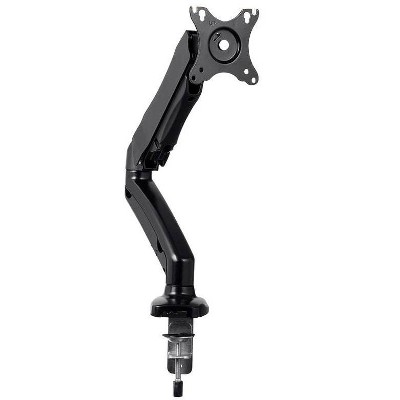
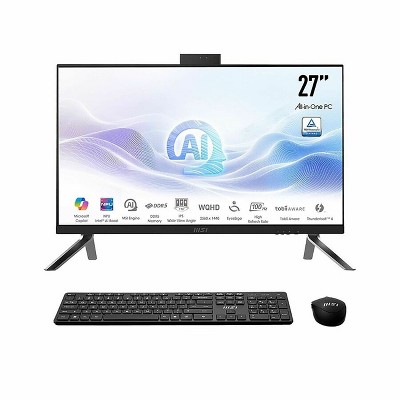
Guests also viewed
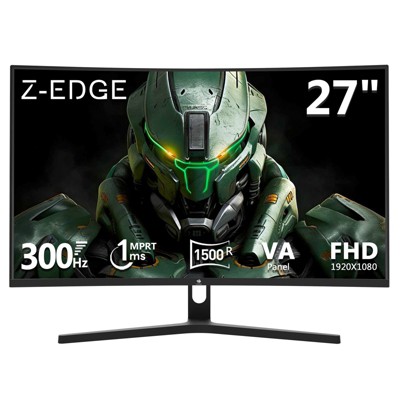
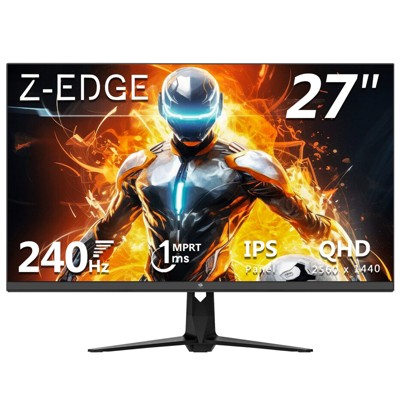
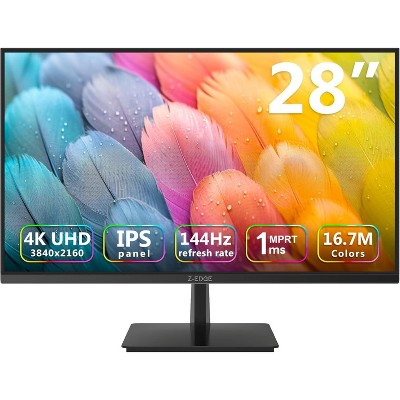
- Highly rated$249.99reg $299.99 SaleZ-EDGE U28I4K 28" 144Hz 4K IPS Monitor, Ultra HD (3840x2160) IPS Gaming Monitor, FreeSync Technology5 out of 5 stars with 99 ratings
Related Categories
Guests are saying
This monitor offers impressive performance with vibrant colors and a high refresh rate, making it suitable for both gaming and office work. Guests appreciate its easy setup and sleek design, while the curved screen enhances viewing comfort. However, some have reported issues with dead pixels and backlight bleed. Overall, it provides great value for those seeking a versatile display for various uses, from gaming to productivity.
Summary created by AI from text of reviews reflecting recent feedback provided across different star ratings (includes incentivized reviews)
4.3 out of 5 stars with 121 reviews
5 out of 5 stars
8 May, 2026
originally posted on lg.com/ca

Awesome 32" Gaming Monitor
So far its been awesome once I figured out how to use the settings joystick.
1 reply from LG CareQ team - 14 days ago
Thanks so much for sharing your experience with your 27G610A-B! We’re so glad to hear it’s been awesome for you so far! We definitely understand the learning curve with the settings joystick at first, but it’s great to know you got everything figured out and are now enjoying the monitor to the fullest. Once set up, it really does make navigating the features quick and convenient. Thank you again for choosing LG and for taking the time to share your feedback — we truly appreciate your support! If you ever need assistance or support, our team is always happy to help via chat or email at https://www.lg.com/ca_en/support/contact-us/ or by phone at 1-888-542-2623.
5 out of 5 stars
7 May, 2026
originally posted on lg.com

Lg ultragear gaming monitor review
It is perfect, like to the minute details, it was perfect, from packing to display everything is top notch, i decided to purchase monitor from lg after losing 23k on a random aandu paandu monitor supplier and I gotta say purchasing from lg is my best decision i am very pleased from this product
1 out of 5 stars
22 April, 2026
originally posted on lg.com
Bad Quality
Got lines on screen, the second day of usage. Very disappointed with the quality. Seeking replacement
3 out of 5 stars
11 April, 2026
originally posted on lg.com/ca
Stuck pixel
Performance of the monitor is great but it has a stuck pixel near the middle of the screen that is distracting during dark moments.
1 reply from LG CareQ team - 1 month ago
Thank you for sharing your feedback. We’re glad to hear you’re happy with the monitor’s performance, but we’re sorry to learn about the stuck pixel you’re experiencing. We understand how distracting this can be, especially during darker scenes. We’d like to help look into this further for you. Please reference CNN260414023856 when reaching out to our LG CareQ team at 1-888-542-2623. You can also contact us via live chat or email through our support site: 👉 https://www.lg.com/ca_en/support/contact-us/ We appreciate you bringing this to our attention and the opportunity to assist you.
5 out of 5 stars
9 April, 2026
originally posted on lg.com
Fantastic product
Haven't tried gaming yet but have been using for office work. Has been a great experience so far.
4 out of 5 stars
7 April, 2026
originally posted on lg.com
Overall Good product.
Satisfied with product just giving 4 star because of the the backlit bleed is more in scrooen which is common issue in IPS models. Otherwise nice product.
5 out of 5 stars
7 April, 2026
originally posted on lg.com
Totally worth
Good product for entry level gamers, delivery was also on time
5 out of 5 stars
26 March, 2026
originally posted on lg.com/ca
Awesome monitor
Very nice picture, great quality, and a great price. Absolutely love it.
1 reply from LG CareQ team - 2 months ago
We’re so glad to hear you’re loving your LG 32G600A-B! It’s great that the picture quality, performance, and value are all hitting the mark for you. If you ever need assistance, our LG CareQ Team is happy to help: 1-888-542-2623 | https://www.lg.com/ca_en/support/contact-us/ Thank you for sharing your feedback!
5 out of 5 stars
24 March, 2026
originally posted on lg.com/uk

27GS60QC-B
[This review was collected as part of a promotion.] this is the first time that I have used a curved monitor - but I'm finding it very easy on the eyes. Setup was easy with just a single HDMI cable. The display is clear and crisp. If I had any bad to say about the monitor it is the position of the controller joystick. With the 27" model (which I have), there is no speakers for audio playback so I'm using a small soundbar; but with the soundbar in place, under the monitor, I have to move it to get to the joystick. Having said that, it is a minor price to pay for the display that I've now got
1 out of 5 stars
19 March, 2026
originally posted on lg.com/ca
Reach out if you want to make this right
Poor quality, zero warranty support, stupid expensive repair costs
1 reply from LG CareQ team - 2 months ago
We understand how frustrating that must be, especially when damage occurs during handling. That’s definitely not the experience we want for our customers. If you’d like us to take a closer look, please reach out to our LG CareQ Team with your reference number and bill of sale, and they’ll review your case and see how they can assist further: 1-888-542-2623 | https://www.lg.com/ca_en/support/contact-us/ Thank you for bringing this to our attention.
2 out of 5 stars
3 March, 2026
originally posted on lg.com/ca
Not good for office desktop applications
I plan to return this monitor to the retailer within the 15-day trial period. I have spent hours trying to get the colours right. It has proven impossible. When I set web pages, email and Word to display properly, Youtube videos are too dark to see at all. When I change the settings to be able to see Youtube videos, all those other applicationsl are so bright that they are washed out. The instructions in the manual are very poorly written so, while it may be possible to get the settings correct, it is impossible to determine that from the manual.
1 reply from LG CareQ team - 3 months ago
Thank you for sharing your feedback regarding the 32GS60QC-B monitor. We’re sorry to hear about the difficulties you experienced when trying to adjust the display settings and that the manual did not provide the clarity you expected. If you would like assistance before completing the return, our LG CareQ Team would be happy to help review the display settings with you. Please contact us at 1-888-542-2623 or visit https://www.lg.com/ca_en/support , and have the model number, serial number, and bill of sale available. Kindly reference CNN260305391896 when you reach out, and if possible, please provide a few additional details about the issue or photos so our team can better assist you.
2 out of 5 stars
2 March, 2026Verified purchase
(no review title)
Monitor is good but they got the model number wrong and lied that it comes with hdmi 2.1🤦 weirdos
3 out of 5 stars
1 March, 2026
originally posted on lg.com/uk
Excellent monitor
[This review was collected as part of a promotion.] The monitor is excellent, but it's a shame LG doesn't sell an HDMI to DisplayPort cable. The fact that they don't include this cable as an extra is also a drawback.
1 reply from LG Electronics UK team - 3 months ago
Thank you for your review of the LG 27GS60QC. We’re really pleased to hear you’re enjoying the monitor itself, that’s great to know. We understand your comments regarding the HDMI to DisplayPort cable. Cable requirements can vary depending on the device being connected, which is why monitors typically include only selected cables in the box. That said, we appreciate that having the right cable readily available, especially from the same brand, would make things simpler. Your feedback about both availability and included accessories is noted and will be shared with the relevant team. Thank you again for taking the time to leave your thoughts. Regards
5 out of 5 stars
22 February, 2026
originally posted on lg.com/uk
Fantastic
[This review was collected as part of a promotion.] I use this primarily for music production and YouTube. Zero complaints...Ableton looks bright and sharp and the real estate is superb for long sessions. 10/10.
1 out of 5 stars
19 February, 2026
originally posted on lg.com/ca
no warranty
Bought this as a self present in 2024, made a claim before warranty ended because the screen showed dead pixels in the first few months been told numerous times they would contact and replace the product but it never happened and LG says it's not their problem it's a sub-contractor. not worth the full price if there's no warranty and the foot is trash.
1 reply from LG CareQ team - 3 months ago
Thank you for sharing your experience with your 32GP750-B. We’re very sorry to hear about the trouble you’ve had with your warranty claim and understand how frustrating this must be. If you filed the claim while the unit was under warranty, we’d like to look into this further. Could you please provide your case or reference number so we can review the details? Regarding the stand, we’re also sorry to hear it didn’t meet your expectations. Many users choose to use a VESA-compatible mount for additional stability and positioning flexibility, but your feedback about the included stand is important and will be shared internally. We truly regret the frustration this has caused and appreciate you giving us the opportunity to address it properly. You may also reach our LG CareQ Team for immediate assistance: 📞 1-888-542-2623 🕒 Monday–Sunday, 8 a.m. to 9 p.m. ET 💬 WhatsApp: https://www.lg.com/ca_en/support/contact/whatsapp 💻 Live Chat: https://lg-chatbot.com
3 out of 5 stars
19 February, 2026
originally posted on lg.com/uk
Gaming
[This review was collected as part of a promotion.] Good colour control settings, strong dci p3 although quite a pain to calibrate. Unfortunately not possible to use srgb mode, as it locks 90% of settings. HDR400 is fine but mid enough that I may just never use it. Coming from a clean, consistent TN screen (that had wonderful clear text), the viewing angle is just atrocious on this-are all IPS like this? Looking straight on, the corners and notably bottom have a strong almost-vignette effect, never quite feels right. Bunch of light bleeding and tint. Half a dozen stuck pixels when on black but usually not noticeable otherwise.
4 out of 5 stars
29 January, 2026
originally posted on lg.com/ca
Good for price
Good monitor thin bezels and has a good refresh rate but it could have a adjustable mount
1 reply from LG CareQ team - 4 months ago
Thanks for sharing your thoughts on the 27GS60QC-B! We’re glad you’re enjoying the thin bezels and smooth refresh rate. We appreciate the feedback about the adjustable mount—it’s a great suggestion and something we’ll be sure to pass along.
4 out of 5 stars
29 January, 2026
originally posted on lg.com/uk
Great monitor but few flaws
The monitor is a great build and the pixels really sharp and fast its a monitor i would highly recommend but the only flaw I would say is that you are never sure if you have the most updated monitor software/drivers for it the app could do with a bit of work with describing the difference in the settings and what it will do but thats the only negative id say the monitor is great for gaming and I would highly recommend it if your looking to get a new monitor
5 out of 5 stars
3 January, 2026
originally posted on lg.com/uk
27” LG UltraGear™ QHD IPS Gaming Monitor, 180Hz
Bought my son this monitor for xmas and he loves it said his Xbox preforms 10x better than on a tv so happy with this purchase it was fast delivery and the communication was 10/10 would defo recommend
5 out of 5 stars
31 December, 2025
originally posted on lg.com/uk
Excellent Monitor
[This review was collected as part of a promotion.] We bought this for our 7 year old sons PS5 and it is too spec for the price, we are really pleased with the build and picture quality of this monitor and the 2 HDMI port are really useful for our needs. 5 star product