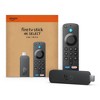
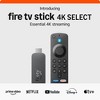
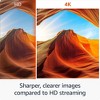
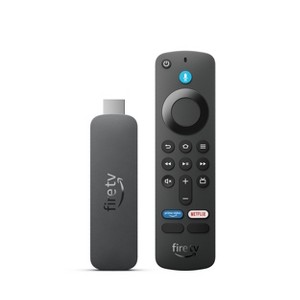
Amazon FireTV Stick 4k Select
$49.99
In Stock
Eligible for registries and wish lists
About this item
Additional product information and recommendations
Discover more options
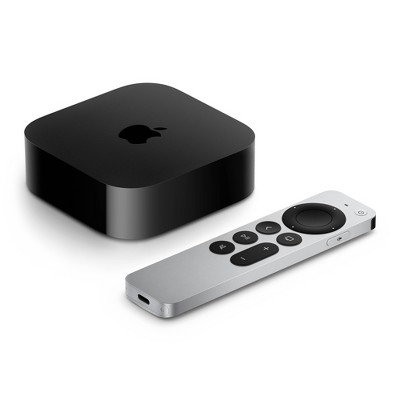
- Highly rated$199.99 - $249.99Get the Apple TV 4K Wi-Fi w/ 64GB at $13/mo. on select items4.5 out of 5 stars with 441 ratings
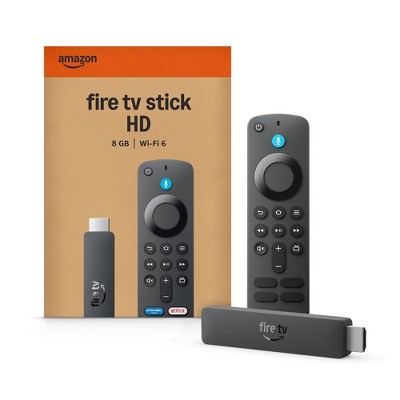
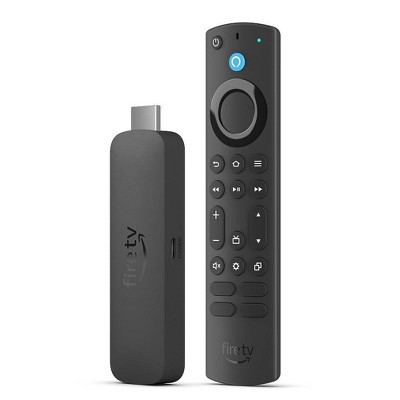
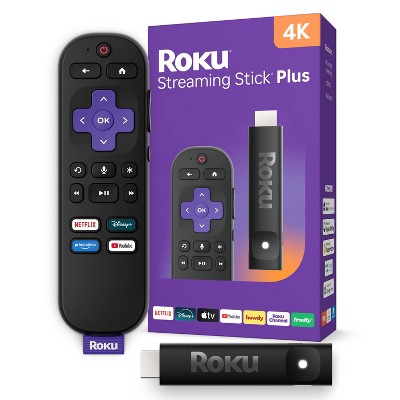
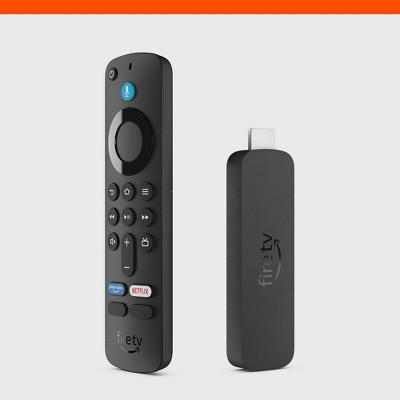
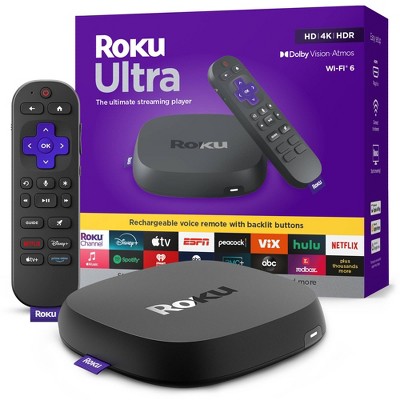
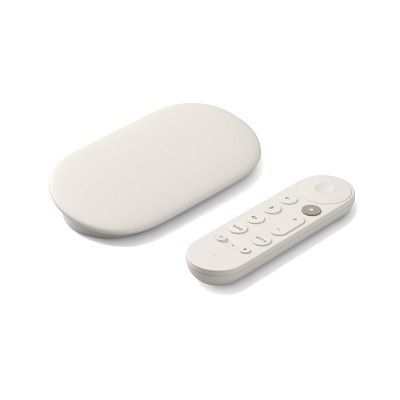
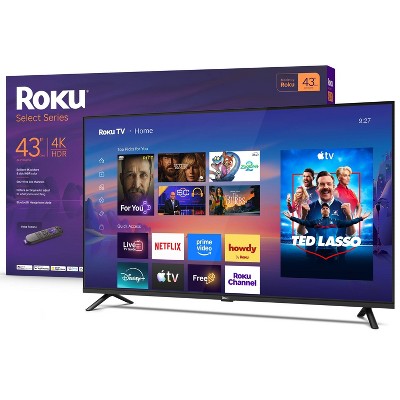
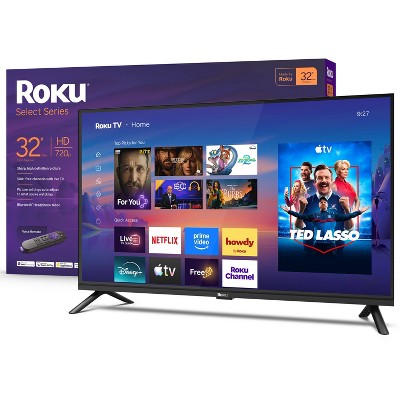
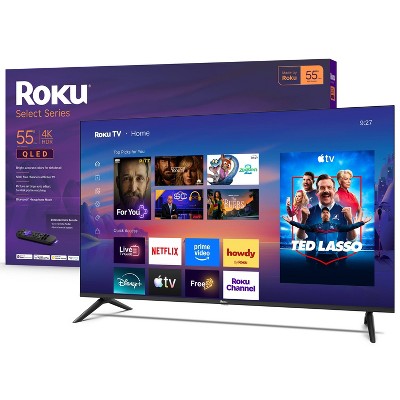
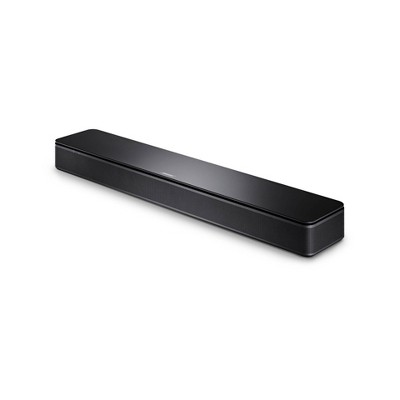
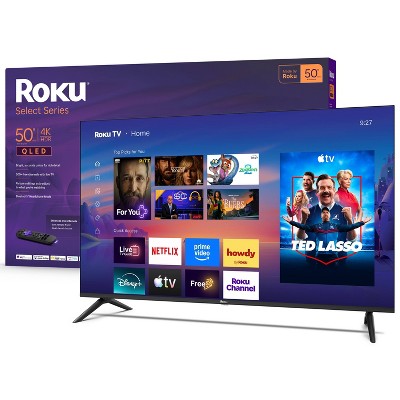
Frequently bought together
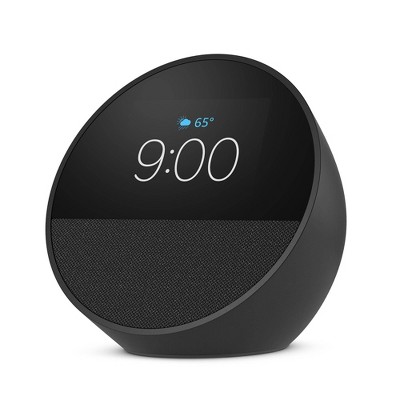
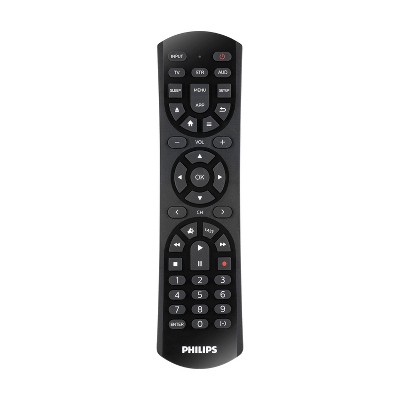

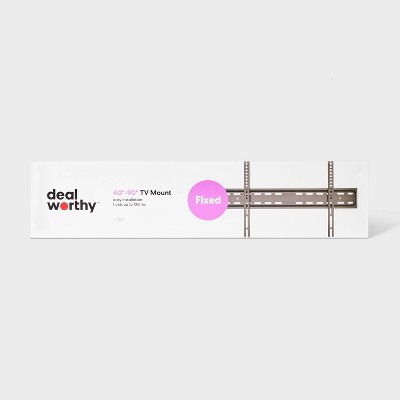
Guests also viewed
3.8 out of 5 stars with 172 reviews
ease of use: 3.67 out of 5
features: 3.5 out of 5
quality: 3.53 out of 5
value: 3.8 out of 5
48% would recommend
33 recommendations
5 out of 5 stars
Thumbs up graphic, would recommend
1 September, 2026Verified purchase
(no review title)
Easy to install and aactivate. Works exactly as advertised.
5 out of 5 stars
23 August, 2026Verified purchase
(no review title)
Better than Roku my favorite
5 out of 5 stars
22 August, 2026
originally posted on Amazon Devices

Love the voice control
[This review was collected as part of a promotion.] The Fire TV Stick 4K is a great upgrade for turning a regular TV into a smart TV. Setup was quick and easy, and the interface is simple to navigate. Streaming apps load smoothly, and the 4K picture quality looks sharp and clear on a compatible TV. I also like the voice remote because it makes searching for shows and movies much faster. It’s compact, responsive, and works well for everyday streaming.
5 out of 5 stars
9 August, 2026Verified purchase
(no review title)
Easy to use and set up!
1 out of 5 stars
Thumbs down graphic, would not recommend
8 August, 2026Verified purchase
Fragile Little Thing
Extremely sensitive! The first time the fell from the couch to the floor, it was kaput. Obviously, very cheaply made.
1 reply from Amazon Devices Customer Support team - 1 month ago
Hi Jessica, Thank you for your feedback, and we're sorry to hear your Fire TV Stick 4K remote stopped working after a fall from the couch. We understand how frustrating that is, especially from such a short distance. We'd like to help get you back up and running. Please reach out to our support team at 1-888-280-4331 or through the Amazon Fire TV app — they can walk you through troubleshooting options and, if needed, discuss a replacement remote. In the meantime, you can also use the free Amazon Fire TV app on your smartphone as a remote to continue streaming while the issue is resolved. Thank you for your feedback, and we hope to help get this sorted quickly.
5 out of 5 stars
Thumbs up graphic, would recommend
29 July, 2026Verified purchase
(no review title)
Easy to set up and use
5 out of 5 stars
Thumbs down graphic, would not recommend
28 July, 2026Verified purchase
(no review title)
i know the product so it's great
1 out of 5 stars
4 July, 2026Verified purchase
(no review title)
It doesn't work . lol. Need to send it back
1 reply from Amazon Devices Customer Support team - 2 months ago
Hello, Frederick. Thank you for your feedback on the Fire TV Stick 4K Select. I'm sorry to hear that your device isn't working. There are several troubleshooting steps that can help get it up and running. First, ensure you are using the included power adapter and cable, as third-party accessories may not supply enough power for the device to function properly. Try plugging the Fire TV Stick into a different HDMI port on your TV and using a different power outlet. If the device still does not respond, unplug it from both the TV and the power source for at least 30 seconds, then reconnect and allow it a moment to boot up. You can also try holding the power button on the remote for 20 seconds to force a restart. If these steps do not help, I recommend reaching out to Amazon Customer Service 24/7 at 1-888-280-4331 for further assistance. Thank you for your feedback, and I hope we can get this resolved for you.
5 out of 5 stars
3 July, 2026Verified purchase
(no review title)
Awesome
5 out of 5 stars
23 June, 2026Verified purchase
(no review title)
It works so nice. I like
1 out of 5 stars
22 June, 2026
(no review title)
It’s not worth it
1 out of 5 stars
3 June, 2026Verified purchase
S
Literally doesn’t connect to wifi and I reset it so many times. Literally wish I never bought this honestly it is such a waste of time considering not even the remote works
1 reply from Amazon Devices Customer Support team - 3 months ago
Hello! Thank you for your feedback on the Fire TV Stick 4K Select. I'm sorry to hear about the Wi-Fi connectivity and remote issues you are experiencing. Here are some troubleshooting steps that may help resolve these issues: Unplug your Fire TV Stick from power, wait 30 seconds, and plug it back in. Make sure your router is working properly and that other devices can connect to your Wi-Fi network. For the remote, try removing the batteries, waiting 30 seconds, then reinserting them and holding the Home button for 10 seconds to re-pair it. If the remote still doesn't respond, ensure there are no obstructions between the remote and the device and that you are within 10 feet. If these steps do not resolve the issues, Amazon Customer Service is available 24/7 for assistance at 1-888-280-4331. I hope this information helps!
5 out of 5 stars
Thumbs up graphic, would recommend
27 May, 2026
Fire TV Stick is like Roku, and way better at streamint only official apps.
For those of you who do not side load to download illegally, this is a great streamer. It lasts way longer the the Onn. The sound is way louder for most of us who use only two speakers. This is the best one out there. I have Roku also. They are great too. Those idiots on Reddit tell you to get the garbage Onn streamer, my advice is don't, but only if you stream official apps. If you like to side load apps, and love Google TV the Onn is your streamer. I had two, I returned both of them. They are boring, and garbage. I love Google, just not the boring Google TV ui. Reports have said people have to restart the Onn streamers after two months. They lose internet. They are cheaply made. Don't believe the idiots on YouTube that tell you to get the Onn. Get the Fire TV stick.
5 out of 5 stars
Thumbs up graphic, would recommend
5 May, 2026Verified purchase
so fun
it works well
5 out of 5 stars
26 April, 2026Verified purchase
(no review title)
good picture and price.
5 out of 5 stars
Thumbs up graphic, would recommend
22 April, 2026Verified purchase
Easiest setup ever.
I ordered this as a replacement for one I lost during a move. It’s perfect. Instructions are included, but you don’t really need them. It’s that easy. Batteries are included & it’s kinda nice to have an updated remote even though that piece wasn’t lost in the move. Plus it was on sale at a far better price than A****n.
1 reply from Amazon Devices Customer Support team - 3 months ago
Dear Kimber, Thank you so much for taking the time to share your review! We're delighted to hear that the Fire TV Stick 4K Select has been such an easy setup experience for you—that's exactly what we aim for. We really appreciate you highlighting how intuitive the device is, even without needing the instructions. It's wonderful that the included batteries and updated remote added extra value to your purchase, especially since you were able to get it at such a great price. We're thrilled that this replacement is working perfectly for you and that you're enjoying the improved performance and features. Your feedback means a lot to us, and we hope you continue to enjoy all your favorite streaming content on your new Fire TV Stick!
5 out of 5 stars
Thumbs up graphic, would recommend
18 April, 2026Verified purchase
Birthday
Purchased one about 5 years ago for my mother in law and it finally gave out and she was so that I had to get her another one...she LOVES this one better, she cried. GREAT PRICE AND LONG LASTING!!
5 out of 5 stars
Thumbs up graphic, would recommend
13 April, 2026Verified purchase
Affordable and works great!
This was perfect and affordable for what I needed it for.
1 out of 5 stars
Thumbs down graphic, would not recommend
12 April, 2026Verified purchase
Not Useful
You will no longer be able to upload Downloader to add other apps to the fire stick.
1 reply from Amazon Devices Customer Support team - 5 months ago
Hi CARLA, Thank you for sharing your feedback about the Amazon FireTV Stick 4K Select. I understand your concern about the Downloader app and the ability to sideload additional applications. Amazon periodically updates its policies and security features to protect user safety and device performance. While I can't speak to specific app availability changes, I want to make sure you're aware of the extensive app library available through the official Amazon Appstore, which includes thousands of streaming services, games, and utilities that are optimized for Fire TV devices. Regarding the Downloader app specifically: The availability of third-party apps like Downloader can vary based on Amazon's app policies and security updates. If you're unable to find Downloader in the Appstore currently, you might try: Checking if you previously downloaded it – it may still appear in "Your Apps & Channels" section Searching for it directly in the Appstore on your Fire TV device, as availability can sometimes vary Looking for alternative file management apps that are available in the official Appstore If you're looking for specific apps or functionality that you feel is missing from the official Appstore, I'd encourage you to: Browse the Appstore directly on your Fire TV Stick to see if the apps you need are available Submit app requests through the Appstore feedback option If you need more flexibility or different features, you might consider these other Fire TV options: Fire TV Stick 4K Max – Our most powerful streaming stick with 16GB storage (double the 4K Select), Wi-Fi 6E support, faster processor, and enhanced app performance Fire TV Cube – Our premium option with hands-free Alexa, 16GB storage, and the most powerful processor for the smoothest streaming experience Fire TV Stick HD – A budget-friendly option if you're looking for basic streaming functionality Each model offers access to the same official Amazon Appstore, but the higher-end models provide better performance and storage capacity for your streaming needs. We appreciate your feedback as it helps us understand what features matter most to our customers.
5 out of 5 stars
Thumbs up graphic, would recommend
7 April, 2026Verified purchase
LOVE THIS PRODUCT
It was easy to set up, it was fast for the price, I would definitely recommend this product since it's the fastest thing under 40$, and once it's on sale it's only 20$