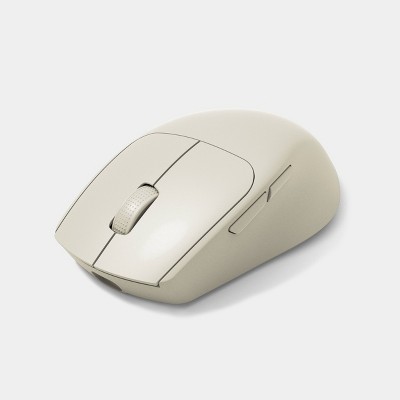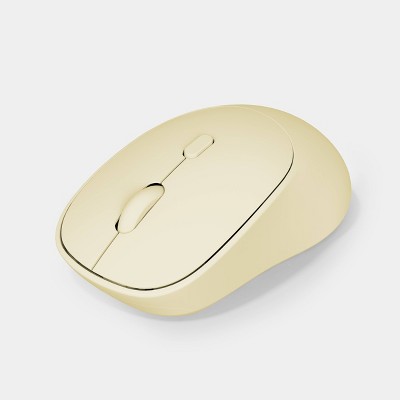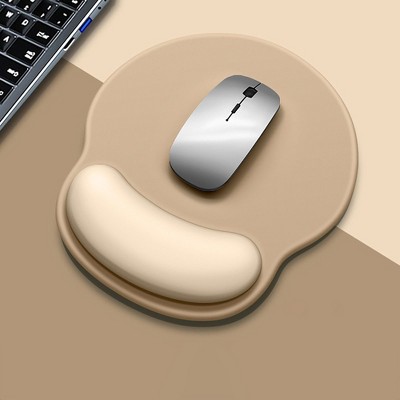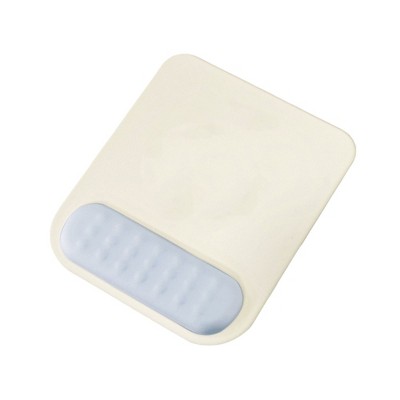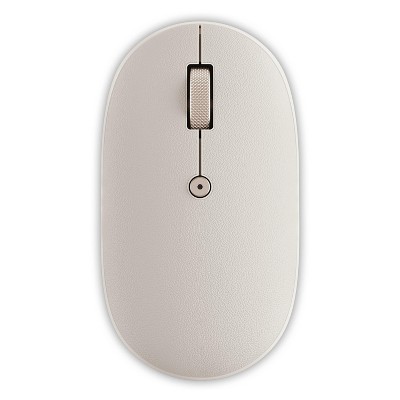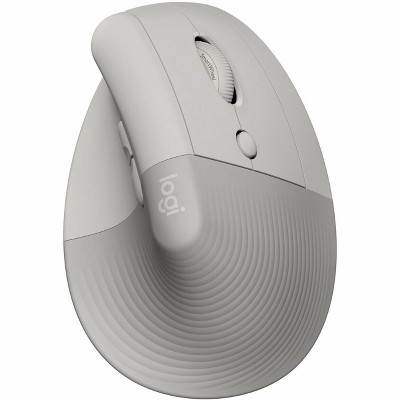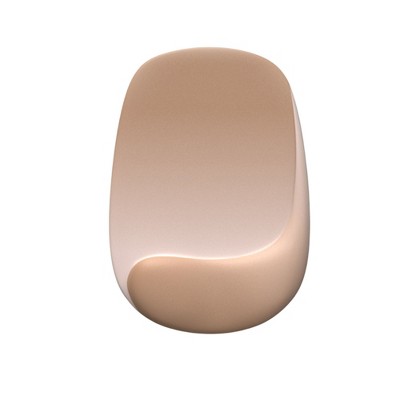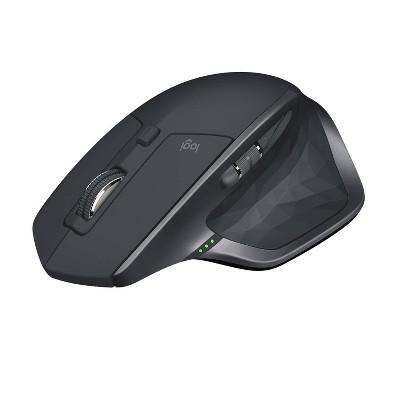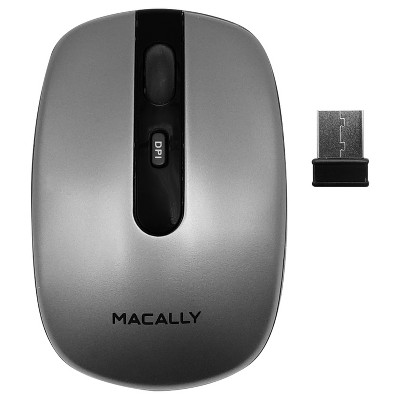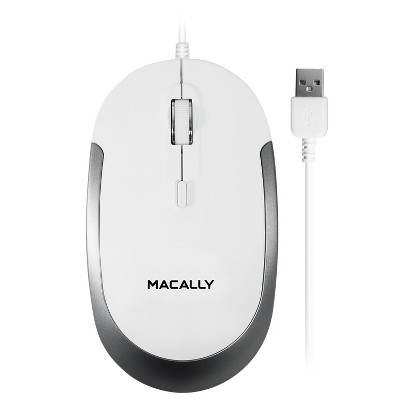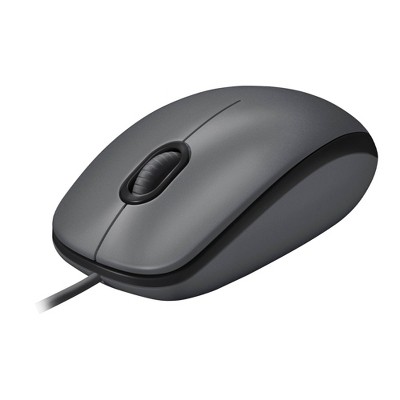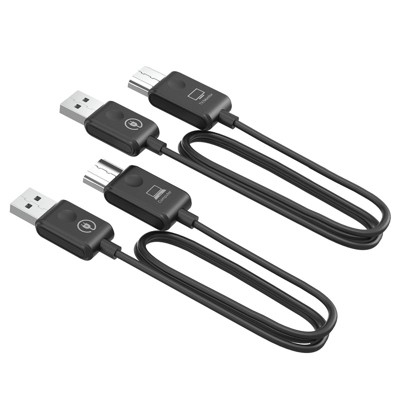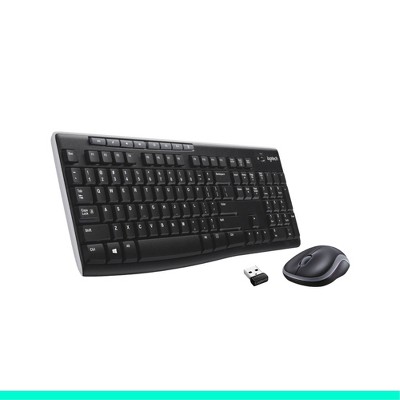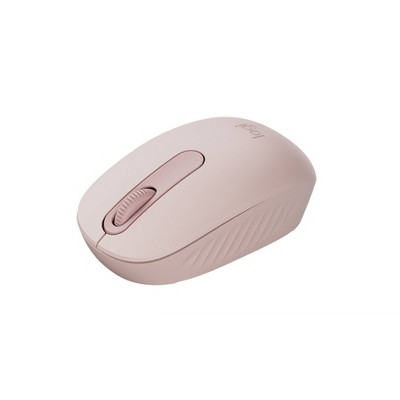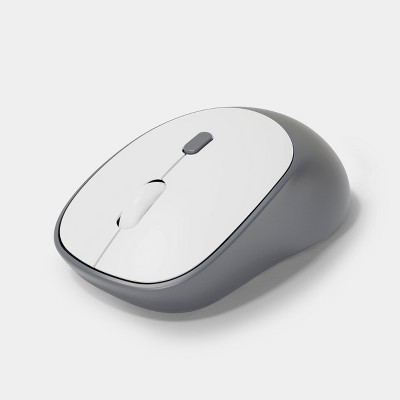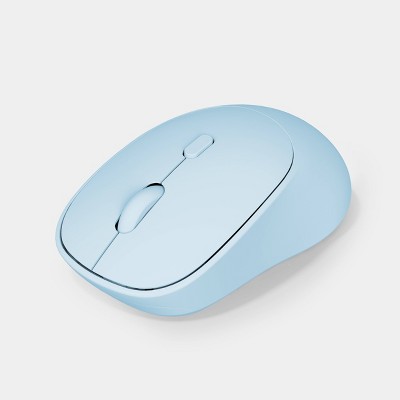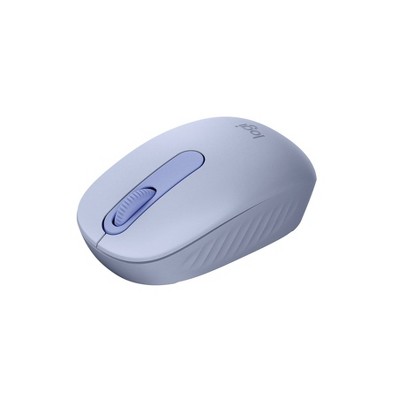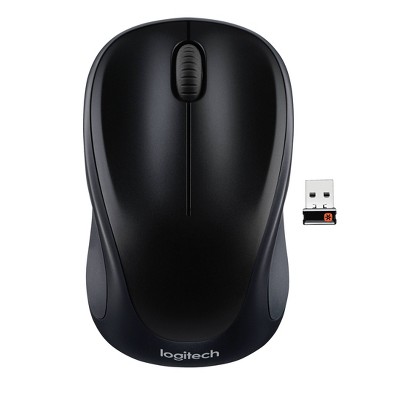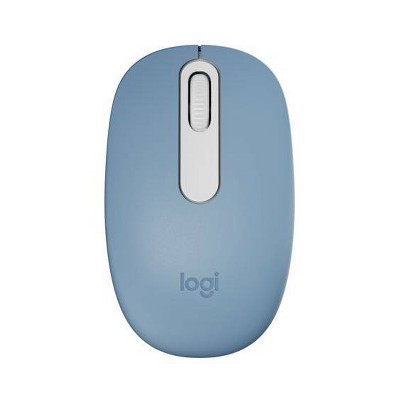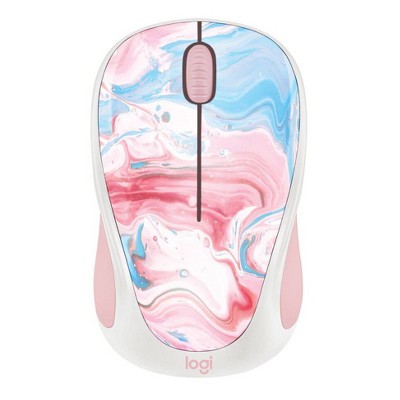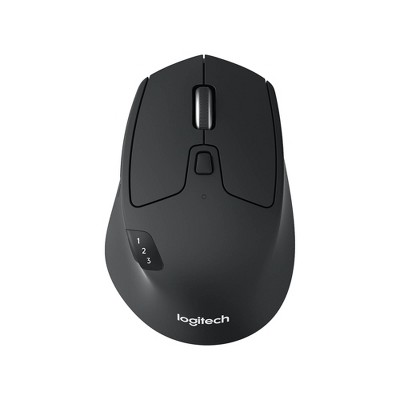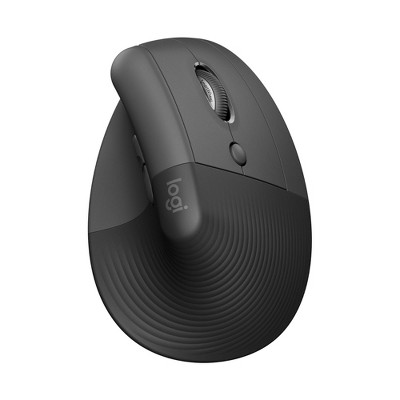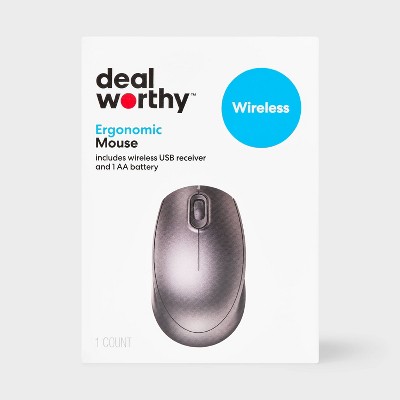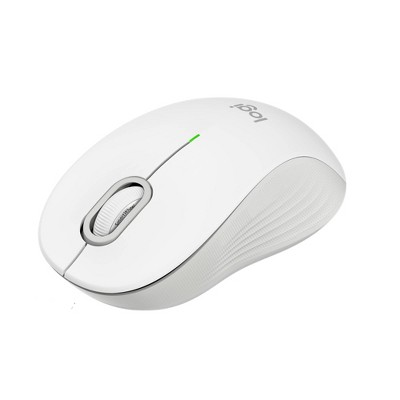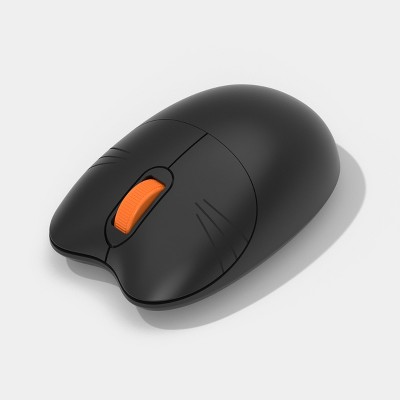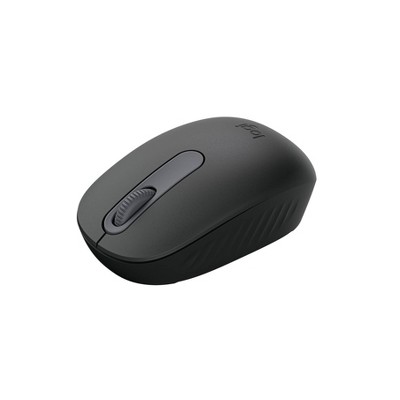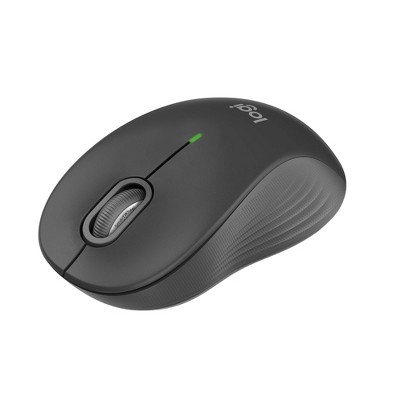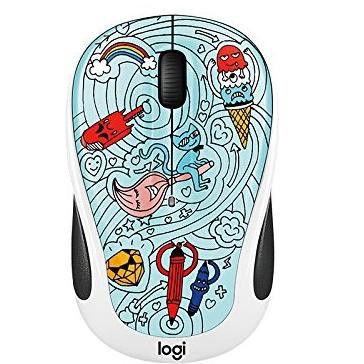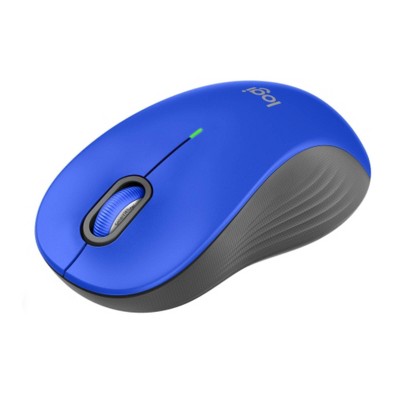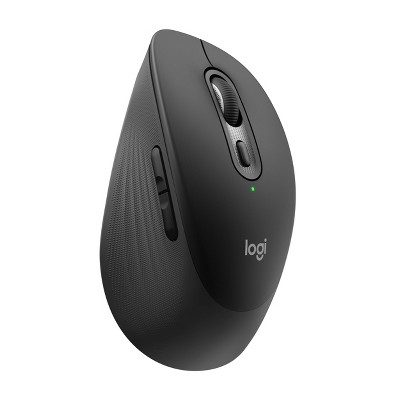
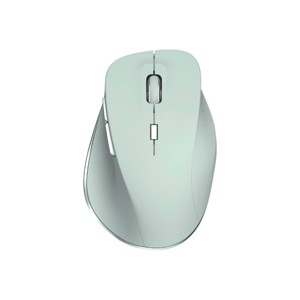
Work comfortably and efficiently with this North Rechargeable Ergonomic Mouse, designed with a 6-button layout for all-day ease of use. It supports both 2.4GHz connection and wireless pairing for your convenience. With up to 1600 DPI and three adjustable settings, you can fine-tune your cursor speed to match your workflow. The long-lasting battery delivers up to 300 hours of use on a single charge, and a USB-C charging cable is included for quick and easy recharging. Perfect for both home and office setups, it’s a smart upgrade for any workspace.
Dimensions (Overall): 2.76 Inches (H) x 4.17 Inches (W) x 1.56 Inches (D)
If the item details aren’t accurate or complete, we want to know about it.
Shipping details
Estimated ship dimensions: 7.28 inches length x 4.52 inches width x 1.92 inches height
Estimated ship weight: 0.29 pounds
We regret that this item cannot be shipped to PO Boxes.
This item cannot be shipped to the following locations: American Samoa (see also separate entry under AS), Guam (see also separate entry under GU), Northern Mariana Islands, Puerto Rico (see also separate entry under PR), United States Minor Outlying Islands, Virgin Islands, U.S., APO/FPO, Alaska, Hawaii
Return details
This item must be returned to any Target store.
This item must be returned within 30 days of the date it was purchased in store, delivered to the guest, delivered by a Shipt shopper, or picked up by the guest.
Q: I threw away the instructions accidentally, does anyone know how to connect the mouse to the pc ? I connect the usb and set it to 2.4 and nothing.
submitted by Marmirr155 - 1 year ago
A: So if yours is like mine was, it appears that the sticker was misprinted, and when I went to switch it to USB mode (Under the neutral position) from off (Neutral) it actually turned on the bluetooth.
submitted byJake - 1 year ago
A: Hi Marmirr155, thanks for reaching out about the North Wireless Ergonomic 6 Button Mouse
The North Wireless Ergonomic 6 Button Mouse offers dual connection modes: 2.4GHz wireless (using a USB receiver) and Bluetooth wireless pairing. Some mice have a "Connect" or "Pairing" button on the bottom. If the cursor doesn't move, press this button once after plugging in the receiver and turning on the mouse.
If you have any additional questions, we welcome you to contact MyTGTtech at 833-848-8324 every day between 7 am and 11 pm CST.
submitted byRena - 1 year ago
Target expert support
A: Hi Marmirr155, thanks for reaching out about the North Wireless Ergonomic 6 Button Mouse
The North Wireless Ergonomic 6 Button Mouse offers dual connection modes: 2.4GHz wireless (using a USB receiver) and Bluetooth wireless pairing.Some mice have a "Connect" or "Pairing" button on the bottom. If the cursor doesn't move, press this button once after plugging in the receiver and turning on the mouse.
If you have any additional questions, we welcome you to contact MyTGTtech at 833-848-8324 every day between 7 am and 11 pm CST.
submitted byRena - 1 year ago
Target expert support
A: Hi Marmirr155, thanks for reaching out about the North Wireless Ergonomic 6 Button Mouse.
The North Wireless Ergonomic 6 Button Mouse offers dual connection modes: 2.4GHz wireless (using a USB receiver) and Bluetooth wireless pairing. Some mice have a "Connect" or "Pairing" button on the bottom. If the cursor doesn't move, press this button once after plugging in the receiver and turning on the mouse.
If you have any additional questions, we welcome you to contact MyTGTtech at 833-848-8324 every day between 7 am and 11 pm CST.
submitted byRena - 1 year ago
Target expert support
Q: How do you clean it. I tried alcohol wipes but they don't do anything.
submitted by Lexyr - 9 months ago
A: In cases of the rubber coating degrading you can use Goo Gone to get rid of the sticky residue.
submitted bysearchingfornaturalstuff - 8 months ago
A: Hi, thanks for reaching out about the North Wireless Ergonomic 6 Button Mouse
Alcohol wipes often don't work because the issue isn't just dirt—it's usually a combination of oils/sweat and the rubber coating itself starting to degrade or become sticky.
If you have any additional questions, we welcome you to contact MyTGTtech at 833-848-8324 every day between 7 am and 11 pm CST.
submitted byRena - 9 months ago
Target expert support
Q: I've bought two of these mice, but after about a couple of months, it stopped working. What's the problem??? it will not pair ...
submitted by Go figure - 8 days ago
A: Hi, thank you for reaching out about North Wireless Ergonomic 6 Button Mouse.
If a North Wireless Ergonomic 6 Button Mouse stops pairing after a couple of months, the issue is usually a drained internal battery, a corrupted USB receiver connection, or a hardware failure in the wireless chip. Because you experienced this with two separate units, interference or a power-delivery defect may also be to blame.
If you have any additional questions, we welcome you to contact MyTGTtech at 833-848-8324 every day, between 7am-11pm CST.
submitted byMatt - 7 days ago
Target expert support
Q: What are the default button settings?
submitted by User123 - 6 months ago
A: Hi, thank you for reaching out about North Wireless Ergonomic 6 Button Mouse.
The North Wireless Ergonomic 6-Button Mouse features standard, non-programmable buttons designed for improved navigation, with a default DPI setting of 1200. The six buttons include Left Click, Right Click, Scroll Wheel (Click), Forward, Backward, and a top-mounted DPI switch for cycling through 800/1200/1600 DPI sensitivity.
If you have any additional questions, we welcome you to contact MyTGTtech at 833-848-8324 every day, between 7am-11pm CST.
submitted byMatt - 6 months ago
Target expert support
Q: Does this have a jiggler function?
submitted by AE17717 - 7 months ago
A: Hi, thanks for reaching out about North Wireless Ergonomic 6 Button Mouse.
The standard North Wireless Ergonomic 6 Button Mouse (commonly sold at retailers like Target) does not have a built-in jiggler function.
If you have any additional questions, we welcome you to contact MyTGTtech at 833-848-8324 every day, between 7am-11pm CST.
submitted byJoe - 7 months ago
Target staff support
Q: Hi please does the mouse have a usb c connector my MacBook does not have standard usb
submitted by Rene - 7 months ago
A: Hi, thanks for reaching out about North Wireless Ergonomic 6 Button Mouse.
The North Wireless Ergonomic 6-Button Mouse typically uses a standard USB-A receiver (the rectangular kind), which unfortunately will not plug directly into your MacBook's USB-C ports.
How to make it work
Since your MacBook only has the smaller, rounded USB-C ports, you have two main options to get this mouse up and running:
Option 1: Use an Adapter (Dongle). You can buy a small "USB-C to USB-A" adapter. You plug the mouse's receiver into the adapter, and the adapter into your Mac. This is the most common way to use older accessories with new MacBooks.
Option 2: Use a USB-C Hub. If you have a multi-port hub (the kind that gives you HDMI, SD card slots, and regular USB ports), you can simply plug the mouse receiver into one of those slots.
A "Tech Savvy" Tip for Mac Users
If you haven't bought the mouse yet, you might want to look for a Bluetooth Mouse instead.
Why? Bluetooth mice connect wirelessly to your Mac without needing any plug-in receiver at all. This keeps your MacBook ports open for charging or other devices and means you don't have a "dongle" sticking out of the side of your laptop.
If you have any additional questions, we welcome you to contact MyTGTtech at 833-848-8324 every day, between 7am-11pm CST.
submitted byJoe - 7 months ago
Target staff support
Q: How long does it take to fully charge? It seems to die really fast and no where near the 300 hours listed.
submitted by Dulce - 8 months ago
A: Hi, thanks for reaching out about North Wireless Ergonomic 6 Button Mouse
The North Wireless Ergonomic 6 Button Mouse typically takes about 2 to 3 hours for a full charge, though some users report quicker partial charges (15-20 mins for a boost) and it offers long life (up to 300 hours) on a single charge, using a USB-C cable. Charging indicators (blinking or solid LEDs) signal charging and completion, and you can often use the mouse while it charges.
If you have any additional questions, we welcome you to contact MyTGTtech at 833-848-8324 every day, between 7am-11pm CST.
submitted byJustin - 8 months ago
Target expert support
Q: Is this a USB C wireless mouse?
submitted by MC1313 - 9 months ago
A: Hi, thanks for reaching out about North Wireless Ergonomic 6 Button Mouse
This wireless mouse includes a USB-C cable for charging, and the wireless receiver dongle that is included is a 2-in-1 combo receiver that is designed to plug directly into both USB-A (the standard rectangular port) and USB-C ports. This dual-connector design makes it very versatile for use with a variety of devices.
If you have any additional questions, we welcome you to contact MyTGTtech at 833-848-8324 every day, between 7am-11pm CST.
submitted byMike - 9 months ago
Target expert support
Q: Can this mouse connect to multi devices?
submitted by Hannah - 9 months ago
A: Hi, thank you for reaching out about North Wireless Ergonomic 6 Button Mouse.
Yes, the North Wireless Ergonomic 6 Button Mouse can connect to multiple devices because it features dual connection modes: 2.4GHz wireless (via a USB receiver) and Bluetooth wireless pairing.
If you have any additional questions, we welcome you to contact MyTGTtech at 833-848-8324 every day, between 7am-11pm CST.
submitted byMatt - 9 months ago
Target expert support
Q: whatI couldn't find anything in the instructions. What is the link for the software to download/reprogram the buttons?
submitted by Rebecca - 11 months ago
A: Hi, thanks for reaching out about the North Wireless Ergonomic 6 Button Mouse
The most reliable place to find the software will be on the North Gaming Gear website's 'Softwares' section.
If you have any additional questions, we welcome you to contact MyTGTtech at 833-848-8324 every day between 7 am and 11 pm CST.
This wireless ergonomic mouse offers a stylish design and comfortable grip, making it suitable for extended use. However, many guests have reported issues with connectivity and battery life, often experiencing lag and disconnection. While it has appealing features like a rechargeable battery and multiple buttons, the overall performance has left some guests disappointed. It's a good option for casual use, but guests should consider their needs before purchasing.
Summary created by AI from text of reviews reflecting recent feedback provided across different star ratings (includes incentivized reviews)
3.1
3.1 out of 5 stars
288 star ratings
3.1 out of 5 stars with 288 reviews
quality
1.7 out of 5
quality: 1.73 out of 5
value
2.1 out of 5
value: 2.06 out of 5
48% would recommend
173 recommendations
1 out of 5 stars
Thumbs down graphic, would not recommendWould not recommend
25 August, 2026Verified purchase
Barely works
How can they even sell this? It barely works. Moves the mouse but then stops and starts again
Blair
quality
1.0 out of 5
quality: 1 out of 5
value
1.0 out of 5
value: 1 out of 5
Did you find this review helpful?
1 out of 5 stars
Thumbs down graphic, would not recommendWould not recommend
18 August, 2026Verified purchase
Terrible Functionality
The feel and design of the mouse is perfect, unfortunately, the actual functionality of the device is terrible. The cursor would jump a quarter inch at a time if you tried to select a specific thing(corner of a cell in Excel or to resize a window, etc.) Tried to return but unfortunately missed my window. Also there's no way to tell how much battery life it has or even if it's done charging. You only know because it starts to work slower and slower until your ready to chuck it. I hope to find a mouse with similar design but better technology.
Swiftie
quality
1.0 out of 5
quality: 1 out of 5
value
1.0 out of 5
value: 1 out of 5
1 guest found this review helpful. Did you?
5 out of 5 stars
Thumbs down graphic, would not recommendWould not recommend
16 August, 2026Verified purchase
(no review title)
super cute
Target Team Member
Did you find this review helpful?
5 out of 5 stars
12 August, 2026Verified purchase
(no review title)
Works great!
Did you find this review helpful?
5 out of 5 stars
Thumbs up graphic, would recommendWould recommend
10 August, 2026Verified purchase
(no review title)
Connected really easily and works really well. The charge lasts a decent amount of time and still works when connected to the laptop.
quality
4.0 out of 5
quality: 4 out of 5
value
5.0 out of 5
value: 5 out of 5
Did you find this review helpful?
2 out of 5 stars
Thumbs down graphic, would not recommendWould not recommend
9 August, 2026
(no review title)
Colors are cool. Doesnt hold much charge, works great when I have it plugged in, but that defeats the purpose of it being wireless. Biggest problem is that it will double click when I have not double clicked, and it will stay held down even though I let go of the click. Causing problems when I try to use it at work.
Did you find this review helpful?
5 out of 5 stars
Thumbs up graphic, would recommendWould recommend
9 August, 2026Verified purchase
Met all my expectations
Comfortable, rechargeable, and easy to use on my Mac. Exactly what I was looking for.
Minerva
quality
5.0 out of 5
quality: 5 out of 5
value
5.0 out of 5
value: 5 out of 5
Did you find this review helpful?
1 out of 5 stars
Thumbs down graphic, would not recommendWould not recommend
5 August, 2026Verified purchase
Horrible wireless mouse
mouse constainly disconnects while using. Bought not long ago, but already stopped working. DO NOT BUY!!
aa
quality
1.0 out of 5
quality: 1 out of 5
Did you find this review helpful?
2 out of 5 stars
24 July, 2026Verified purchase
(no review title)
Bought in April. Worked pretty good until July and now no longer works. Not worth it!
Did you find this review helpful?
1 out of 5 stars
Thumbs down graphic, would not recommendWould not recommend
16 July, 2026
Bad
Doesn't hold a charge, struggles to connect to receiver. Bought on clearance, I wonder why.
quality
1.0 out of 5
quality: 1 out of 5
value
1.0 out of 5
value: 1 out of 5
Did you find this review helpful?
1 out of 5 stars
Thumbs down graphic, would not recommendWould not recommend
12 July, 2026Verified purchase
(no review title)
Absolute garbage. I like the look and feel of the mouse.. WHEN IT WORKS! This thing will not stay charged! I don’t even get an hour of use before it’s dead again. I got it on clearance for half the normal price, not even worth that. Can’t return it either since I threw the packaging away. Do not recommend.
quality
1.0 out of 5
quality: 1 out of 5
value
1.0 out of 5
value: 1 out of 5
Did you find this review helpful?
1 out of 5 stars
Thumbs down graphic, would not recommendWould not recommend
3 July, 2026Verified purchase
Junk
This mouse is garbage. It struggles to connect and when it finally does, it lags so bad to the point of being unusable. I am not talking about it doing this over time, it came straight out of the box with poor performance. Waste of money.
Kristine
quality
1.0 out of 5
quality: 1 out of 5
value
1.0 out of 5
value: 1 out of 5
1 guest found this review helpful. Did you?
2 out of 5 stars
Thumbs down graphic, would not recommendWould not recommend
26 June, 2026Verified purchase
(no review title)
I will have to say I agree with everyone else on this. My mouse still works, I got it back at the beginnning of the year. It does do this thing where I'll be using it and suddenly it'll go offfscreen and I'll have to move it around and bit and then it will come back on screen. Would recommend to have as a backup but not a main. The battery life is definitely the weakest link of all for me. Buy at your own risk. I just ended up getting a JLab Ergonomic mouse and its the best thing ever for $40! I know Logi has some good ones as well but they're a bit pricey and about $60.
quality
2.0 out of 5
quality: 2 out of 5
value
1.0 out of 5
value: 1 out of 5
Did you find this review helpful?
5 out of 5 stars
Thumbs up graphic, would recommendWould recommend
16 June, 2026
(no review title)
Works as expected. I like the style/shape. Perfect for the price point.
quality
4.0 out of 5
quality: 4 out of 5
value
5.0 out of 5
value: 5 out of 5
Did you find this review helpful?
1 out of 5 stars
12 June, 2026Verified purchase
(no review title)
This mouse does not work well. It constantly freezes or lags behind. I do not recommend.
emily
Did you find this review helpful?
3 out of 5 stars
10 June, 2026Verified purchase
(no review title)
Connectivity is not great. However, inexpensive and works.
Did you find this review helpful?
2 out of 5 stars
3 June, 2026Verified purchase
Cute color, but save your money
This definitely does not hold a 300 hour charge, it can hardly stay connected let alone charged. If you want a better quality mouse, you’re gonna need to pay more money.
Amarie203
Did you find this review helpful?
1 out of 5 stars
Thumbs down graphic, would not recommendWould not recommend
3 June, 2026Verified purchase
Good design, doesnt work.
Doesn’t connect to my computer, and extremely laggy under USB mode.
quality
1.0 out of 5
quality: 1 out of 5
value
1.0 out of 5
value: 1 out of 5
Did you find this review helpful?
1 out of 5 stars
Thumbs down graphic, would not recommendWould not recommend
3 June, 2026Verified purchase
(no review title)
Worst mouse ive ever used, always charging it. Wouldn't recommend
quality
1.0 out of 5
quality: 1 out of 5
value
1.0 out of 5
value: 1 out of 5
1 guest found this review helpful. Did you?
1 out of 5 stars
Thumbs down graphic, would not recommendWould not recommend
2 June, 2026
(no review title)
Even after fully charging, was not able to connect any of the three ways it allegedly is supposed to.