
Target New ArrivalsGift Ideas for DadClothing, Shoes & AccessoriesHome & DecorKitchen & DiningOutdoor Living & GardenGroceryHousehold EssentialsBabyBeautyPersonal CareSports & OutdoorsHealthWellnessLuggageSchool & Office SuppliesToysElectronicsVideo GamesMovies, Music & BooksParty SuppliesGift IdeasGift CardsPetsUlta Beauty at TargetShop by CommunityTarget OpticalDealsClearanceNew ArrivalsGift Ideas for DadBack to SchoolCollegeTop DealsTarget Circle DealsWeekly AdShop Order PickupShop Same Day DeliveryRegistryRedCardTarget CircleFind Stores
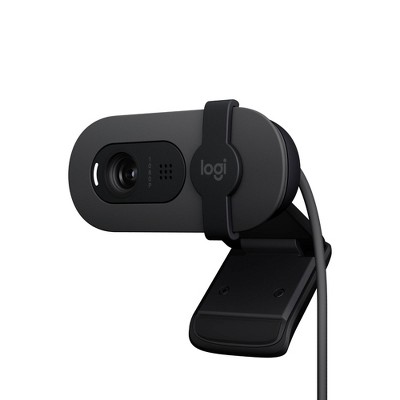
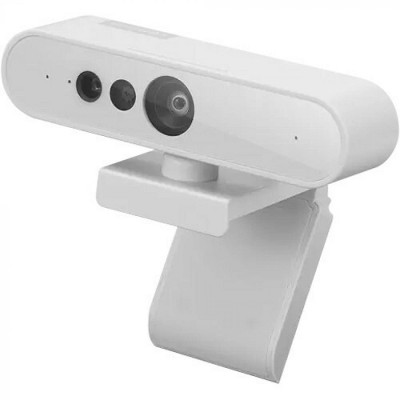
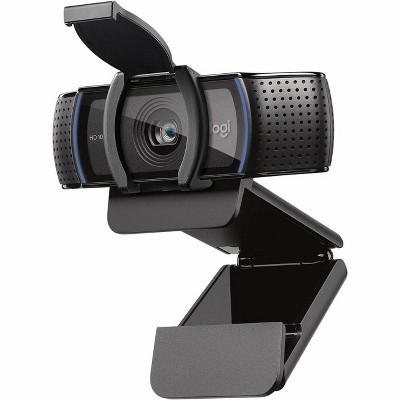
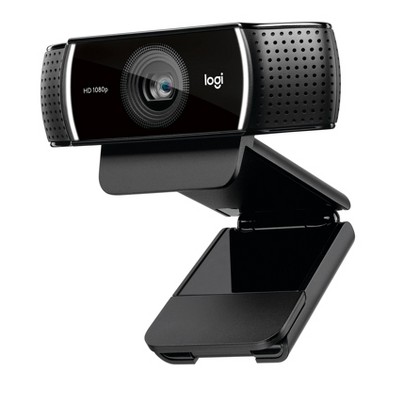
Logitech MX Brio Ultra HD 4K Video Conference, Gaming and Streaming Webcam - Pale Gray - 2 of 4Logitech MX Brio Ultra HD 4K Video Conference, Gaming and Streaming Webcam - Pale Gray - 3 of 4Logitech MX Brio Ultra HD 4K Video Conference, Gaming and Streaming Webcam - Pale Gray - 4 of 4
Logitech MX Brio Ultra HD 4K Video Conference, Gaming and Streaming Webcam - Pale Gray - 1 of 4

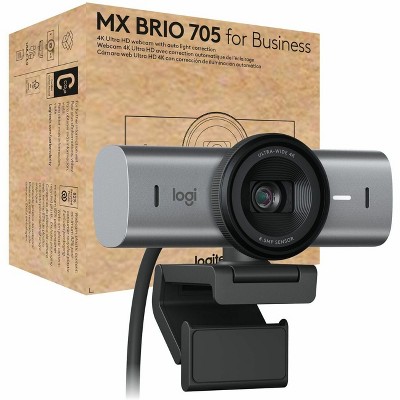
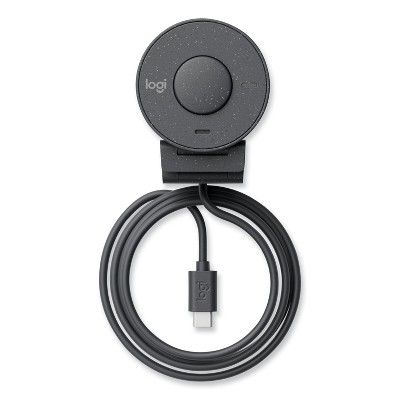
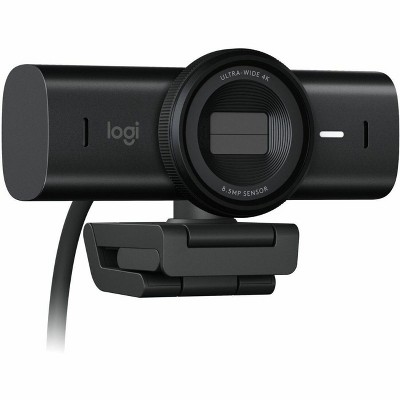
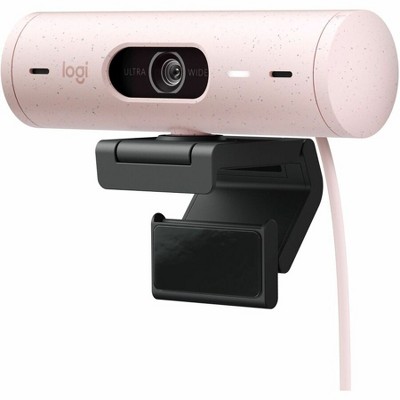
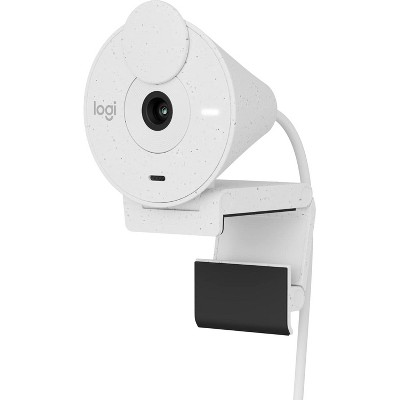
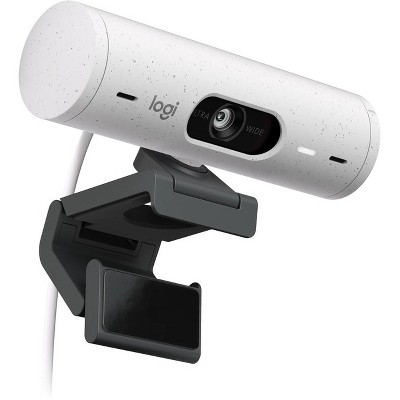
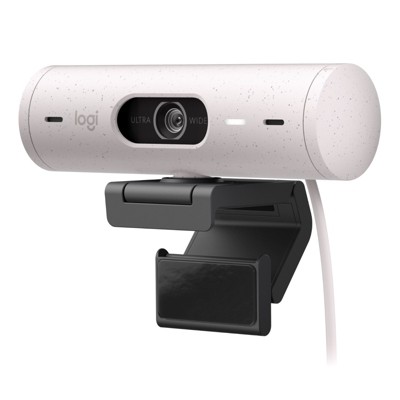
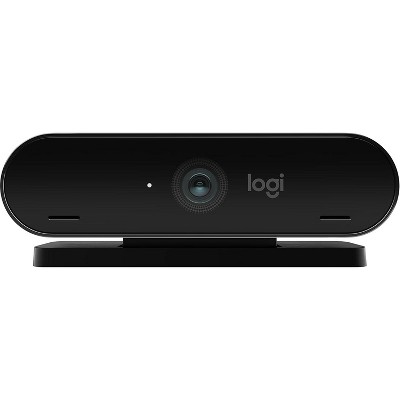
Logitech MX Brio Ultra HD 4K Video Conference, Gaming and Streaming Webcam - Pale Gray

$199.99

Out of Stock

Free & easy returns

Free & easy returns

Return this item by mail or in store within 30 days for a full refund.
Sold & shipped by Mega Retail Store
Eligible for registries and wish lists

At a glance

About this item

Highlights

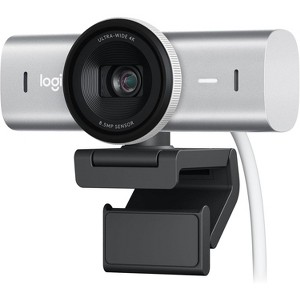
  • Ultra HD 4K webcam: meet or stream in 4K resolution at 30fps or 1080p at 60fps, with our most advanced webcam sensor yet, with 70% larger pixels for sharp image quality
  • AI-enhanced image quality: Experience 2x better face visibility with finer image details in difficult light, with auto-exposure, auto white balance, noise reduction, and autofocus
  • Curate Your Image: Fine controls on this Ultra HD webcam let you adjust lighting and white balance, such as ISO, Shutter Speed, Tint, and Vibrance, or let Auto mode take care of it
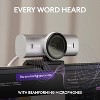
  • Let Them Hear Your Every Word: Integrated dual beamforming noise-reducing microphones minimize background noise with the aid of AI to make sure you are clearly heard
  • Share Your Work: Tilt down your Logitech webcam to share notes and sketches on your desk with Show Mode, allowing for better collaboration on calls
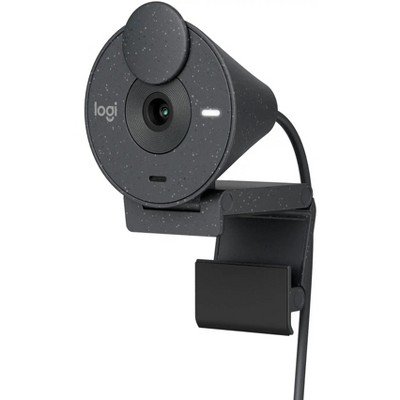
  • No Sneak Peeks: To protect your privacy between meetings, simply rotate the built-in webcam cover to completely block the web camera
  • Compatibility: This USB C webcam works with Windows, macOS, Chrome OS or Linux. Certified for Zoom, Microsoft Teams, Chromebook, Google Meet, and Streamlabs
  • Customize Your Workflow: Pairing the MX Brio with Logitech software unlocks a bespoke video streaming experience that lets you control your stream through your MX keyboard and mouse

Description

Meet, stream, master with MX Brio's sharp ultra HD 4k resolution video. With 2x better face visibility and 2x finer image details in difficult light, AI enhancements, a Logi-designed lens, 70% bigger pixels and our largest webcam sensor yet. Use Fine Controls to adjust lighting, white balance with ISO, Shutter Speed, Temperature, Tint and Vibrance. Be heard clearly with dual omni-directional mics with noise-reducing technology that suppresses background sound. Share your physical work and notes on video calls by tilting the camera down in Show Mode.
Dimensions (Overall): 1.7 inches (H) x 3.9 inches (W) x 1.4 inches (D)
Weight: .3 pounds
Connection Type: USB
Microphone: Built-In Microphone
Video Recording Resolution: 3840 x 2160
Digital Zoom: 4 x
Megapixels: 8 mp
Battery: No Battery Used
Warranty: 2 Year Limited Warranty. To obtain a copy of the manufacturer's or supplier's warranty for this item prior to purchasing the item, please call Target Guest Services at 1-800-591-3869
TCIN: 1001035021
UPC: 097855184702
Origin: made in the USA or imported
The above item details were provided by the Target Plus™ Partner. Target does not represent or warrant that this information is accurate or complete. On occasion, manufacturers may modify their items and update their labels.
We recommend that you do not rely solely on the information presented. If you have a specific question about this item, you may consult the item's label, contact the manufacturer directly or call Target Guest Services at 1-800-591-3869.
If the item details aren’t accurate or complete, we want to know about it.

Shipping details

Estimated ship dimensions: 5.5 inches length x 5.5 inches width x 2.7 inches height
Estimated ship weight: 0.85 pounds
item ships from third party seller: Mega Retail Store

Return details

This item can be returned to any Target store or Target.com.
This item must be returned within 30 days of the date it was purchased in store, delivered to the guest, delivered by a Shipt shopper, or picked up by the guest.
See the return policy for complete information.

Additional product information and recommendations

Discover more options

Frequently bought together

Guests also viewed

4.4 out of 5 stars with 8 reviews
5 out of 5 stars
17 May, 2026
originally posted on Logitech

Image

Works great!

I've got limited interest in technology and simply wanted a way to project Zoom onto my 27" monitor from my 13" MacBook Air. Voila! Plug and play works great :)
Sara
Did you find this review helpful?
5 out of 5 stars
26 April, 2026
originally posted on Logitech
Image

Solid recommend

My old studio display camera no longer works with my modern system, so this Brio is a great replacement. It has better resolution and general function than the old one and has good security features that are absolutely required these days.
Alex Mostly
Did you find this review helpful?
5 out of 5 stars
13 January, 2026
originally posted on Logitech
Image

Great camera

Its a terrific camera. Much clearer, brighter, and more vivid colors teams/zoom.
1 reply from Customer Care team - 3 months ago
Hey! Thank you so much for your positive feedback! We are thrilled that you are enjoying the camera and that it is meeting your expectations in terms of clarity, brightness, and colors. If you have any further feedback or suggestions, please feel free to reach out. We appreciate your support!
Matt
Did you find this review helpful?
2 out of 5 stars
13 December, 2025
originally posted on Logitech
Image

Settings not applied correctly

Settings are not applied when the camera is reconnected
Did you find this review helpful?
3 out of 5 stars
10 August, 2025
originally posted on Logitech
Image

Sub-Par image quality

I've used LGHUB and OBS Studio. Can't seem to get the settings of the camera correctly. I've even purchased a new green screen and upgraded my lighting. While, the image is coming out ok, it is not totally clear. Having issues when using the camera with Zoom and also with OBS Studio. The issue is worse when it comes to using virtual backgrounds.
UnhappyMK
Did you find this review helpful?

Get top deals, latest trends, and more.

Privacy policy