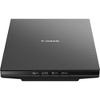
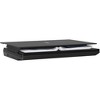
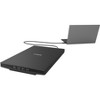
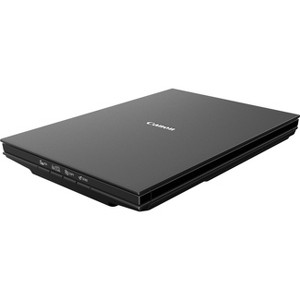
Canon CanoScan LiDE 300 Flatbed Scanner - 2400 dpi Optical - 48-bit Color - 16-bit Grayscale - USB
$94.99
In Stock

Free & easy returns
Return this item by mail or in store within 30 days for a full refund.
Sold & shipped by antonline
Eligible for registries and wish lists
About this item
Additional product information and recommendations
Discover more options
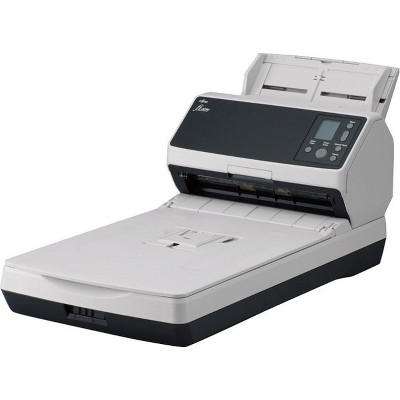
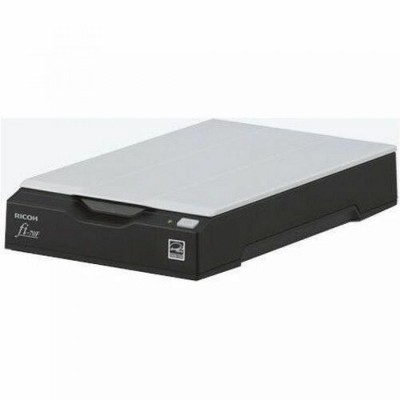
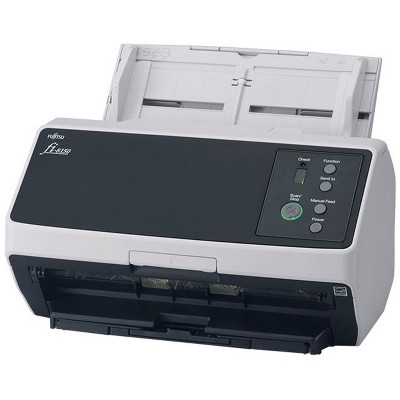
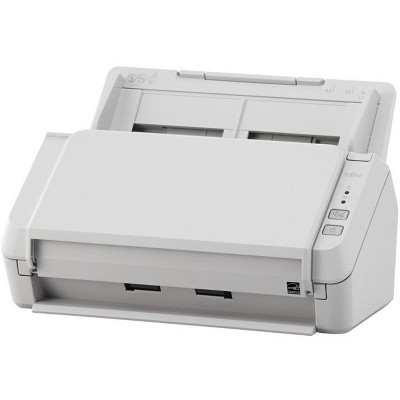
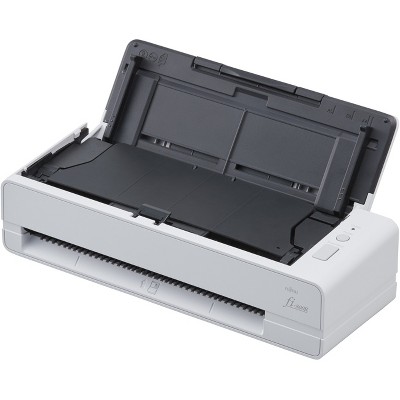
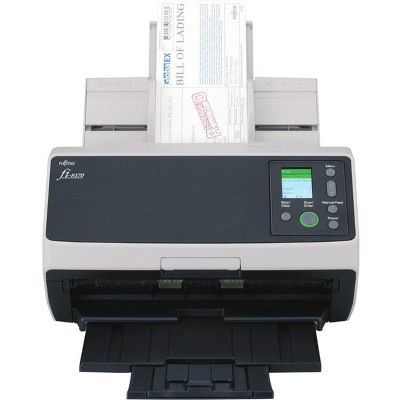
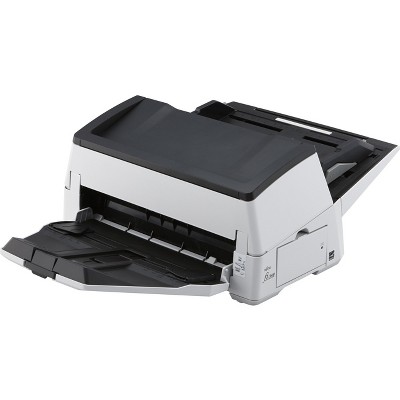
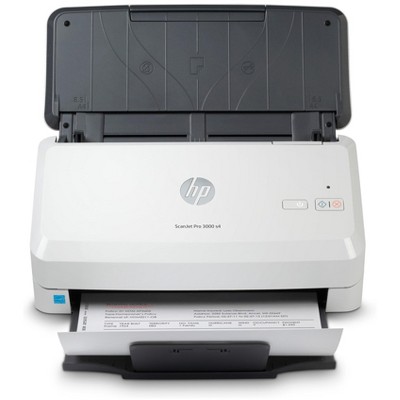
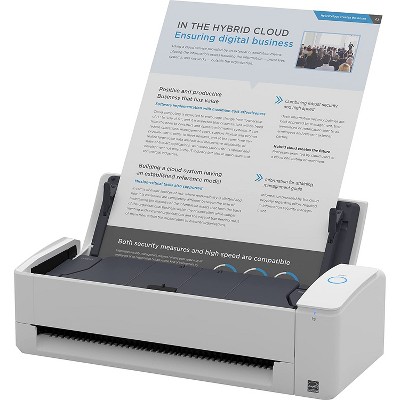
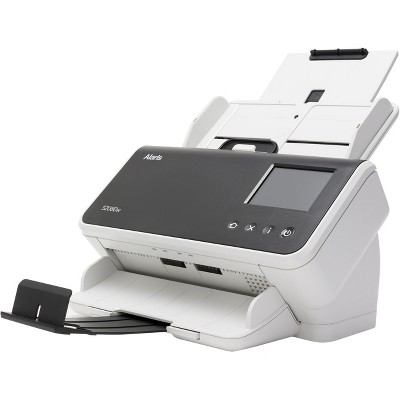
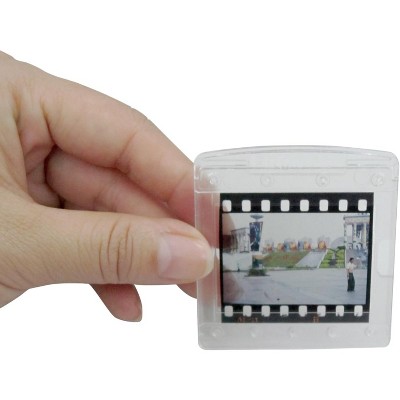
Frequently bought together
- $174.51reg $180.32 Sale
Guests also viewed







Related Categories
Guests are saying
The Canon CanoScan LiDE 300 is a compact and user-friendly scanner that excels in basic document and photo scanning. Guests appreciate its lightweight design and ease of installation, making it a great choice for home office use. However, many express frustration over the lack of advanced software features and compatibility issues with newer operating systems. Despite these concerns, the scanner delivers good image quality and is suitable for everyday scanning needs.
Summary created by AI from text of reviews reflecting recent feedback provided across different star ratings (includes incentivized reviews)
3.9 out of 5 stars with 22 reviews
1 out of 5 stars
12 January, 2026
originally posted on usa.canon.com

HORRIBLE SOFTWARE !!!
scanner works well when it wants to... but the lack of software scanner features is horrible! your basic software is glitchy and there are no auto adjustment choices such as document / photo / magazine, etc. i cannot preview and adjust the image like i could with my old LIDE scanner (which quit working). PLEASE BRING BACK the advanced MAC software driver features that you used to include for the previous LIDE scanner versions. Why did you ever do away with the nice software drivers that used to come with your scanners? Please bring back legacy software drivers, updated for 64 bit. i should not have to purchase a program to get more features for this thing. i am sorry for the negative rating but i am so frustrated with the software that drives my new scanner. Canon - PLEASE FIX THIS ISSUE FOR YOUR CUSTOMERS
3 out of 5 stars
14 September, 2025
originally posted on usa.canon.com
Does not have the ablities of the Canoscan 9000F
I was unable to replace my Canoscan 9000F which was functioning well but for which drivers for Windows 11 were unavailable from Canon. Th LIDE 300 does not have the ability of the Canoscan 9000F.
5 out of 5 stars
12 August, 2025
originally posted on usa.canon.com
Best Scanner For Macs
For the price, you can't beat it. Plugged into my MacBook Pro, started Image Capture and I was scanning at the highest resolutions, without downloading any software from Canon.
1 out of 5 stars
22 July, 2025
originally posted on usa.canon.com
Latest Situation
I recently purchased a second CanoScan LIDE 300, thinking that the first one was bad. Much to my surprise I found out that both scanners do not interface with Apple Sequoia 15.5 and that a new "patch fix" needed to be made by Canon. They also could not tell me when that would happen?? The only saving factor was that when I connected the scanner to my older Mac Cylinder, it worked fine, so I at least have somer scanner capabilities until the next software upgrade.
5 out of 5 stars
2 March, 2025
originally posted on usa.canon.com
Canon LIDE300 Scanner Review
I use this scanner for basic everyday scanning of mostly text documents. I do scan images sometimes and find it does that quite well also. Having owned a Canon LIDE30 scanner for a very long time, I can vouch to say, from my experience, that it has been a very reliable scanner and easy to use. The only reason I had to purchase the newer LIDE 300 is I was unable to locate a newer LIDE30 driver to work with my newer Dell hardware and Windows 10 operating system. Well worth the purchase price.
2 out of 5 stars
13 January, 2025
originally posted on usa.canon.com
Won’t synch with computer
Old scanner (9000) which I liked would not support new apple mac (sequoia OS). Had to buy new scanner (Canoscan life 300). Can’t get it to work with new computer (which was whole reason I. Ought it). Now worthless. Still not connected. Need help
1 out of 5 stars
25 July, 2024
originally posted on usa.canon.com
This is a scam product. NOT 2400 DPI!
This is a scam product. It does NOT scan in 2400 dpi: Just 600 dpi. Tried both on mac and pc. These specifications are LIES!
5 out of 5 stars
19 March, 2024
originally posted on usa.canon.com
CanoScan LIDE 300 Scanner.
Simple, small and easy to use scanner. It works great and doesn't take up much room! Perfect.
4 out of 5 stars
23 June, 2023
originally posted on usa.canon.com
Good value
A nice, lightweight and easy-to-use scanner for art and documents.
5 out of 5 stars
26 March, 2023
originally posted on usa.canon.com
Canon Scanner LIDe 300
Love my purchase. Canon never fails to build great products. I've had this for a few weeks now and it scans and copies with great clarity. For the amount of time I use this, I couldn't be more satisfied.
5 out of 5 stars
28 September, 2022
originally posted on usa.canon.com
Works great!
It’s a perfect scanner for doc prep I’m using now since I’m working for home. I set it at 600dpi for doc scan, resolution is high enough. Photo scan looks great too. In addition, it can put separate pdf files together as a single doc. Easy to install and convenient to use. An excellent handy helper in office!
1 out of 5 stars
7 July, 2022
originally posted on usa.canon.com
Terrible Customer Service
The scanner doesn’t work and no one was able to help me. And you also don’t let me return my product.
5 out of 5 stars
17 May, 2022
originally posted on usa.canon.com
Just what I needed
Works perfectly for scanning old photos, which is why I bought it.
5 out of 5 stars
14 January, 2021
originally posted on usa.canon.com
Great little Scanner
Easy to install the software and easy to use. reliable.
5 out of 5 stars
2 September, 2020
originally posted on usa.canon.com
Works like a Charm on Mac
I bought this in Aug 2020 and got it just 2 days later. I downloaded the manual and followed the instructions on the setup guide. I found it useful, easy to follow and it installed on my mac with no issues. Scanned my first item with no issues in seconds. Highly recommend as an inexpensive scanner with great auto-scan features which sizes your item to perfection.
5 out of 5 stars
17 July, 2020
originally posted on usa.canon.com
Great for illustration!
I do illustration for text, and the scanner was perfect for what i needed to get my drawings on a document! it is the perfect size and really simple to use. not perfect on picking up color, but lines and contrast show nicely.
5 out of 5 stars
27 June, 2020
originally posted on usa.canon.com
Excellent Scanner
Excellent photo scanner, copact and great 1 cord design
3 out of 5 stars
17 June, 2020
originally posted on usa.canon.com
Drivers available for Windows 10
If the 700 drivers still worked, wouldn't have bought it. Faster and a little less noisy, scan quality identical to the unit it replaced.
5 out of 5 stars
13 March, 2020
originally posted on usa.canon.com
The CanoScan LiDE300.
We bought this product to scan huge collection of family photos and snapshots. The product works well with either the software actuation or the auto scan button actuation. Although we had intended to use the product for photos and snapshots, it produces nice pdf files also.
5 out of 5 stars
21 March, 2019
originally posted on usa.canon.com
Great budget scanner
I use a scanner for home use. I got this to replace an old canon "LIDE 50" that has served me well over the years but recently died . So I got a LIDE 300.. I could not be happier with it II scans fast . Color photos are scanned accurately.. Be sure to use the Scan utility "IJ Scan Utility" that is installed during set up. It's great and stupid simple to use. By default, the scanner's buttons are set up for black and white documents . For home use, the LIDE 300 is all you need. BTW, I'm using it on Windows 7