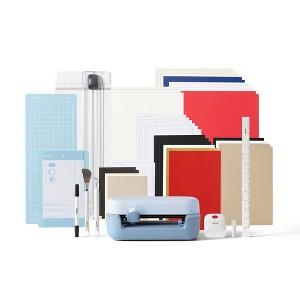
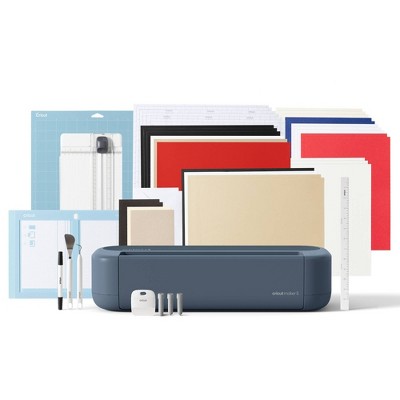
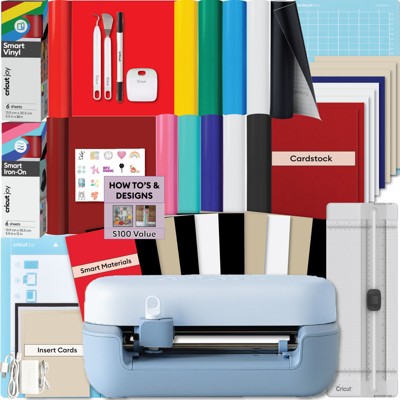
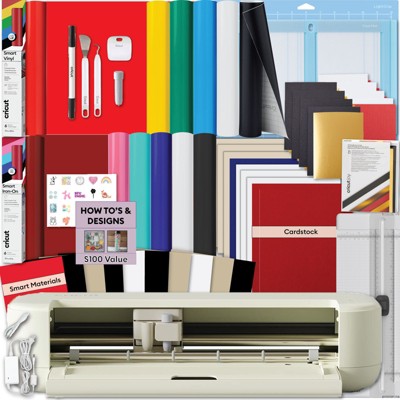
Cricut Joy 2 Cutting Machine Essential Bundle Blue
$139.99
In Stock
Eligible for registries and wish lists
At a glance
About this item
Additional product information and recommendations
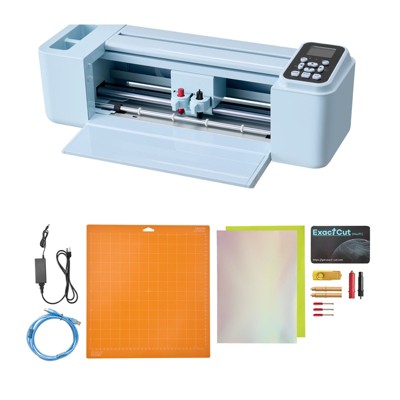
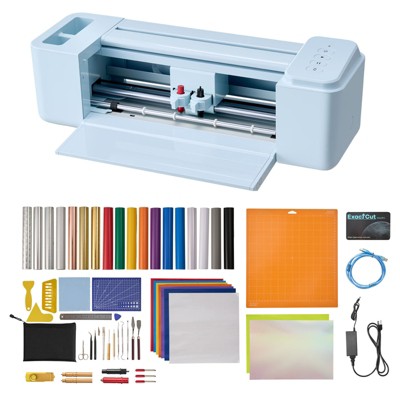
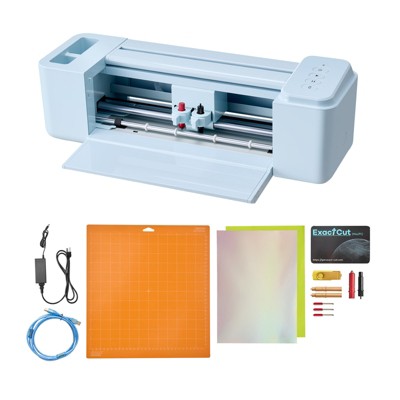
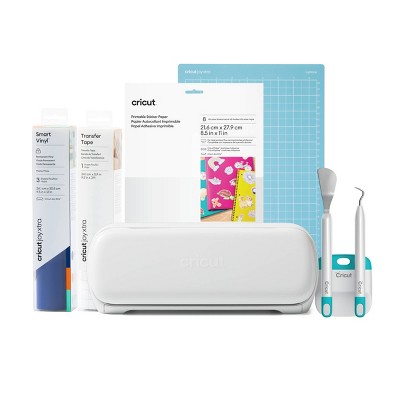
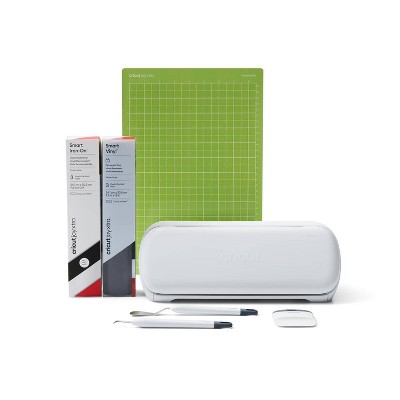
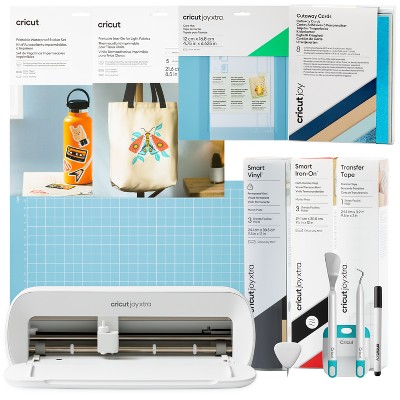
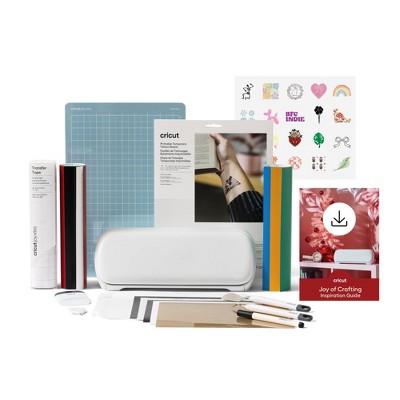
Frequently bought together
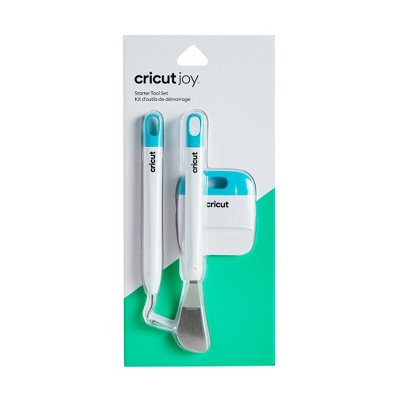
Guests also viewed
Related Categories
Guests are saying
The Cricut Joy 2 is a compact and versatile cutting machine that excels in portability and ease of use, making it perfect for crafting on the go. With features like print then cut and scoring, it opens up a world of creative possibilities for both beginners and seasoned crafters. Guests appreciate its precision and the convenience of having a smaller machine for quick projects, while the included bundles provide everything needed to start crafting immediately.
Summary created by AI from text of reviews reflecting recent feedback provided across different star ratings (includes incentivized reviews)
4.6 out of 5 stars with 153 reviews
quality: 5 out of 5
value: 5 out of 5
100% would recommend
1 recommendations
1 out of 5 stars
12 October, 2026
originally posted on Cricut

Endless Disconnection
The Cricut Joy 2 I got is constantly disconnecting. I have tried every single troubleshooting method with no luck. The laptop is never more than 2 feet away from the Cricut in any direction and still it continues. I have tried connecting it to my desktop PC in the event that the laptop is the issue, no luck. It connects just fine when nothing is printing and as soon as I start printing it goes through the most annoying cycle of connect and disconnect. I have no choice but to give it 1 star because I can't even use it. I have not been able to complete any project.
From Cricut team
Hello, We’re sorry you haven’t had a good experience with your machine so far and haven’t been able to use it properly due to connection issues. Please consider reaching out to Cricut Member Care so we can assist you further.
10 days ago
5 out of 5 stars
4 October, 2026
originally posted on Cricut
joy 2 brings joy
I love my new Cricut Joy 2. I'm so impressed it can do print then cut! But I'm loving the portability of it. 2 pounds! So easy to carry. I've been taking it to craft retreats. I can easily cut or write a short journaling box or a great title for a page. I could do stickers if I also take my printer, which I likely will. I need to find out if any sticker paper will do. The absolute ONLY thing I don't like is having to change my pen to the blade and vice versa instead of having two places for them like my Maker 4. I love this cute machine!
4 out of 5 stars
3 October, 2026
originally posted on Cricut
Great portable machine
I truly enjoy the size and ease of using the Joy 2. It was exactly what I wanted it to be, to cut the small things and be easily portable. I just wish it had an on/off switch. I do not leave things on all the time (waste of electricity), so I have to unplug it when I am done..
5 out of 5 stars
2 October, 2026
originally posted on Cricut
The Cricut Joy is a Great machine!
I’m very happy with the Cricut Joy! It’s portable and cuts like a dream,
1 out of 5 stars
21 September, 2026
originally posted on Cricut
Joy 2
Not what was expected. Not easy to purchase, couldn't get bundle I wanted due to membership issues.followed suggestions given and still didn't get bundle and pricing.
From Cricut team
Hi J, thank you for letting us know about your experience with purchasing the Joy 2. Please reach out to Member Care so that we can work to make this right.
1 month ago
5 out of 5 stars
18 September, 2026
originally posted on Cricut
Brilliant little machine
Love this little machine. I have had the bigger cricut machine years ago, but this is just great it's compact and easy to use .
4 out of 5 stars
17 September, 2026
originally posted on Cricut
Easy to use
I bought the Joy2 because of the size and that it had the print and cut feature for stickers. It is easy to use and I continue to learn how to make other items as well.
5 out of 5 stars
16 September, 2026
originally posted on Cricut
Cricut joy 2
This machine is a little power house. It performs just like I was hearing on all the reviews . It is amazing. I highly recommend this machine
1 out of 5 stars
12 September, 2026
originally posted on Cricut
material wasted
wastes too much material in print and cut. and you can’t print separately and align properly to cut, even after plenty of trials.
From Cricut team
Hello. We’re sorry you encountered an issue with the print then cut on your machine. Rest assured our Member Care team of experts is available to help, so you and your machine can make DIY magic again asap.
1 month ago
4 out of 5 stars
10 September, 2026
originally posted on Cricut
Any Time Any Where
I purchased for travel and I love pulling it out and saying “let’s do it now”
5 out of 5 stars
4 September, 2026
originally posted on Cricut
Portability and Capabilities
I own the original Joy, but when I heard that the Joy2 has print and cut capabilities, I knew I had to get one. I love the portability of it when I travel to see family or friends.
5 out of 5 stars
3 September, 2026
originally posted on Cricut
Great little go getter machine
I love this machine! I can take it anywhere! It’s a quick machine and perfect for on the go. Love the blue color too!
5 out of 5 stars
2 September, 2026
originally posted on Cricut
Love my new Cricut Joy 2
I haven't used it much due to having shoulder surgery. But the few things I did complete was wonderful. Easy to use. I LOVE my Cricut Joy 2.
From Cricut team
Hi Melissa, we're glad to hear you are loving your machine. If you ever need support, Cricut Member Care is here to help.
2 months ago
5 out of 5 stars
2 September, 2026
originally posted on Cricut
Lo Volvería a Comprar una y mil veces
La Herramienta es super indispensable para las chicas que van a ferias ya que es super fácil de transportarse por su tamaño, aunque es pequeña puede resolver grandes problemas, ademas es muy profesional su cortes super precisos
5 out of 5 stars
2 September, 2026
originally posted on Cricut
Cricut Joy is easy to use and portable
I like its portability the precision in cutting the stickers I make. I tried to use it to create a card but I struggled a little I prefer to use the Maker to create cards and crafts and use the Joy for stickers
4 out of 5 stars
31 August, 2026
originally posted on Cricut
Love the Joy - Not Happy w/ DS
I really like the size and ease of my joy as someone who doesn't have a lot of space and don't always want to pull out my larger machine. However I am very disappointed in the lack of trial time for Design Space. I feel that with a purchase of a machine, at least 6 months of DS subscription should be included.
5 out of 5 stars
20 August, 2026
originally posted on Cricut
Quick and easy!
I already had the joy and the joy extra so I really didn't need to purchase another machine but I'm glad I did! The Joy 2 is so easy to use. It's fast and the detail work on it is phenomenal.
From Cricut team
Hello Lainey, we are glad to hear that you are happy with your Joy 2. Please let us know if there is anything we can do for you.
2 months ago
5 out of 5 stars
20 August, 2026
originally posted on Cricut
10/10 recommended purchase for new crafters
Amazing machine with amazing benefits and easy to manage and use !!
3 out of 5 stars
16 August, 2026
originally posted on Cricut
Single Layer has no need to allow Contour changes.
When doing Basic Cut on a Single Layer Image Cricut will resize (shrink) arbitrary even the original image fits exactly to the design area. When you do a Contour it actually sees multiple sub images (delete-able) even I told it as Single Layer. Looks like Cricut analyzed the submitted image and manually break it up to multiple workable separated sub-images that I wish I can turn off this extra process as an option. The Size option also moves sub-images a little around that caused cur-offset.
From Cricut team
Hello Ed, we are truly sorry to hear about the trouble you are experiencing with Design Space and the Contour feature. We understand how frustrating that can be, and it is important to us that our members have a smooth experience. Your feedback has been shared with the appropriate teams, and we really appreciate you bringing this to our attention. If you have any questions, please connect with our Member Care team.
2 months ago
5 out of 5 stars
Thumbs up graphic, would recommend
15 August, 2026Verified purchase
So cute and so fun.
This has been so fun to learn and use. I have been hard core original Explore Cricut with the cartridges forever but jumped in with this tiny Cricut Joy and it's been so fun to use. Very easy to store and travel with...unlike the big bulky Explore models. Still learning how to use the app but I'm hopeful I'll get it!