
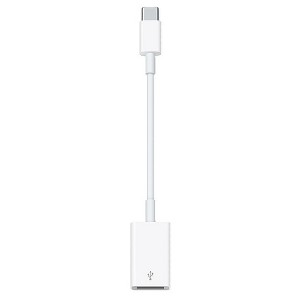
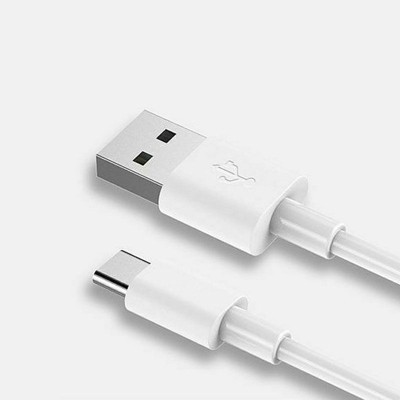
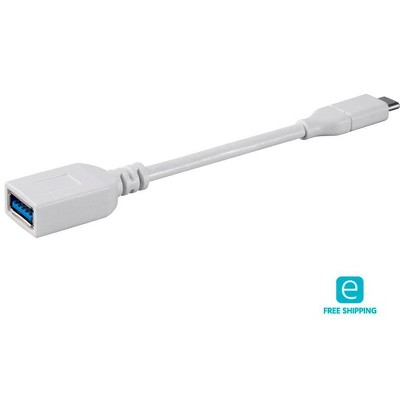
Apple USB-C to USB Adapter - 6.1in
$19.99
In Stock
Eligible for registries and wish lists
About this item
Additional product information and recommendations
Discover more options
- $69.99Get the Apple Thunderbolt Pro Cable at $13/mo.4.3 out of 5 stars with 17 ratings
- $9.99reg $19.00 - $19.99 Sale2.7 out of 5 stars with 18 ratings
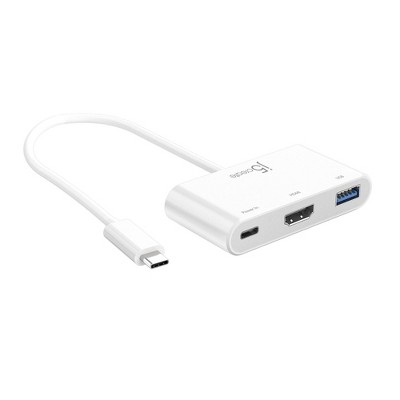
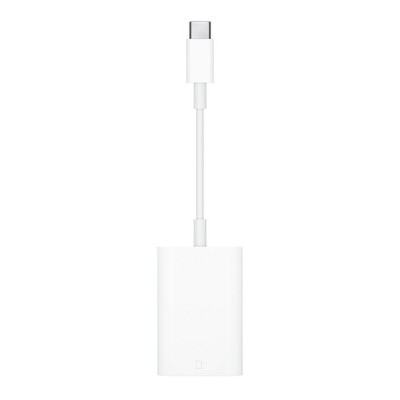
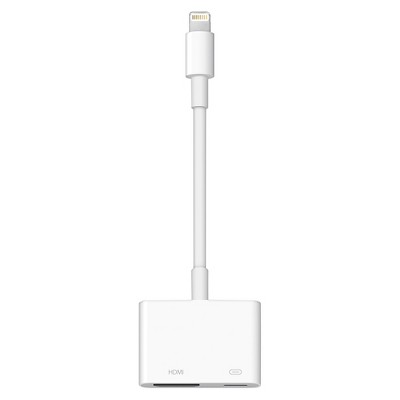
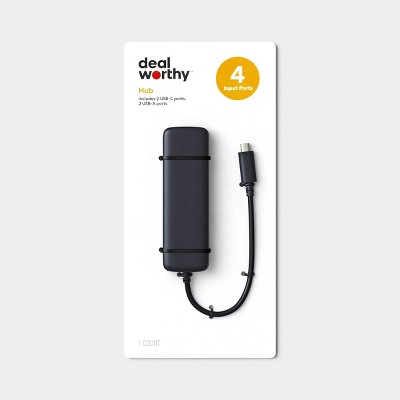
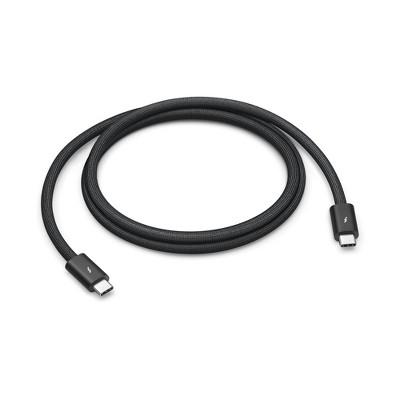
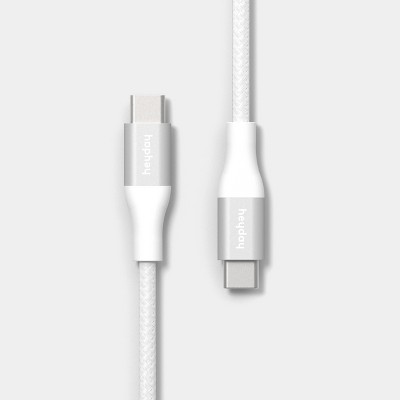
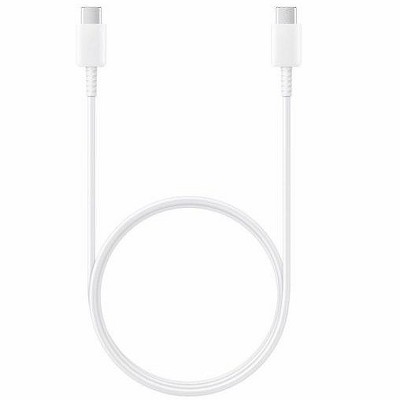
Compatible items
Guests also viewed
- $69.99Get the Apple Thunderbolt Pro Cable at $13/mo.4.3 out of 5 stars with 17 ratings
Related Categories
Guests are saying
This product is a versatile USB adapter that enhances connectivity for various devices, particularly for MacBook users. Guests appreciate its ease of use, compact design, and compatibility with multiple devices, making it ideal for school projects and everyday tasks. While some guests faced compatibility issues with specific devices, the overall feedback highlights its effectiveness in connecting peripherals and transferring data seamlessly.
Summary created by AI from text of reviews reflecting recent feedback provided across different star ratings (includes incentivized reviews)
4.6 out of 5 stars with 333 reviews
quality: 4.78 out of 5
value: 4.38 out of 5
85% would recommend
49 recommendations
5 out of 5 stars
7 September, 2026
(no review title)
Can i use this for my ps5 ?
5 out of 5 stars
12 August, 2026Verified purchase
Great for mac book neo
Bought for my MacBook neo to add external webcam for college.
5 out of 5 stars
Thumbs up graphic, would recommend
9 August, 2026Verified purchase
(no review title)
Great product
2 out of 5 stars
Thumbs up graphic, would recommend
24 July, 2026Verified purchase
Didnt fit
It wasn’t meant for my iPhone we brought it back
1 out of 5 stars
Thumbs up graphic, would recommend
15 May, 2026Verified purchase
Refund me please Target!
There is probably nothing wrong with this item, but I decided that I did not need it and tried to return it to Target. I mailed it back to them using the return address label they provided to me. UPS showed that it was delievered within the return window. But Target never gave me my money back. When I reached out to customer service, they said that they could not confirm that the pacakage was delivered and hence would not reimburse me. I know that I returned the pacakage and I used their return label.
5 out of 5 stars
21 March, 2026Verified purchase
(no review title)
Very easy to use. Convenient.
1 out of 5 stars
Thumbs down graphic, would not recommend
19 March, 2026Verified purchase
Trash.
Target has become horrible. Late deliveries. Packages arrive looking like trash. This garbage not only was broken in two but it wasn’t even the right item.
1 out of 5 stars
Thumbs down graphic, would not recommend
17 March, 2026
Bad Life Lesson
Very disappointed that this wasn’t compatible with my device. I thought all USB As were compatible, but apparently not. Just beware that it might not be for yours.
5 out of 5 stars
Thumbs up graphic, would recommend
22 February, 2026Verified purchase
Another save
This is perfect. I ordered headphones and this adapter saved the day.
5 out of 5 stars
19 December, 2025
(no review title)
Great
5 out of 5 stars
16 November, 2025Verified purchase
(no review title)
Nice quality
1 out of 5 stars
Thumbs down graphic, would not recommend
9 November, 2025Verified purchase
Buyer beware - doesn't work
Beware! Target enforces a shorter return policy on these items and does not tell you ahead of time. CHECK YOUR RECEIPT! One star since it doesn't work with my device.
5 out of 5 stars
20 October, 2025Verified purchase
(no review title)
j love it works perfectly
5 out of 5 stars
Thumbs up graphic, would recommend
9 October, 2025Verified purchase
Quality Product!
Excellent product! Works well and the price is reasonable. Highly recommended!
5 out of 5 stars
Thumbs up graphic, would recommend
12 September, 2025Verified purchase
Silhouette approved
Works great to connect my silhouette to my MacBook
3 out of 5 stars
Thumbs up graphic, would recommend
2 September, 2025Verified purchase
good
it just dosent have enough energy for it to connect to my yeti mic.
5 out of 5 stars
Thumbs up graphic, would recommend
31 August, 2025Verified purchase
Works perfectly
Works perfectly to add a keyboard to my tablet.
5 out of 5 stars
Thumbs up graphic, would recommend
16 July, 2025Verified purchase
Great product
This product works great!
4 out of 5 stars
1 July, 2025Verified purchase
Read description!
I read the description incorrectly I need a USB to USBc adapter for my car. Guess it’s alright but haven’t used it
5 out of 5 stars
Thumbs up graphic, would recommend
24 March, 2025Verified purchase
It Actually Works!
Let me explain. I've tried multiple phone usb drives, and either they're slow, they flat out don't work, or they need a seperate app that is also very slow and clunky. Reddit directed me to try this instead, and it works 100% better! The transfers are quick, no data has been corrupted as of this review, and I can easily use any high-storage USB drive I want as a bonus!