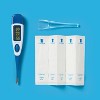

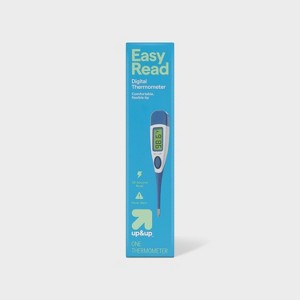
Fever Flash Thermometer - up&up™
$5.79
In Stock
Eligible for registries and wish lists
At a glance
About this item
Additional product information and recommendations
Discover more options
- $33.49was $43.49 New lower price4.4 out of 5 stars with 102 ratings
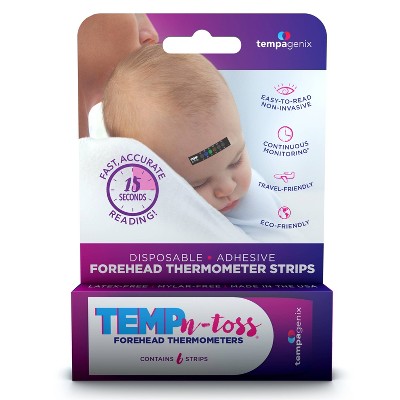
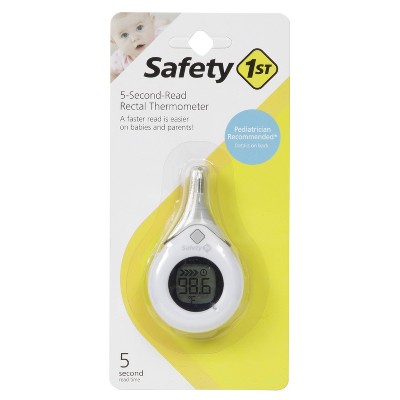
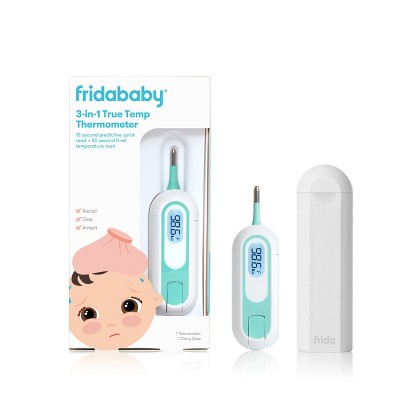
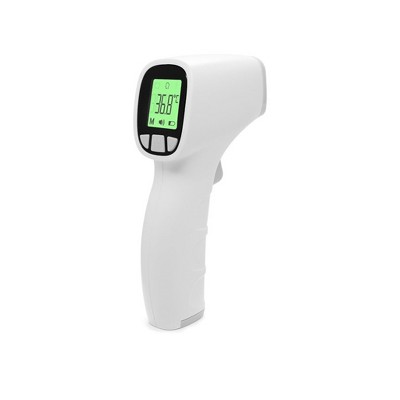
Frequently bought together
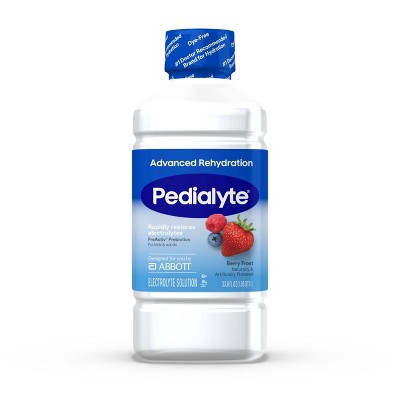
- $5.99Buy 2 for $10 Pedialyte hydration drinks4.6 out of 5 stars with 364 ratings
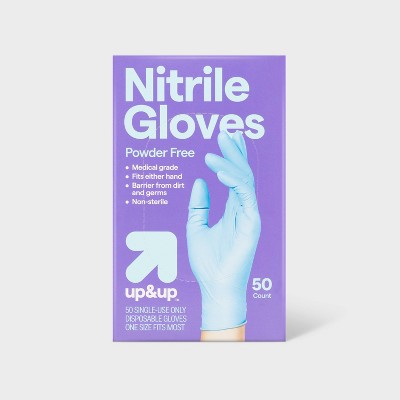
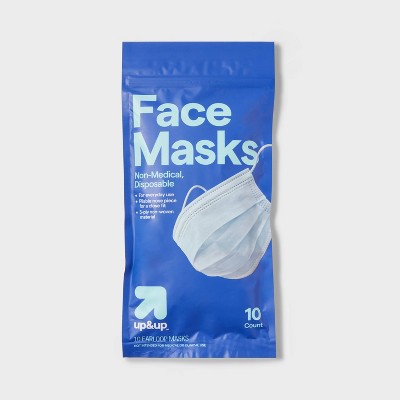
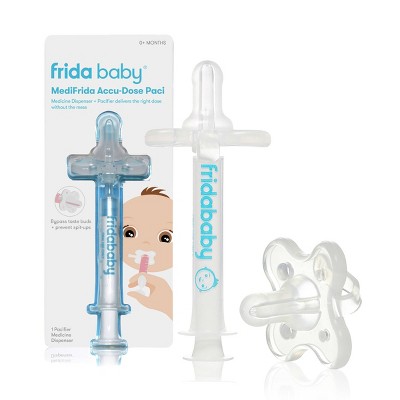

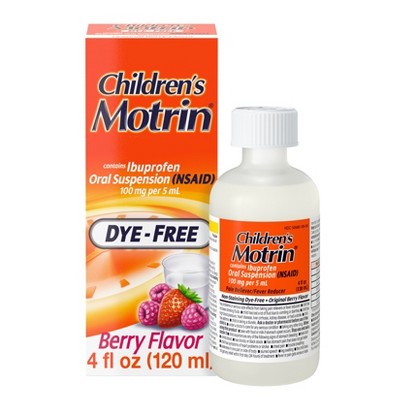

Related Categories
Guests are saying
The thermometer has received significant criticism for its inconsistent and inaccurate readings, often leading to confusion and concern for guests trying to monitor their health. Many guests reported discrepancies of several degrees between readings, making it unreliable for assessing fevers. However, some guests appreciated its ease of use and features like a flexible tip and color-coded display. Overall, guests suggest looking for a more reliable option for accurate temperature readings.
Summary created by AI from text of reviews reflecting recent feedback provided across different star ratings (includes incentivized reviews)
3.3 out of 5 stars with 622 reviews
quality: 1.57 out of 5
value: 1.72 out of 5
33% would recommend
227 recommendations
1 out of 5 stars
Thumbs down graphic, would not recommend
25 September, 2026
wish I would've read the reviews first
piece of junk!
1 out of 5 stars
Thumbs down graphic, would not recommend
25 September, 2026Verified purchase
Doesnt not work
doesnt not work. E-waste garbage. Wish i had read the reviews first. readings are all over the place or it just gives you dots meaning the reading failed.
1 out of 5 stars
Thumbs down graphic, would not recommend
25 September, 2026Verified purchase
Inaccurate readings (IF it works)
This thermometer was extremely unreliable. It gives out different readings each time (variance of 3 degrees!!) IF it even works. Sometimes it just gives dashed lines and glitches out. Waste of money and just more plastic garbage.
1 out of 5 stars
Thumbs down graphic, would not recommend
21 September, 2026Verified purchase
(no review title)
Not consistent. Each time we took a temp it was drastically different.
1 reply from the Product Manufacturer team - 8 days ago
Thank you for taking the time to share your feedback regarding the temperature readings from our thermometer. We sincerely apologize for any inconvenience this issue has caused you. We value your feedback and are committed to resolving this concern promptly. In order to address the temperature inaccuracy you've experienced, we recommend following these troubleshooting steps to ensure accurate readings: Multiple Readings: When using the thermometer, it's important to take multiple readings. Wait about 2 minutes between the 'Beep': Ensure that you wait for the thermometer to produce a consistent beep before noting the temperature. This beep indicates that the thermometer has stabilized and the reading is accurate. For further assistance, please don’t hesitate to reach out to Target Guest Services at guest.service@target.com
1 out of 5 stars
Thumbs down graphic, would not recommend
17 September, 2026Verified purchase
inaccurate
This thermometer mistakenly recorrds temp as too high.
1 reply from the Product Manufacturer team - 11 days ago
Thank you for taking the time to share your feedback regarding the temperature readings from our thermometer. We sincerely apologize for any inconvenience this issue has caused you. We value your feedback and are committed to resolving this concern promptly. In order to address the temperature inaccuracy you've experienced, we recommend following these troubleshooting steps to ensure accurate readings: Multiple Readings: When using the thermometer, it's important to take multiple readings. Wait about 2 minutes between the 'Beep': Ensure that you wait for the thermometer to produce a consistent beep before noting the temperature. This beep indicates that the thermometer has stabilized and the reading is accurate. For further assistance, please don’t hesitate to reach out to Target Guest Services at guest.service@target.com
1 out of 5 stars
Thumbs down graphic, would not recommend
5 September, 2026Verified purchase
(no review title)
temperature is off by a couple degree, which is extremely unhelpful
1 reply from the Product Manufacturer team - 21 days ago
Hi Amariedave, we're sorry to hear that you experienced inaccurate temperature readings. We understand how concerning and frustrating that can be. Please feel free to reach out to Target Guest Services at guest.service@target.com for further assistance.
1 out of 5 stars
Thumbs down graphic, would not recommend
29 August, 2026Verified purchase
(no review title)
This is the most inconsistent thermometer. I read all instructions and regardless of waiting between readings and staying stone cold still, the readings would be dramatically different. The thermometer would slow its climb around one number then suddenly jump 2+ degrees to the next number. Compared it to my old thermometer and it is 1.5 degrees higher but at least the old one stays consistent. Would not recommend.
1 reply from the Product Manufacturer team - 29 days ago
Hi Emily, we’re sorry to hear you experienced inconsistent readings with the thermometer. We understand how important reliable temperature readings are and appreciate you sharing these details. Please feel free to reach out to Target Guest Services at guest.service@target.com for further assistance.
1 out of 5 stars
Thumbs down graphic, would not recommend
29 August, 2026Verified purchase
(no review title)
So inaccurate. Fevers are reading 98 degrees. Normal temps are reading 94 degrees.
1 reply from the Product Manufacturer team - 29 days ago
Hi, we’re sorry to hear you experienced inconsistent temperature readings. We understand how frustrating this can be when you need an accurate reading. Please feel free to reach out to Target Guest Services at guest.service@target.com for further assistance.
1 out of 5 stars
Thumbs down graphic, would not recommend
29 August, 2026Verified purchase
Do not waste your money - not accurate
Terrible! Does not accurately read your temp. It gave a different temp reading: 99.8 then 2 mins later, 97.8. It said I had a temp of 100.2 and then when I took my temp again a couple minutes later it said my temp was 97.7
1 reply from the Product Manufacturer team - 29 days ago
Hi, we’re sorry to hear you experienced inconsistent temperature readings. We understand how frustrating this can be when you need an accurate reading. Please feel free to reach out to Target Guest Services at guest.service@target.com for further assistance.
1 out of 5 stars
Thumbs down graphic, would not recommend
28 August, 2026
(no review title)
very unreliable. i will be returning this product because it does not provide any helpful information about one's actual temperature.
1 reply from the Product Manufacturer team - 29 days ago
Hi Paul, we’re sorry to hear the thermometer did not provide the reliable readings you expected. We understand how important accurate temperature information is. Please feel free to reach out to Target Guest Services at guest.service@target.com for further assistance.
1 out of 5 stars
Thumbs down graphic, would not recommend
18 August, 2026Verified purchase
(no review title)
SO INACCURATE!! Was reading 101, then 97, then 99, when 2 other thermometers read 98 consistently. Not reliable in the slightest.
1 reply from the Product Manufacturer team - 1 month ago
Thank you for taking the time to share your feedback regarding the temperature readings from our thermometer. We sincerely apologize for any inconvenience this issue has caused you. We value your feedback and are committed to resolving this concern promptly. In order to address the temperature inaccuracy you've experienced, we recommend following these troubleshooting steps to ensure accurate readings: Multiple Readings: When using the thermometer, it's important to take multiple readings. Wait about 2 minutes between the 'Beep': Ensure that you wait for the thermometer to produce a consistent beep before noting the temperature. This beep indicates that the thermometer has stabilized and the reading is accurate. For further assistance, please don’t hesitate to reach out to Target Guest Services at guest.service@target.com
1 out of 5 stars
Thumbs down graphic, would not recommend
18 August, 2026Verified purchase
(no review title)
The thermometer only reads two temperatures, 100 or 98.4 degrees. It does not work, at least not in my case. Next time I’ll spend a little more to get one that works.
1 reply from the Product Manufacturer team - 1 month ago
Hi Sandra, we're sorry to hear the thermometer was not providing accurate readings. We understand how frustrating and concerning inconsistent readings can be. Please feel free to reach out to Target Guest Services at guest.service@target.com for further assistance.
5 out of 5 stars
Thumbs up graphic, would recommend
17 August, 2026Verified purchase
Goid to have
Bringing to college, good to have to see if I'm just hung over or really sick
1 reply from the Product Manufacturer team - 1 month ago
Hi BL, thanks for the review! We’re glad the thermometer is making its way to college with you and hope it comes in handy when you need it. Thanks for choosing up&up!
1 out of 5 stars
Thumbs down graphic, would not recommend
17 August, 2026Verified purchase
Unreliable
A thermometer has one job -to be reliable. This does not do that.
1 out of 5 stars
Thumbs down graphic, would not recommend
17 August, 2026Verified purchase
Innacurate and unreliable
Wish I noticed the other reviews before I purchased… ours was consistently 2 degrees higher like others noticed also. Not to mention, if you move while it’s processing (for a minimum of 30 seconds), it will just shut off and not give a reading at all. Absolutely awful design. Bought a different brand and immediately threw this one away. Wish I would have saved the packaging so I could have returned it but lesson learned.
1 reply from the Product Manufacturer team - 1 month ago
Hi Paige, we’re sorry to hear about the inaccurate readings and difficulty getting a measurement. We understand how frustrating that experience was and appreciate you bringing it to our attention. Please feel free to reach out to Target Guest Services at guest.service@target.com for further assistance.
1 out of 5 stars
Thumbs down graphic, would not recommend
15 August, 2026
Horrbily inaccurate readings - don't purchase!
As several other reviewer have mentioned, very inaccurate temperature readings. Holds steady at 98.0 towards the end of the reading, but when it beeps, temperature jumps 2 degrees. Major buyer's remorse about purchasing this product.
1 reply from the Product Manufacturer team - 1 month ago
Hi Jean, thank you for sharing your experience. We’re sorry to hear you had concerns with the thermometer readings and appreciate you bringing this to our attention. Please feel free to reach out to Target Guest Services at guest.service@target.com for further assistance.
3 out of 5 stars
Thumbs down graphic, would not recommend
1 August, 2026Verified purchase
(no review title)
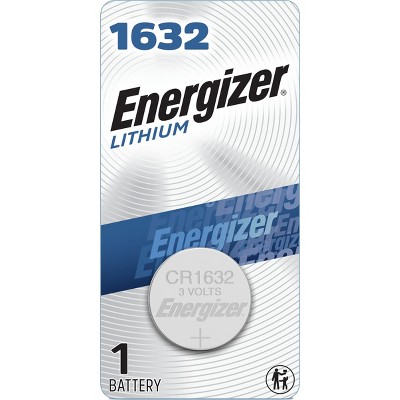
battery is low
1 reply from the Product Manufacturer team - 2 months ago
Hi Tina, thank you for your feedback. We’re sorry to hear the thermometer’s battery is low. Please feel free to reach out to Target Guest Services at guest.service@target.com for further assistance.
1 out of 5 stars
Thumbs down graphic, would not recommend
25 July, 2026Verified purchase
Very unreliable
I could take my temp 4 times and each one would be different.
1 reply from the Product Manufacturer team - 2 months ago
Thank you for taking the time to share your feedback regarding the temperature readings from our thermometer. We sincerely apologize for any inconvenience this issue has caused you. We value your feedback and are committed to resolving this concern promptly. In order to address the temperature inaccuracy you've experienced, we recommend following these troubleshooting steps to ensure accurate readings: Multiple Readings: When using the thermometer, it's important to take multiple readings. Wait about 2 minutes between the 'Beep': Ensure that you wait for the thermometer to produce a consistent beep before noting the temperature. This beep indicates that the thermometer has stabilized and the reading is accurate. For further assistance, please don’t hesitate to reach out to Target Guest Services at guest.service@target.com
1 out of 5 stars
Thumbs down graphic, would not recommend
25 July, 2026Verified purchase
Inaccurate
This is a broken toy. It said I was 102. So I ran it again and it was 100.2. So I ran it again and it was 98.1.
1 reply from the Product Manufacturer team - 2 months ago
Thank you for taking the time to share your feedback regarding the temperature readings from our thermometer. We sincerely apologize for any inconvenience this issue has caused you. We value your feedback and are committed to resolving this concern promptly. In order to address the temperature inaccuracy you've experienced, we recommend following these troubleshooting steps to ensure accurate readings: Multiple Readings: When using the thermometer, it's important to take multiple readings. Wait about 2 minutes between the 'Beep': Ensure that you wait for the thermometer to produce a consistent beep before noting the temperature. This beep indicates that the thermometer has stabilized and the reading is accurate. For further assistance, please don’t hesitate to reach out to Target Guest Services at guest.service@target.com
1 out of 5 stars
7 July, 2026
non functional product. inconsistent readings.
non functional product. changes its reading with every use. I plan to request a refund.
1 reply from the Product Manufacturer team - 3 months ago
Thank you for taking the time to share your feedback regarding the temperature readings from our thermometer. We sincerely apologize for any inconvenience this issue has caused you. We value your feedback and are committed to resolving this concern promptly. In order to address the temperature inaccuracy you've experienced, we recommend following these troubleshooting steps to ensure accurate readings: Multiple Readings: When using the thermometer, it's important to take multiple readings. Wait about 2 minutes between the 'Beep': Ensure that you wait for the thermometer to produce a consistent beep before noting the temperature. This beep indicates that the thermometer has stabilized and the reading is accurate. For further assistance, please don’t hesitate to reach out to Target Guest Services at guest.service@target.com