Target New ArrivalsGift Ideas for DadClothing, Shoes & AccessoriesHome & DecorKitchen & DiningOutdoor Living & GardenGroceryHousehold EssentialsBabyBeautyPersonal CareSports & OutdoorsHealthWellnessLuggageSchool & Office SuppliesToysElectronicsVideo GamesMovies, Music & BooksParty SuppliesGift IdeasGift CardsPetsUlta Beauty at TargetShop by CommunityTarget OpticalDealsClearanceNew ArrivalsGift Ideas for DadBack to SchoolCollegeTop DealsTarget Circle DealsWeekly AdShop Order PickupShop Same Day DeliveryRegistryRedCardTarget CircleFind Stores
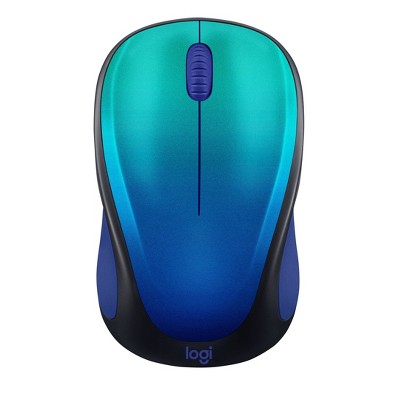
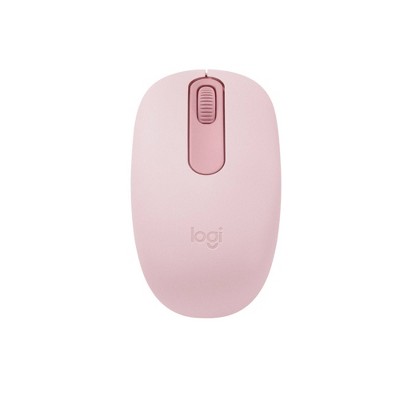
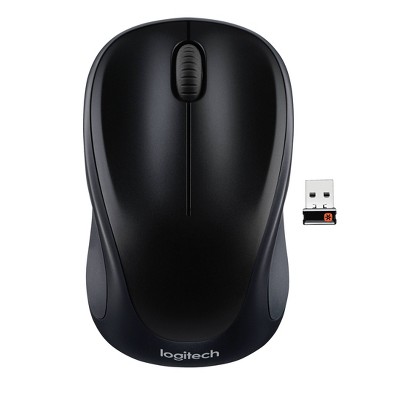
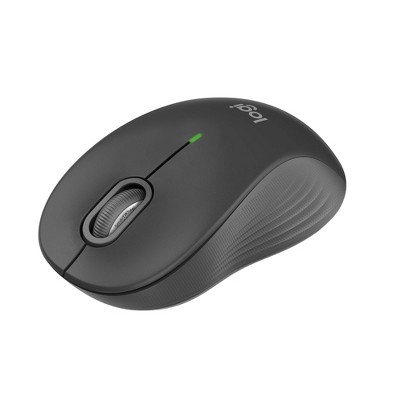
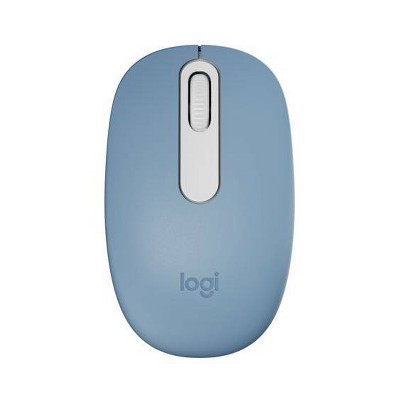
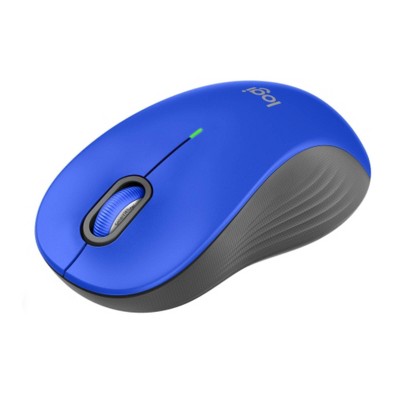
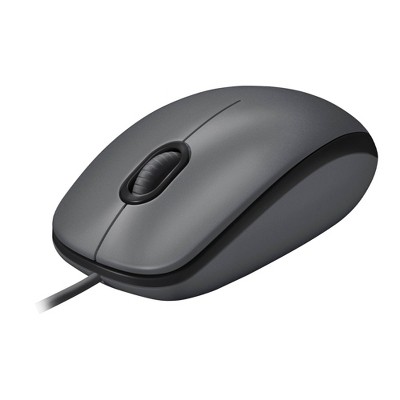
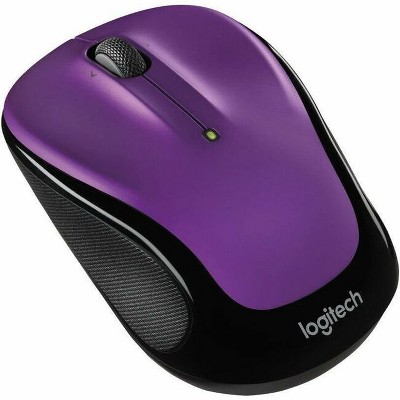
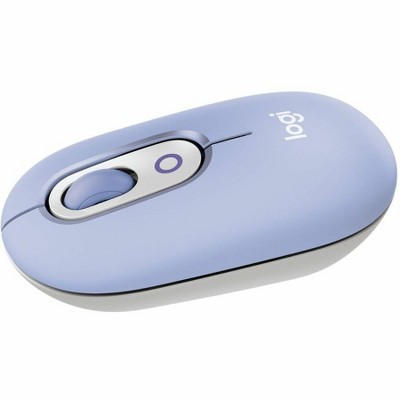
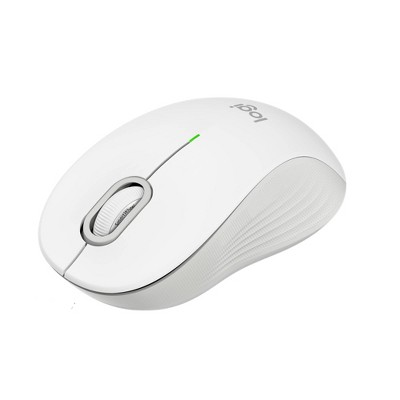
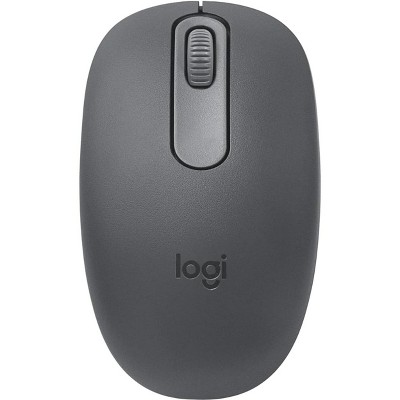
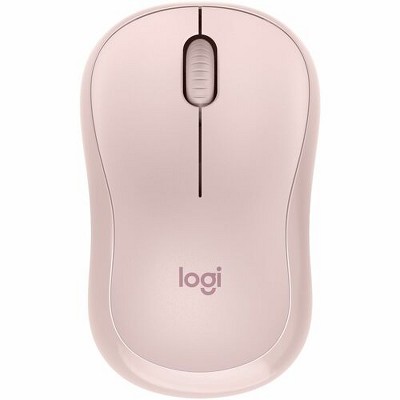
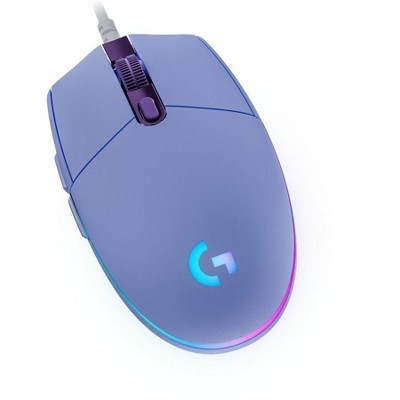
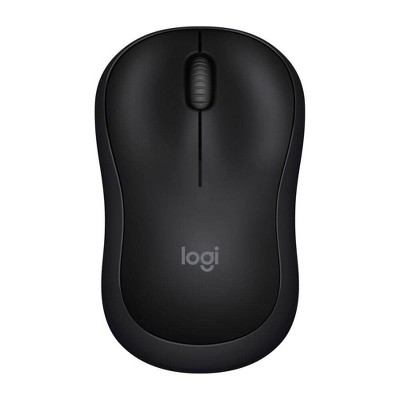
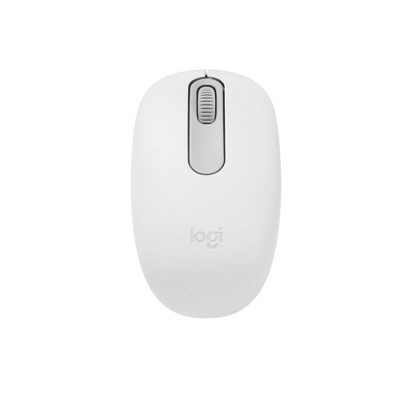
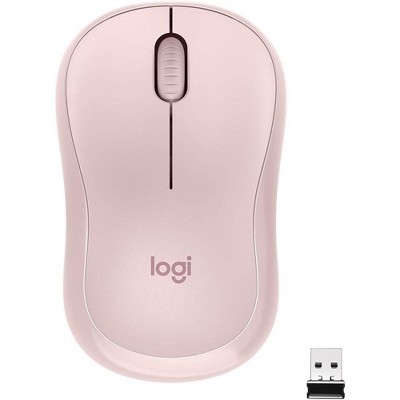
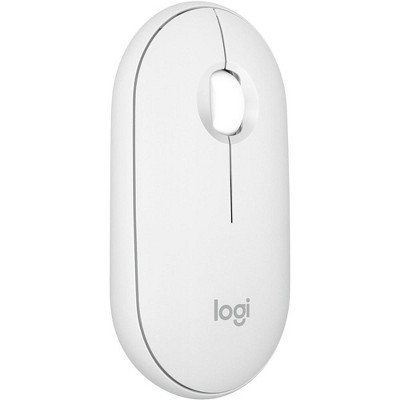
Logitech M240 Wireless Mouse - 2 of 4Logitech M240 Wireless Mouse - 3 of 4Logitech M240 Wireless Mouse - 4 of 4
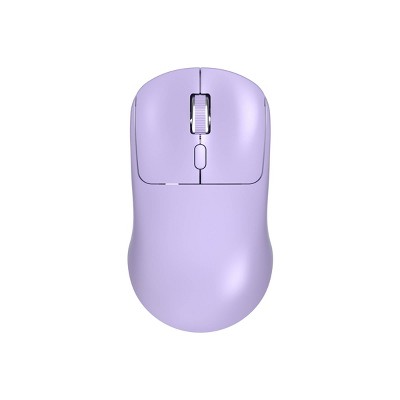
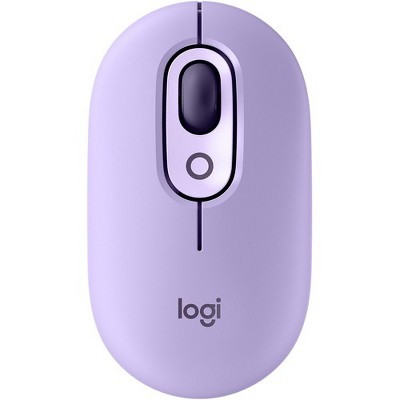
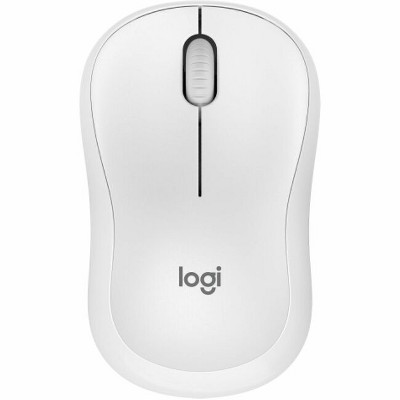
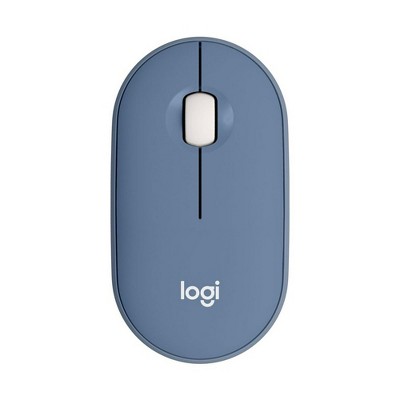
Logitech M240 Wireless Mouse - 1 of 4

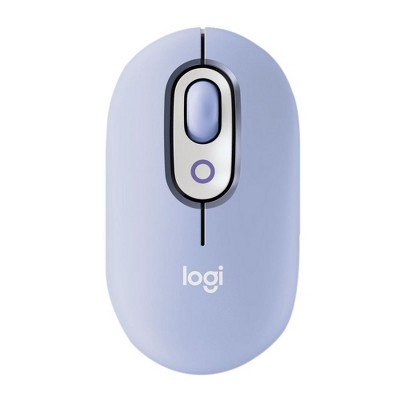
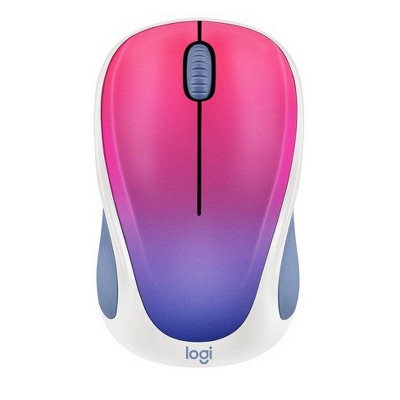
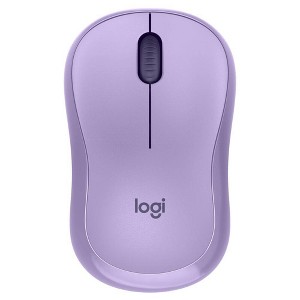
Logitech M240 Wireless Mouse - Lavander : Compatible with PCs, Macs, laptops, and tablets

$19.99

ColorLavender

In Stock

Eligible for registries and wish lists

At a glance

About this item

Highlights

  • Pair and Play: With fast, easy Bluetooth wireless technology, you’re connected in seconds to this quiet cordless mouse —no dongle or port required
  • Less Noise, More Focus: Silent mouse with 90% reduced click sound and the same click feel, eliminating noise and distractions for you and others around you
  • Long-Lasting Battery Life: Up to 18-month battery life with an energy-efficient auto sleep feature, so you can go longer between battery changes
  • Comfortable, Travel-Friendly Design: Small enough to toss in a bag; this slim and ambidextrous portable compact mouse guides either your right or left hand into a natural position
  • Long-Range: Reliable, long-range Bluetooth wireless mouse works up to 10m/33 feet away from your computer
  • Works on multiple platforms: Experience seamless compatibility with Windows, macOS, Linux, ChromeOS, iPadOS, and Android operating systems; it is also a Works with Chromebook certified product
  • Plastic parts in M240 Silent computer mouse include certified post-consumer recycled plastic (75% for Black, 20% for Lavender, and 37% for Blue)

Description

Meet M240 Silent, the reliable Bluetooth® mouse that frees up your workspace. Pair in seconds with a fast, easy Bluetooth® connection—no dongle or port required. The ultra-quiet mouse features a 90% reduced click sound with that same click feel, eliminating noise and distractions for you and others around you. (1) A comfortable, contoured shape follows the natural curve of your hand so you can stay productive longer, and focus on what you do best. Built with the same quality standards that has made Logitech a leader in mice and keyboards.

(1) Left click dBA level measured by independent lab at 1m. Compared with Logitech M185.
Dimensions (Overall): 1.52 Inches (H) x 2.36 Inches (W) x 3.92 Inches (D)
Weight: .25 Pounds
Electronics Features: Lightweight Design, Wireless
Connection Type: No Wired Connection Ports
Wireless Technology: Bluetooth
Compatible With: Apple iOS, Microsoft Windows, macOS, Google Chrome OS
Primary use: Business
Battery: 1 AA Alkaline
Warranty: 1 Year Limited Warranty. To obtain a copy of the manufacturer's or supplier's warranty for this item prior to purchasing the item, please call Target Guest Services at 1-800-591-3869
TCIN: 88374092
UPC: 097855187727
Item Number (DPCI): 056-00-4364
Origin: Imported
If the item details aren’t accurate or complete, we want to know about it.

Shipping details

Estimated ship dimensions: 1.93 inches length x 3.44 inches width x 5.71 inches height
Estimated ship weight: 0.26 pounds

Return details

This item can be returned to any Target store or Target.com.
This item must be returned within 30 days of the date it was purchased in store, delivered to the guest, delivered by a Shipt shopper, or picked up by the guest.
See the return policy for complete information.

Q: is this for a USB-A or USB-C?

submitted by RD - 1 year ago
  • A: This connects by Bluetooth. It doesn’t use any USB.

    submitted byLibraryanna - 1 year ago
  • A: Hi RD, thanks for reaching out about Logitech M240 Wireless Mouse - Black This battery powered mouse connects via Bluetooth and has no wired connection ports. If you have any additional questions, we welcome you to contact MyTGTtech at 833-848-8324 every day, between 7am-11pm CST.

    submitted byJustin - 1 year ago
    Target expert support

Q: Does this work with MacBook Air 13

submitted by Greenhumanclay - 2 years ago
  • A: Hi Greenhumanclay, thanks for reaching out about Logitech M240 Wireless Mouse Yes. This will work with a MacBook Air. If you have any additional questions, we welcome you to contact MyTGTtech at 833-848-8324 every day, between 7am-11pm CST.

    submitted byJustin - 2 years ago
    Target expert support
  • A: Yes, it works with Bluetooth to connect.

    submitted byLibraryanna - 1 year ago

Q: Does this work on iPad 2021 version

submitted by Monica - 2 years ago
  • A: Hi Monica, thanks for reaching out about Logitech M240 Wireless Mouse - Black. Yes. Using bluetooth connectivity this mouse works on multiple platforms including Windows, macOS, Linux, ChromeOS, Android, and your iPadOS operating system. If you have any additional questions, we welcome you to contact MyTGTtech at 833-848-8324 every day, between 7am-11pm CST.

    submitted byJustin - 2 years ago
    Target expert support
  • A: Hi Monica, thanks for reaching out about Logitech M240 Wireless Mouse. Yes, this mouse is compatible with an Apple Pads using the bluetooth feature.

    submitted byTakeya - 2 years ago

Q: Does it work with a laptop?

submitted by Kitty - 2 years ago
  • A: Hi bellx024, thanks for reaching out about Logitech M240 Wireless Mouse You can connect this mouse to any computer with Bluetooth and it will work, laptop, desktop, or other. If you have any additional questions, we welcome you to contact MyTGTtech at 833-848-8324 every day, between 7am-11pm CST.

    submitted byMike - 2 years ago
    Target expert support
  • A: I have an older laptop. I'm not sure I have blue tooth.

    submitted byKitty - 2 years ago

Q: Hi, I connected the mouse to my computer through bluetooth and the mouse is unresponsive, I also tried different batteries and still was unresponsive. What should I do?

submitted by unresponsive mouse - 2 years ago
  • A: Hi unresponsive mouse, thanks for reaching out about Logitech M240 Wireless Mouse. To better understand your individual needs, we welcome you to contact MyTGTtech at 833-848-8324 every day, between 7am-11pm CST.

    submitted byJoe - 2 years ago
    Target staff support
  • A: They didn't include a usb receiver for the mouse, even though on the manufacturer's website, it says it's included.

    submitted bySusan - 2 years ago

Q: Have trouble connecting to dell Inspiron, windows 10. My other DigiTech was working fine for about 2 years. Window won't open... frozen screen?

submitted by Greg - 5 days ago
  • A: Hi, thanks for reaching out about Logitech M240 Wireless Mouse. I’m going to walk you through this step‑by‑step, because the symptoms you’re describing (“Windows won’t open / frozen screen”) usually mean two separate issues happened at once: the mouse connection, and Windows Explorer or the system UI locking up The Logitech M240 itself is simple (Bluetooth‑only), so we’ll focus on getting control of the PC first. First: Regain Control of the Frozen Screen (No Mouse Needed) ✅ Use the keyboard only Try these in order (stop when something responds): Ctrl + Alt + Delete If a blue screen appears → good sign Choose Task Manager If Task Manager opens: Press Alt + F Choose Run new task Type: explorer.exe Check “Create this task with administrative privileges” Press Enter ✅ This often instantly unfreezes the desktop if Windows Explorer crashed. If Ctrl + Alt + Delete does NOTHING: Press and hold the power button for 10 seconds to force shutdown. Wait 30 seconds. Then power back on. (This will not harm Windows.) Second: Verify the Logitech M240 Connection Important detail about the Logitech M240: ❌ No USB receiver ✅ Bluetooth only ✅ Requires Windows Bluetooth to be working Your old DigiTech mouse likely used a USB dongle, which keeps working even if Bluetooth fails. After reboot, use the laptop’s touchpad (or keyboard): Open Bluetooth settings by keyboard Press Windows key Type: Bluetooth Press Enter If Settings opens: Toggle Bluetooth OFF Wait 10 seconds Toggle Bluetooth ON Re‑pair the M240 Turn the mouse OFF Hold the mouse button + power switch for 3–5 seconds LED should blink (pairing mode) In Bluetooth settings: Click Add Bluetooth device Choose Bluetooth Select Logitech M240 ✅ Pairing should complete in ~10 seconds. If Bluetooth Settings Freeze or Won’t Open This strongly suggests a Windows Bluetooth driver issue, not the mouse. Quick fix: Press Windows + R Type: devmgmt.msc Press Enter Look for Bluetooth: If you see a ⚠️ yellow warning → driver issue Right‑click Bluetooth adapter → Disable Wait 10 seconds Right‑click → Enable Why This Happened (Most Likely Cause) From your description, the most common scenario is: Windows experienced a temporary Explorer or driver crash Your USB DigiTech mouse kept working (independent dongle) The Bluetooth‑only M240 lost connection Windows UI appeared “frozen” because Explorer wasn’t responding This is very common on Windows 10, especially after: Windows Updates Sleep / Hibernate Low battery shutdowns Important Advice Going Forward ✅ Keep one USB‑dongle mouse around as a backup ✅ Bluetooth mice depend on Windows services — USB does not ✅ Once stable, update Bluetooth drivers from Dell Support, not Windows Update Bottom Line ✅ Your Logitech M240 is not defective ✅ This is Windows / Bluetooth instability ✅ You can recover it without reinstalling Windows If you have any additional questions, we welcome you to contact MyTGTtech at 833-848-8324 every day, between 7am-11pm CST.

    submitted byJoe - 5 days ago
    Target staff support

Q: Is the mouse suitable for use with different operating systems?

submitted by AI Shopping Assistant - 1 month ago
  • A: Yes, it works with multiple platforms, including Windows, macOS, Linux, ChromeOS, and Android.

    submitted byAI Shopping Assistant - 1 month ago
    Ai generated

Q: What is the battery life of this wireless mouse?

submitted by AI Shopping Assistant - 1 month ago
  • A: The mouse offers up to 18-month battery life with an energy-efficient auto sleep feature.

    submitted byAI Shopping Assistant - 1 month ago
    Ai generated

Q: How loud is the click sound produced by this mouse?

submitted by AI Shopping Assistant - 1 month ago
  • A: The click sound is reduced by 90%, ensuring a quieter experience while still providing the same click feel.

    submitted byAI Shopping Assistant - 1 month ago
    Ai generated

Q: Does this mouse require a dongle or USB port to connect?

submitted by AI Shopping Assistant - 1 month ago
  • A: No, the mouse connects easily via Bluetooth without the need for a dongle or port.

    submitted byAI Shopping Assistant - 1 month ago
    Ai generated

Additional product information and recommendations

Discover more options

Guests also viewed

Guests are saying

This mouse offers a stylish design and a quiet clicking experience, making it ideal for both work and leisure. Many guests appreciate its Bluetooth connectivity, which frees up USB ports, and its lightweight feel. However, some have experienced connectivity issues and concerns about durability. Overall, it serves well for casual use and is particularly favored by those who prefer a silent mouse for studying or working in shared spaces.
    Summary created by AI from text of reviews reflecting recent feedback provided across different star ratings (includes incentivized reviews)
    4.1 out of 5 stars with 351 reviews
    quality: 3.73 out of 5
    value: 3.8 out of 5
    66% would recommend
    95 recommendations
    1 out of 5 stars
    30 April, 2026Verified purchase

    (no review title)

    didn't work for my computer
    Veronicka
    Did you find this review helpful?
    1 out of 5 stars
    18 April, 2026Verified purchase

    (no review title)

    Will mot purchase this item again as have tried twice and both times tis item is missing the usb adapter.
    Robinb
    1 guest found this review helpful. Did you?
    5 out of 5 stars
    Thumbs up graphic, would recommend
    16 April, 2026Verified purchase

    Cute purple mouse works just fine!

    Works great! And it’s purple!
    Jgotgt
    quality: 5 out of 5
    value: 5 out of 5
    Did you find this review helpful?
    2 out of 5 stars
    Thumbs down graphic, would not recommend
    13 April, 2026

    (no review title)

    This item was Bluetooth connection only but when I attempted to comment it to a computer it did not work. The mouse has a space for a wireless USB but had no connecting part.
    Elijah
    quality: 1 out of 5
    value: 3 out of 5
    Did you find this review helpful?
    3 out of 5 stars
    Thumbs down graphic, would not recommend
    19 March, 2026Verified purchase

    (no review title)

    It's cute and stylish, but I wouldn't use it for work. It gives errors too many times, so I am switching it to my old one.
    ybaez
    quality: 3 out of 5
    value: 3 out of 5
    Did you find this review helpful?
    3 out of 5 stars
    19 February, 2026Verified purchase

    (no review title)

    I love the silent click of this mouse, as well as the feel of it. However, the scroll wheel is unfortunately loud and takes away from the benefit of a quiet click.
    Molly
    1 guest found this review helpful. Did you?
    5 out of 5 stars
    Thumbs up graphic, would recommend
    15 February, 2026

    (no review title)

    I've used this mouse everyday for like almost a year and the battery is still only just reached 50%. I personally use this as a gaming mouse and it has never lagged. 10/10 would recommend.
    Charlie
    quality: 5 out of 5
    value: 5 out of 5
    1 guest found this review helpful. Did you?
    2 out of 5 stars
    Thumbs down graphic, would not recommend
    13 January, 2026Verified purchase

    lagging

    Spotty connection. Would cause everything to lag when connected. Had to return and do one with a chip instead of bluetooth connection
    KLAdams
    quality: 2 out of 5
    value: 4 out of 5
    Did you find this review helpful?
    5 out of 5 stars
    Thumbs up graphic, would recommend
    12 January, 2026Verified purchase

    (no review title)

    Great fit for what I needed while traveling and at a great price.
    Jay
    quality: 5 out of 5
    value: 5 out of 5
    Did you find this review helpful?
    1 out of 5 stars
    Thumbs down graphic, would not recommend
    27 December, 2025

    Terrible purchase

    A trash mouse that didn’t work after the first hour. Connection was painful and it stopped working without any hope to connect. After 30 minutes trying to reconnect, I gave up. An awful product.
    Olivia
    quality: 1 out of 5
    value: 1 out of 5
    Did you find this review helpful?
    1 out of 5 stars
    Thumbs down graphic, would not recommend
    15 December, 2025Verified purchase

    (no review title)

    had this mouse for not even 2 weeks and the left click doesn't work anymore. I barely used it and when I did it was just for simple things like clicking emails, etc. it hasnt dropped or been through anything that would cause this. don't waste your money
    k
    quality: 1 out of 5
    value: 1 out of 5
    1 guest found this review helpful. Did you?
    5 out of 5 stars
    Thumbs up graphic, would recommend
    10 December, 2025Verified purchase

    (no review title)

    Love it! I didn’t realize it was Bluetooth when I bought it but it’s great
    Shana Gripper
    quality: 5 out of 5
    value: 5 out of 5
    Did you find this review helpful?
    1 out of 5 stars
    Thumbs down graphic, would not recommend
    5 December, 2025Verified purchase

    do not purchase

    do not purchase. this mouse was easy to pair on day one. then stopped connecting and is useless.
    Burbank resident
    quality: 1 out of 5
    value: 1 out of 5
    Did you find this review helpful?
    4 out of 5 stars
    Thumbs up graphic, would recommend
    22 November, 2025

    Paired fast!

    I like it so far, I’ll update my review if anything changes. Please understand that this product does NOT require the usb attachment. You pair it via Bluetooth only. I use it with my iPad Pro and it works. Two things, the scroll wheel is a bit slower than I’d like, adjusted this in setting but I might just be used to my iPad speed(personal issue, not much universal problem) and my mouse doesn’t have auto scroll when I push down on my scroll wheel. I mainly want to be able to copy and paste my notes from one place to another so I can do without.
    J
    quality: 4 out of 5
    value: 4 out of 5
    1 guest found this review helpful. Did you?
    1 out of 5 stars
    Thumbs down graphic, would not recommend
    12 November, 2025Verified purchase

    (no review title)

    No usb given - doesn't work and could not return
    Jordan
    quality: 1 out of 5
    value: 1 out of 5
    3 guests found this review helpful. Did you?
    5 out of 5 stars
    Thumbs up graphic, would recommend
    5 November, 2025Verified purchase

    Great little mouse

    Great product so far. For all those who say it doesn't come with the USB click, if you look carefully, it is actually supposed to connect withoutthat so there is no USB needed Works well.
    Hello
    8 guests found this review helpful. Did you?
    5 out of 5 stars
    Thumbs up graphic, would recommend
    2 November, 2025

    Bluetooth mouse

    Honestly this is better than what i use to have. I always loose the small piece and then i have to buy a new one because I can't make the old one work without it. I didn't realize i bought the bluetooth version cause when i opened it, i thought it was missing a piece until i read it that it's bluetooth. Works even better for me because I dont have to look for the small piece. It's so easy to use, basically connect the bluetooth to your computer setting. I like this bluetooth! It looked like your missing a piece because of the slot, trust me, there was never a piece there.
    Mommy101
    quality: 5 out of 5
    value: 5 out of 5
    2 guests found this review helpful. Did you?
    1 out of 5 stars
    1 November, 2025

    (no review title)

    This item did not have the piece that goes into the side of the laptop. Want to return but it is not eligible.
    Road Warrior
    2 guests found this review helpful. Did you?
    2 out of 5 stars
    Thumbs down graphic, would not recommend
    28 October, 2025Verified purchase

    Stopped working

    I purchased less than a year ago and it no longer works.
    Shanna
    1 guest found this review helpful. Did you?
    1 out of 5 stars
    Thumbs down graphic, would not recommend
    22 October, 2025

    Buyer Beware!

    I bought the purple one and it was missing the usb dongle, I thought it was a fluke so I returned it. I got the second replacement one home and it was also missing the usb dongle.
    Ashmonster
    quality: 1 out of 5
    value: 1 out of 5
    1 guest found this review helpful. Did you?

    Get top deals, latest trends, and more.

    Privacy policy