


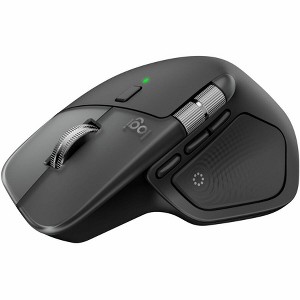
Logitech MX Master 4 for Mac Ergonomic Bluetooth Mouse, Advanced Haptic Feedback
$127.99
In Stock

Free & easy returns
Return this item in store within 30 days for a full refund.
Sold & shipped by Spacebound
Eligible for registries and wish lists
At a glance
About this item
Additional product information and recommendations
Discover more options

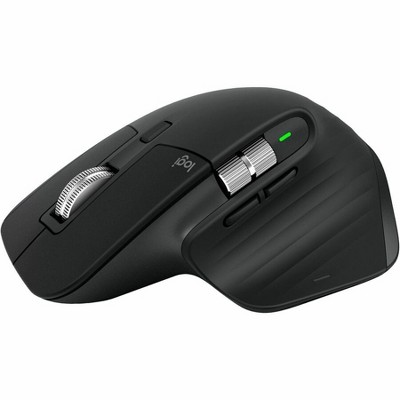
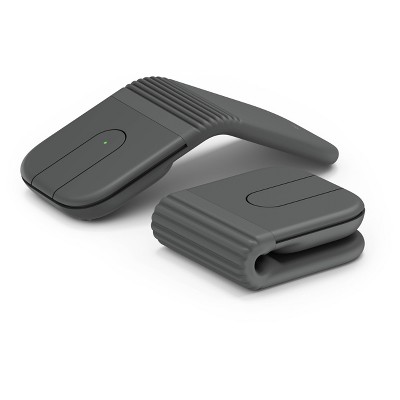
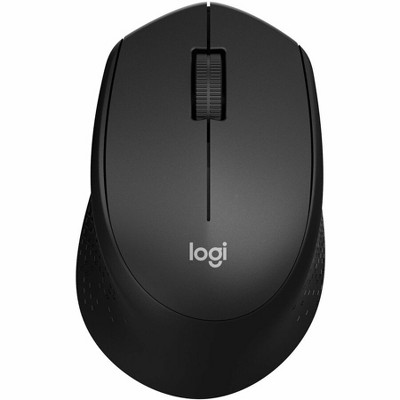
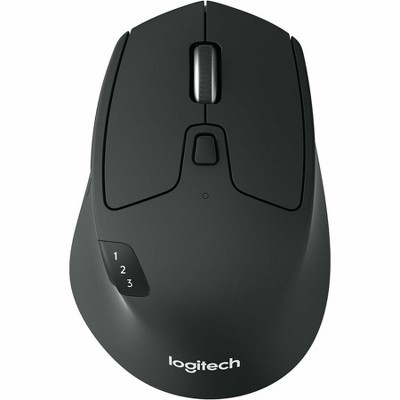
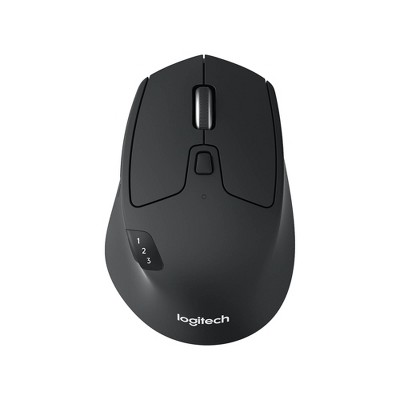
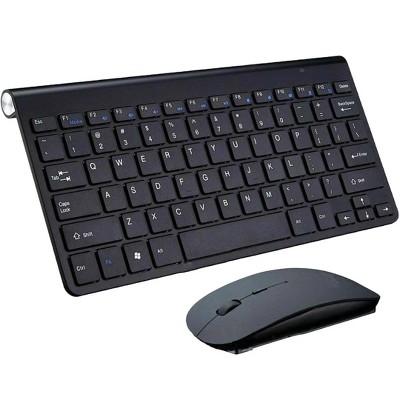
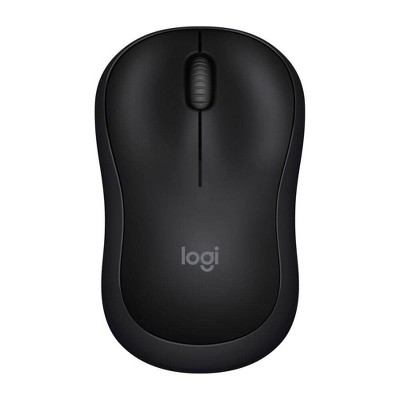
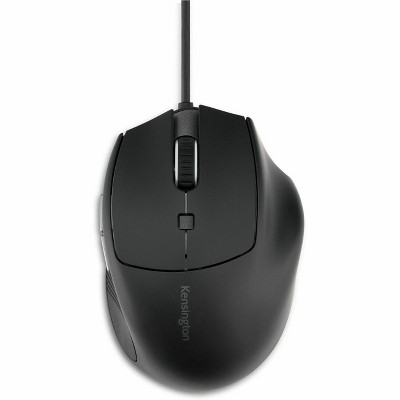



Guests also viewed
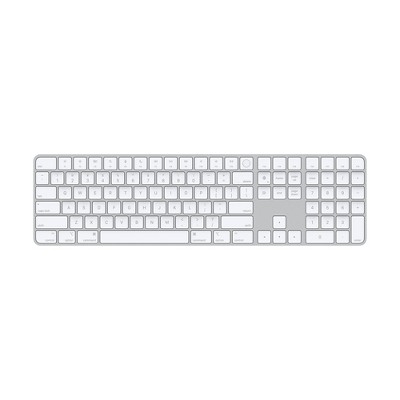
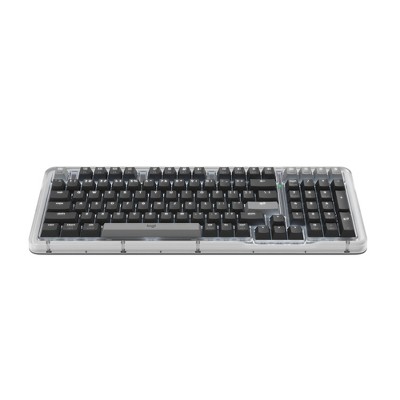
- $179.99Get the Apple Magic Keyboard at $17/mo.3.7 out of 5 stars with 10 ratings
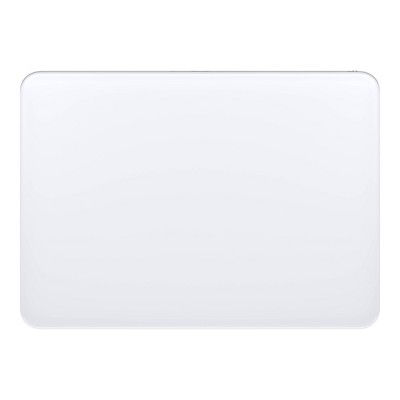
- $129.99Get the Apple Magic Trackpad starting at $13/mo.
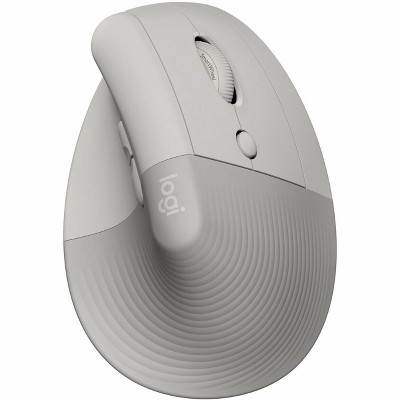
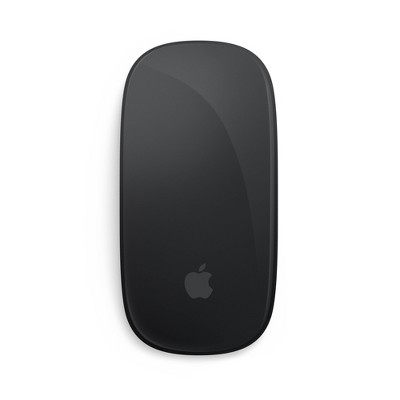
- $79.99 - $99.99Get the Apple Magic Mouse starting at $18/mo. on select items3.8 out of 5 stars with 45 ratings

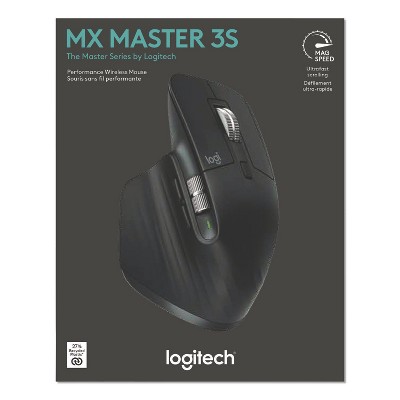
Related Categories
Guests are saying
The Logitech MX Master 4 for Mac is a highly praised mouse that enhances productivity and comfort for various tasks. Guests appreciate its ergonomic design, customizable buttons, and smooth tracking, making it ideal for long hours of work, editing, and multitasking. The mouse connects effortlessly to multiple devices and features a fast-charging battery, ensuring a seamless experience. Its premium build quality and quiet operation further contribute to a pleasant workspace.
Summary created by AI from text of reviews reflecting recent feedback provided across different star ratings (includes incentivized reviews)
4.5 out of 5 stars with 149 reviews
5 out of 5 stars
12 September, 2026
originally posted on Logitech

Mouse
This is a great mouse with a great design. I use it on both my Mac and pc
5 out of 5 stars
30 August, 2026
originally posted on Logitech
Worth the cost!
I love working with this mouse. The cost is a little shocking but after using it for over a month, I can say it’s worth it. The feel, the functionality, and the ease of use measure up to what it claims it can do.
1 reply from Logitech team - 20 days ago
The MX Master 4 for Mac really shows its value once you’ve lived with it. That blend of comfort, precision, and seamless functionality makes the higher price feel justified, and it’s great to hear it’s delivering exactly what you expected day after day.
5 out of 5 stars
29 August, 2026
originally posted on Logitech
It feels very high-qual, really recommend
[This review was collected as part of a promotion.] I absolutely love this mouse. It’s comfortable, smooth and very easy to use with Mac. The ergonomic design makes a big difference when working for long hours, and all the buttons and scrolling features are incredibly convenient.
1 reply from Logitech team - 20 days ago
MX Master 4 really seems to be hitting the sweet spot for you. The smooth ergonomics, effortless scrolling, and customizable buttons make long Mac sessions feel less like work and more like flow. That kind of comfort and control is exactly why it’s such a standout choice.
5 out of 5 stars
23 August, 2026
originally posted on Logitech
Fantasti Ergonomic Design
[This review was collected as part of a promotion.] An incredibly comfortable and responsive mouse, making everyday work seamless. I have a much easier time navigating through various browsers and software. Grateful for this upgrade from Influenster. Thank you so much!
1 reply from Logitech team - 25 days ago
We’re thrilled to hear that the MX Master 4 Wireless Mouse for Mac has made such a positive difference in your daily work routine. Its ergonomic design is made to provide maximum comfort during long hours, and we’re glad to know you find it both comfortable and responsive. We truly appreciate your feedback and hope you continue enjoying your new mouse!
5 out of 5 stars
18 August, 2026
originally posted on Logitech
Easy to use , easy learning curve
[This review was collected as part of a promotion.] The MX Master 4 for Mac feels incredibly comfortable in my hand, especially when I'm working for long periods, I love having customizable buttons so 1 can create shortcuts and keep my most-used functions right at my fingertips. It’s extremely light weight and was so easy to learn how to use. It connects to up to three devices, charges conveniently with USB-C, and the tracking is smooth enough that I don't need a mouse pad. Overall, it's comfortable, customizable, and has made my everyday workflow so much easier!
1 reply from Logitech team - 29 days ago
Really glad the MX Master 4 for Mac is making your workflow smoother. From the customizable shortcuts to the multi‑device pairing and smooth tracking, it sounds like it’s become a natural fit for long sessions. Thanks for sharing how it’s helping day‑to‑day.
5 out of 5 stars
13 August, 2026
originally posted on Logitech
Absolutely love this!
[This review was collected as part of a promotion.] This mouse has completely upgraded my everyday workflow! It’s incredibly smooth, comfortable, and precise, making everything from editing and content creation to multitasking feel effortless. Definitely a great choice for anyone who spends a lot of time working on their computer.
1 reply from Logitech team - 29 days ago
Fantastic to know the MX Master 4 has boosted your workflow. Its smooth precision and comfort make multitasking, editing, and content creation feel effortless, and we’re glad it’s proving to be such a solid choice for long hours at the computer.
5 out of 5 stars
12 August, 2026
originally posted on Logitech
Comfortable to use and amazing features
[This review was collected as part of a promotion.] My workspace was way overdue for a refresh. I spend so much of my day at this desk, so I wanted to make it feel more organized ,comfortable, and enjoyable to work at. The Logitech MX Master 4 for Mac was the perfect excuse to finally do it. I’ve been using it for everything from editing content to everyday work, and I’m already loving how comfortable it feels. The horizontal scroll wheel makes navigating through my spreadsheets so much easier! It’s amazing how one small change can make my workday so much more enjoyable.
1 reply from Logitech team - 29 days ago
Love that the MX Master 4 has transformed your desk refresh into something more enjoyable. Its comfort, premium feel, and that horizontal scroll wheel really shine when you’re deep in spreadsheets or editing. Sounds like it’s made everyday work smoother and more rewarding.
5 out of 5 stars
11 August, 2026
originally posted on Logitech
A sleek, sturdy, and effortless mouse that pairs perfectly with my Mac!
[This review was collected as part of a promotion.] This mouse was not only perfect for me but for my Mac as well. The connection and setup were absolutely flawless. I love the design and how sturdy and well made it feels in my hand. It’s comfortable, effortless to use, and adds such a smooth flow to my workday. The clicks are also surprisingly quiet, which keeps distractions to a minimum and makes it perfect for a peaceful workspace.
1 reply from Logitech team - 29 days ago
Really glad the MX Master 4 is pairing so seamlessly with your Mac. Sleek design, sturdy build, and those quiet clicks make it a perfect fit for a calm, productive workspace. Sounds like it’s adding both comfort and flow to your day.
4 out of 5 stars
10 August, 2026
originally posted on Logitech
So many features!
[This review was collected as part of a promotion.] So far I’m enjoying the features of this MX MASTER 4 wireless mouse. It was really easy to set up and I like how comfortable it feels in my hand. All the new features (I typically use a Magic Mouse - I am very addicted to my multi touch mouse) are a bit of a learning curve to get used to. But so handy! Excited to see how much my productivity changes - and bonus is one minute of charge gets you three hours of use - no waiting to scroll!!
1 reply from Logitech team - 28 days ago
It’s wonderful to hear that you’re enjoying the comfort and versatility of your MX Master 4 for Mac! Exploring all those new features can take a little time, especially when switching from a other Mouse, but it sounds like you’re already discovering how useful they can be. We hope it gives your productivity a serious boost, and that quick charging keeps you scrolling without interruption!
5 out of 5 stars
10 August, 2026
originally posted on Logitech
Built for Serious Creative Production
The MX Master 4 is excellent for graphic design, video editing, and coding, with precise tracking and smooth scrolling that make navigating artboards, timelines, and large codebases effortless. Its customizable controls and comfortable shape noticeably improve productivity during long sessions in Adobe applications, DaVinci Resolve, code editors, and the terminal.
1 reply from Logitech team - 1 month ago
That’s a powerhouse endorsement! The MX Master 4 really does feel like it was engineered for creators who juggle design, editing, and coding. Love how you’ve highlighted its precision across artboards, timelines, and codebases. That’s exactly where the smooth scroll and tracking shine. And those customizable controls? They’re like shortcuts tailored to your creative flow, making long sessions in Adobe, Resolve, or the terminal way more efficient. Sounds like it’s become a true productivity partner for your craft.
5 out of 5 stars
8 August, 2026
originally posted on Logitech
Great all around mouse
[This review was collected as part of a promotion.] The Logitech MX master is actually the first mouse I’ve preferred over my trackpad. The Bluetooth is impressively responsive, the clicks are smooth and easy as well as tactile. There is a lot of customization available but also perfectly usable out of the box. It fits very nicely in my small hand and feels very comfortable.
1 reply from Logitech team - 29 days ago
The MX Master 4 clearly feels like a natural fit for you. Responsive Bluetooth, smooth tactile clicks, and plenty of customization while still being easy right out of the box. Plus that comfortable grip for smaller hands makes it a standout upgrade from the trackpad.
5 out of 5 stars
7 August, 2026
originally posted on Logitech
Absolute perfection for productivity and daily Mac use
[This review was collected as part of a promotion.] I am extremely impressed with the Logitech mx master 4 for Mac. Setup was completely seamless with my Mac and the tracking accuracy is spot on, it works flawlessly on virtually any surface. The materials feel premium, durable and solid in hand. Overall, the performance is exceptional and it makes workflow so much faster and smoother.
1 reply from Logitech team - 29 days ago
The MX Master 4 for Mac sounds like it’s elevating your workflow beautifully. Premium materials, flawless tracking across surfaces, and seamless setup all combine to make productivity smoother and more effortless every day
5 out of 5 stars
5 August, 2026
originally posted on Logitech
A comfortable and reliable mouse that works great with my iPad
[This review was collected as part of a promotion.] I’ve been using this mouse with my iPad, and it’s been a great experience. It connected quickly, feels very comfortable to use, and the scrolling is smooth. The buttons are responsive, and it makes editing, browsing, and everyday tasks much easier. The battery life has also been great. Overall, I’m really happy with it.
1 reply from Logitech team - 29 days ago
Fantastic to see the MX Master 4 working so smoothly with your iPad. Quick pairing, responsive buttons, and long battery life make everyday tasks, editing, and browsing feel effortless, and we’re glad it’s proving to be such a reliable companion.
5 out of 5 stars
5 August, 2026
originally posted on Logitech
Absolute perfection for daily workflow!
[This review was collected as part of a promotion.] Hand down the most comfortable and functional mouse for Mac. The dual scroll wheels, silent clicks, and long lasting battery make everyday work so smooth! It connects instantly and feels Ulta premium!
1 reply from Logitech team - 29 days ago
Great to see the MX Master 4 delivering that premium feel for your Mac workflow. Dual scroll wheels, silent clicks, and long battery life really make everyday tasks flow smoothly, and we’re glad it’s proving to be such a reliable upgrade.
5 out of 5 stars
4 August, 2026
originally posted on Logitech
Great addition to my iPad!
[This review was collected as part of a promotion.] I love how quickly this wireless mouse connects to mu device and it’s ready to use no setting up needed. I use it with my iPad for content creation and to scroll through social media. My favorite feature is this Magspeed scroll wheel for hyperfast scrolling. When I don’t want to use Apple Pencil this is the perfect accessory to making my iPad feel like a laptop and it works great with any shortcuts I have so everything is fast and accessible. You can also charge the mouse with a USB-C quick charger and a full charge last 70 days which is incredible!
1 reply from Logitech team - 2 months ago
That’s fantastic feedback. The MX Master 4 really shines when it comes to versatility, and it’s great to hear how seamlessly it pairs with your iPad for both content creation and everyday scrolling. The MagSpeed wheel is a game‑changer for hyperfast navigation, and that long battery life with USB‑C charging makes it even more reliable. Sounds like it’s turned your iPad into a true laptop‑style setup, with speed and shortcuts right at your fingertips.
2 out of 5 stars
3 August, 2026
originally posted on Logitech
Not for those with Hand or Wrist Pain
[This review was collected as part of a promotion.] I have persistent carpal tunnel and nerve pain, and usually use a Logitech MX vertical mouse to avoid additional strain. The MX Master 4, unfortunately, hurts my hand after just 30 minutes of use, because of the shape and position of the thumb rest. The feel and glide of the scrolling wheel is lovely, and getting it to connect was a breeze. I did miss the satisfying click sound from the vertical mouse- the MX Master 4 is nearly silent and very smooth, which may be a pro for some people. The thumb button was painful to press and brings up siri, which is not helpful to me in my line of work.
1 reply from Logitech team - 26 days ago
Thank you for sharing such detailed feedback. We’re sorry to hear that the MX Master 4 caused discomfort after extended use, especially around the thumb rest and thumb button. The mouse was designed to encourage a more natural hand posture, but we understand that its shape may not be comfortable for everyone, particularly those managing carpal tunnel or nerve pain. We’re glad to hear you enjoyed the scrolling experience and found the connection process easy.
4 out of 5 stars
1 August, 2026
originally posted on Logitech
Work smarter with the MX Master 4
[This review was collected as part of a promotion.] This is the ultimate productivity mouse for heavy Mac users. It is comfortable, precise, and built for multitasking. I would say it's a must-have if you work from home and have a Mac. The pros are: its ergonomic design; it fits comfortably in your hand and has a thumb rest. The MagSpeed scroll wheel has ultrafast vertical scrolling. The thumb wheel makes it easy for you to scroll horizontally. The sensor tracks smoothly on any surface, and the haptic feedback delivers nice tactile feedback. The only con I can think of is that it is only designed for right-handed users, and for that reason, I had to remove one star.
1 reply from Logitech team - 2 months ago
Your take on the MX Master 4 really captures what makes it a productivity powerhouse. Comfort, precision, and multitasking features all in one. We’re glad the ergonomic design, MagSpeed scroll, and smooth tracking are elevating your workflow. Noting your point about right‑handed design helps us keep inclusivity in mind as we evolve. Thanks for spotlighting both the strengths and the areas to grow.
5 out of 5 stars
28 July, 2026
originally posted on Logitech
I’m really happy with this MX MASTER 4
[This review was collected as part of a promotion.] I received this product for free from Influenster in exchange for my honest review and I was honestly impressed. I’m a big fan of computers and video games, so Ai spend a lot of time using a mouse every day. Because of that, I’m pretty picky about the ones I use. The first thing that stood out to me was how easy it was to set up. It took me less than two minutes to connect it to my Mac, and I was ready to go. It’s also incredibly comfortable. It fits my hand really well, and even after using it for hours, it still feels great. The tracking is smooth, responsive, and very accurate, which makes a noticeable difference whether I’m working, browsing, or gaming. Another thing i loved is the build quality. It feels premium, sturdy, and very well made. You can tell it’s a high quality product as soon as you take it out of the box. I hadn’t tried this line of mice before, but now I completely understand why so many people recommend it.
1 reply from Logitech team - 2 months ago
Impressive breakdown! From lightning‑fast setup to premium build quality, it’s clear the MX Master 4 won you over. Smooth tracking, responsive clicks, and comfort that lasts through long sessions make it a standout whether you’re gaming or working. Glad this mouse earned such a strong recommendation from you.
5 out of 5 stars
28 July, 2026
originally posted on Logitech
Fast charging
[This review was collected as part of a promotion.] This mouse charges instantly fast. 1 minute of quick charging last 3 hours of use. And you can charge the mouse while using it! I also own the MX Master 3. The biggest quality of life improvements for me between the two are: 1. The 4 is less grippy but much easier to clean. 2. The 4 clicks silently, and the 3 has audible clicks. 3. The 4 has extra buttons and haptics that make it very customizable. Overall, it's a great mouse but similar enough to the 3 that it's not a must to upgrade. But if you're coming from another mouse, the 4 is definitely worth getting.
1 reply from Logitech team - 2 months ago
Quick charging, silent clicks, and customizable extras. The MX Master 4 for Mac clearly brings thoughtful upgrades over the 3. Easier to clean, smooth haptics, and the ability to charge while in use make it a strong choice, especially if you’re switching from another mouse. Great to know it’s delivering that balance of comfort and performance you were looking for.
5 out of 5 stars
23 July, 2026
originally posted on Logitech
Great Mouse
Coming from Apple Magic Mouse experience, this feels very ergonomic, and also can be used with upto 3 devices.
1 reply from Logitech team - 2 months ago
We're delighted that the Logitech MX Master 4 for Mac has been such a comfortable upgrade for your setup. It's great to hear the ergonomic design and easy multi-device switching are making your daily workflow more enjoyable. Thank you for sharing your experience, and we hope it continues to be a reliable companion for all your tasks.