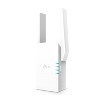
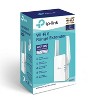
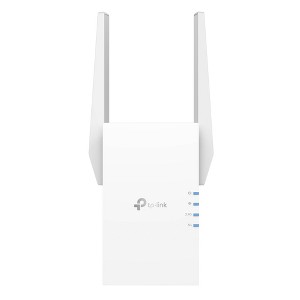
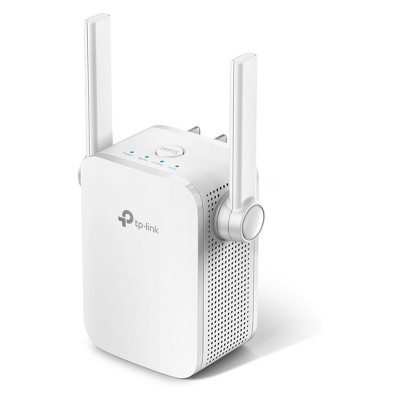
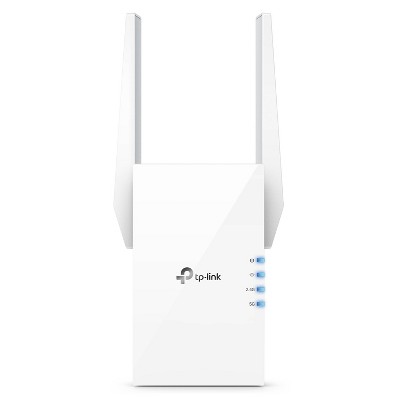
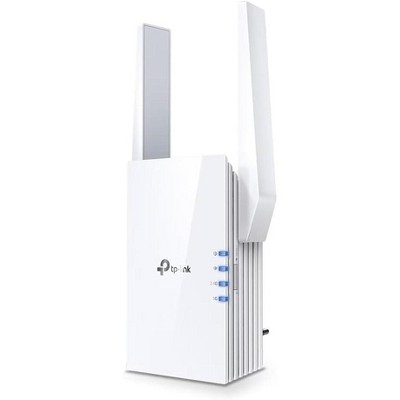
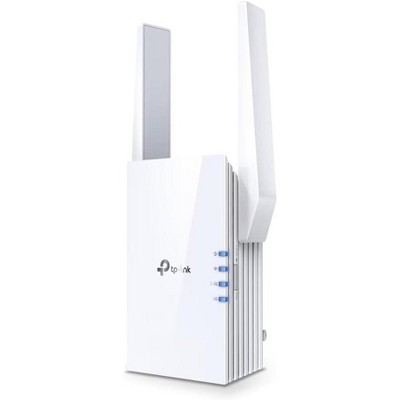
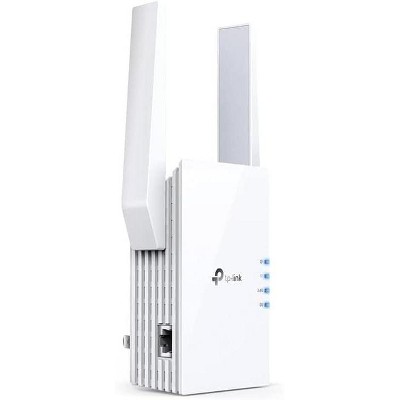
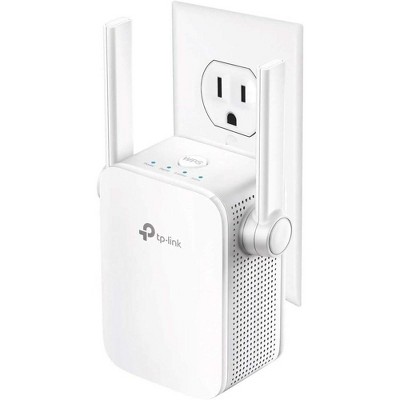
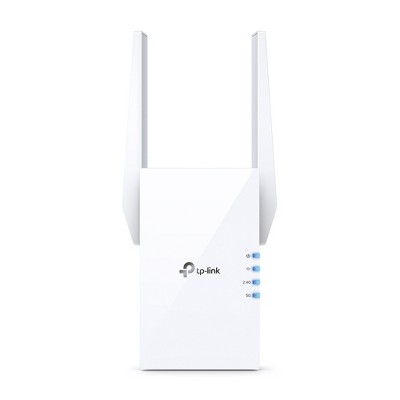
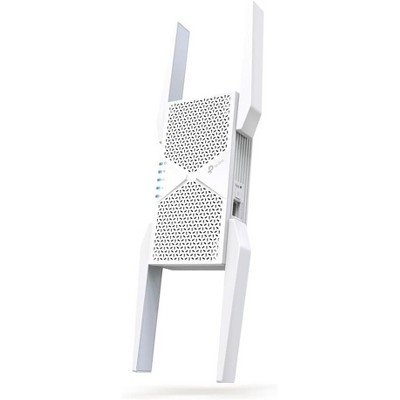
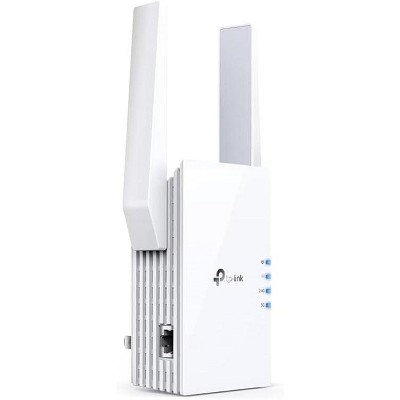
TP-Link AX1500 Mesh Dual Band Range Extender
$89.99
In Stock
Eligible for registries and wish lists
About this item
Additional product information and recommendations
Discover more options
Frequently bought together

![Fosmon 2 Pack 6 Outlet Extender, Multi Plug Wall Outlet Splitter, [ETL Listed] Grounded Indoor Electrical Outlet, Power Outlet Adapter Plug Extension](https://target.scene7.com/is/image/Target/GUEST_029094ea-ce44-4273-b214-d1d7e538987e)
Guests also viewed
Related Categories
Guests are saying
This WiFi extender is designed to enhance connectivity throughout your home, making it ideal for guests seeking to eliminate dead zones and improve internet speed. Many guests appreciate its easy setup process, often taking just minutes, and its ability to provide reliable coverage even in larger spaces. While some guests experienced connectivity issues, the overall feedback highlights its effectiveness in boosting WiFi signals, especially in challenging areas like basements and upstairs rooms.
Summary created by AI from text of reviews reflecting recent feedback provided across different star ratings (includes incentivized reviews)
4.3 out of 5 stars with 51 reviews
quality: 3.7 out of 5
value: 3.4 out of 5
89% would recommend
28 recommendations
5 out of 5 stars
26 December, 2025Verified purchase
(no review title)
Works well, easy to setup
5 out of 5 stars
Thumbs up graphic, would recommend
15 December, 2025Verified purchase
(no review title)
works great
1 out of 5 stars
23 October, 2025
(no review title)
Literally didn't work at all. Showed full bars but made my connection worse even though the app said everything was excellent.
1 reply from TPLinkSupport team - 7 months ago
Hi Emily, Thank you for your review. If you haven't noticed a significant improvement in Wi-Fi coverage after installing the extender, we recommend relocating the unit to a position within your home where the router's Wi-Fi signal is sufficiently strong; yet far enough from the router to effectively extend its range. Please verify the RE status LED is indicating a solid connection. We also recommend ensuring the extender's firmware is fully up to date using the steps outlined in FAQ 1406 on our official website. To locate this FAQ, visit our website and enter 1406 in the top-right search field, then click the corresponding FAQ in the search results. If you would like assistance with any of these steps, please reach out to our support team using any of the resources included with the product, or from our official website, and we'll gladly have a Support Agent follow up with you directly. Thank you, TP-Link Systems Support
1 out of 5 stars
Thumbs down graphic, would not recommend
7 September, 2025Verified purchase
Thought it was good but its not
Buffers so many times
1 reply from TPLinkSupport team - 8 months ago
Hi Ashley, Thank you for your review. If you haven't noticed a significant improvement in Wi-Fi coverage after installing the extender, we suggest moving the unit to a spot in your home where the router's Wi-Fi signal is strong enough but still far enough away from the router to effectively extend its range. Please check that the RE status LED shows a solid connection. We also recommend ensuring the extender's firmware is fully up to date using the steps outlined in FAQ 1406 on our official website. To locate this FAQ, visit our website and enter 1406 in the top-right search field, then click the corresponding FAQ in the search results. If you would like assistance with any of these steps, please reach out to our support team using any of the resources included with the product, or from our official website, and we'll gladly have a Support Agent follow up with you directly. Thank you, TP-Link Systems Support
5 out of 5 stars
Thumbs up graphic, would recommend
18 June, 2025Verified purchase
Great buy
Works well, we have a split level home and our router is on the lower level and the extender is on the upper level. We are now able to get 3 bars all over the home.
5 out of 5 stars
Thumbs up graphic, would recommend
22 February, 2025Verified purchase
Great coverage
Works great. Covers our house.
5 out of 5 stars
2 August, 2021
Works Great
I’m not tech savvy AT ALL and this thing was simple to setup and works great. The setup took me maybe 5-10 minutes. We no longer have dead spots upstairs. The product exceeded my expectations and I was a little worried based on the price and bad reviews.
5 out of 5 stars
Thumbs up graphic, would recommend
19 July, 2021
Perfect for adding printer to network!
We recently upgraded to the latest modem/router from CenturyLink and now our older model printer is unable to connect to it. All options to bring the 2 closer together to do a wired connection doesn’t work for us. So we decided to give this a shot so we won’t have to buy a new printer. Setup was super simple, just press the WPS buttons on both the modem and the extender and they connected within a minute! I hadn’t even fully downloaded the app for the extender yet, but it looks like you don’t really need it unless you want to customize certain settings (which I haven’t bothered looking at). I have no idea how well it works for actually extending the network since that’s not why I bought it, but jobs get sent to the printer the same as thru a wired connection to a computer!
1 out of 5 stars
Thumbs down graphic, would not recommend
27 June, 2021
Don't waste your time
Was simple enough to set up but never worked after with no indication as to what the problem was, just told me to "reset and try again" every time: very frustrating.
1 reply from TPLinkSupport team - 5 years ago
Hi, Thank you for your review. If you are experiencing difficulty connecting the extender to your router, we recommend setting up the device in the same room as your router, then relocating it after setup is complete. We also suggest re-verifying your router's WiFi password during setup, or if using the WPS setup method, ensuring the WPS process is performed in the correct order. The extender's indicator LEDs will help you determine which position in your home is ideal. We also highly recommend ensuring the extender's firmware is fully up to date using the steps outlined in FAQ 1406 on our official website. To locate this FAQ, visit our website and enter 1406 in the top-right search field, then click the corresponding FAQ in the search results. If you would like assistance with any of these steps, please reach out to our free support team using any of the resources included with the product, or from our official website, and we'll gladly have a Support Agent follow up with you directly. Thank you, TP-Link Support
1 out of 5 stars
30 April, 2021
Messed up EVERYTHING.
Connected as the directions said to. Seemed fine at first. Within an hour, we lost internet connectivity to every device in our house. Tried to disconnect it & that doesn't work. Unplugged it, deleted the app from my phone, tried resetting our router, NO INTERNET CONNECTION at all now. Literally nothing in our house connects to internet and we WORK FROM HOME. This thing destroyed our $280 router!! Returning it today & have to BUY A NEW ROUTER! Thanks a lot!!
1 reply from TPLinkSupport team - 5 years ago
Hi, Thank you for your review. If you do not have Internet access after setting up your Extender, please re-verify your WiFi password and re-configure the unit. We also suggest relocating the extender to another position in your home where your router’s WiFi signal is sufficiently strong; yet far enough from the router to effectively extend its range. We also highly recommend ensuring the extender's firmware is fully up to date using the steps outlined in FAQ 1406 on our official website. To locate this FAQ, visit our website and enter 1406 in the top-right search field, then click the corresponding FAQ in the search results. In your particular case, it is important to bear in mind that a WiFi extender simply extends the WiFi signal that it receives from your router - it does not affect your router or modem's connection to your ISP. Please ensure that if you opted to use the WPS button setup method, that you pressed the correct button (WPS) on your router, and not the reset button. Contacting your router manufacturer or ISP, or consulting the support documentation for your router or gateway is highly recommended. Thank you, TP-Link Support
1 out of 5 stars
Thumbs down graphic, would not recommend
30 January, 2021Verified purchase
What a waste!
Save your money and invest in a new mesh system. The extender did not work and actually slowed down my wifi. Hard pass. I went with an Orbi system in the end.
1 reply from TPLinkSupport team - 5 years ago
Hi, Thank you for your review. Please bear in mind WiFi extenders utilize half-duplex transmission. As a result, throughput when connecting to the extender may be reduced when compared to the router. This is an industry standard for WiFi extenders and is not exclusive to TP-Link. In your case, we recommend relocating the unit to a position in your home where the router's WiFi signal is sufficiently strong; yet far enough from the router to effectively extend its range. Depending on your particular networking environment and the layout of your home, a Mesh WiFi solution, such as our Deco Mesh WiFi offerings, may be a suitable option. If you'd like assistance with any of these steps, please reach out to our free support team using any of the resources included with the product, or from our official website, and we'll gladly have a Support Agent follow up with you directly. Thank you, TP-Link Support
5 out of 5 stars
Thumbs up graphic, would recommend
14 January, 2021Verified purchase
buy it
it works amazing. I have between 20-40ms latency and almost 100 mbps download speed. completely changed my internet upstairs in my house.
3 out of 5 stars
10 January, 2021
Bad performance with 2.4Ghz
I installed this Extender with a new TP-Link AX1500 router. The Extender's 5g speed matches the routers but the Extender's 2.4g speed is only 1/4 of the routers even with the latest 1.0.9 firmware and 4' in-front of the Extender. Doesn't matter which device or speed test is used. Apparently, there is known 2.4g problem with some TP-Link products.
1 reply from TPLinkSupport team - 5 years ago
Hi, If you haven't noticed a significant improvement in WiFi coverage after installing the extender, we recommend relocating the unit to a position within your home where the router's WiFi signal is sufficiently strong; yet far enough from the router to effectively extend its range. Please verify the RE status LED is indicating a solid connection. We also recommend ensuring the extender's firmware is fully up to date using the steps outlined in FAQ 1406 on our official website. To locate this FAQ, visit our website and enter 1406 in the top-right search field, then click the corresponding FAQ in the search results. If you'd like assistance with any of these steps, please reach out to our free support team using any of the resources included with the product, or from our official website, and we'll gladly have a Support Agent follow up with you directly. Thank you, TP-Link Support
5 out of 5 stars
Thumbs up graphic, would recommend
3 January, 2021
Fast and easy set up
Easy set up. My son set it up quickly and without any issues. Seems to be working. He has WiFi in his room again!
4 out of 5 stars
Thumbs up graphic, would recommend
10 December, 2020
So far so good.
I think that it works good. It's kind of hard to explain they've been working on putting fiber optic cables around my home. I feel like as spotty as our service is, this extender does the best it can to make the range wider.
5 out of 5 stars
Thumbs up graphic, would recommend
9 December, 2020
(no review title)
We had been looking for something to increase the wi-fi speed and connectivity in our basement. This did the trick! We are now able to access internet on our devices with speeds equal to those in the rest of the house. Worked great!
5 out of 5 stars
Thumbs up graphic, would recommend
8 December, 2020Verified purchase
Great Range
I used this product to connect the WIFI from Second Floor to Basement. My security camera system is located the basement that does not have ethernet port. This product fits my need perfect. Excellent.
4 out of 5 stars
Thumbs up graphic, would recommend
7 December, 2020
Helps to boost your wifi
This is a nice addition to my smart home. I have it plugged in at the far corner of my house, a spot that sometimes looses strong wifi signal. So far it has worked great! The setup was super easy and the speed is just as good! The only reason for loss of one star, is that TP Link has not yet integrated this with my router (planned in the future) so it is not a seamless transition. You have to switch your wifi network to this, as opposed to it happening automatically, which will hopefully change sometime soon!
5 out of 5 stars
Thumbs up graphic, would recommend
29 November, 2020
Works great!
Lately we have been having many issues with not being able to get the wifi to extend as good as it used to to our back bedrooms. It was hard to stream movies, TV shows or play games. When you have issues with those things, you know the kids will be the first to let you know. After downloading the app the set up was very easy. We have had improvement with the range and no longer have issues with streaming movies TV shows and games. We have been doing virtual school and this extender has made the transition so much easier. A steady stream is really important at this time. This extender has made a huge difference in our wifi.
5 out of 5 stars
Thumbs up graphic, would recommend
24 November, 2020
(no review title)
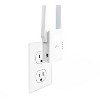
After taking a longer than I hoped to set up my home network Ethernet cables and wifi I was nervous that the TP Extender was going to be another long ride, however it was easy to set and there wasn’t any wires needed! I was able to configure and connect to it in about 15 minutes, and that’s with having the kids enter passwords into the devices themselves. The Extender worked seamlessly with my exiting router, which happens to be the same brand, a TP Link Cable Modem Router that works with xfinity. I like the simplicity of moving it if necessary from one room to the next since it plugs into the wall like a nightlight without having to reconfigure it. It also works with the TP-Link Tether App which is a big plus for home network managing. Where ever it is placed my devices have full wifi strength. I only wish it could be slightly more streamline since it protrudes more than I like from the wall and tends to take all the space on the wall plug.